AirTag 2nd Gen Battery Replacement: CR2032 Guide
Quick Verdict
The second-generation AirTag has a user-replaceable CR2032 battery. Buy an AirTag-compatible 3V cell for a low-battery warning; replacing the whole tracker should not be the first step.
Good for
- Apple-device owners who want replaceable batteries
- People comparing tracker running costs
- Owners checking an unexplained low-battery warning
Not for
- Android-only households
- Anyone expecting continuous live GPS tracking
- Buyers who want a tracker with no battery maintenance
Buying Guide Notes · First published:
Compiled from public sources · Written using published specs and user feedback.
As an Amazon Associate I earn from qualifying purchases.
Pros
- + User-replaceable CR2032 cell, rather than a sealed battery
- + Find My displays a low-battery warning
- + Four-pack can cover several belongings
Cons
- - Some bitterant-coated CR2032 cells may not make a compatible connection
- - Battery life varies; a new cell does not resolve every fault
- - Apple ecosystem and separate holder requirements still apply
Sources and verification status
Verification status: compiled from public sources
Data updated:
Verified on:
The second-generation AirTag uses a user-replaceable CR2032 coin battery, so a low-battery warning usually means shopping for the correct cell, rather than another tracker. Choose a 3V lithium CR2032 whose packaging explicitly states AirTag compatibility, and follow Apple’s replacement instructions; a replacement cannot be promised to fix every connection problem.
Checked November 13, 2026. This guide is compiled from public sources. We did not use, open, test or measure an AirTag, and the illustrations are not repair evidence.
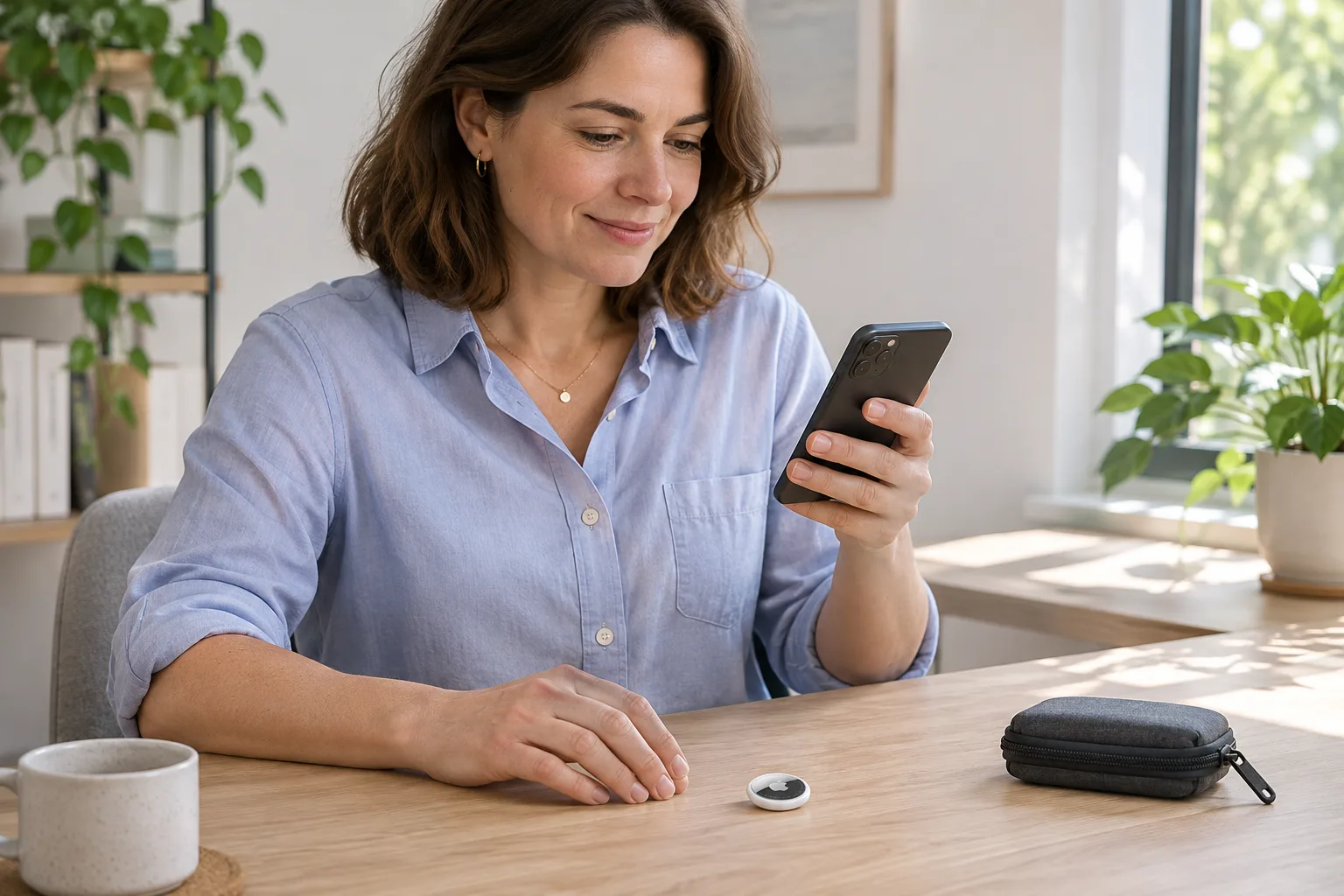
AI-generated illustration — A closed AirTag beside a phone, shown as an everyday item-management example; no battery or Find My testing was performed.
Should you buy a battery or another AirTag?
Keep the tracker you already own if its only identified issue is a low-battery notification. A replaceable battery is one reason to choose this design over a tracker with a sealed cell. Buying a new four-pack to solve a routine maintenance issue would add unnecessary hardware.
The four-pack makes more sense when you actually need tags for additional belongings, or when Apple has helped identify a hardware fault in an existing unit. It is not a diagnostic kit. An AirTag that is offline, an AirTag with a low-battery alert and an AirTag that cannot pair are different situations; do not assume the same purchase resolves all three.
| Choice | Price checked | Key detail | Best for | Main drawback |
|---|---|---|---|---|
| Keep your existing AirTag and replace its cell | Replacement-cell price not verified | Correct AirTag-compatible CR2032, 3V lithium | An otherwise working tracker with a low-battery warning | Requires a compatible cell and careful handling |
| AirTag 2nd generation, four-pack, MFEA4LL/A | $69.99 on Amazon | Four trackers; user-replaceable CR2032 design | Tracking additional belongings with Apple devices | Buying four does not troubleshoot an existing tag |
| Contact Apple before purchasing | Support or service cost not verified | Describe the actual warning and checks already attempted | Persistent problems after correct replacement | A hardware diagnosis may still be necessary |
The Amazon four-pack listing, ASIN B0GJTXVN9Z, showed new stock sold and shipped by Amazon.com for the sample ZIP 10001. It displayed 4.6 stars from 13,188 ratings. Those are a dated listing snapshot, not a reliability test or a promise about another address, seller or future price.
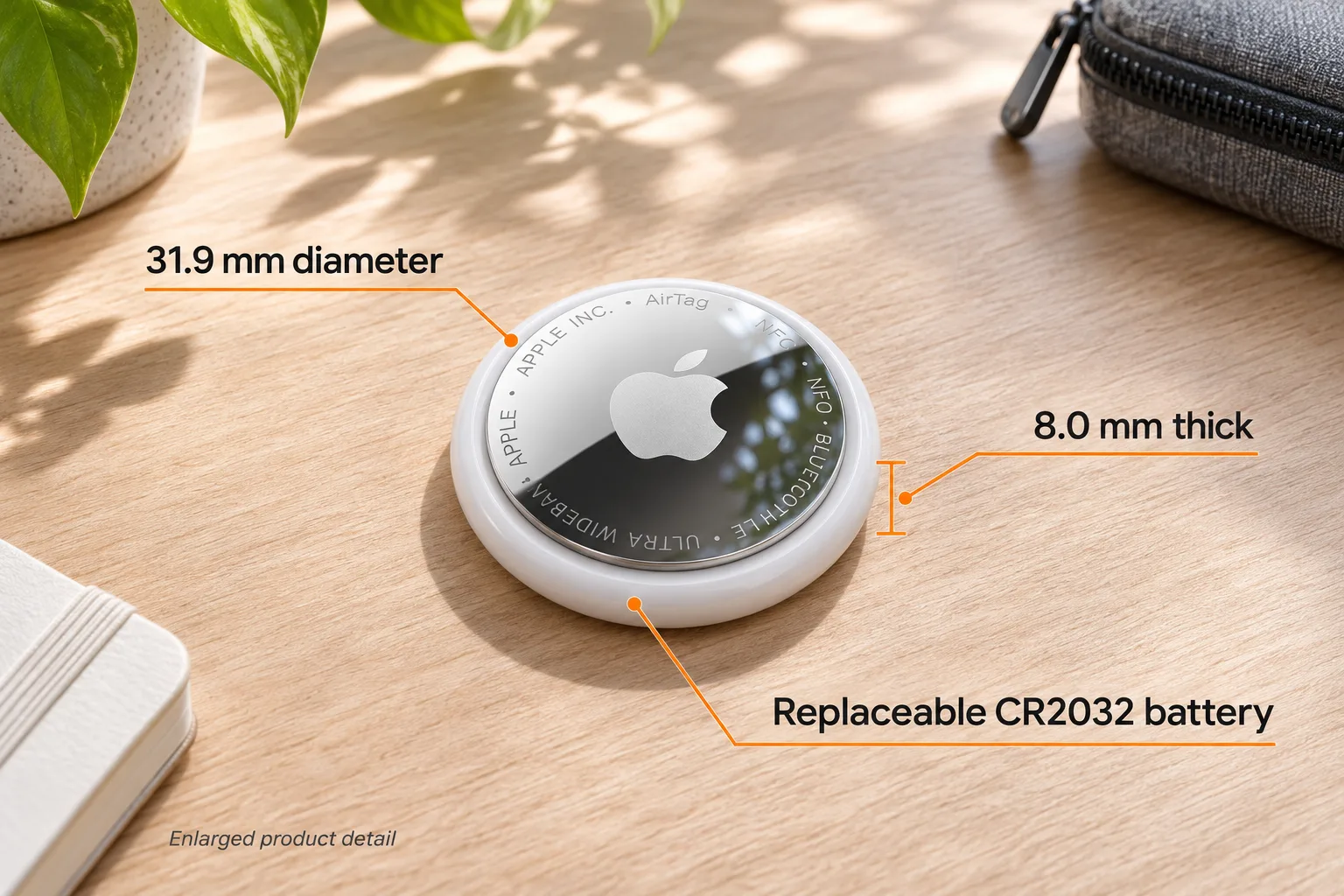
AI-generated illustration — Enlarged product detail. Apple lists a 31.9 mm diameter, 8.0 mm height and replaceable CR2032 battery; this is not a teardown.
Which CR2032 should you buy?
Read the compatibility statement on the battery package, not just the brand. Apple’s current replacement page recommends a bitterant-coated cell marked compatible with AirTag, while explaining that some coated CR2032 batteries may not work. Those two points belong together: coating is not automatically a reason to reject a battery, and the CR2032 label alone is not the whole purchasing check.
This matters when comparing bulk packs. A low per-cell price is little help if the exact battery is unsuitable for the contact arrangement, or if you cannot identify the specification when it arrives. Check the cell type, voltage, compatibility statement and seller information before ordering. We did not test battery brands or establish a cheapest compatible pack.
Avoid changing to CR2450 or another designation based on an anecdote. Also avoid treating a rechargeable coin cell as an equivalent unless Apple explicitly approves that exact substitution. The supported purchase here is the battery type Apple names, not whichever small round cell can be persuaded into the housing.
How does Apple say to replace the battery?
Apple’s October 14, 2026 replacement instructions describe pressing the steel cover and turning it counterclockwise, removing the cover and old cell, then installing the specified new battery with its positive face upward. A sound indicates connection. Align the cover’s three tabs with the housing slots and turn clockwise to secure it.
Keep the tracker, cover and both new and used batteries away from children. Coin-cell ingestion can cause death or serious injury; Apple says to seek immediate medical attention if swallowing or insertion into the body is suspected. Work where the small components cannot be lost or reached by children, and follow the full official warning.
The illustrations do not demonstrate opening force or internal construction. If the cover will not move or close normally, ask Apple for help rather than forcing it.
AI-generated illustration — A closed AirTag being placed in a travel pouch. The image does not demonstrate tracking accuracy or luggage recovery.
Why might a low-battery warning remain?
Separate the displayed warning from the conclusion that the whole tracker has failed. Apple shows the battery status under the item’s name in Find My: open Items, select the relevant AirTag and check for Low Battery. With several tags, confirm you are checking the one whose cell you changed.
Next, review the straightforward purchasing and installation checks: correct battery designation and voltage, AirTag-compatible packaging, positive-side orientation and the connection sound described by Apple. A sound is useful evidence of contact; it is not our guarantee that every subsequent connection issue has been resolved.
Do not jump from an online complaint to a universal fix. Reports can involve an unsuitable cell, a different AirTag generation or an unrelated fault. If a correctly specified replacement still leaves the problem unresolved, give Apple the exact symptoms and battery details. Keep the original receipt and identify the generation when requesting support.
What do owners report about replacement problems?
The following are individual, older AirTag experiences, not second-generation four-pack reviews. They help explain the buying concern, but do not establish a failure rate for B0GJTXVN9Z.
- A warning persisted. MontagoDK, November 14, 2023, reported that checking contact and leaving the cell out had not cleared a low-battery message. The post does not prove the tracker itself was defective.
- Another owner found a workable cell. Jordan1992FL, November 14, 2023, said changing from a coated Duracell cell to Panasonic resolved their issue. That is one experience with older hardware and particular batteries, not evidence that every current coated Duracell is incompatible.
Some replies discuss modifying or removing a battery coating. We are not presenting those experiments as Apple’s maintenance instructions. The current official approach is to select compatible packaging, preserving the distinction between a useful owner report and a supported procedure.
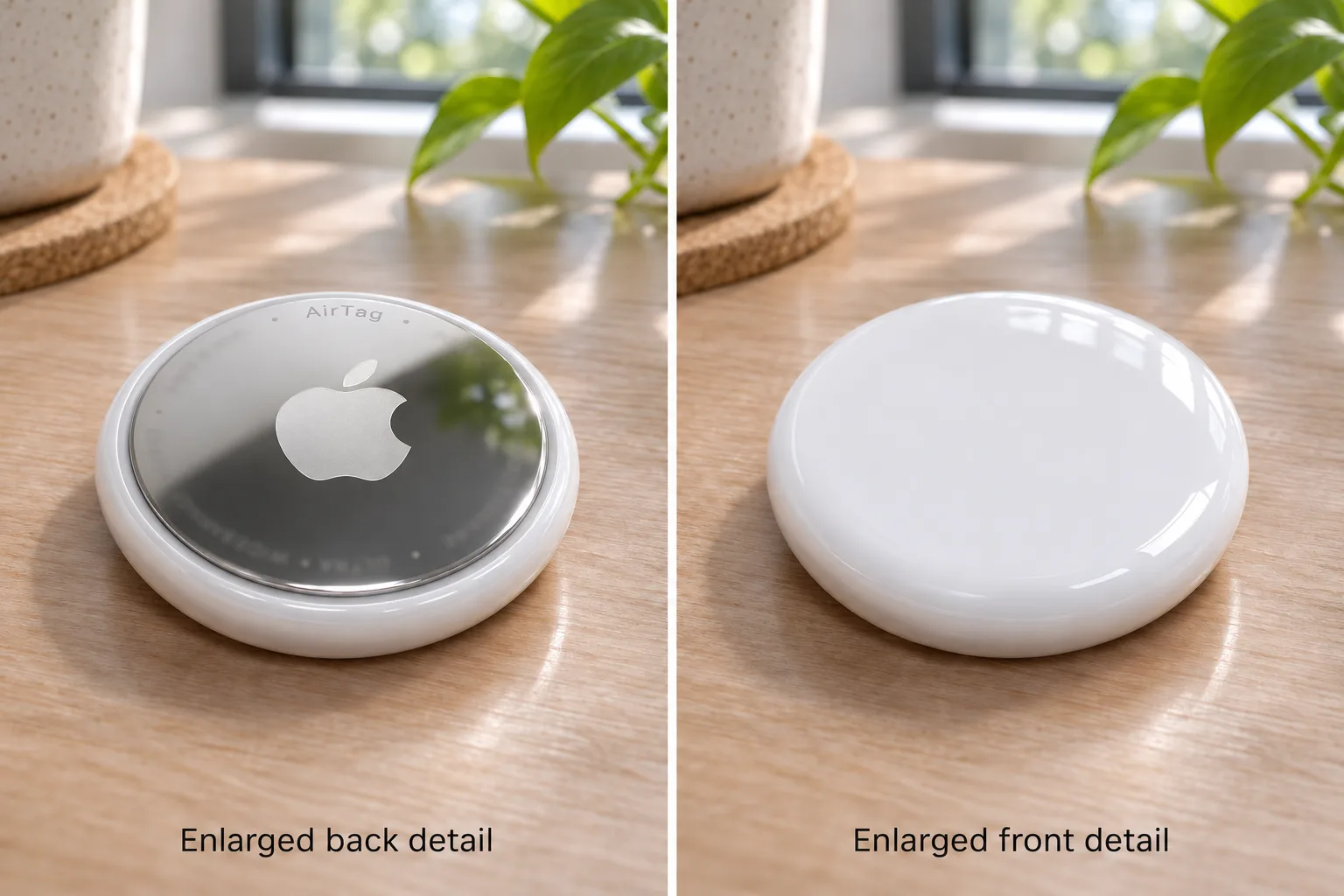
AI-generated illustration — Two enlarged views of the closed housing. Neither panel is an instruction to open or modify the tracker.
Does replacement require resetting the tracker?
Ordinary replacement and resetting are separate jobs. Apple’s replacement procedure does not instruct owners to reset after every new cell. Do not turn a routine battery purchase into a reset process just because an old forum reply suggests repeated removal.
Apple’s reset guide has separate sections for the original AirTag and second generation, including different timing details. Resetting also does not replace the requirement for a previous owner to remove an AirTag from their Apple Account when ownership changes. If you bought a used tracker, that account issue is relevant before spending money on additional cells.
Use the support page matching the problem and generation. An ownership or setup issue calls for different guidance from an ordinary low-battery alert.
Who should choose the replaceable-battery design?
It suits someone who already uses compatible Apple devices, wants tags on several belongings and accepts occasional small-battery maintenance. The second-generation specifications list the replaceable CR2032 and compact 31.9 mm by 8.0 mm housing. The illustrated size is based on those published dimensions, not our measurements.
Skip a four-pack if you only need to restore one otherwise functional tag. Also reconsider AirTag if an Android-only household needs the tracking system, or if you expect continuous GPS updates from the tracker itself. Battery serviceability does not change those ecosystem and tracking limitations. The existing AirTag buying article explains holder and device considerations separately.

AI-generated illustration — The same person and closed AirTag in a home setting. Legs and feet are outside the frame.
How we researched this guide
We compared the current Amazon offer and exact four-pack identity with Apple’s battery instructions, published hardware specifications and separate reset guidance. We searched public owner discussion and retained its dates and generation limits. We did not find a reliable exact-ASIN second-generation owner discussion that established replacement-battery longevity.
No battery runtime, brand compatibility, tracking range or repair success was independently tested. Amazon’s generic weight field differs from its per-tag technical table, so we did not treat that field as a measured weight. Retail ratings can also combine purchase options and should not be read as a second-generation battery-maintenance survey.
Our recommendation: buy the specified compatible cell for routine replacement; buy another AirTag only when you need another tracker or have a reasoned hardware diagnosis. For new tags, View Current Offers on Amazon →.
Sources
- Amazon: AirTag 2nd generation four-pack, MFEA4LL/A, checked November 13, 2026.
- Apple: battery replacement and coin-cell warning, published October 14, 2026.
- Apple: second-generation technical specifications, checked November 13, 2026; regional page used for physical dimensions and battery type.
- Apple: reset instructions by generation, checked November 13, 2026.
- Owner reports are individually linked and dated in What Owners Report above.
FAQ
What battery does the second-generation AirTag use?
Apple specifies a user-replaceable CR2032 coin cell. Its replacement instructions specify a 3V lithium CR2032, installed with the positive side facing up. Do not substitute a different battery type because a forum suggests it.
Can I charge an AirTag instead of changing its battery?
AirTag uses a replaceable coin cell; it does not have a charging port. Buy the battery type Apple specifies rather than treating the tracker as a USB-rechargeable device.
Are bitterant-coated batteries compatible?
Some are and some may not be. Apple recommends choosing bitterant-coated CR2032 packaging explicitly marked compatible with Apple AirTag. The brand name alone does not establish compatibility.
Should I reset my AirTag after every battery change?
Apple’s ordinary battery-replacement instructions do not include a reset. Resetting is a separate process, and Apple publishes different details for the first and second generations. Follow the correct support page only when that process is appropriate.
Does a four-pack include batteries and key holders?
Apple’s specifications list an installed CR2032 battery with an AirTag. A holder for attaching it to keys is a separate accessory; do not assume a holder is included with this four-pack.
Price and purchase links
You might also like

Tools & Home Improvement
Buying guideWOLFBOX MF200 Replacement Battery: Check the Version

Electronics
Buying guideShokz OpenRun Pro Battery Replacement: Your Options

Electronics
Product analysisAirTag 2nd Gen Still Needs a Holder for Your House Keys
AirTag costs $1.22 less than Tile Mate before a key holder; setup needs Apple hardware and current software.