Cricut Joy Xtra: Do You Need a Separate Printer?
Quick Verdict
Joy Xtra is a cutter, not a printer. Budget for a separate compatible printer if printed stickers are the goal; plain cut projects are a different setup.
Good for
- Buyers who understand the separate printing stage
- Crafters with a suitable printer or plain-cut project plan
Not for
- Anyone expecting an all-in-one printer and cutter
- Buyers with no budget for the additional equipment their projects require
Buying Guide Notes · First published:
Compiled from public sources · Written using published specs and user feedback.
As an Amazon Associate I earn from qualifying purchases.
Pros
- + Supports a documented separate Print Then Cut workflow
- + Can make suitable plain cut projects without a printer
- + Current setup guidance distinguishes equipment and materials
Cons
- - Does not contain or inherently include a printer
- - Bundle contents and extra supplies require checking
- - Some earlier owners report alignment difficulties
Sources and verification status
Verification status: compiled from public sources
Data updated:
The Cricut Joy Xtra does not print, and a printer is not part of the machine itself. For full-color Print Then Cut stickers, you need a separate compatible home printer before the Joy Xtra cuts the printed sheet. You can make suitable plain cut-vinyl or cardstock projects without printing, so the right purchase depends on what you actually want to create.
Compiled from public sources, checked November 14, 2026. We have not operated the machine, printed stickers or tested cut alignment. The selected Amazon Digital Content Bundle is ASIN B0DCWDJ2GX, model 8002490, checked new at $149, in stock for US ZIP 10001, sold and shipped by Amazon.com. It showed 4.4 stars and 796 ratings: below our preferred 1,000-rating threshold. These are listing observations, not our performance scores.
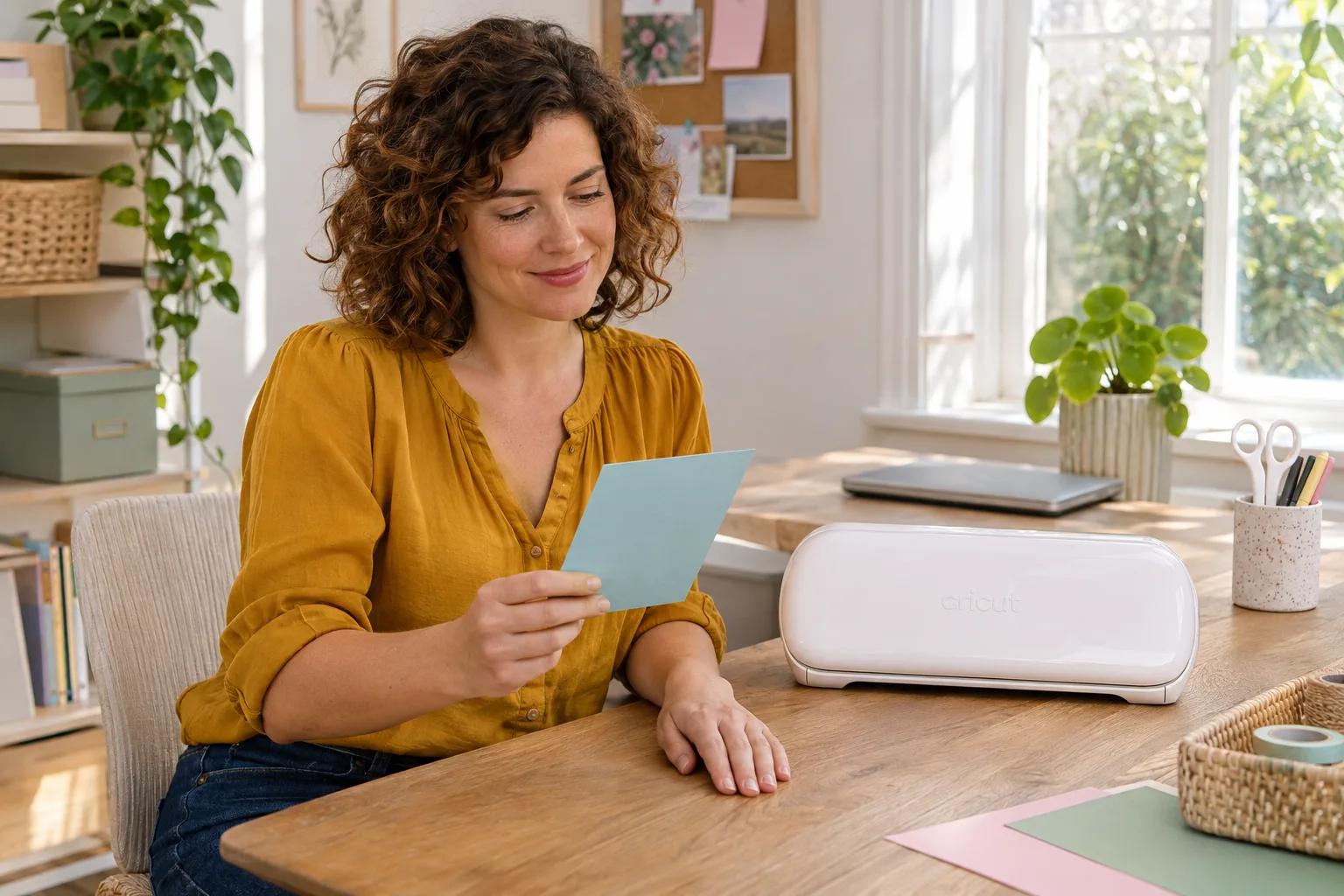
AI-generated illustration — A woman plans a colored-cardstock project beside a closed white Joy Xtra; no printer or cutting test is shown.
Quick verdict: what equipment does your project require?
The phrase “Print Then Cut” names a workflow involving two different machines. It does not promise that the cutter contains an ink system. Before comparing bundle prices, decide whether your design uses printed color, separate layers of colored material, or pen-drawn marks. Those can look similar in a finished photograph while requiring different supplies.
| Intended project or purchase | Price status | Equipment distinction | Best for | Who should skip it |
|---|---|---|---|---|
| Joy Xtra for Print Then Cut stickers | $149 new Digital Content Bundle | Separate compatible printer, printable material and compatible cutting setup | Buyers who want printed graphics cut to shape | Anyone expecting a single machine to print and cut |
| Joy Xtra for basic cut projects | $149 selected bundle | Suitable colored material supplies the color | Lettering, shapes and compatible card projects | Buyers whose main goal is printed photographs |
| A machine-and-material bundle | Other bundle prices not checked | Added consumables do not turn a cutter into a printer | Someone who will use the listed extras | Buyers assuming every pictured accessory is included |
| Keep an existing printer and add a cutter | Printer already owned; compatibility still needs checking | Existing printer must suit the intended material | Buyers with a suitable home printing setup | Anyone whose printer cannot handle the chosen printable stock |
These are different purchasing arrangements, not four tested competing products. A bundle can cost more and still omit the one item your project needs. Compare a written packing list rather than estimating value from the number of objects in the listing photo.
View Current Offers on Amazon →
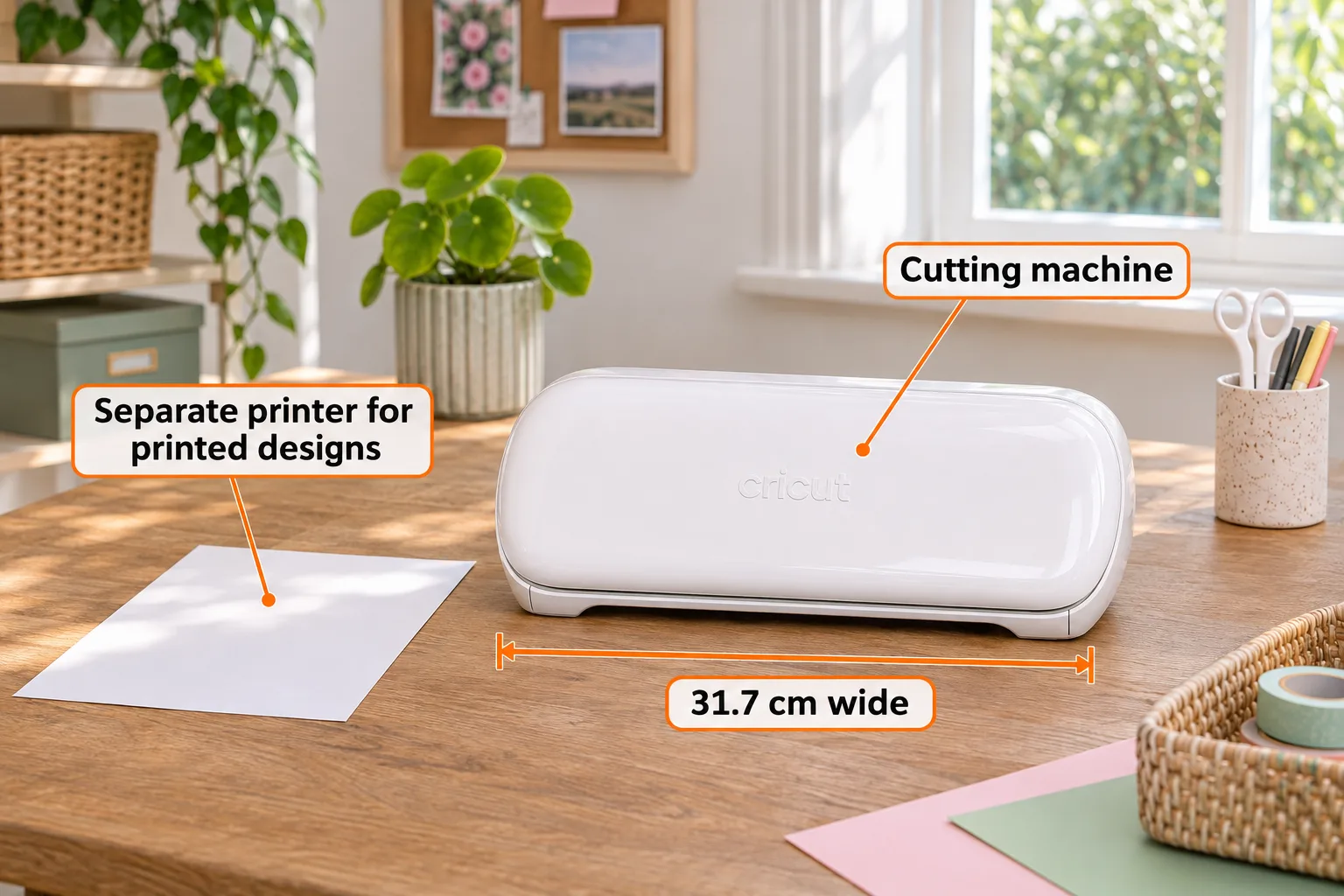
AI-generated illustration — A closed Joy Xtra with orange labels distinguishing the cutter from a separate printing requirement; 31.7 cm is the published machine width, not an image measurement.
Why does the name make people think it prints?
The confusion is understandable: shoppers see a colored sticker going into a compact machine and emerging with its outline cut. A short demonstration may show the satisfying cutting stage while skipping the earlier printing stage. That missing step can change the budget substantially for a household without a printer.
Cricut’s current Print Then Cut instructions, edited November 4, 2026, describe printing through a home printer and then loading that print into the cutting machine. The cutter reads printed registration marks to locate the design. It is following a printed guide, rather than depositing the colored image itself.
What comes with the machine, and what must you check separately?
The official Joy Xtra quick-start guide lists the cutter, blade and housing, a pen, mini weeder, power equipment, documentation and practice-related materials. It does not list a home printer. The selected Amazon model 8002490 lists the cutter, blade, pen, mini weeder, welcome card, USB cable, power adapter, practice materials and 30 bonus images. It does not list a printer. Its bundle identifier differs from the official base-machine reference 2010313; do not treat those identifiers as identical packing lists. The free Access trial is for eligible new subscribers, not a permanently free full content library.
Check three things separately: the machine name, the seller’s selected package, and the materials required for your first project. An accessory shown beside the machine may be an optional add-on. A package described as starter-friendly may still expect you to provide equipment already common in an established craft room.
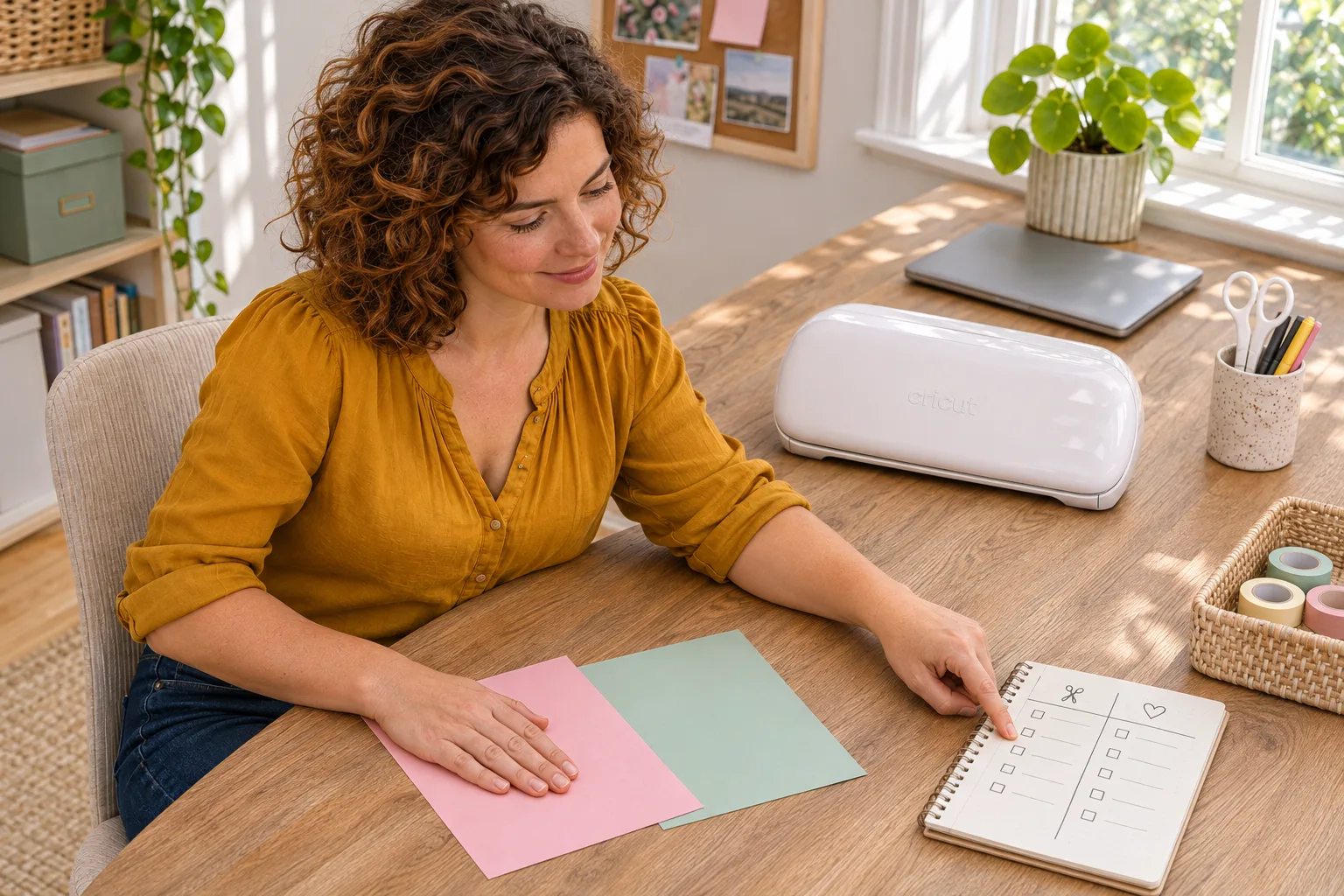
AI-generated illustration — The same woman sorts plain cardstock and checks a notebook beside the closed cutter; this planning scene does not demonstrate printing or cutting.
Can you use it without buying a printer?
Yes, if your intended work does not require a printed image. Cutting a shape from colored material is different from printing a multicolored graphic onto a sheet. A pen-drawn design is another distinct process; it should not be presented as equivalent to a home printer’s full-color output.
That distinction also helps avoid an unnecessary upgrade. Someone making simple lettering may be satisfied without adding printing equipment. Someone planning detailed photo stickers should treat the missing printer as part of the setup decision before checkout, rather than assuming software can supply a hardware function.
Write down one real first project. Then list which steps create its color, which create its outline and which attach the finished piece. If a tutorial leaves a step unexplained, investigate that step before ordering. This is a purchasing checklist, not a claim that every pictured craft is possible with the same material or accessories.
Will your existing printer and phone work?
Compatibility involves the printer, material and device together. The current official Print Then Cut page includes Windows, Mac, iOS and Android in its software requirements. Older advice that excludes Android should not replace the current documentation. For iOS, Cricut specifies an AirPrint-capable printer.
Cricut recommends inkjet printing for the broader range of printable craft materials. Its instructions distinguish laser-compatible stock from heat-sensitive materials that should not go through a laser printer. Check both manufacturers’ instructions for the exact printer and sheet instead of assuming all paper-like products can be substituted.
An already-owned printer is not automatically a suitable printer. Before buying sticker supplies in bulk, establish that the machine accepts the material’s size and type. We have not tested your printer, ink, coating or finished sticker durability, and this guide does not promise waterproof output from an ordinary printed sheet.
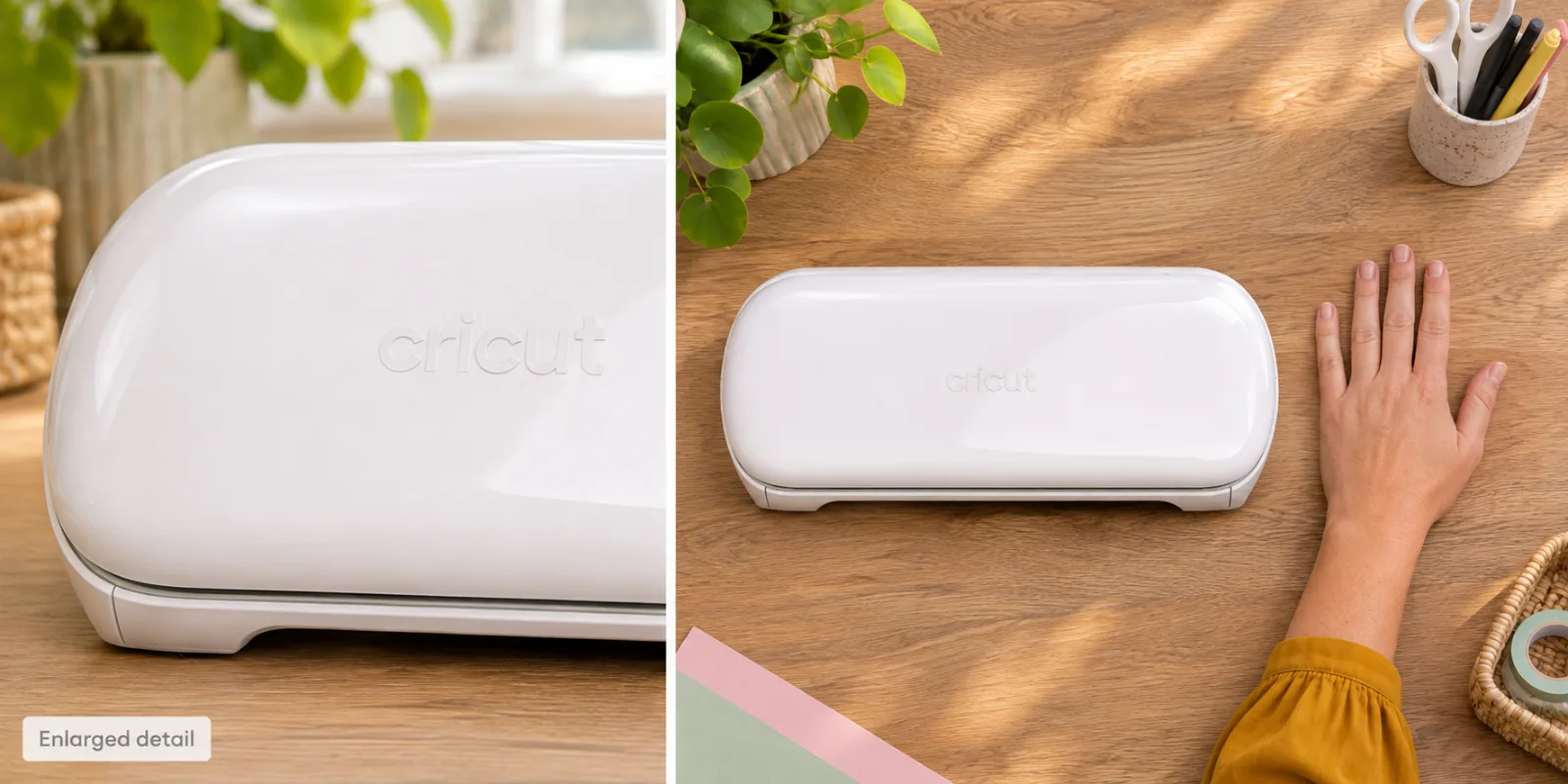
AI-generated illustration — Two panels show an enlarged closed-case detail and the whole cutter beside a left hand; not an exact storage-fit or operating diagram.
What do buyers and owners actually say?
These dated accounts identify different expectations and experiences. They do not verify ownership of a current Amazon bundle, establish a failure rate or demonstrate our own results.
- The missing printer can stop a gift purchase. On May 6, 2024, SL1NDER asked whether Joy Xtra itself printed the graphics. This was a prospective gift buyer’s question, not an owner test. Fortress2021 clarified the separate-printer requirement that day. Current manufacturer documentation supplies the factual answer.
- A positive first experience still involved learning. On September 12, 2024, AntiMugglePropaganda said they were enjoying their new machine while making mistakes. Their shared projects and explanations show enthusiasm for a new hobby, not long-term reliability or a guarantee that another beginner will get equivalent results.
- Alignment frustrated another owner. Watch_and_rant reported misaligned cuts and an unresolved support call on June 26, 2025. The post concerns their Joy Xtra experience, not our selected ASIN. We cannot diagnose it, measure its prevalence or promise that calibration fixes every similar complaint.
The positive and negative accounts can both be relevant. Enjoying a creative project does not erase alignment complaints, while one frustrating machine does not establish that every unit fails. Neither changes the central equipment requirement.
Who should buy it, and who should skip it?
Consider Joy Xtra when you want a compact cutter for suitable projects and understand the separate printing stage. It is a more coherent purchase when your planned equipment and materials fit together than when you simply want the smallest machine in a product photograph.
Skip it as an all-in-one printing solution. Also pause if the cutter would use your entire budget while leaving no way to produce the printed sheets you actually want. Compare complete setups, including equipment already owned, before deciding that a machine-only offer is the cheaper option.
For a gift, ask whether the recipient already prints craft materials and whether they want to learn a cutting workflow. Surprise consumables are less useful than a compatible setup. An agreement about the intended project can prevent a thoughtful gift from becoming an unexpected shopping list.
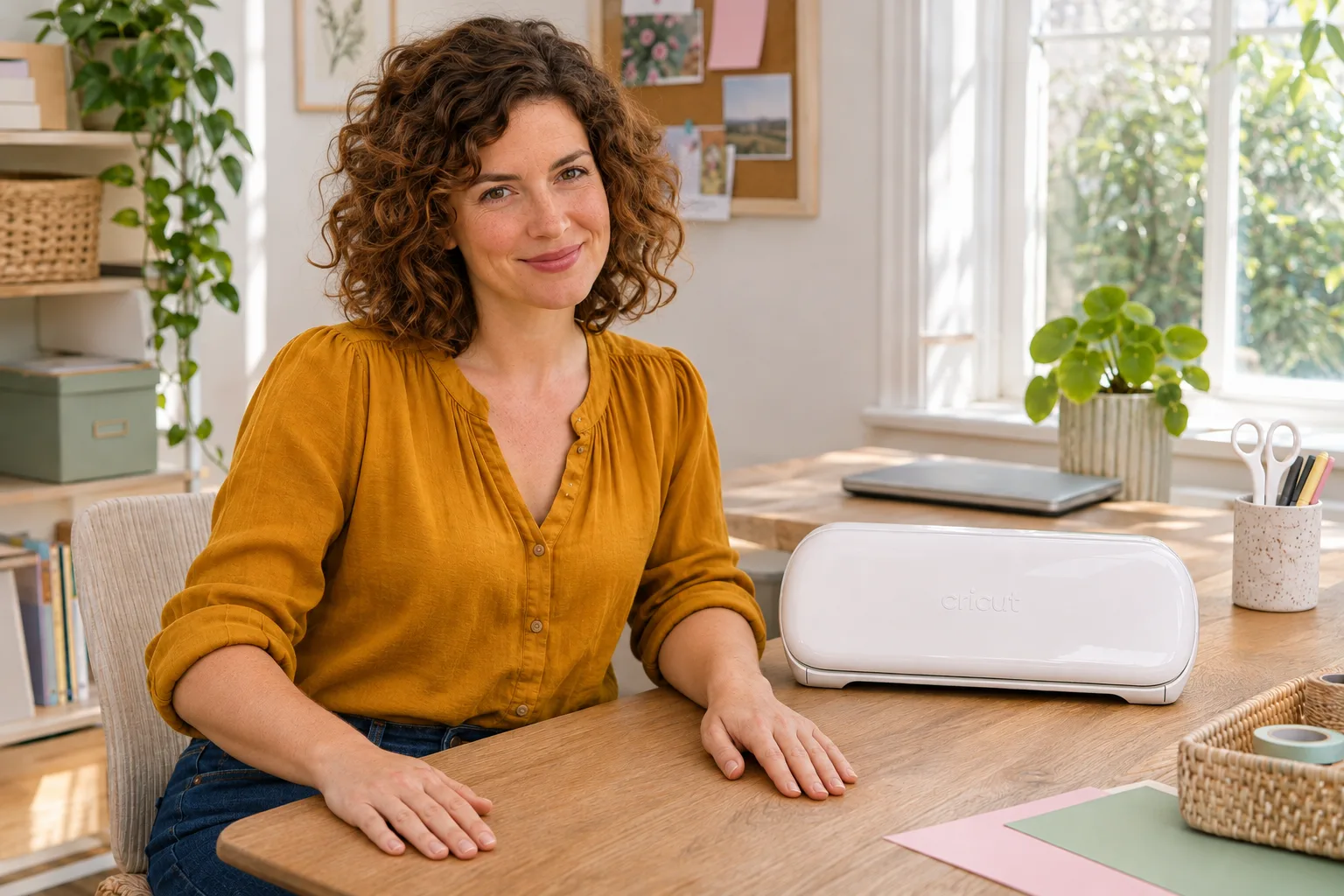
AI-generated illustration — The same woman poses beside a closed white Joy Xtra with both hands resting separately on the table; no hands-on testing is claimed.
How we researched this guide
We read the current manufacturer setup and printing guidance, distinguished package claims from workflow requirements, and checked original dated Reddit comments. We did not test printer detection, Bluetooth connections, cut accuracy or finished-material durability. The illustrations use one white Joy Xtra appearance example and the official base-machine width of 31.7 cm. They are not measurements of delivered hardware, proof of bundle contents or samples of printed output. We separately matched the selected Amazon bundle and retained the Google-results observations.
FAQ
Is a printer built into Cricut Joy Xtra?
No. Joy Xtra is a cutting machine. Print Then Cut uses a separate compatible home printer before the printed material is loaded for cutting.
Can I make anything without a printer?
Yes. Suitable basic cut projects use the material’s existing color rather than a printed image. Identify the actual project and required supplies before buying.
Does an accessories bundle necessarily include a printer?
No. The selected Digital Content Bundle, ASIN B0DCWDJ2GX and model 8002490, lists the cutter, tools, power equipment, practice materials and 30 bonus images, but no printer. Other bundles need their own packing-list check.
Is Print Then Cut limited to a desktop computer?
The official guidance edited November 4, 2026 lists Windows, Mac, iOS and Android. Check current device requirements; iOS printing requires a suitable AirPrint printer.
Will buying a printer guarantee accurate cuts?
No. A printer supplies a required stage for printed projects, not a guarantee about alignment or every material. Follow current model-specific guidance and seek support for an unresolved problem; individual forum experiences are not universal fixes.
Price and purchase links
You might also like

Electronics
Buying guideSennheiser HD 490 Pro: Do You Need an Amp?
Check the HD 490 PRO’s connection and source requirements before budgeting for an amplifier, using official specifications and dated owner reports.

Electronics
Product analysisEcho Dot vs Echo Pop: Do You Need the Dot's Sensors?
Yes if you want its sensors, tap-to-snooze and eero Wi-Fi extension. For basic Alexa, the Echo Pop costs $20 less.