JanSport Big Student 16-Inch Laptop Fit: What to Check
Quick Verdict
Buy only after matching the actual laptop chassis to the sleeve dimensions for the stock you will receive. One owner reports a 16-inch MacBook Pro fits, but that does not guarantee every 16-inch gaming laptop or every Big Student revision.
Good for
- Students wanting a roomy multi-compartment school bag
- Buyers able to verify sleeve measurements before ordering
Not for
- Anyone requiring guaranteed fit from screen diagonal alone
- Buyers unable to resolve the dimensions for their selected stock
Buying Guide Notes · First published:
Compiled from public sources · Written using published specs and user feedback.
As an Amazon Associate I earn from qualifying purchases.
Pros
- + 34 L capacity suits a substantial school load
- + Multiple zipped compartments separate everyday items
- + One dated owner reports a 16-inch MacBook Pro fits
Cons
- - Official 15-inch designation does not guarantee all 16-inch laptops
- - Amazon and current brand sleeve dimensions conflict
- - Fit reports do not identify every bag revision or laptop generation
Sources and verification status
Verification status: compiled from public sources
Data updated:
Verified on:
A 16-inch laptop may fit some JanSport Big Student sleeves, but the screen size alone cannot answer the question. The checked Amazon listing and current JanSport page both describe a 15-inch laptop sleeve, while publishing different measurements. Measure your exact laptop and confirm the dimensions of the stock you will receive before buying for a larger computer.
Amazon offer checked November 12, 2026. This guide is compiled from public sources, including the selected listing, current brand specifications and dated owner discussion. We have not packed, worn or physically measured this backpack.
Which Big Student offer did we check?
The selected item is the Black JS0A47JK, ASIN B07K74LDCH. A new $48.00 offer was in stock for the sample US destination, sold and shipped by Fast and Precise by Staples. The listing showed 4.7 stars and 20,859 ratings. It was not an Amazon.com self-sold offer, and those combined ratings do not certify fit for your laptop.
This is a useful distinction when a search result shows several colors, generations or sellers. A familiar product name does not settle which manufacturer panel applies to the particular inventory. Check the selected option and seller rather than taking the most generous dimension from another color’s page.
What do the conflicting measurements actually say?
| Source or purchase route | Price status | Published measurements | Best for |
|---|---|---|---|
| Checked Amazon Black JS0A47JK | $48.00 new | 34 L; body 17.5 × 13 × 10 in; laptop 15 × 10.2 × 1 in | Buyers who can confirm the selected stock |
| Current JanSport Big Student family page | Price not checked for this comparison | 34 L; body 17 × 13 × 7.5 in; laptop 15.5 × 12.5 in | Understanding the current brand specification |
| A bag explicitly sized for your exact larger chassis | Alternative not price-checked here | Verify usable opening and thickness, not only diagonal | Buyers requiring more certain fit |
The two Big Student rows are conflicting source descriptions, not proof that we measured two different bags. The current brand page also describes updated materials and lining. We cannot promise that an Amazon order will ship that updated construction, or that the differing figures were obtained using the same measuring method.
View Current Offers on Amazon →
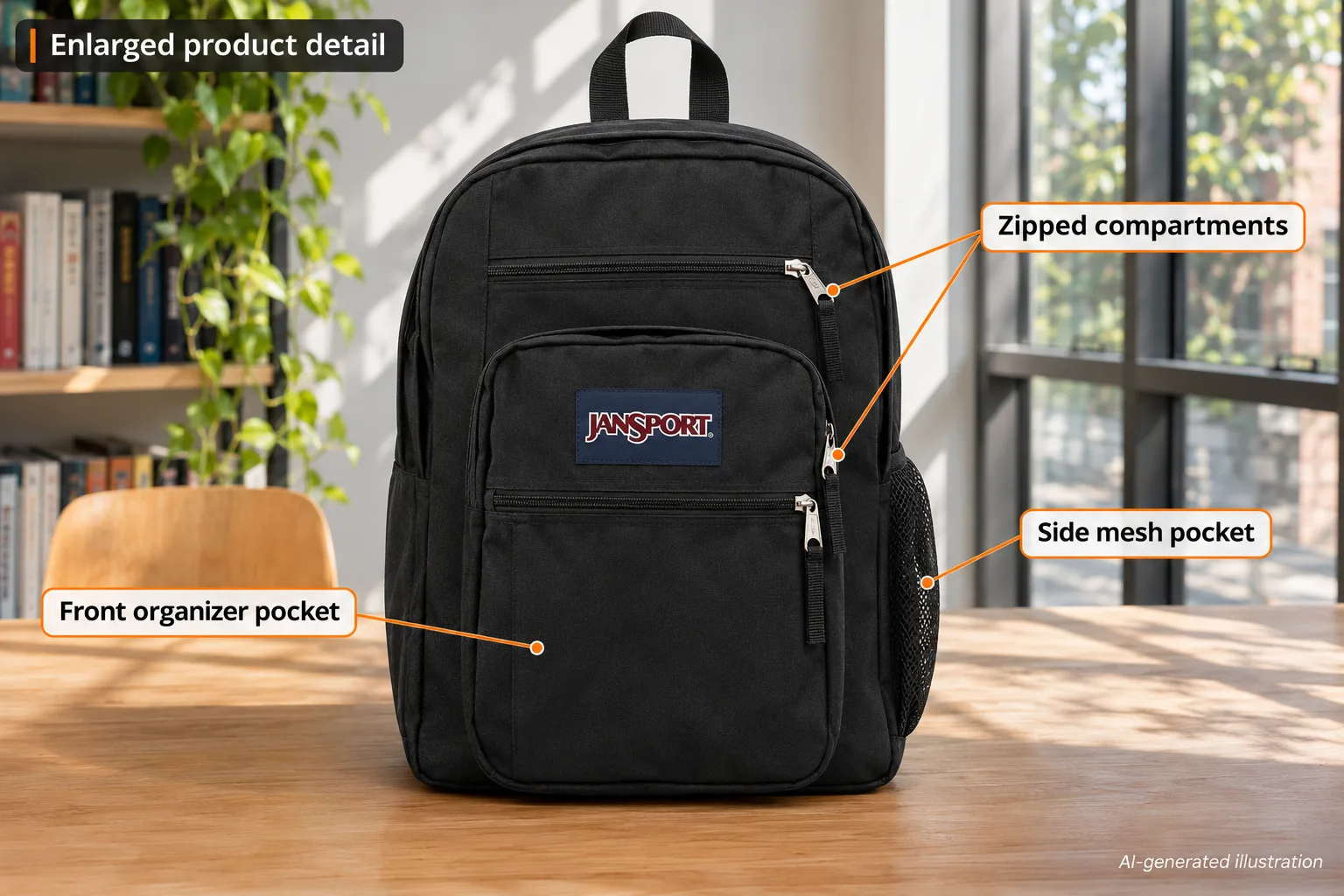
AI-generated illustration — enlarged appearance of the selected plain-black style; pocket labels do not establish laptop-sleeve measurements.
Why isn’t a 16-inch screen enough information?
A laptop’s advertised screen diagonal describes its display. The sleeve has to accommodate the whole chassis: width, depth, thickness and any protective case. Two computers with the same advertised screen size can therefore place different demands on a bag. The relevant comparison is the physical object you carry against the actual usable space.
For that reason, start with the laptop maker’s chassis dimensions for the exact model and year. If you leave a shell or sleeve on the computer, measure the protected computer as well. Do not use the naked laptop’s specification to claim that the thicker combination fits. Rounded corners and an opening that narrows can matter even when a rectangular number looks favorable.
The designation “15-inch laptop sleeve” should not be silently rewritten as “fits every 16-inch laptop.” Equally, it does not prove that every computer sold as 16 inches will fail. The honest answer is a compatibility check with an unresolved stock detail, rather than a blanket yes or no.
Which dimensions should you use for an online order?
The current JanSport page and the selected Amazon manufacturer panel are the two sources we could directly compare. Their disagreement matters most when your laptop is close to a stated limit. Taking the larger width from one source and the thickness from another would create a fictional sleeve specification.
Instead, ask the seller or JanSport to identify the usable laptop compartment dimensions for the item being shipped. Include the exact style, color and listing, plus the chassis size you need to accommodate. Ask about the opening and thickness as well as the flat pocket dimensions. A two-dimensional measurement is incomplete when a bulky gaming laptop is the intended load.
If that question cannot be resolved before purchase, treat fit as uncertain. Check the applicable return conditions for the actual seller without assuming a universal policy. The goal is to decide whether you can tolerate that uncertainty, not to interpret an easy-looking purchase button as a compatibility guarantee.
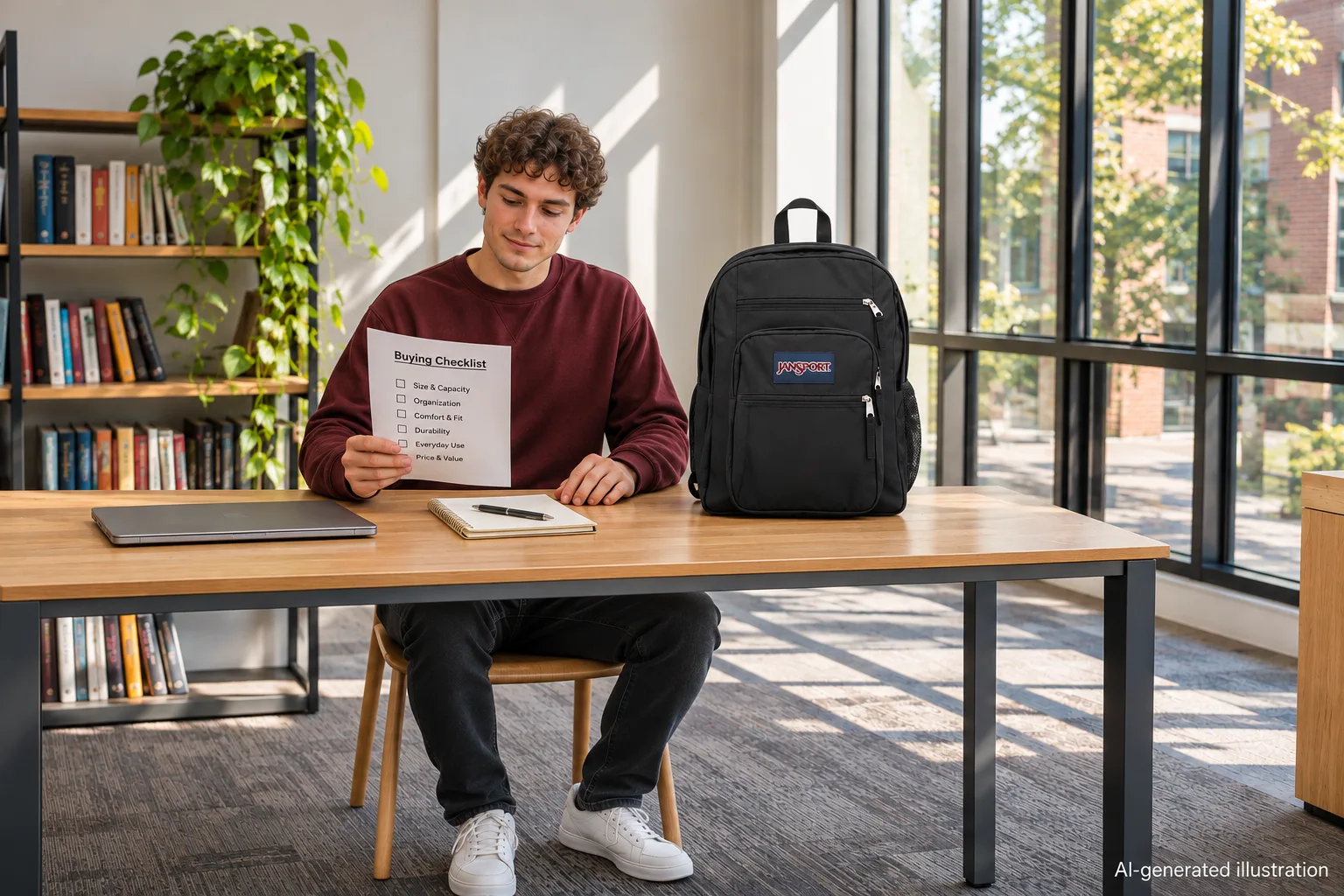
AI-generated illustration — a planning scene with the laptop outside the backpack; no insertion or capacity test is depicted.
Does the 34-liter capacity help with laptop fit?
It helps describe the overall packing category, but capacity is not a laptop-pocket measurement. Books, clothes and other items can occupy parts of the bag outside the dedicated sleeve. A roomy backpack may still have a narrower sleeve opening or less thickness allowance than your computer requires.
That distinction is easy to miss when shopping for college. A buyer may see a large school backpack and reasonably expect it to take a large laptop. The expectation should still be checked against the separate compartment, particularly if the computer is expensive or unusually deep. A successful fit in the main compartment also is not the same as a supported fit in the intended sleeve.
After resolving laptop fit, consider the rest of the daily load. A charger, notebooks and lunch all consume space and affect how you pack. We have not carried this bag under load, so we cannot certify comfort, padding performance or how a particular computer feels against the back panel.
What stands out if the measurements suit your computer?
The Big Student offers a recognizable school-bag layout with multiple zipped compartments and a side mesh pocket. Separating frequently used items can be more useful than simply buying the largest available cavity. The illustrated front pockets show the organizational idea, without pretending to establish their measured capacity.
For someone carrying books between classes, that layout is a concrete reason to consider the bag after checking laptop compatibility. The selected black appearance is also straightforward if a gift recipient prefers a plain bag rather than a print. Neither point resolves dimensions, so they should come after the fit question in the buying decision.
The overall 34 L figure remains helpful for comparing broad packing needs. It just belongs beside the sleeve information, not in place of it. We have not verified an airline’s acceptance of a fully packed bag; this article targets laptop compatibility rather than carry-on certification.
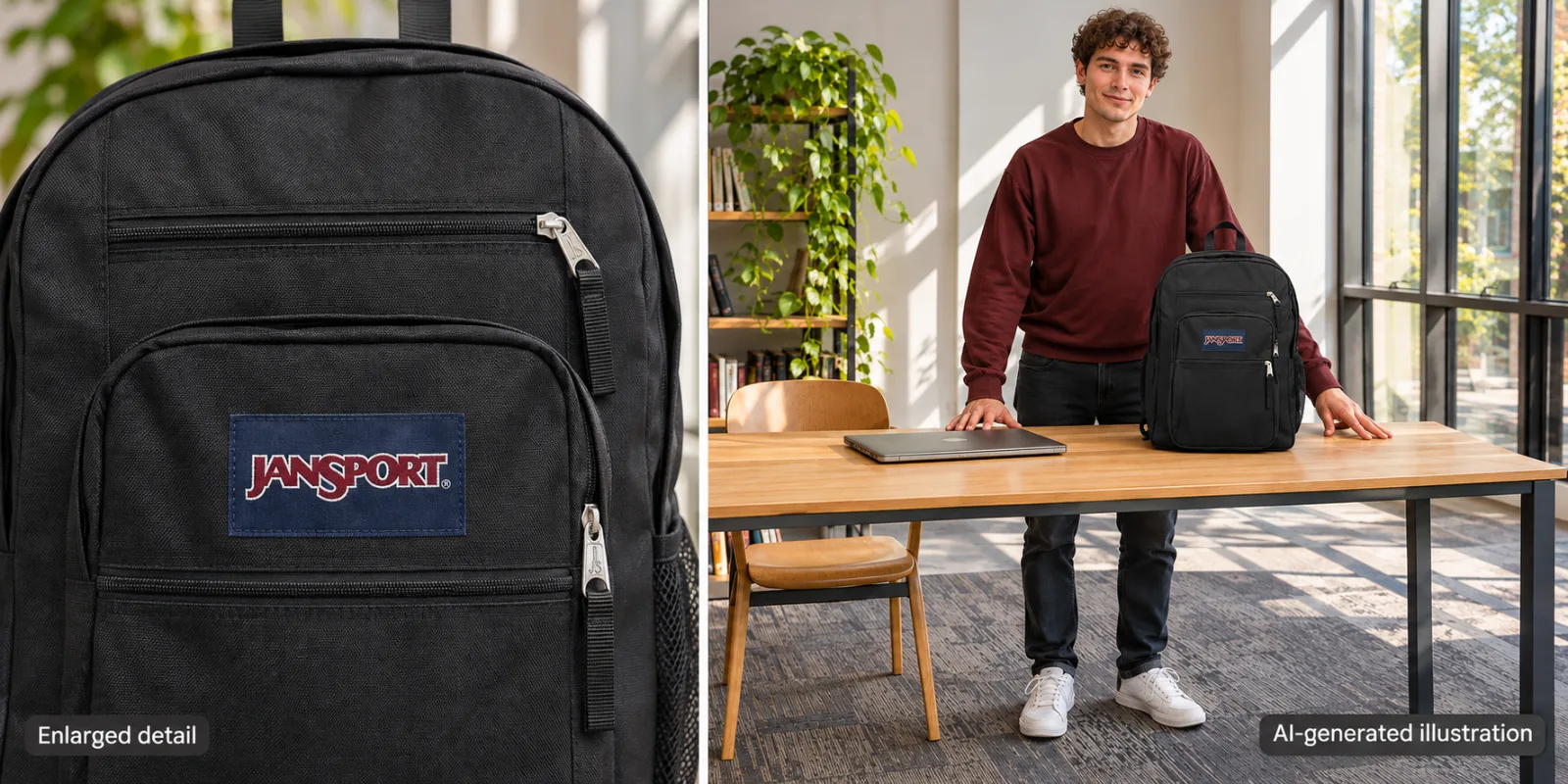
AI-generated illustration — left: enlarged front-pocket detail; right: approximate whole-bag scale. This is not a measured fit diagram.
What owners say about 16-inch computers
- One positive MacBook Pro fit report. On September 12, 2025, pagacs said their 16-inch MacBook Pro fit comfortably in the laptop sleeve. The comment does not specify the laptop generation, bag production revision or this Amazon ASIN. It supports a possible fit for one combination, not a guarantee for all similarly named computers. Read the comment.
- A real concern that remained unresolved. The thread began on March 26, 2025 with a question about a 16-inch gaming laptop. Another participant, PearlWhatAWorld, later said on September 21, 2025 that they had chosen an Osprey Nebula 32 instead. They did not report a failed Big Student insertion test, so we do not present that choice as proof the JanSport was too small. Read the update.
We found a useful positive experience and genuine purchase uncertainty, rather than a reliable set of precise-model negative fit tests. That evidence gap is a reason to verify measurements, not to invent a consensus that the sleeve stretches to fit any laptop.
Who should buy it, and who should skip it?
Consider the Big Student if you want the school-bag organization and can establish that the selected sleeve accommodates your actual computer. The price we observed makes it a plausible shortlist item, but value depends on carrying the equipment you own.
Skip this purchase for now if you need a guaranteed fit for a large gaming chassis and the seller cannot resolve the conflicting dimensions. A bag with documented usable dimensions that comfortably exceed your computer’s requirements is a more useful alternative criterion than a higher liter count alone.
For gifting, request the exact laptop model rather than asking only whether the screen is “about 16 inches.” A model number or physical measurement is a small extra step that addresses the main risk in this particular purchase. Avoid promising a fit based on our illustrations: the laptop deliberately stays outside the bag.
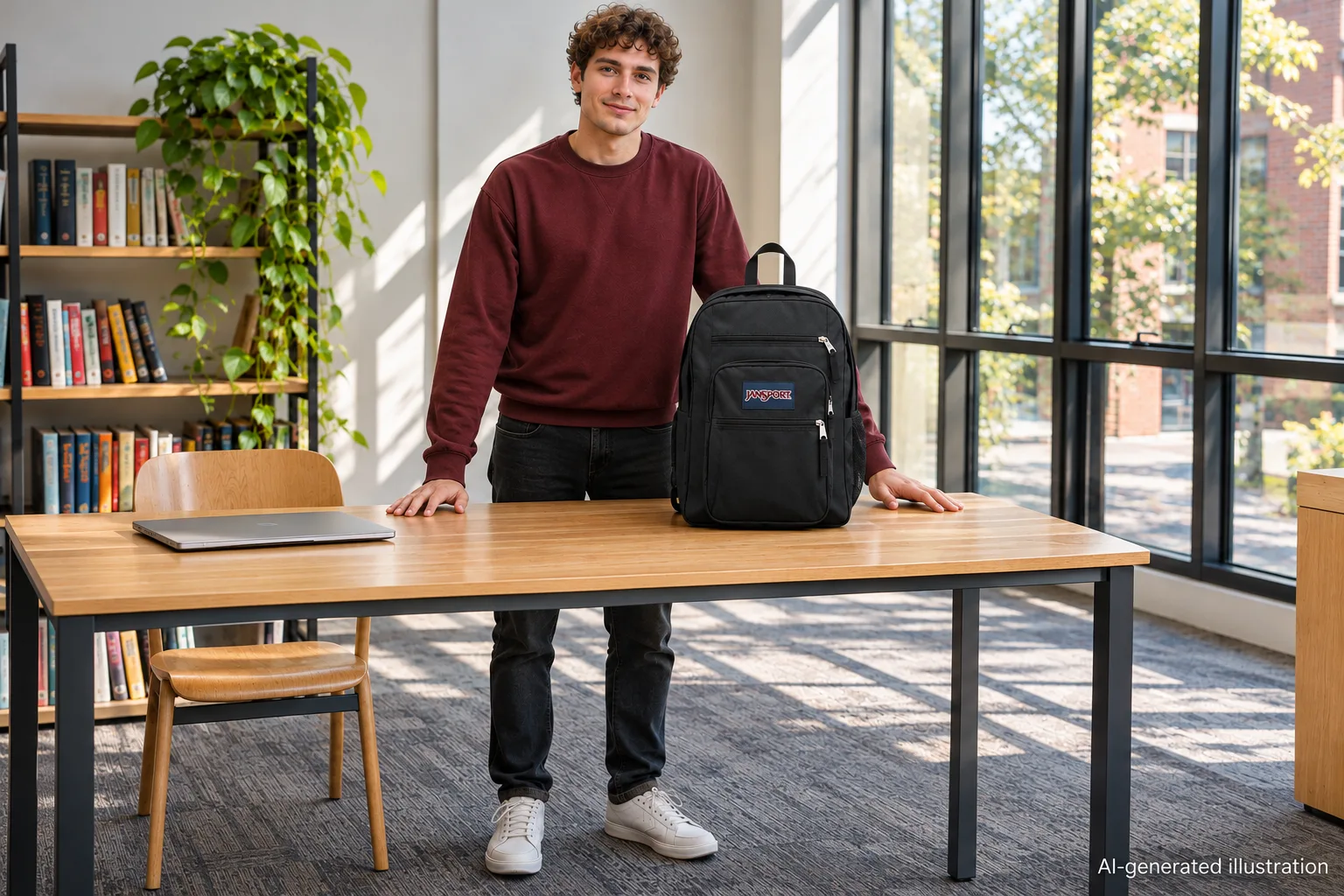
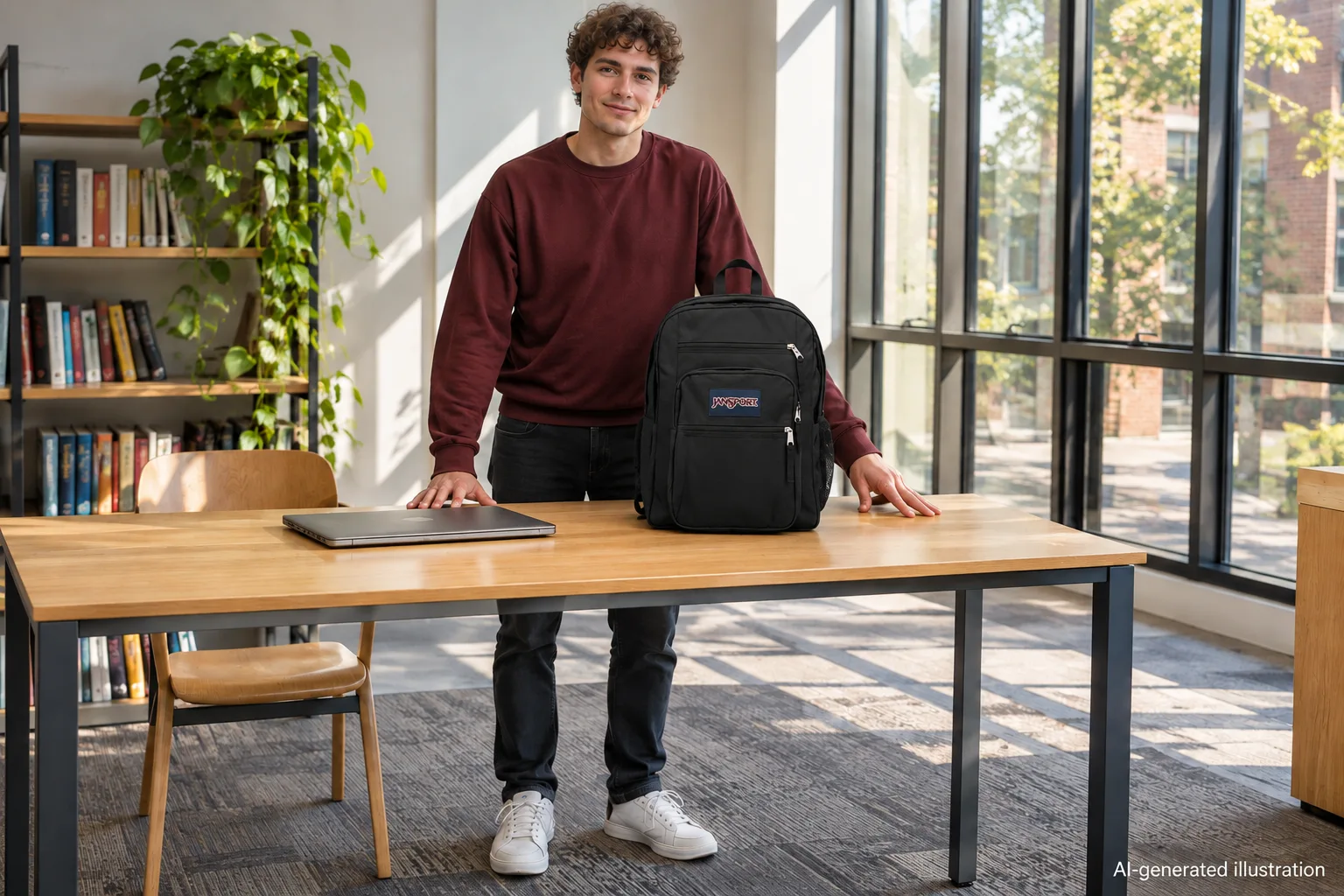
AI-generated illustration — the same student and bag; the separate laptop is a prop, not evidence that a 16-inch chassis fits.
How we researched this
We compared the selected Amazon offer and manufacturer panel with JanSport’s current Big Student page, then read and dated the linked Reddit statements. Current brand measurements and older-looking listing measurements are kept separate throughout. All five images are AI-generated illustrations, not packing tests, measured diagrams or proof of fit.
FAQ
Does every 16-inch laptop fit the Big Student?
No such guarantee was verified. Screen diagonal is not chassis size, and both the selected listing and current brand description designate a 15-inch sleeve. Verify width, depth and thickness for your exact laptop.
What sleeve dimensions did the selected Amazon page show?
The manufacturer panel on the checked Black JS0A47JK listing showed 15 × 10.2 × 1 inches. The current brand page showed a different 15.5 × 12.5-inch laptop dimension, so confirm which stock and measurement method apply before ordering.
Does 34 L mean there is room in the dedicated laptop sleeve?
No. Overall bag capacity includes other compartments. A large main compartment does not establish the usable sleeve opening or its thickness allowance.
Did an owner confirm a 16-inch MacBook Pro fits?
Yes. A September 12, 2025 Reddit comment reported a comfortable fit, but did not identify the laptop generation or the bag ASIN. It cannot confirm a different gaming laptop.
Can the pictures prove my laptop will fit?
No. All pictures are AI-generated illustrations. The laptop is kept outside the bag, and the images are not a physical insertion test or a measurement reference.