Can JBL Clip 5 Pair With Clip 4? Connection Guide
Buying Guide Notes · First published:
Compiled from public sources · Written using published specs and user feedback.
As an Amazon Associate I earn from qualifying purchases.

Pros
- + Two Clip 5 units have documented stereo support.
- + Compact integrated-clip format for standalone use.
- + Exact Black new offer verified from Amazon.com.
Cons
- - Cannot serve as a supported JBL-linked companion to Clip 4.
- - A matching stereo plan costs two units rather than one.
- - Source-device workarounds and video latency were not tested.
Sources and verification status
Verification status: compiled from public sources
Data updated:
Verified on:
A JBL Clip 5 cannot link with a Clip 4 through JBL's speaker-to-speaker system for synchronized playback or stereo. The Clip 5 supports Auracast and a second Clip 5 for stereo, while JBL's Clip 4 support guidance says that older model cannot connect wirelessly to other portable speakers.
Checked November 16, 2026. This compatibility guide is compiled from public sources; we have not paired these speakers or measured audio delay. The selected Black Clip 5, ASIN B0CTP56C5R, was $49.95 new, in stock, sold and shipped by Amazon.com, with 4.6 stars from 9,425 ratings. This is a dated offer observation, not a promised discount or checkout price. A current Clip 4 offer was not independently verified for this article.
AI-generated illustration — cover: a woman beside a single Clip 5-style speaker and phone. All five illustrations use the Clip 5 appearance only; none demonstrates a Clip 4 connection or an actual listening test.
Why does Bluetooth on both speakers not make them a pair?
The word pairing can describe two different links. First, a phone connects to one speaker as its audio output. Second, a compatible speaker system sends the same program to another speaker, sometimes with separate left and right channels. Supporting the first does not establish the second.
The Clip 5's current Amazon description explicitly offers two Clip 5 units for stereo and multiple JBL Auracast-enabled speakers for a larger group. The Clip 4 is not simply another color or battery revision within that arrangement. JBL's support article, which explicitly includes Clip 4 in its applies-to list, says it cannot wirelessly connect to other portable speakers.
That means a purchase intended to add a second playing speaker to an existing Clip 4 needs a different plan. Buying the newer model does not unlock a missing feature in the older one. A matching logo and similar carabiner are not compatibility specifications.
Quick comparison: what should a Clip 4 owner buy?
| Plan | Price status | Playback result to expect | Best for |
|---|---|---|---|
| Keep your existing Clip 4 | No new purchase | Continue using it as a separate speaker | Owners already satisfied with one speaker |
| Buy one Black Clip 5 | $49.95 new observed November 16 | A newer standalone option, not a linked Clip 4 companion | Replacing a lost speaker or wanting Clip 5 features |
| Buy two Clip 5 units | $99.90 calculated from two observed $49.95 offers, before tax | JBL documents a two-Clip-5 stereo arrangement | Buyers specifically starting a matching stereo pair |
| Add Clip 5 to Clip 4 for JBL linking | No compatible bundle recommended | The required speaker-to-speaker compatibility is absent | Skip this plan if synchronized playback is the goal |
The two-unit figure is arithmetic, not a verified bundle promotion or a guarantee that two remain available at checkout. Keeping a working speaker is also a valid buying decision. You do not need to replace it merely because a newer model exists.
What is the difference between stereo and a larger speaker group?
For this model, JBL specifically describes two Clip 5 speakers as the stereo route. Its broader Auracast description concerns connecting multiple compatible JBL speakers. Do not interpret every mixed-model group as a guarantee of the same left/right stereo arrangement.
We have not checked every current JBL model and firmware combination. This guide therefore does not provide a universal cross-generation compatibility chart. The conclusion about Clip 4 does not require that larger claim: it rests on the manufacturer's explicit limitation for that older speaker.
Will an app or firmware update make the Clip 4 work?
We found no official support for converting a Clip 4 into an Auracast speaker. Treat advice that an app can make any two JBL models work together skeptically, particularly when the instructions never name the exact generations involved.
If you already own a Clip 5, use the manufacturer's current instructions and supported app for its available settings and updates. That is different from promising a new linking capability for Clip 4. We are not recommending unofficial firmware, hidden button sequences or repeated resets as a solution to an unsupported combination.
Before troubleshooting a connection, identify what is failing. A phone that cannot send audio to a single supported speaker is a different problem from trying to link two incompatible speakers. Resetting the newer unit repeatedly cannot establish that the older one has the missing speaker-linking function.
What do public discussions get right and wrong?
- Enthusiasm is not a compatibility test. On June 15, 2024, Reddit commenter Additional-Train419 favored the Clip 5's loudness, battery and app over Clip 4. The short comment does not establish a controlled comparison or identify the current Black ASIN. It is an individual favorable opinion, not our sound-quality verdict. Read the comment.
- An existing collection can create disappointment. Later on June 15, 2024, thread author editoratcharge expressed frustration that newer linking systems might not work with two Charge 4 speakers they already owned. That is a different older model, so we use it only to illustrate the buying concern about existing equipment, not as proof about Clip 4. Read the original concern.
Some replies in that same discussion incorrectly mix Clip 5 with PartyBoost models; later replies correct the naming. We do not copy that compatibility list into a recommendation. Community accounts explain the confusion, while the manufacturer determines the supported feature. We found no reliable evidence that a Clip 4 and Clip 5 form a supported JBL stereo pair.
Could a phone send audio to both independently instead?
A source-device workaround would be a separate feature of that phone, tablet or computer, not Clip 4-to-Clip 5 compatibility. We have not verified a particular device's dual-output behavior with this combination, its synchronization or its app limitations.
Do not buy a second speaker on an assumption that every Bluetooth source can do this. If that is your intended setup, verify the exact source model and supported output method before ordering. Even if both speakers receive audio, that alone would not establish a manufacturer-supported left/right stereo pair.
For movies or games, synchronization deserves its own check. We have not measured latency, lip sync or gaming response for one Clip 5 or a pair. The existence of stereo support is not a tested guarantee that every video application will remain in sync on every source device.
Who should choose one Clip 5, and who should skip it?
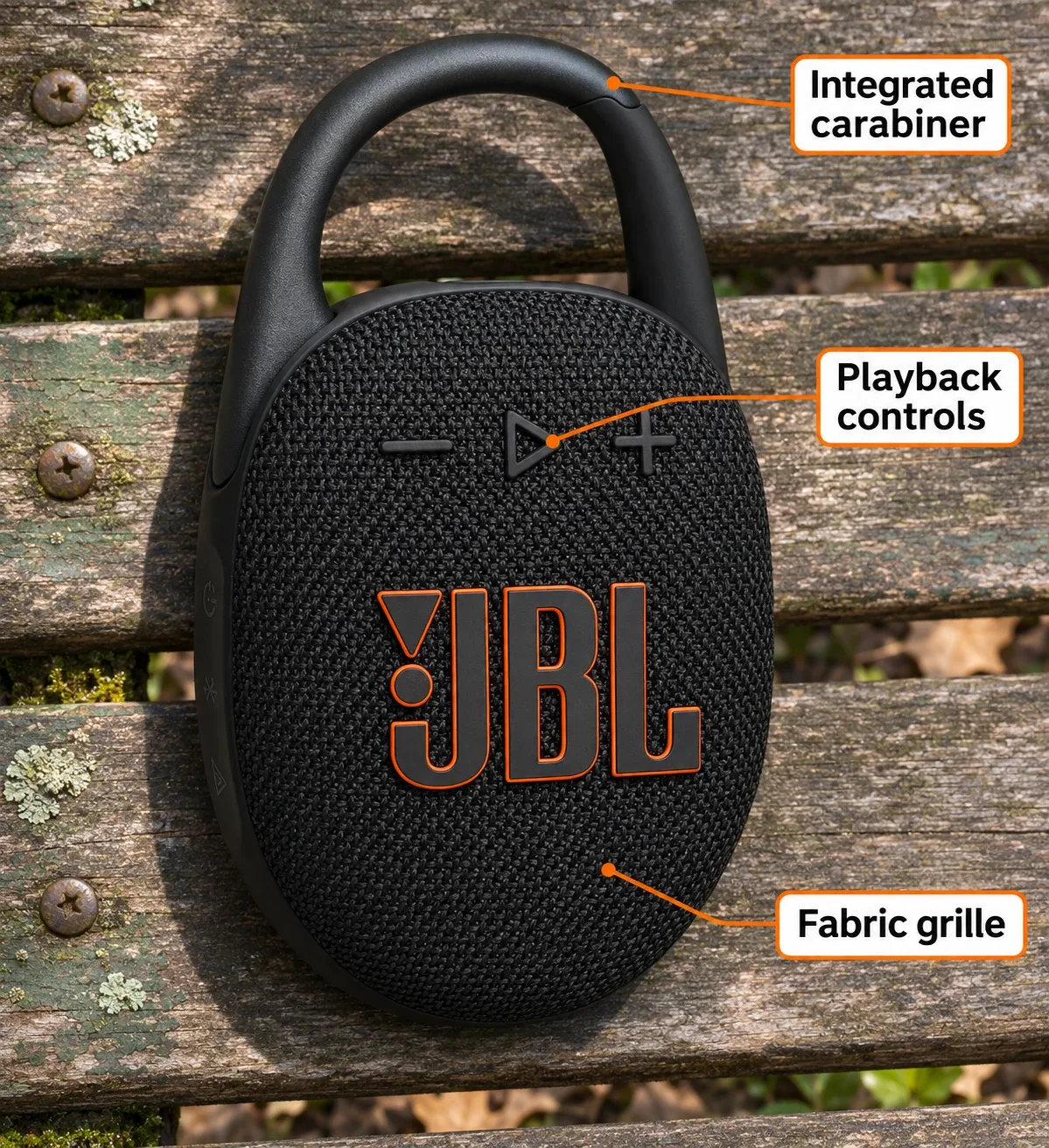
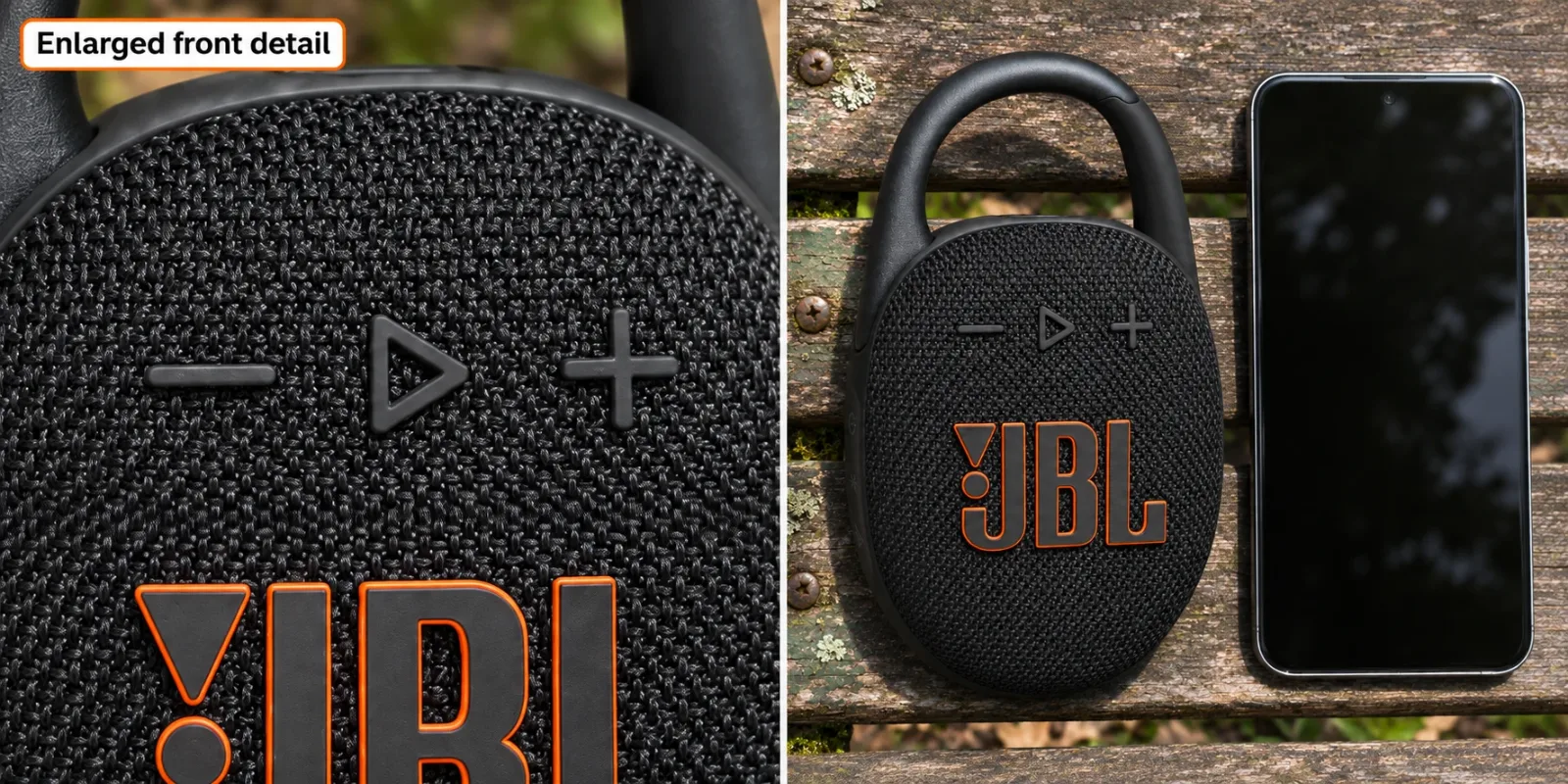
Consider one if you want a compact speaker to use on its own and the integrated clip suits how you carry it. JBL publishes a total size of approximately 3.4 by 5.3 by 1.8 inches, including the hook; those dimensions inform the illustrations, not a physical measurement we took.
The listing advertises up to 12 hours of playback plus additional time with Playtime Boost. These are rated claims, not our runtime result. They should not be used to promise a full event's battery life at your preferred volume. Likewise, we have not listened to the bass, compared equalizer settings or tested water resistance for this article.
Skip a single Clip 5 as an add-on if the sole reason to buy is to make your existing Clip 4 play alongside it through JBL linking. If your Clip 4 still meets your needs, keeping it avoids spending money on a feature the combination will not supply. If stereo is the requirement, price a supported matching setup as a complete purchase.
Our earlier Clip 5 introduction discusses its carry format more broadly. This article addresses the separate cross-generation connection decision, with current offer data checked above.
How we researched this
We checked the current Black Amazon offer, JBL's Clip 5 product description and official specification sheet, and JBL's support article explicitly listing Clip 4. The dated Reddit discussion was read with its mistaken compatibility replies kept separate from verified specifications. We did not perform pairing, listening or battery tests.
The linked JBL support page is the India English support version, used for its explicit model feature list, not US warranty or regional service promises. No current Clip 4 purchase price or competing speaker offer is claimed here.
FAQ
Can a JBL Clip 5 and Clip 4 form a stereo pair?
No supported JBL stereo link is documented for that combination. JBL documents two Clip 5 units for stereo, while its Clip 4 support guidance says it cannot wirelessly connect to other portable speakers.
Does having Bluetooth on both speakers make them compatible?
No. Phone-to-speaker Bluetooth audio and speaker-to-speaker linking are different capabilities. The Bluetooth label alone does not establish synchronized playback.
Can an app update turn Clip 4 into an Auracast speaker?
We found no official support for that conversion. Do not purchase on the assumption that an app or unofficial firmware will add the missing feature.
Can one phone play through both as a workaround?
That would depend on a separate source-device output feature. We have not verified a particular phone and this combination for synchronization or stereo, so it is not a promised workaround.
Is two-speaker movie or game latency tested here?
No. We did not measure audio delay or lip sync. Supported music stereo pairing does not by itself establish video or gaming performance on your source device.