Kasa KP125M Energy Monitoring: What Apple Home Shows
Buying Guide Notes · First published:
Compiled from public sources · Written using published specs and user feedback.
As an Amazon Associate I earn from qualifying purchases.
Pros
- + Documented energy reporting through Kasa or Tapo
- + Matter-compatible switching across supported ecosystems
- + Compact body and a physical power/settings button
Cons
- - Current manufacturer table does not list Apple Home energy monitoring
- - Energy readings do not guarantee energy-triggered automations
- - Four-pack cost and setup may be unnecessary for a single simple task
Sources and verification status
Verification status: compiled from public sources
Data updated:
Verified on:
- TP-Link current ecosystem feature table, updated January 27, 2026
- TP-Link KP125M official product page
- KP125M US datasheet: physical size and electrical specifications
- KP125M US model-family user guide, 2024
- Selected new KP125MP4 four-pack offer, November 15, 2026
- beautiful-oblivion mixed Reddit experience, March 12, 2026
- Levistras KP125MP4 V1 experience, January 9, 2026; edited January 12
- Zealousideal-Art-577 Apple Home question, April 26, 2025
Kasa KP125M energy monitoring and Apple Home control are separate capabilities. TP-Link's current ecosystem table lists Apple Home on/off control but not energy monitoring, so buy this plug only if you are comfortable checking consumption in Kasa or Tapo rather than assuming all readings will appear in Apple's app.
Checked November 15, 2026. This guide is compiled from public sources, not a pairing, electrical-load or accuracy test. The checked Amazon offer is the white KP125MP4 four-pack, ASIN B0BYGMR4DX, containing KP125M plugs.
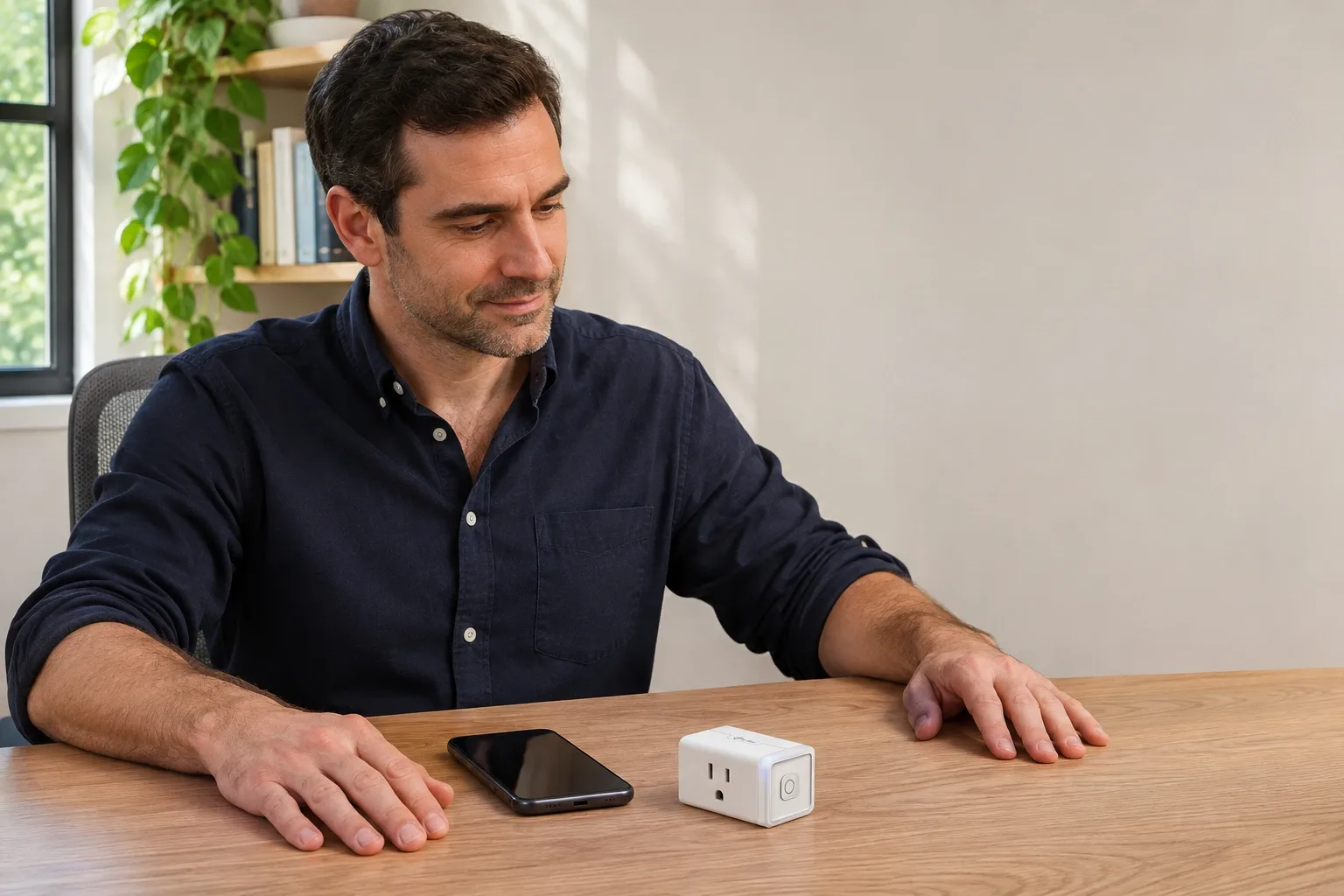
AI-generated illustration: one KP125M-style unit from a four-pack offer beside a phone; no app reading or test result is shown.
Quick Verdict
A sensible fit for someone who wants Apple Home switching and accepts a separate place to view energy data. Skip it if the purchase depends on seeing watts inside Apple Home without another app. The words Matter and energy monitoring on the same listing do not establish that every ecosystem exposes every feature.
The selected new four-pack was $48.86, sold and shipped by Amazon.com, with 4.3 stars and 2,320 ratings displayed. This is one dated offer, not a historical price range or a guaranteed discount. Check the selected pack count before ordering: the page's alternative quantity label was not a reliable description of its contents.
Which app does what?
| Purchase or workflow | Checked price | Key distinction | Best for | Who should skip it |
|---|---|---|---|---|
| KP125MP4 four-pack with Kasa or Tapo | $48.86 new for four | Brand-app energy reporting alongside switching | Buyers comfortable with a brand app for consumption | Anyone requiring everything in Apple Home |
| The same plugs controlled through Apple Home | Same hardware purchase; controller requirements separate | Official table lists switching, not energy reporting | Existing Apple households wanting compatible on/off control | Buyers assuming a Matter badge guarantees energy graphs |
| Keep an existing basic smart plug | No new purchase if it already serves you | Suitable if you only need its supported switching functions | Someone without an actual energy-data use case | Buyers who need readings their existing model cannot provide |
This compares ways to meet a need, not three independently verified retail products. We have not priced a complete Apple controller setup or verified a different plug as an Apple-native energy-monitoring alternative. A cheaper-looking plug is not an equivalent replacement until the exact capability is documented.
Why can Apple Home switch it without showing watts?
The distinction comes from the interface through which a feature is made available. A device can measure something internally while an ecosystem exposes only part of its functionality. Adding a product to an app is therefore different from confirming that the app can display the measurement you want.
TP-Link's ecosystem comparison, updated January 27, 2026, marks on/off control as supported in Apple Home and energy monitoring as unsupported there. It marks energy monitoring as supported in Kasa/Tapo. We checked that manufacturer guidance again for this article; we did not reproduce the result with an iPhone and this hardware.
Treat this as a documented buying limitation, not an eternal prediction about software. App versions, device firmware and ecosystem support can change. Before spending money specifically for Apple-visible energy data, seek current confirmation for the exact model and software combination. A general announcement about Matter energy support does not by itself confirm this plug's implementation.
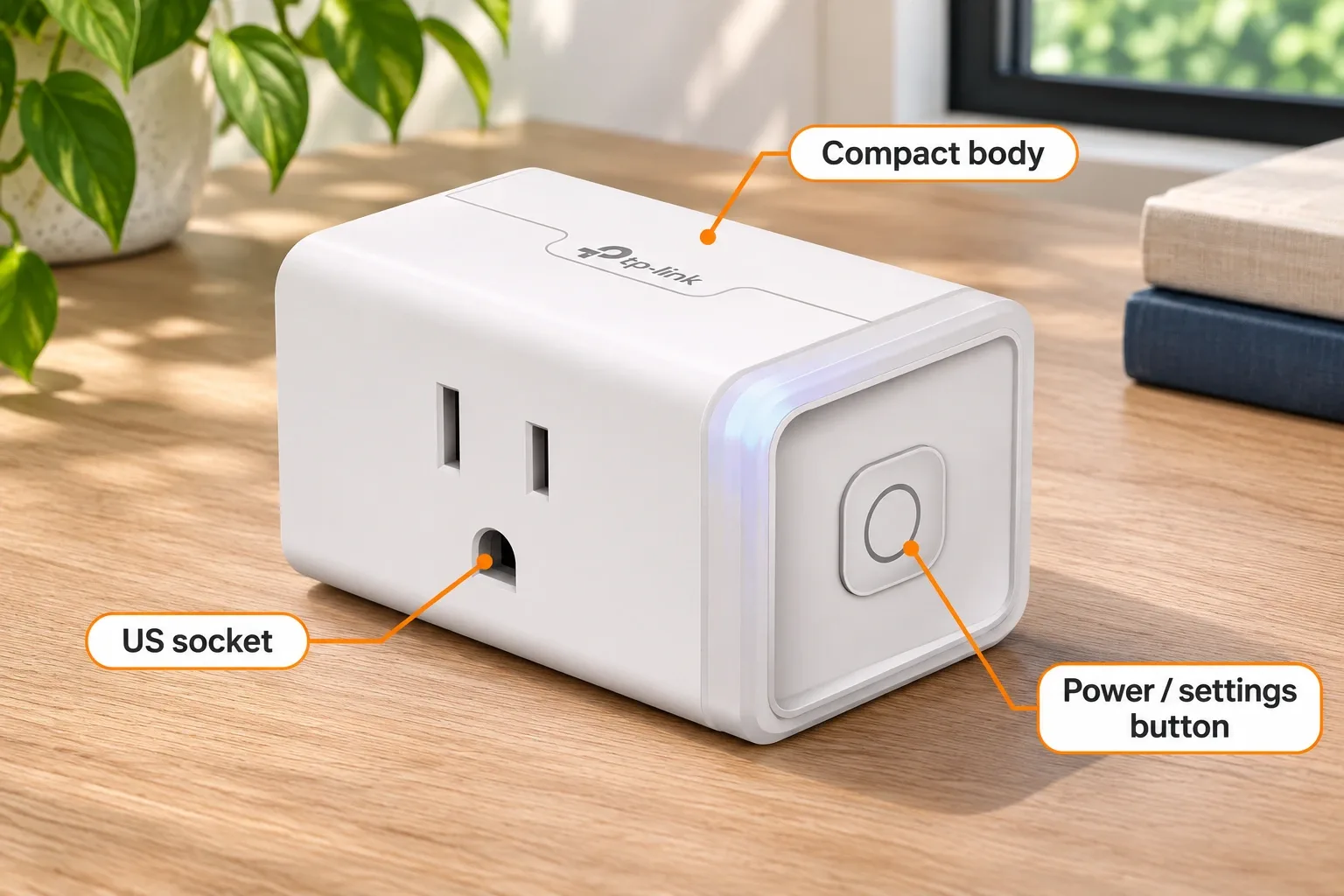
AI-generated illustration: enlarged exterior features of one unit, not an electrical inspection or certification test.
What do you get from the energy-monitoring feature?
The current official product page describes real-time and historical consumption monitoring. The distinction is useful when deciding what you actually need: a present reading answers what is happening now, while history helps you examine usage over time.
Decide what decision the information will support before buying four plugs. Perhaps you want to understand one device's pattern rather than replace every outlet. If you only need scheduled switching, paying for measurement may not improve your routine. If you want consumption history, a basic timer does not meet that requirement just because it can turn the appliance off.
The US KP125M guide also describes energy views and cost estimates. Those estimates depend on the information entered; they are not a utility bill or an independent certification of meter accuracy. The document's two-pack filename identifies its packaging context, not the four-pack quantity checked here.
Viewing energy and using it as an automation trigger are separate questions. Seeing a wattage value does not establish that a particular app can start a routine when that value crosses a threshold. If that trigger is the reason for buying, verify it explicitly instead of using the existence of a graph as a proxy.
Is missing energy data a pairing problem?
First distinguish a missing capability from a device that has not connected. If a plug switches through Apple Home but lacks an energy panel, the official feature table gives a reason not to assume the hardware is defective. Repeatedly resetting it does not establish support for an undocumented feature.
If the plug will not switch or complete setup, that is a different troubleshooting question. Follow the current instructions for the exact setup path and retain access to its identifying information. This guide does not promise that one reset sequence fixes every router, controller, account or firmware issue.
The manufacturer datasheet specifies 2.4GHz Wi-Fi and says Matter setup requires a Matter-supported controller plus the chosen ecosystem's app. Do not read a claim about not needing a proprietary bridge as a promise that no ecosystem equipment is needed. Check what you already own before calculating the total cost.
AI-generated illustration: planning an app-based setup, not evidence of successful Apple Home pairing or an energy reading.
What Owners Say
- Useful monitoring, but an unclear graph. beautiful-oblivion, March 12, 2026, said KP125M energy monitoring was working well while asking why a power tab showed zeros. That is a mixed owner report and a question, not a confirmed diagnosis of faulty hardware. The post does not specify this four-pack ASIN or its firmware.
- A specific automation limitation. Levistras, January 9, 2026, edited January 12, reported seeing current watts and historical data in Kasa/Tapo but wanted those readings available for automation and through Matter. The thread identifies KP125MP4 V1 and firmware 1.2.5 Build 241213 Rel.172504. Its detail is useful, but one firmware-specific experience does not establish what every future release will support.
- An unanswered Apple Home buying concern. Zealousideal-Art-577, April 26, 2025, directly asked whether anyone could see KP125M consumption in Apple Home. We use that as evidence of the question buyers ask, not as proof of compatibility, accuracy or a fix. The technical answer above comes from the current manufacturer table.
We searched and read public community discussions rather than treating marketing copy as owner feedback. These accounts explain why the distinction matters; they do not provide a measured failure rate, an accuracy guarantee or a consensus about every smart-home setup.
How large is it, and what are the practical limits?
The official datasheet lists the plug body as 66.5 × 38 × 40mm, approximately 2.6 × 1.5 × 1.6 inches, with a power/settings button. The illustrations use that small body as their scale reference and show one unit, not the entire purchased four-pack. They cannot establish clearance with your own outlet cover or neighboring adapter.
For US electrical use, the datasheet lists 100–120V, 50/60Hz and a 15A/1800W maximum for general-use/resistive loads. That headline limit is not permission to connect any appliance up to the same wattage. Check the actual load's requirements and both manufacturers' instructions.
The user guide says indoor use, warns against moisture and overloading, and places additional cautions on heat-producing appliances and equipment that could injure someone if switched unexpectedly. We are not recommending unattended heaters, cooking appliances or machinery as demonstration loads. Inspect the actual unit and current instructions before use; an AI illustration cannot verify electrical safety.
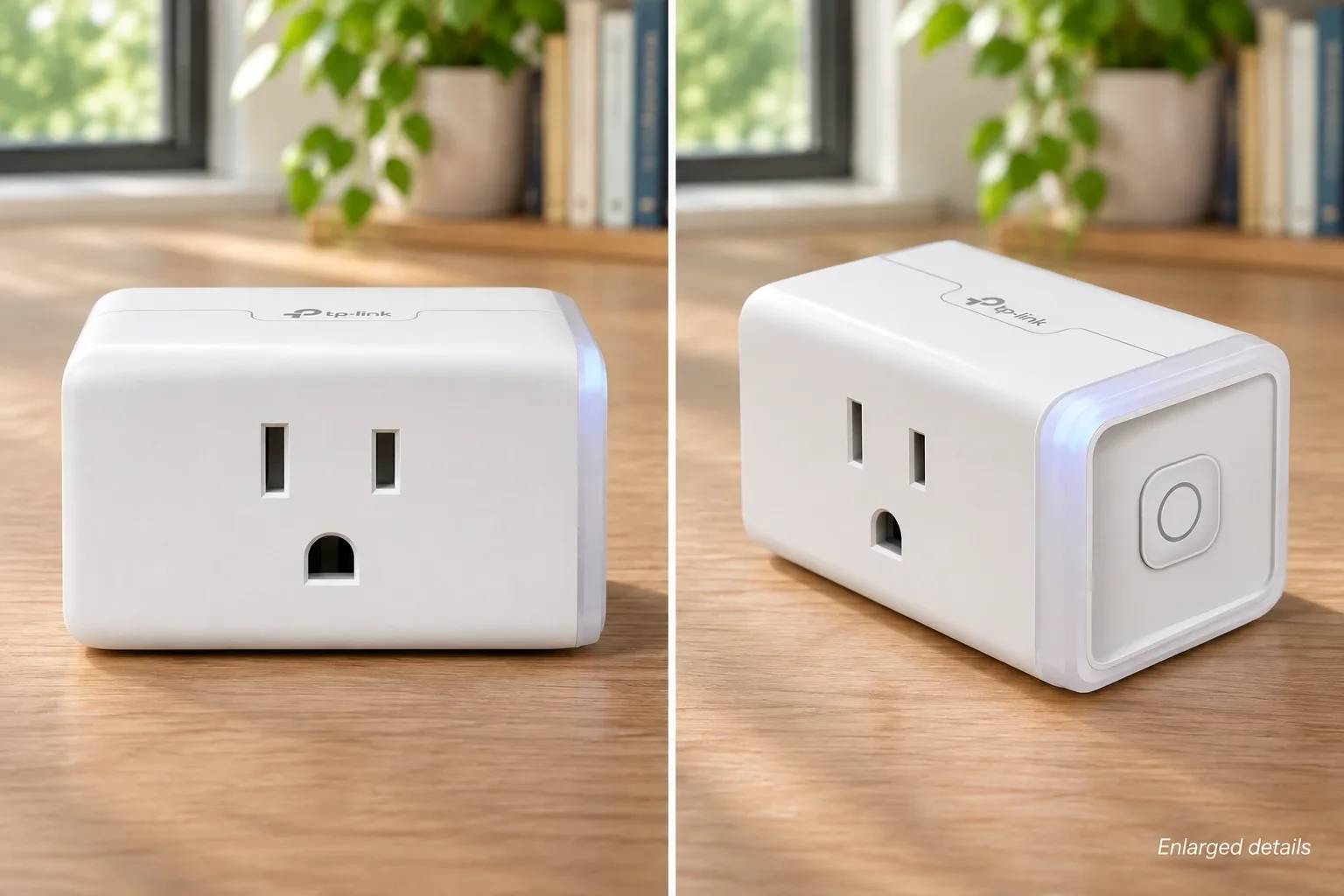
AI-generated illustration: enlarged exterior details only; not a wiring, installation or load-capacity demonstration.
Who should buy it, and who should choose another approach?
Consider it if you want the documented brand-app monitoring and Apple Home switching, have a compatible setup, and can use four units. A recipient who already manages their smart home may appreciate it more than someone who wants a gift that works without configuration.
Skip the four-pack if you need only one outlet or have not identified a use for consumption data. Also skip it if your non-negotiable requirement is Apple Home energy reporting and you cannot obtain current confirmation for this exact hardware and software combination.
Keep existing equipment when it already performs the switching task you need. Our earlier Kasa EP10P4 article concerns a different model; do not import its capabilities, offer or ownership history into KP125M.
AI-generated illustration: neutral single-unit portrait, not a personal endorsement or a four-pack contents photograph.
How We Researched This
We matched the Amazon four-pack, current manufacturer product page, ecosystem table, US datasheet and model-family guide, then read relevant public owner discussions. Our recommendation concerns whether the documented workflow matches the purchase intent. We did not test pairing, network reliability, energy accuracy, automation triggers or future software features.
FAQ
Can Apple Home display KP125M energy use?
TP-Link’s ecosystem table checked on November 15, 2026 lists Apple Home switching but not energy monitoring. Confirm exact model, firmware and app support before buying specifically for Apple-visible readings.
Where can I view its energy information?
TP-Link lists energy monitoring in Kasa/Tapo. That is different from exposing the same readings through every Matter ecosystem, and it does not by itself confirm a particular automation trigger.
Is this a single plug or a four-pack?
The selected new Amazon offer is KP125MP4, ASIN B0BYGMR4DX, with four KP125M plugs. Our illustrations show one unit as an exterior example, not all contents.
Does Matter setup require a controller?
The manufacturer datasheet says Matter setup needs a Matter-supported controller and the chosen ecosystem’s app. It specifies 2.4GHz Wi-Fi. Check the requirements for your exact setup path.
Did UnboxRank test the energy readings or Apple pairing?
No. This guide is compiled from public sources. We did not conduct electrical-load, accuracy, reliability or pairing tests, and a cost estimate in an app is not a utility bill.