LG 27GX704A-B Text Clarity: Good for Office Work?
Quick Verdict
Consider this glossy OLED for a gaming-first desk after checking your actual documents. Owner reports on text differ; refresh rate and response time cannot guarantee comfortable small text.
Good for
- Gaming-first buyers who also read ordinary documents
- Buyers able to compare their own text and lighting conditions
Not for
- Buyers requiring a guaranteed small-text improvement
- Readers seeking measured calibration or burn-in testing
Buying Guide Notes · First published:
Compiled from public sources · Written using published specs and user feedback.
As an Amazon Associate I earn from qualifying purchases.
Pros
- + Exact-model OLED gaming features include up to 240Hz
- + Height-adjustable stand helps fit a desktop setup
- + Some exact-model owners report comfortable text
Cons
- - Other owners notice text fringing
- - Glossy finish makes room lighting part of the decision
- - Amazon title and response-time bullet contain inconsistent figures
Sources and verification status
Verification status: compiled from public sources
Data updated:
The LG 27GX704A-B can suit a gaming-first desk that also handles documents, but its advertised speed does not guarantee that small text will look comfortable to you. Owner reports include both clear-looking text and noticeable text fringing. If reading and spreadsheets occupy most of your day, compare your own documents at a comfortable size before choosing this glossy OLED over an office-focused display.
Checked November 14, 2026. This guide is compiled from public sources, not a hands-on text-clarity, calibration, or burn-in test. We checked Amazon.com ASIN B0FNQ4B2Z2, selected style 27GX704A-B, as a new $334.70 offer shipped and sold by Amazon.com and marked in stock. The listing showed 4.4 stars and 549 ratings. This reader-requested monitor is an explicit exception to our usual $30–$200 and 1,000-rating preferences; it does not meet those two thresholds.
AI-generated illustration: a mixed-use desk; the generated screen is not evidence of actual text clarity.
Is this a gaming monitor or a reading monitor?
Quick verdict: buy it primarily for its gaming-oriented OLED feature set, after checking that your everyday text looks acceptable. Skip a blind purchase based on “0.03ms” if your main task is reading small text for hours. That response-time specification answers a different question from whether a particular font looks clean at your viewing distance.
| Choice | Price status | Relevant specification or characteristic | Best for | Main compromise |
|---|---|---|---|---|
| LG 27GX704A-B, B0FNQ4B2Z2 | Amazon new $334.70 at checking | 2560 × 1440 glossy OLED; up to 240Hz | Gaming-first mixed use | Text comfort and reflections deserve an individual check |
| Keep an existing office display | No new-monitor spending | Your current documents and setup are already known | Readers satisfied with their current text | Does not add this LG's gaming features |
| Compare an office-focused monitor before ordering | No specific competing offer assessed | Evaluate the actual font size, finish, inputs, and return terms | Spreadsheet and document-heavy work | Another purchase decision; not a tested recommendation here |
This table compares buying approaches, not measured rankings of different panels. View Current Offers on Amazon →.
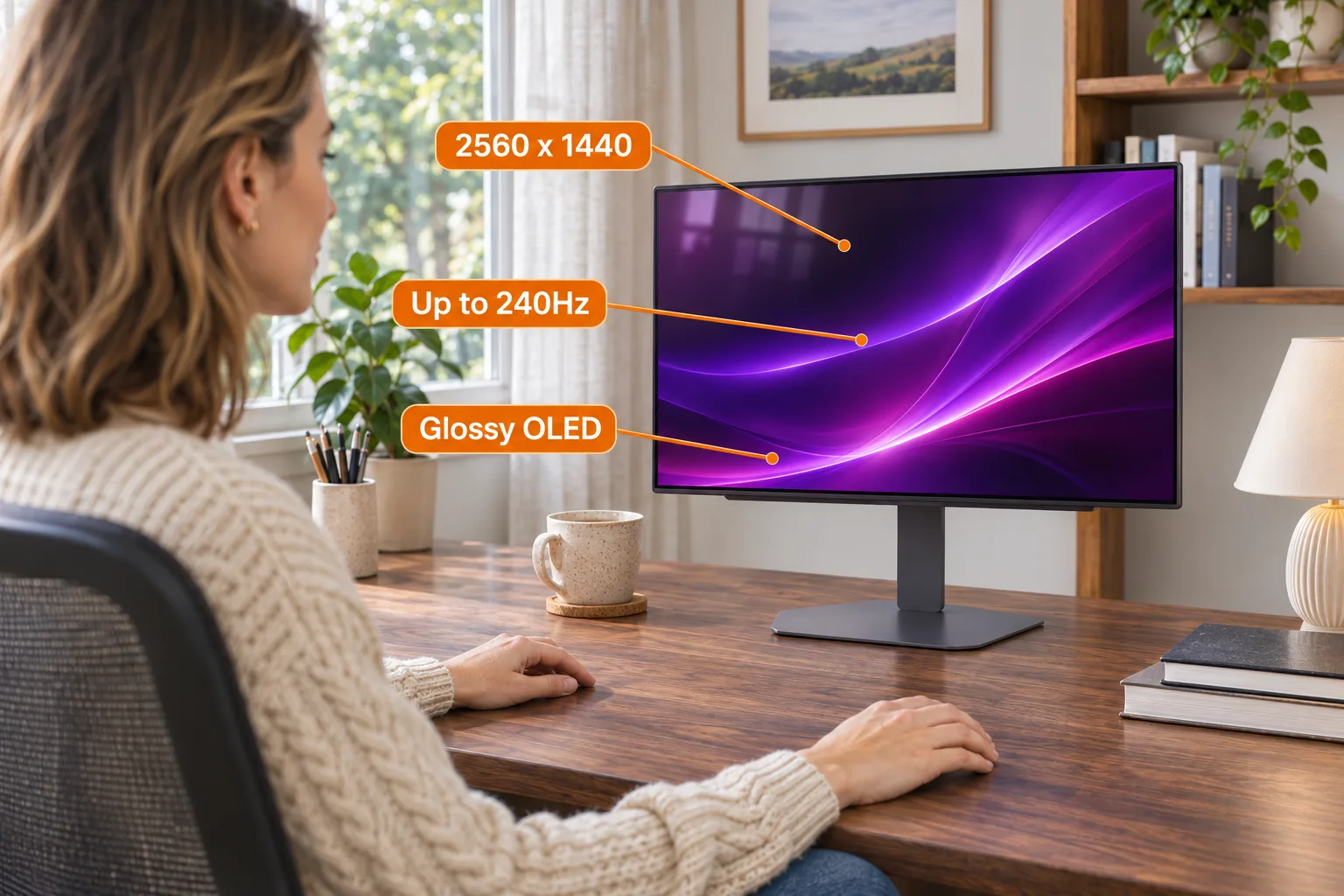
AI-generated illustration: documented feature labels on one monitor example, not measured performance.
What do the exact model's specifications establish?
LG's US product page identifies the 27GX704A-B as a glossy QHD OLED gaming monitor, with up to 240Hz refresh and an advertised 0.03ms response time. Those are manufacturer specifications, not results we measured. They do not supply a universal text-readability score.
There is also a listing inconsistency worth resolving before shopping. The checked Amazon title says 2650 × 1440, while its product image states 2560 × 1440. LG's technical specification sheet identifies the latter resolution. Do not treat the title's number as a different higher-resolution edition. Another Amazon bullet mixes “1ms” in its heading with “0.03ms” in the description; we use the exact-model manufacturer's stated specification rather than combining the two.
Model names matter here. A search for this question can surface the 27GX700A-B, and Amazon offers several styles on a shared page. Comments about another LG OLED are not automatically measurements of the 27GX704A-B. Verify the selected style and model on the order, not just “27-inch UltraGear.”
Why are the text reports mixed?
Different reports do not necessarily mean one owner is mistaken. A person reading enlarged browser text between gaming sessions has a different requirement from someone editing dense code or financial worksheets. Their previous display, software, font size, and tolerance for visible edge artifacts also affect the decision. Those are reasons to inspect your own workflow, not proof that a particular setting will solve everything.
We found no basis to promise that this monitor's small text is indistinguishable from a particular office display. Nor should one report of fringing be turned into a claim that nobody can comfortably read it. Keep the purchase question concrete: are the documents you actually use comfortable at the size you want?
A photograph inside a review or an AI illustration is inadequate evidence for that judgment. Scaling and the image itself can change how letter edges appear. The images in this article illustrate a desktop arrangement only; they do not reproduce the panel's real subpixels, sharpness, or color accuracy.
AI-generated illustration: room-lighting considerations; this does not demonstrate a tested reflection or fringing fix.
What owners say about clarity and adjustments
The following are separate personal reports, not a consensus or a failure-rate survey. Reddit contributors discuss the named monitor but do not identify this Amazon ASIN. The Amazon experience was observed on the exact selected style during our same-day product-page research, before a later Amazon verification page interrupted further browsing.
- One owner found text clear. I_Liam11_I, November 8, 2025, said text looked clear to them in a 27GX704A-B settings discussion. Their speculation about the subpixel layout is unverified and is not used as a specification here. We also do not adopt the thread's disputed bandwidth and refresh-rate calculations.
- Another noticed fringing but still liked the display. Riley Harlan, May 1, 2026, reported some subpixel fringing in text while describing a positive overall upgrade from an older 1080p monitor. The selected style was 27GX704A-B. That is one owner's tolerance, not evidence that the effect will be negligible for every reader.
- Settings satisfaction improved after adjustment. Either-Ad-8729, November 8, 2025, updated their post to say they were happy after changing settings. The original post has that date; the precise time of the update is not provided. Their preferred numbers are personal choices, not a calibrated prescription for your desk.
Will curtains or settings fix text fringing?
Treat reflections and text-edge appearance as separate checks. A glossy screen may put your room and window placement into the buying decision. Rearranging the desk or controlling light is a practical setup option to evaluate, but we have not tested a guaranteed reflection cure for this monitor.
Likewise, changing text size can make reading more comfortable without establishing that the panel's underlying text rendering has changed. Start from the native resolution and your normal documents; check operating-system scaling and application zoom before deciding whether the display suits you. Follow your system's own display guidance rather than copying someone else's full settings list indiscriminately.
Avoid an article promising a universal “fix.” A comfortable compromise for gaming plus occasional email can remain the wrong choice for a person who wants dense worksheets at small type. If you cannot inspect the monitor beforehand, read the seller's current return conditions before paying. The ability to evaluate an expensive display matters more than an unsupported claim that everybody adjusts to it.
AI-generated illustration: enlarged display-edge and stand details; no real subpixel or text-rendering evidence.
What else should a work-heavy buyer consider?
What stands out is the combination of gaming features and an adjustable desktop stand. LG's exact-model US specification sheet, dated September 29, 2025, lists a body about 23.8 inches wide, with the stand bringing the height from roughly 15.9 to 21 inches. Check the desk and viewing position instead of assuming “27-inch” describes the unit's width.
Where it falls short for a cautious office buyer is that the gaming headline specifications cannot settle your text preference. OLED care is another part of ownership to understand. Consult the current exact-model manual and built-in care instructions; do not disable protection features based on a social-media shortcut or accept a promise that burn-in is impossible.
LG's US support page provides the model's manuals and lists two years for parts and labor, subject to its full warranty terms. That is not an unconditional promise covering every possible usage pattern or issue. Read the detailed warranty supplied with the product rather than inferring coverage from the word OLED.
Who should buy it, and who should skip it?
Consider it if gaming is the main reason for replacing a display, you want this exact flat glossy model, and you are willing to check documents and room lighting as part of setup. Its appeal is less convincing if the upgrade is only for ordinary text work.
Skip or compare first if you are already very sensitive to letter-edge artifacts, need dense small text all day, or cannot control strong reflections from your working position. Keeping a monitor whose text you already like is a valid alternative. We have not verified a competing monitor offer here, so we do not attach an unresearched product link merely to fill the comparison table.
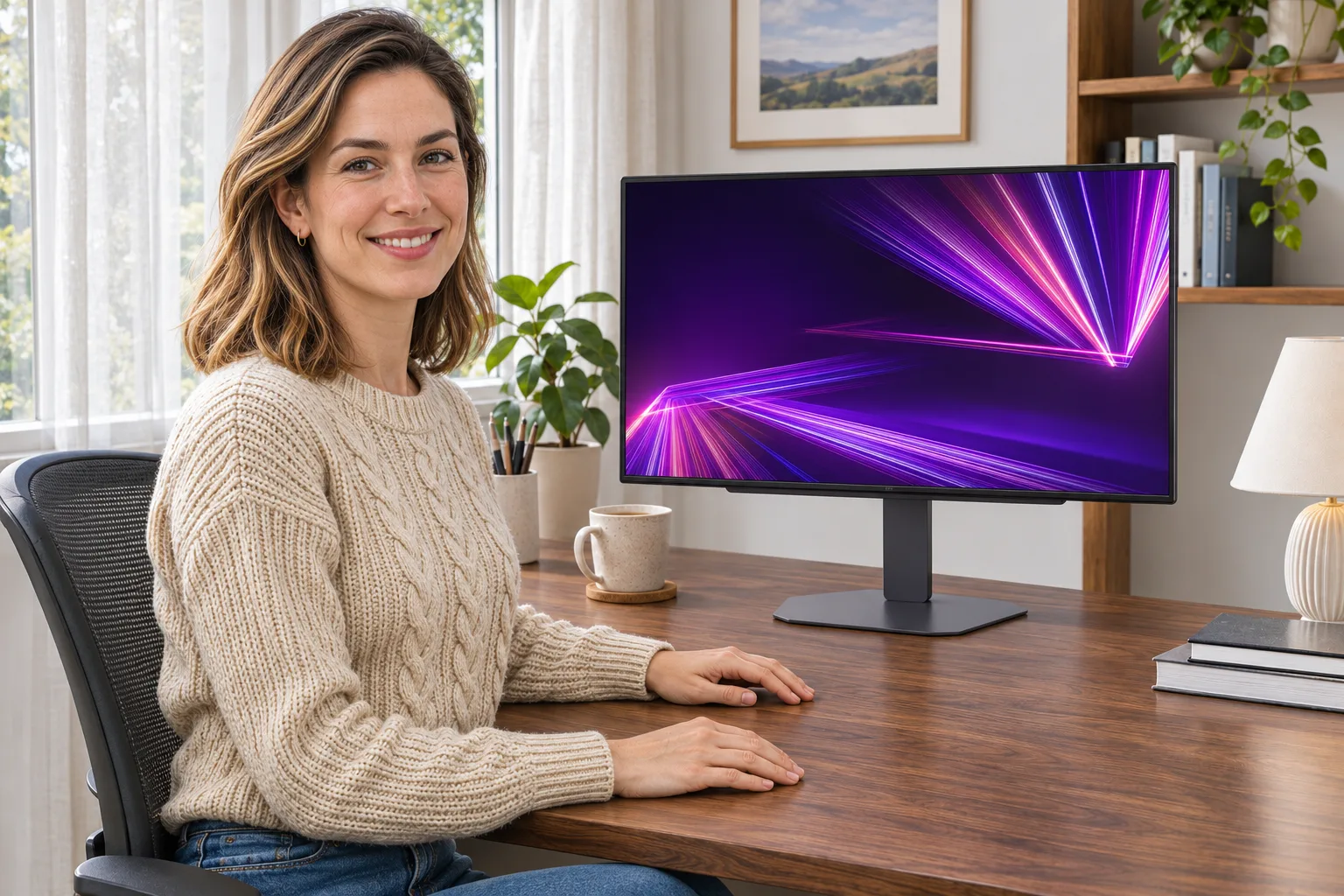
AI-generated illustration: one LG 27GX704A-B appearance example, not an ownership or testing photograph.
How we researched this guide
We checked the exact Amazon offer and selected style, LG's US product and support pages, and LG's exact-model US specification sheet hosted by an authorized retailer. We searched Reddit, read the linked posts, and extracted the original visible dates. The spec sheet is available here; the US support page remains the place to check current manuals and warranty terms.
We did not test this monitor, reproduce owner settings, inspect pixel structure, or measure readability. Nearby-model discussions were excluded as exact-model evidence. Prices and offers are a November 14 snapshot. Use the sourced specifications to narrow your choice, then make the final text-comfort decision with the documents and viewing conditions that matter to you.
FAQ
Is the LG 27GX704A-B resolution 2650 × 1440?
The checked Amazon title says 2650 × 1440, but its image and LG’s exact-model technical sheet state 2560 × 1440. We use the manufacturer’s specification, not the inconsistent title.
Does 240Hz make small text clearer?
The refresh-rate specification does not establish whether small static text will look comfortable to you. Judge your actual fonts, application zoom, and viewing conditions rather than treating refresh rate as a readability guarantee.
Will every owner notice text fringing?
We cannot establish that. One exact-model Amazon owner reported some fringing while a Reddit owner found text clear. These are individual experiences, not a measured prevalence or a promise about your perception.
Are 27GX700A-B comments evidence for this monitor?
They describe a different model and are not treated as exact-model evidence here. Check the 27GX704A-B selection on the listing and your order; shared pages and similar names can mix products.
Do the article images show actual text rendering?
No. They are AI-generated illustrations of a desktop setup. They cannot demonstrate real subpixel structure, sharpness, reflections, or calibration, and should not be used to judge those properties.