Sony XB100 and XB13 Stereo Pair: Can You Mix Them?
Buying Guide Notes · First published:
Compiled from public sources · Written using published specs and user feedback.
As an Amazon Associate I earn from qualifying purchases.
Pros
- + Documented Stereo Pair with two matching XB100 units
- + Compact published dimensions and low weight
- + Current black XB100 US new offer verified
Cons
- - No built-in Stereo Pair mixing XB100 with XB13
- - Two new units cost more than adding one speaker
- - USB-C input does not support music playback
Sources and verification status
Verification status: compiled from public sources
Data updated:
Verified on:
You cannot use Sony’s built-in Stereo Pair function to combine one SRS-XB100 with one SRS-XB13. Sony specifies two XB100 speakers for the XB100 feature and two XB13 speakers for the XB13 feature. If you already own an XB13, buying a single XB100 will give you another independently usable speaker, not the matching second half of a stereo pair.
Checked November 15, 2026. This guide is compiled from public sources; we have not paired or listened to these speakers. The new US offer checked was black SRS-XB100, ASIN B0C29CL98P, at $63.00, sold and shipped by Amazon. We did not verify a current new XB13 offer or price.
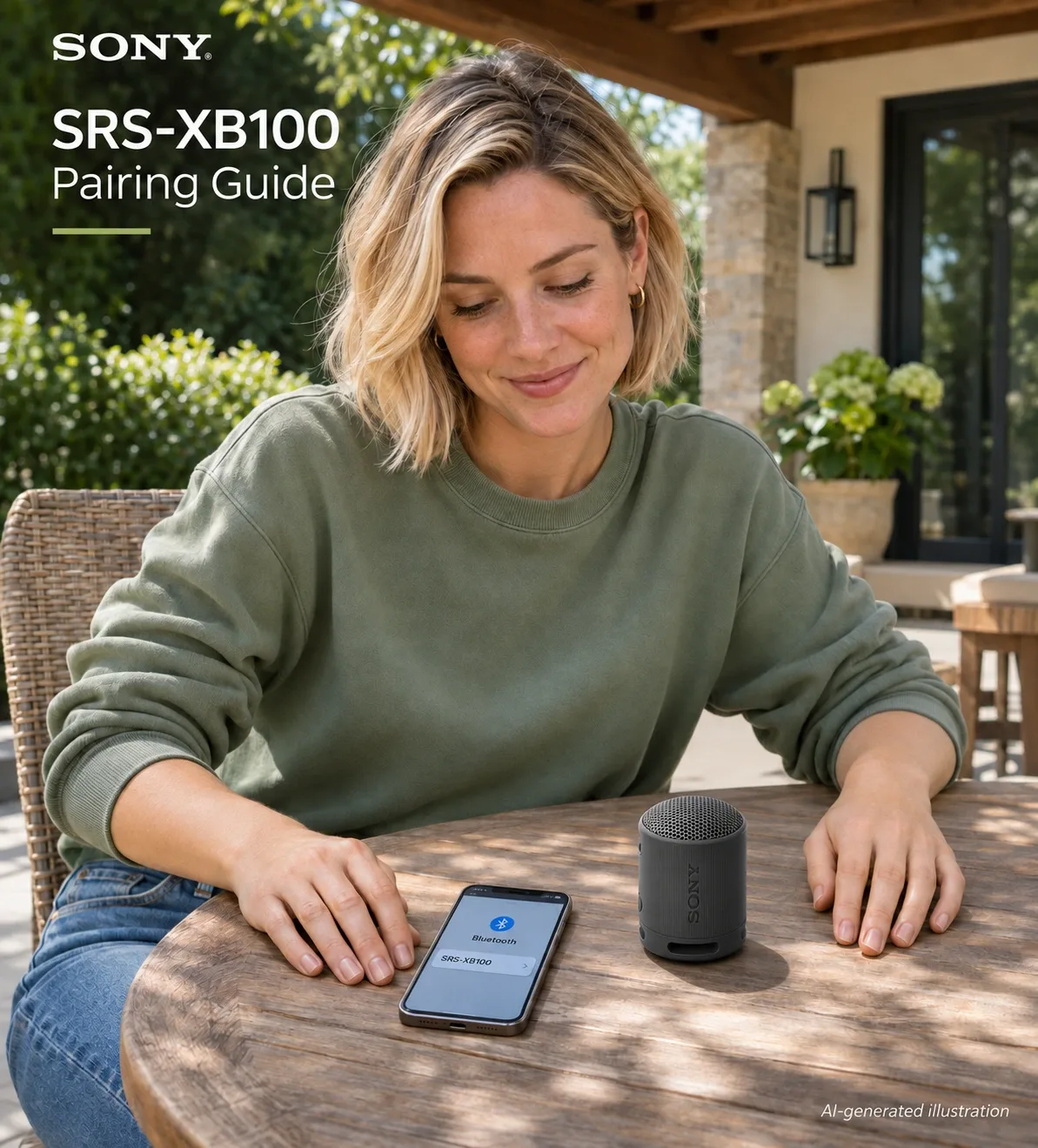
AI-generated illustration: all five images use only a black XB100-style speaker. They do not show a mixed-model pair, a completed pairing test or a real Sony phone interface.
Why won’t XB100 and XB13 form a Stereo Pair?
Sony’s instructions identify matching models as a requirement, not merely a preferred setup. The two products can each connect to a suitable Bluetooth audio source, but that does not establish compatibility with one another’s speaker-linking feature.
Think of these as two separate connections. One connects the phone or computer to a speaker. The other is Sony’s coordinated link between two speakers, assigning left and right channels. Seeing both models in a phone’s Bluetooth list proves neither that the coordinated link exists nor that the two speakers can be selected together as Sony Stereo Pair.
Do not buy based on a similar cylindrical shape or a shared ST PAIR label. The full model names in the official instructions matter. A seller’s broad description such as “pairs with another speaker” needs the missing qualifier: another compatible speaker of the required model.
| Your situation | Price or additional spend | Supported route | Best for |
|---|---|---|---|
| Own one XB100 | $63.00 observed for a second black XB100 | Two XB100 units using Sony Stereo Pair | Adding a matching left/right speaker |
| Own one XB13 | New XB13 price not verified | Two XB13 units under the XB13 instructions | Keeping an existing XB13 setup, after sourcing a match |
| Starting from nothing | $126.00 arithmetic at two $63.00 units | Two separate XB100 purchases | Buyers choosing a new matching pair |
| Own XB13 and buy one XB100 | $63.00 for the XB100 | Independent use; no built-in mixed Stereo Pair | Someone who wants a separate speaker, not this stereo upgrade |
The $126 figure is a calculation, not a verified two-pack offer, and excludes any applicable tax. A second unit’s price can change before checkout.
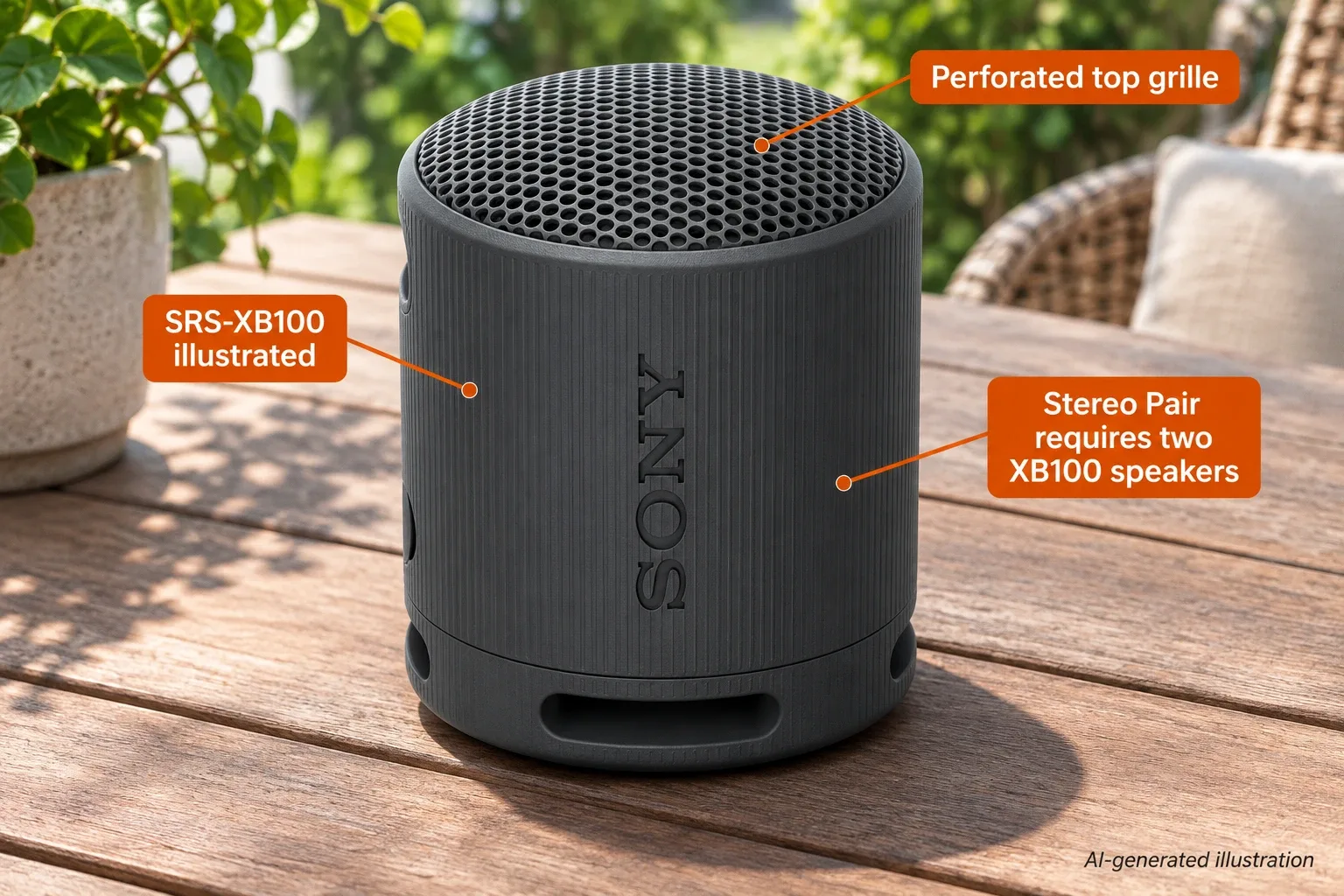
AI-generated illustration: enlarged single-model features. One illustrated speaker does not produce the two-unit stereo arrangement discussed here.
Should an XB13 owner buy an XB100 anyway?
It can still make sense if your purpose is independent use: one speaker in a different room, a portable replacement, or a gift that does not need to join the existing unit. It makes much less sense if your entire reason for shopping is adding a matching channel to an XB13.
Before replacing a working speaker, compare three real choices: keep using it alone, find a properly identified compatible XB13, or budget for a complete matching pair of a different model. We have not verified current XB13 stock, so we cannot promise that the second choice is available at an attractive price.
The right comparison is the total cost of achieving your intended setup, not just the price of the next box. One newer speaker at $63 may be less useful to you than expected if the stereo goal would require buying two new units instead.
For Christmas gifts, ask which exact speaker the recipient owns. “A small Sony speaker” is not enough information. A well-intended upgrade can create two incompatible halves when the buyer assumes generation names are interchangeable.
What does setting up two XB100 speakers involve?
Sony’s XB100 guide tells you to bring the two units within one meter of each other for setup. It describes using the Bluetooth/ST PAIR controls on both speakers, checking the indicators and left/right voice guidance, and then connecting the audio source to the appropriate speaker. Follow the linked current steps rather than copying the XB13 timing: the two manuals do not give identical button-hold durations.
Turn down the source volume or stop playback before establishing the connection, as Sony advises. The feature is not a reason to skip ordinary Bluetooth setup checks or to assume a button press has succeeded without checking the indicators.
This article does not certify a particular phone, computer or operating-system combination. If you are buying for a laptop, establish that the laptop can connect and send audio to the speaker before attributing every issue to the link between speakers.
Sony also distinguishes restarting from initializing the speaker. Do not repeatedly perform a reset based on an unrelated video and assume that it will create cross-model compatibility. Troubleshooting cannot substitute for meeting the matching-model requirement.
AI-generated illustration: single-speaker listening context only; no sound-quality or wireless-range test was performed.
Does a phone’s “stereo” device label mean two speakers are linked?
Not necessarily. Sony’s computer guidance distinguishes audio profiles used for music and for hands-free calling. A device name containing “Stereo” can describe a computer audio endpoint; it is not, by itself, confirmation that two physical speakers have formed Sony Stereo Pair.
Likewise, a computer showing a microphone or hands-free option does not establish that the music output is selected correctly. Check the source device’s actual output settings and the model-specific Sony instructions. This is especially relevant when a speaker works with a phone but behaves differently with a laptop.
Some operating systems or external software may offer their own ways of sending audio to multiple devices. We did not test such arrangements, their synchronization or their channel assignment. They should not be presented as Sony’s supported mixed-XB100/XB13 Stereo Pair feature.
If the purpose is dependable left/right playback with minimal configuration, an unsupported workaround should not be the assumption behind your purchase. Buy a documented compatible system or accept independent playback instead.
What stands out about XB100, and where does it fall short?
The XB100 is genuinely compact on paper: Sony lists approximately 76 mm diameter, 95 mm height and 274 g including the battery. That makes the matching-pair idea appealing when you want small separate speakers rather than a large one-piece system.
Sony advertises up to 16 hours of battery life, subject to its conditions. We have not measured that claim or evaluated how either speaker sounds. The portability specification should not be stretched into a claim that two units will replace a larger system for every room or party.
There is another connection limitation worth checking: the official guide identifies USB-C as a DC input and says the port is not compatible with music playback. Buying a cable does not turn it into a USB audio speaker. Evaluate it as the documented Bluetooth product, not as an assumed wired-audio alternative.
For this article, the main drawback remains the generation boundary. If you already own an XB13, the XB100’s compactness does not remove the cost of starting a new matching pair.
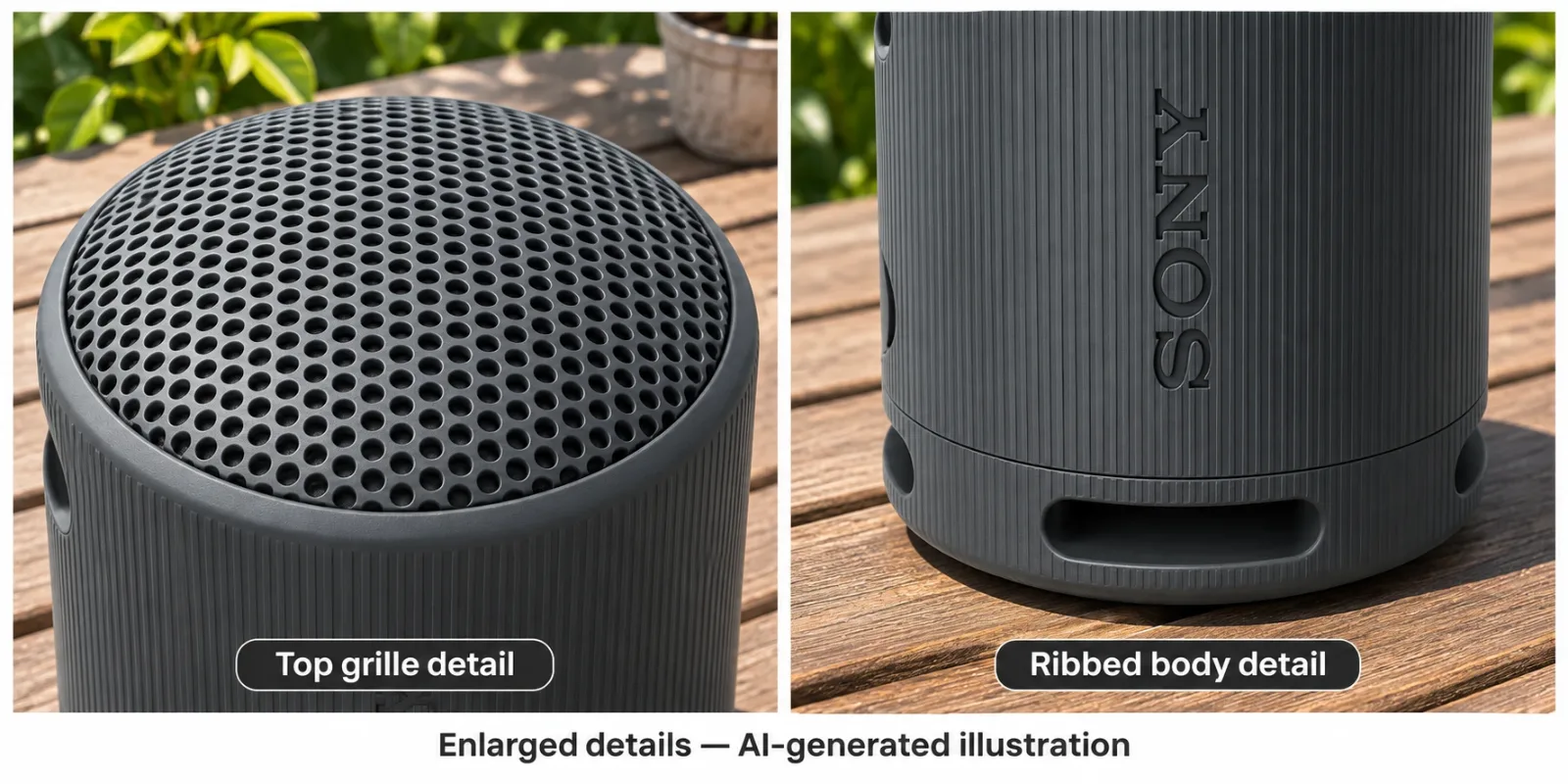
AI-generated illustration: enlarged exterior details of one model, not comparative measurements of XB13 and XB100.
What owners say about portability and pairing problems
- An initially positive everyday experience. Reddit user danicabrooksy wrote on October 4, 2026 that they had enjoyed an XB100 bought in April, including its portability and battery life. These are the owner’s impressions, not our battery or listening results.
- The same owner then reported an unresolved problem. In that same dated post, they said the speaker began entering stereo-pairing mode unexpectedly and that restarting and a factory reset had not solved it. This is one mixed account from one person, not two independent reviews or proof of a common fault. It does not demonstrate that an XB13 can pair with an XB100.
We did not adopt every product claim in the post as a specification, and we found no verified resolution to promise readers. For persistent unexpected mode changes, use Sony support rather than assuming another purchase or reset will fix the issue.
Who should buy a second XB100, and who should skip it?
Consider a second XB100 if you already own a working XB100, want the documented two-unit left/right feature and accept the extra cost and charging responsibility. Confirm the exact model in the listing before ordering.
Skip a single XB100 as an XB13 stereo upgrade. Also reconsider if you need USB audio, are relying on an untested computer workaround, or simply prefer one larger speaker to managing two small ones. Those are different buying goals, and this guide does not rank sound quality among them.
How we researched this guide
We checked both models’ official Stereo Pair instructions, the XB100 help guide and product information, the exact US new offer, and the dated owner account above. We separated model compatibility from source-device pairing and retained the owner’s unresolved negative experience. No listening, synchronization, battery or cross-generation pairing tests were conducted.
View Current Offers on Amazon →

AI-generated illustration: approximate scale based on Sony’s published dimensions, not a real owner endorsement.
FAQ
Can Sony XB100 stereo pair with XB13?
No. Sony specifies two SRS-XB100 units for the XB100 Stereo Pair function and two SRS-XB13 units for the XB13 function. A phone seeing both models does not establish speaker-to-speaker compatibility.
Do I need two XB100 speakers for stereo playback?
For Sony’s documented XB100 Stereo Pair, yes. One speaker handles left and the other right. A single XB100 purchase does not add a matching stereo channel to an existing XB13.
Does switching both speakers off clear Stereo Pair?
The XB100 guide says turning it off does not terminate Stereo Pair; it tries to reconnect when powered back on. Follow Sony’s specific termination instructions when you want independent use.
Can I send music to XB100 through its USB-C port?
No. The official XB100 guide identifies that port as a DC input and says it is not compatible with music playback. This guide does not recommend a cable as a USB-audio workaround.
How much would two XB100 speakers cost at the checked price?
Two units at the observed $63.00 each total $126.00 before applicable tax. That is arithmetic based on November 15, 2026 pricing, not a verified bundle offer or a promised checkout price.