Switch 2 Physical Games: Is microSD Express Required?
Quick Verdict
A microSD Express card is not automatically required for physical games. Start with the 256GB internal storage if the intended downloads fit; inspect game-key-card labels before budgeting for expansion.
Good for
- Gift buyers checking whether storage is a necessary extra
- Physical-game buyers distinguishing regular cards from game-key cards
Not for
- Buyers seeking tested memory-card speed rankings
- Anyone expecting every boxed game to run without downloads
Buying Guide Notes · First published:
Compiled from public sources · Written using published specs and user feedback.
As an Amazon Associate I earn from qualifying purchases.
Pros
- + Internal storage allows an initial purchase without mandatory expansion
- + Compatible microSD Express expansion can be added later
- + Game packaging provides a concrete download-space check
Cons
- - Some internal capacity is reserved for the system
- - Game-key cards still require a full game download
- - Ordinary older microSD cards cannot serve as Switch 2 game storage
Sources and verification status
Verification status: compiled from public sources
Data updated:
Nintendo Switch 2 does not automatically require a microSD Express card for physical games: its built-in storage can hold downloads, updates, and DLC until you run out of room. The important distinction is that a game-key card requires the game itself to be downloaded, whereas a regular game card is a different format. Check the games you intend to give before adding a memory card to the present.
Checked November 14, 2026. This guide is compiled from public sources, not hands-on storage or loading-time tests. The console discussed is the Amazon.com Console Only selection, ASIN B0F3GWXLTS. At checking, its new offer was $499.99, in stock, shipped and sold by Amazon.com, with 4.7 stars and 6,203 ratings. These are a dated listing snapshot, not a price promise. The console exceeds our usual $30–$200 selection range; it is included because readers specifically requested Switch 2 buying advice.
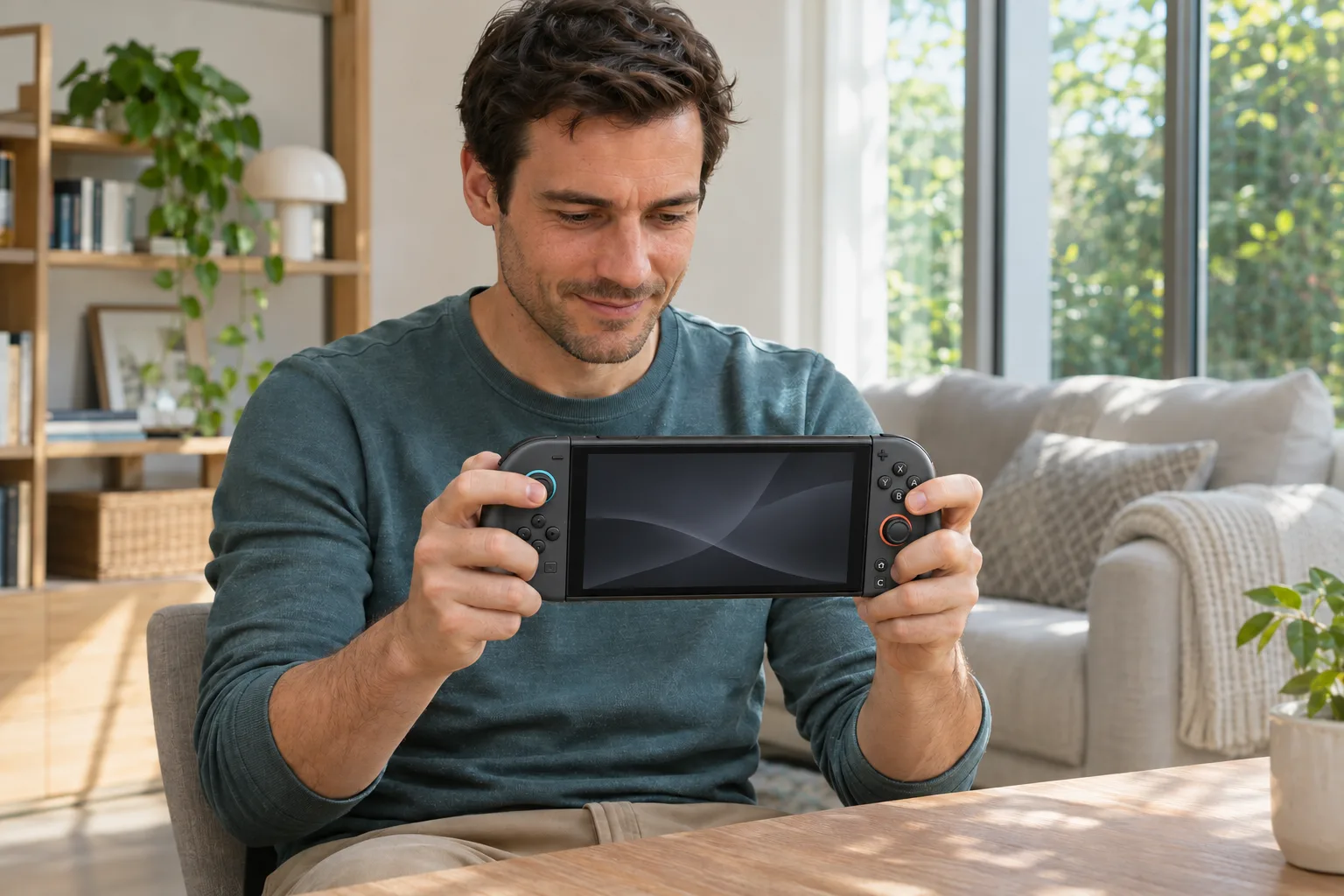
AI-generated illustration: a Switch 2 gift-planning scene, not a hands-on test.
What should you buy with the console?
Quick verdict: start with the console and the exact game the recipient wants. Add storage when their intended downloads exceed available space, or when keeping a larger library installed matters more than minimizing the gift budget. A memory card is useful expansion, not a prerequisite for turning on the machine.
| Purchase or format | Price status at checking | Storage fact | Best for | Main drawback |
|---|---|---|---|---|
| Switch 2 Console Only, B0F3GWXLTS | New $499.99 on Amazon.com | 256GB internal storage; some reserved for the system | Starting with a small library | Usable space is less than the headline capacity |
| Regular physical game card | Title-dependent; no individual game offer assessed | Different from a game-key card; check download requirements on its packaging | Buyers choosing a particular boxed game | Updates or extra content can still consume space |
| Physical game-key card | Title-dependent; no individual game offer assessed | Full game download needs internal storage or microSD Express | Buyers comfortable with an initial download | A physical box does not eliminate installation space |
| Compatible microSD Express expansion | Additional purchase; no specific card offer verified here | Nintendo supports compliant cards up to 2TB | Keeping more downloads installed | Extra cost; an older ordinary microSD card is not a substitute |
This compares purchase paths, not tested products or a memory-card speed ranking. For the console offer: View Current Offers on Amazon →.
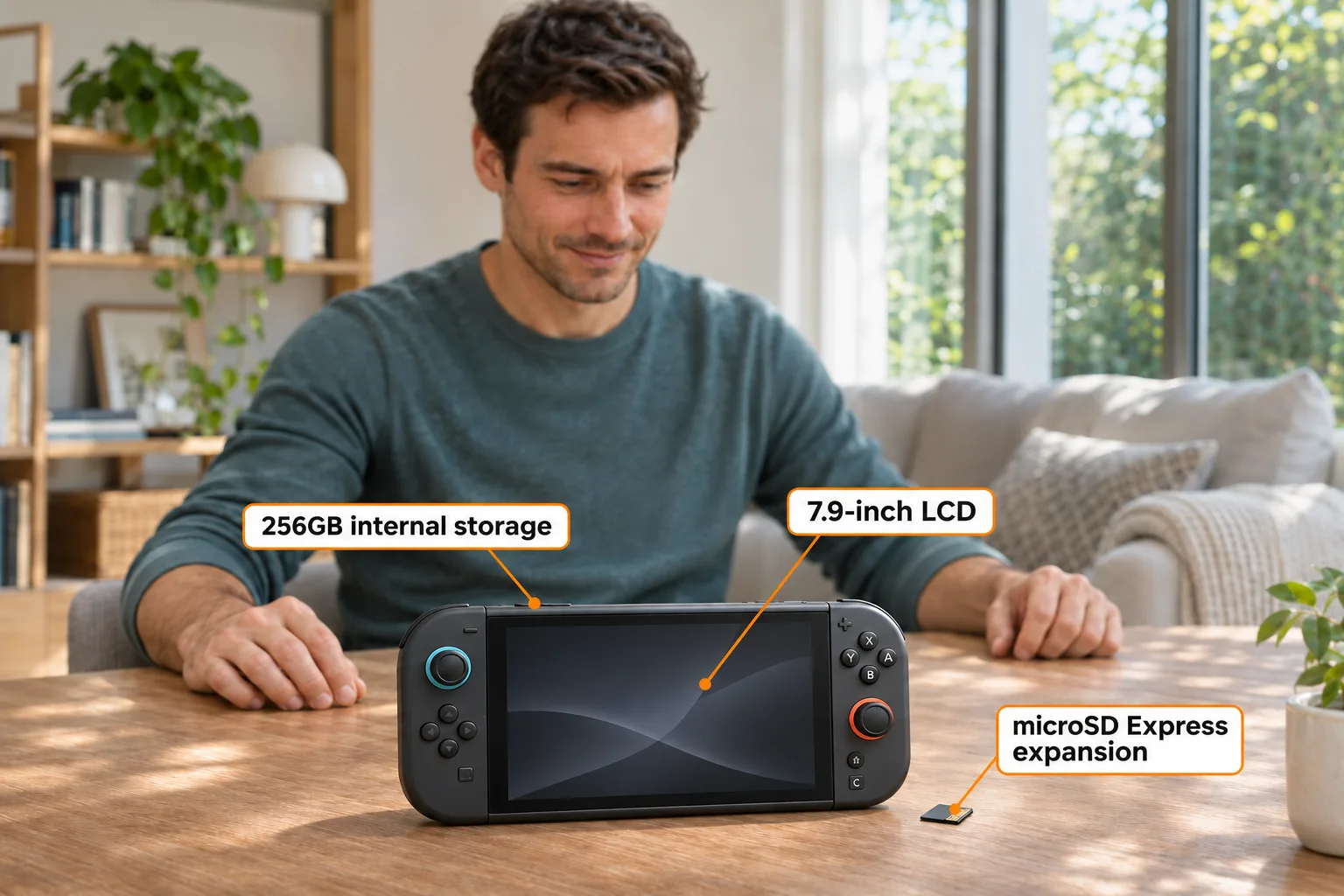
AI-generated illustration: storage and display labels describe documented features, not exposed internal parts.
Why can a physical game still need a large download?
Look for game-key card labeling, rather than assuming every retail box contains the same kind of card. Nintendo's US game-key card overview explains that these cards provide the key to downloading the full game. You need an initial internet connection and enough free space, and must still insert the card when playing afterward.
For a gift, that changes the preparation. Opening a box on a trip or in a home with a slow connection may lead to a download wait. Buying a storage card alone does not solve the internet requirement. Conversely, if the console has enough internal room, the download requirement does not automatically mean a separate memory card is needed.
Choose the game first, then read its stated space requirement. A storage allowance based on an unrelated game is a weak buying decision. Avoid blanket claims that every Switch 2 physical release downloads the entire game, or that every boxed release uses almost no space. Nintendo explicitly distinguishes regular game cards from game-key cards; inspect the particular release you are buying.
Is the built-in 256GB enough for a gift recipient?
The honest answer depends on the library, not just the number of boxes under the tree. Nintendo's technical specifications list 256GB of internal storage, with part reserved for system use. Treat that as a headline capacity, not a guarantee that 256GB is available for your purchases.
A useful planning exercise is to write down the games the recipient wants installed together. Separate full downloads from updates and optional add-ons, then compare their current requirements with free space shown on the console. Leave room for change rather than planning to fill every last available gigabyte. We cannot promise a universal number of games that will fit.
Someone who finishes one game before moving on may prefer buying storage later. A household rotating among several large downloads may value more installed capacity immediately. Neither approach makes the other wrong: one reduces initial spending, while the other reduces decisions about what to keep installed. Do not confuse a hypothetical future library with an immediate requirement.
AI-generated illustration: checking a game before choosing accessories; the generic box does not identify a real release.
Can you reuse a microSD card from the original Switch?
For running and storing Switch 2 games, check for microSD Express specifically. Nintendo's memory-card FAQ distinguishes the newer standard from ordinary microSD cards. It also explains the limited exception for importing screenshots and videos from an older Switch card; that exception does not turn the old card into compatible game storage.
Before buying, read the standard printed on the product and its specifications. A large capacity, familiar brand, or broadly worded “gaming” label does not establish Express compatibility. This guide does not endorse a particular card ASIN because we have not verified a current new offer for one. That is preferable to attaching an affiliate link to an unconfirmed accessory.
For someone giving a console to an existing Switch owner, a short conversation can prevent a wasted accessory purchase: ask whether their current card is actually Express. Do not assume that transferring to a newer console means every old accessory remains suitable. Capacity and compatibility answer different questions.
What do owners say about buying storage immediately?
These are individual experiences, not a representative survey or measurements of this Amazon console listing. In the following October 9, 2026 discussion, owners describe different libraries; their reported free space should not be treated as a benchmark for yours.
- Some physical-game owners still have room. itchyglow, October 9, 2026, reported roughly 190GB free despite several Switch 2 Edition downloads. The post asks whether additional storage is necessary, illustrating why a mostly physical library does not automatically justify an expansion purchase.
- DLC and game-key purchases change the answer. JM_Yoda, October 9, 2026, said they do use expansion because of DLC, substantial updates, and three game-key-card titles, while some games they want lack physical editions. That describes one collection, not every physical buyer's needs.
Both observations can be true. Use them to frame the question you ask the recipient—what do you want installed?—rather than turning one comment into a rule that everyone must buy a card. Neither contributor identifies ownership of ASIN B0F3GWXLTS, and neither establishes loading-time differences between storage locations.
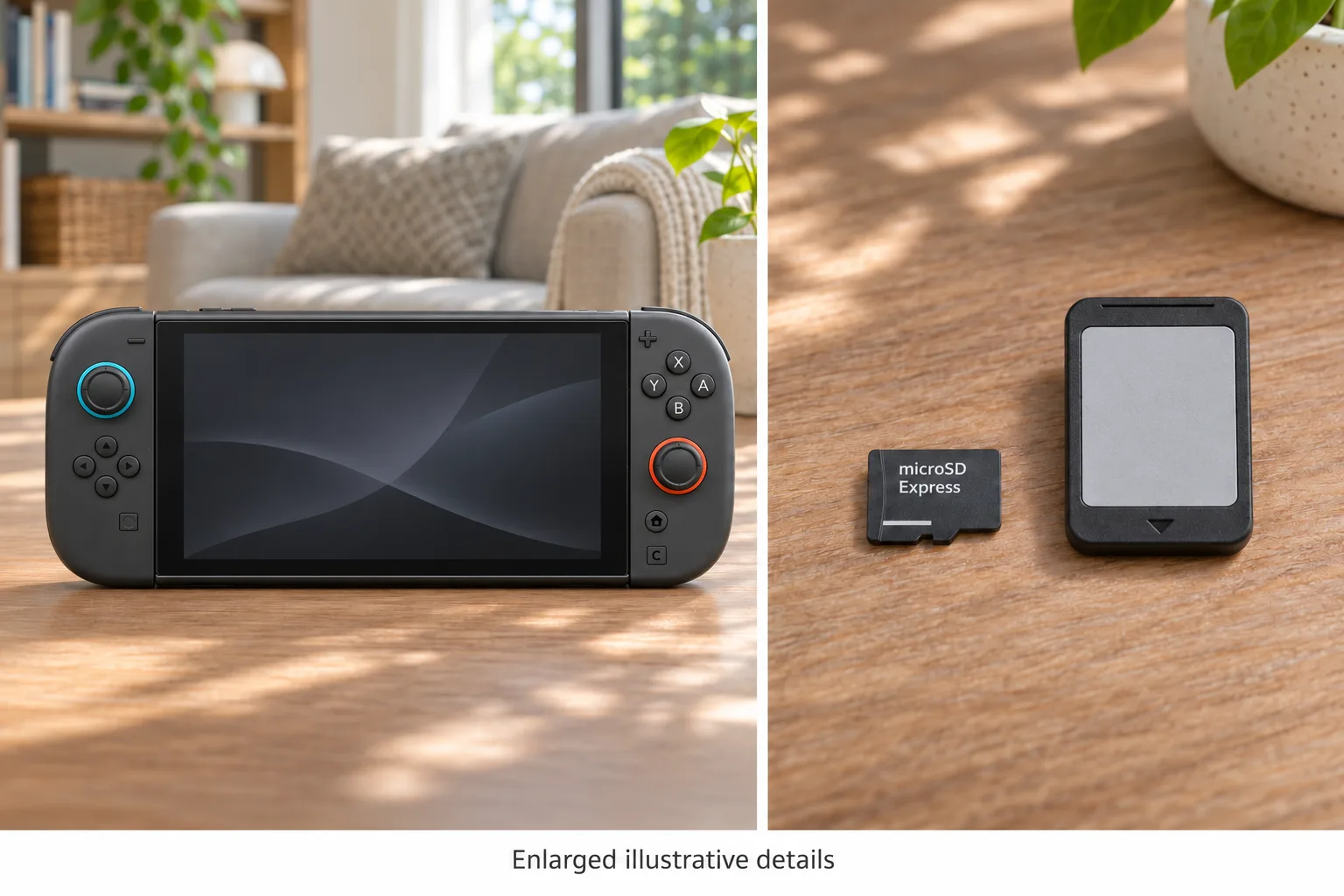
AI-generated illustration: enlarged details of controls and generic card formats; not actual card measurements or speed tests.
Who should buy now, and who should wait?
Buy the console without extra storage for a recipient starting with a small, known selection, when the budget is better spent on their preferred game. Skip this minimalist approach if they have already identified downloads that will not fit, or strongly dislike managing installed software.
Budget for expansion when a recipient already knows they want a sizable installed digital or game-key library. Skip an immediate accessory purchase if you cannot establish compatibility or their actual need. A surprise bundle is less thoughtful if the included card is the wrong standard.
What stands out is the ability to begin with internal storage and make a later decision. Where it falls short is the ambiguity of “physical”: buying a boxed copy alone does not tell you its installation burden. Compare exact releases before judging the overall cost of a console gift.

AI-generated illustration: a single Switch 2 example, shown at the documented approximate body scale.
How we researched this buying decision
We checked the exact Amazon Console Only offer, Nintendo's US specifications, its game-key-card overview, and its memory-card FAQ on November 14, 2026. We read the linked Reddit post and individual comment and verified their dates in the visible page metadata. Official documentation governs compatibility; owner comments supply examples of different preferences.
We have not opened this console, timed downloads, measured card speeds, or established a long-term failure rate. Prices, free-space requirements, and offers can change. Read the current game packaging and support pages before purchase. The illustrations show a Switch 2 as a visual example; they are not screenshots of tested settings or evidence of a specific installation result.
FAQ
Does every physical Switch 2 game need a microSD Express card?
No. If required downloads fit in the console’s internal storage, a separate card is not automatically needed. Check the exact game’s packaging: regular game cards and game-key cards are different formats.
Does a game-key card contain the complete game?
No. Nintendo describes it as the key to downloading the game. The download requires internet and enough internal or compatible expansion space; the game-key card must remain inserted when playing.
Can I use my original Switch microSD card for games?
Only if it meets the microSD Express standard. Nintendo allows ordinary older cards to import Switch screenshots and videos, but that exception does not make them compatible Switch 2 game storage.
Is a microSD Express card included with the console?
No. Nintendo states that microSD Express cards are sold separately. The Amazon offer checked here is the Console Only selection, ASIN B0F3GWXLTS; check the chosen bundle before ordering.
Can game save data be backed up onto the expansion card?
Nintendo says game save data remains in system memory and cannot be copied or saved to a microSD Express card. Expansion for downloadable software is different from a save-data backup.