Wegear GK470 Mac Mode: What Works Without Software?
Buying Guide Notes · First published:
Compiled from public sources · Written using published specs and user feedback.
As an Amazon Associate I earn from qualifying purchases.
Pros
- + Physical Win/Mac mode switch documented in the manufacturer manual
- + Compact function-row, arrow-key and knob layout
- + Wired, Bluetooth and 2.4GHz connection choices
Cons
- - Official configuration driver is Windows-only and wired-only
- - Keycap material and dimensions conflict across published sources
- - Small rating pool; mixed individual compatibility reports
Sources and verification status
Verification status: compiled from public sources
Data updated:
Verified on:
- Manufacturer-authored BLITZ B79/GK470 manual, archived by device.report
- Official wegear driver requirements: Windows and wired configuration
- Official BLITZ B79 Black product page; naming and dimension conflicts disclosed
- Exact black Amazon B0H8NNBQB9 new offer, November 15, 2026
- Prime Member, October 3, 2026: black, USB-only owner experience
- Amazon Customer, November 12, 2026: black mapping limitations
- Beverly, October 7, 2026: Pink version Mac/iPad complaint
The wegear GK470 has a documented Mac mode, but its official configuration driver is Windows-only and requires a wired connection. It may suit a Mac buyer seeking ordinary keyboard input, while someone expecting native Mac remapping software should look elsewhere or get explicit clarification before buying.
Checked November 15, 2026. This guide is compiled from public sources, including the manufacturer's B79/GK470 manual, current wegear pages, the selected Amazon offer and dated owner reports. We have not paired this keyboard with a Mac, checked every shortcut or tested its wireless reliability.
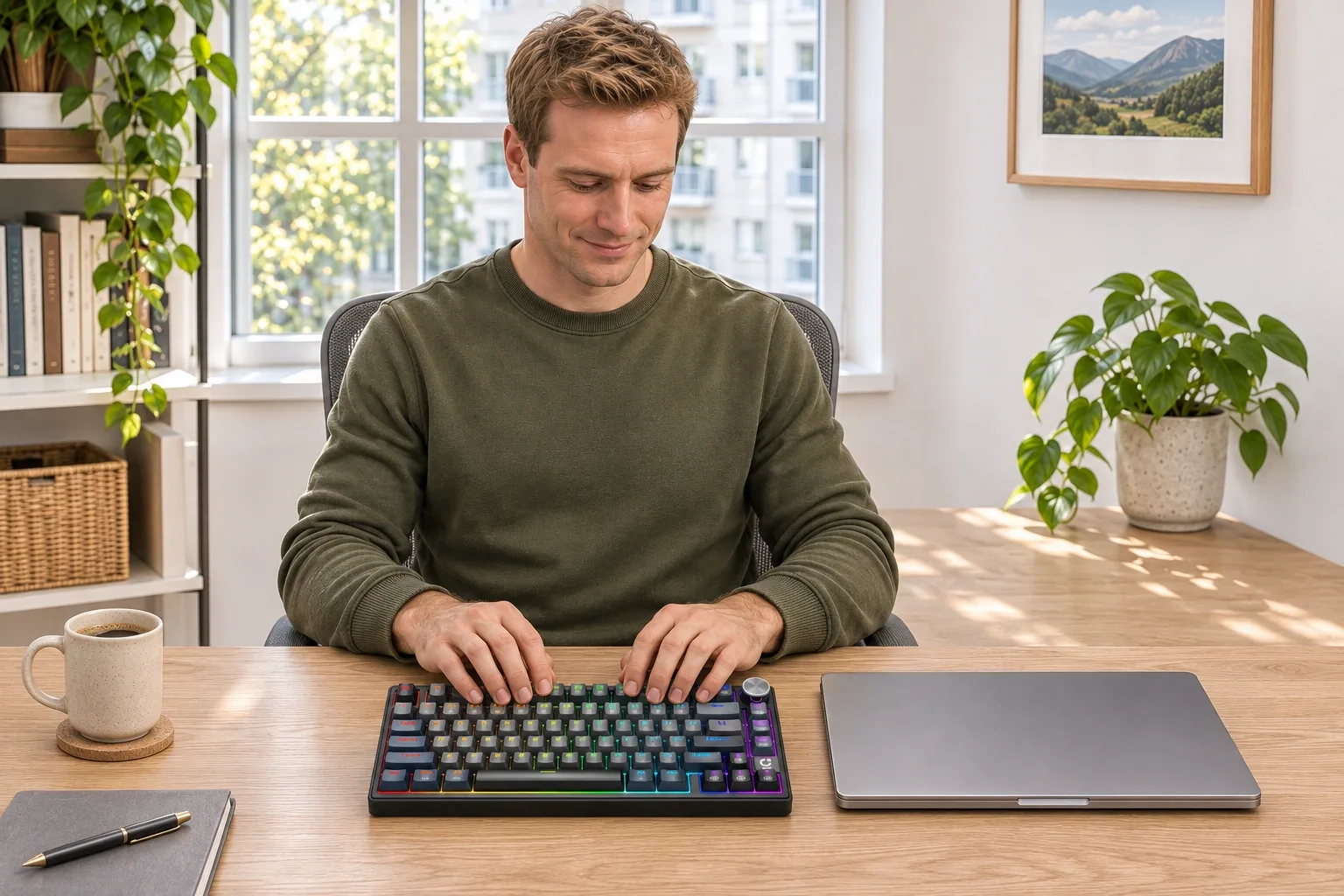
AI-generated illustration: a black GK470/B79-style keyboard in an office scene, not a Mac compatibility test.
Quick Verdict
Mac mode is not the same promise as Mac software support. The keyboard's physical mode switch and connection options are useful, but the Windows-only configuration tool is a real purchasing limitation. Choose it for a clearly understood basic workflow, rather than assuming a gaming keyboard's customization features will all be available on your Mac.
Which setup should a Mac buyer choose?
| Option | Price status at our check | Key distinction | Best for | Who should skip it |
|---|---|---|---|---|
| Black GK470, B0H8NNBQB9 | $49.99 displayed | 79 keys, knob, USB-C wired, Bluetooth and 2.4GHz | Buyers comfortable with the documented hardware controls | Buyers requiring a native Mac configuration driver |
| A keyboard with documented Mac configuration software | No separate offer verified | Confirm app support for the exact Mac and OS | People relying on custom mappings | Anyone assuming a Mac logo guarantees every feature |
| Your existing Mac keyboard | Already owned; replacement price not checked | A familiar layout and established behavior | Buyers whose current setup already meets their needs | Those specifically seeking this keyboard's feel and compact format |
Only the first row is a newly checked retail offer. The others are decision paths, not tested alternatives or invented budget recommendations.
Where is Mac mode, and does it require software?
The manufacturer-authored BLITZ B79 manual archived by device.report identifies the GK470 model family and describes a physical Win/Mac switch: right for Mac, left for Windows. That is different from downloading a driver or changing the wireless connection mode.
Keep those choices separate. One control selects the intended operating-system mode; another establishes how the keyboard communicates with your computer. A keyboard can be connected using one method while still having the wrong operating-system mode selected. This is a useful distinction to understand before treating a shortcut mismatch as proof that the entire product is defective.
We are describing the published controls, not reporting a successful Mac setup. Match the diagram to the actual unit supplied, especially if its label, switches or included instructions differ. Do not substitute an unrelated keyboard's Fn shortcut simply because a search result uses a similar model number.
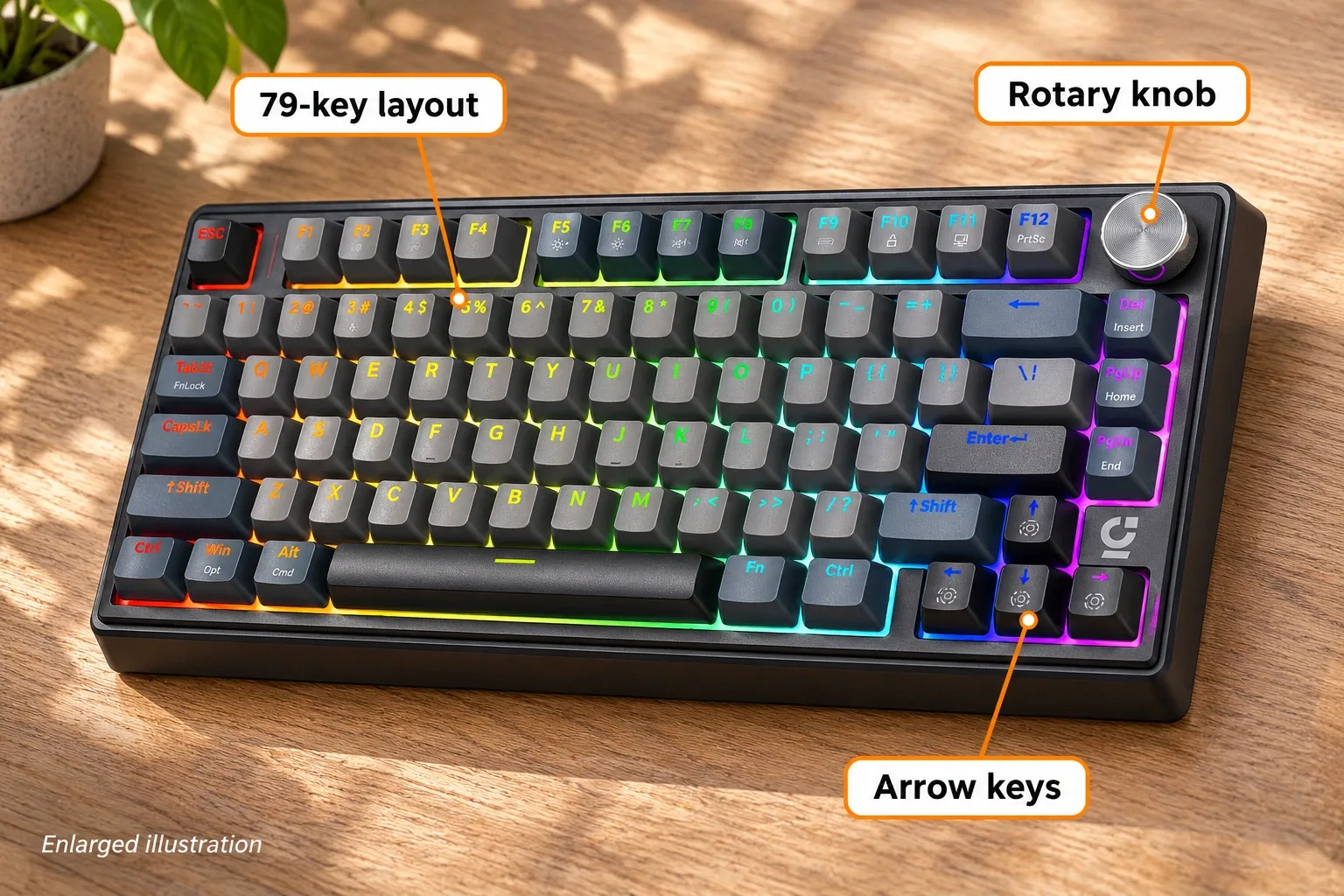
AI-generated illustration: exterior features, not proof that every shortcut works on macOS.
What works without the Windows driver?
The manual documents onboard controls, including Fn + Tab for Fn Lock. For Bluetooth pairing it describes holding Fn + 1 for three seconds and finding the name wegear B79_BT. These are manufacturer instructions for the B79/GK470 family; we have not checked their behavior on every Mac or iPad.
For a buyer, the key question is whether the default layout and documented onboard functions already cover the intended work. If you mainly type documents, the answer may depend on a handful of familiar keys. If your routine depends on complicated custom mappings or a specific function layer, software support deserves much more weight in the decision.
Write down the shortcuts you cannot lose before buying. Include your preferred modifier arrangement and any navigation commands you use repeatedly. That small list provides a clearer acceptance check than whether a product description broadly lists macOS among several supported systems.
Can you remap the GK470 on a Mac?
The current official downloads page labels the BLITZ B79 driver Windows-only and says configuration uses a wired connection. We did not find an official native Mac driver there, and we have not verified an alternative remapping application for this exact keyboard.
Do not assume a Windows configuration will automatically carry across to a Mac, or that connecting by cable makes a Windows program run on macOS. We did not establish which settings persist between devices. If that matters to your setup, ask wegear about the exact setting, operating system and firmware rather than relying on a general claim that the keyboard is customizable.
This is the strongest reason to skip it for a demanding Mac workflow. The purchase can still make sense when its existing behavior is sufficient, but the absence of a supported Mac configuration tool should be priced into that choice from the start.

AI-generated illustration: typing context, not a tested software or pairing demonstration.
What did Amazon show, and which version is this?
The black B0H8NNBQB9 offer showed $49.99, 4.3 stars and 45 ratings, new and in stock, sold by Lenovo Product Marketplace, Inc. and shipped by Amazon for US ZIP 10001. It does not meet our usual 1,000-rating preference; we retained this user-suggested product because its Mac-mode question is specific and the limitation is documented.
The listing calls it GK470, while wegear's current product page uses BLITZ B79. The archived manual connects the names. However, the official page's Amazon button still points to the pink ASIN even with Black selected, so we use the independently checked black ASIN rather than treating that button as black-version verification.
There are specification inconsistencies too. Amazon's title says PBT, while its description and wegear's copy describe ABS keycaps. The manual gives 11.8 × 5.7 × 1.5 inches, versus 12.6 × 5.9 × 1.65 inches on the current brand page. We have not resolved those differences or measured a unit. Illustrations show the compact format approximately and cannot establish material or precise desk fit.
What stands out, and where does it fall short?
The compact layout keeps a function row, arrows and a knob without a separate number pad. That combination is worth considering if a crowded desk is the reason you are replacing a keyboard. It is less appealing if a familiar full-size navigation area matters more than saving space.
The more consequential drawback is uncertainty around configuration on a Mac. A pleasing typing feel does not compensate for losing a command you use throughout the day. Similarly, illumination preferences and shortcut behavior are personal purchasing requirements, not small details to discover only after the return window has passed.
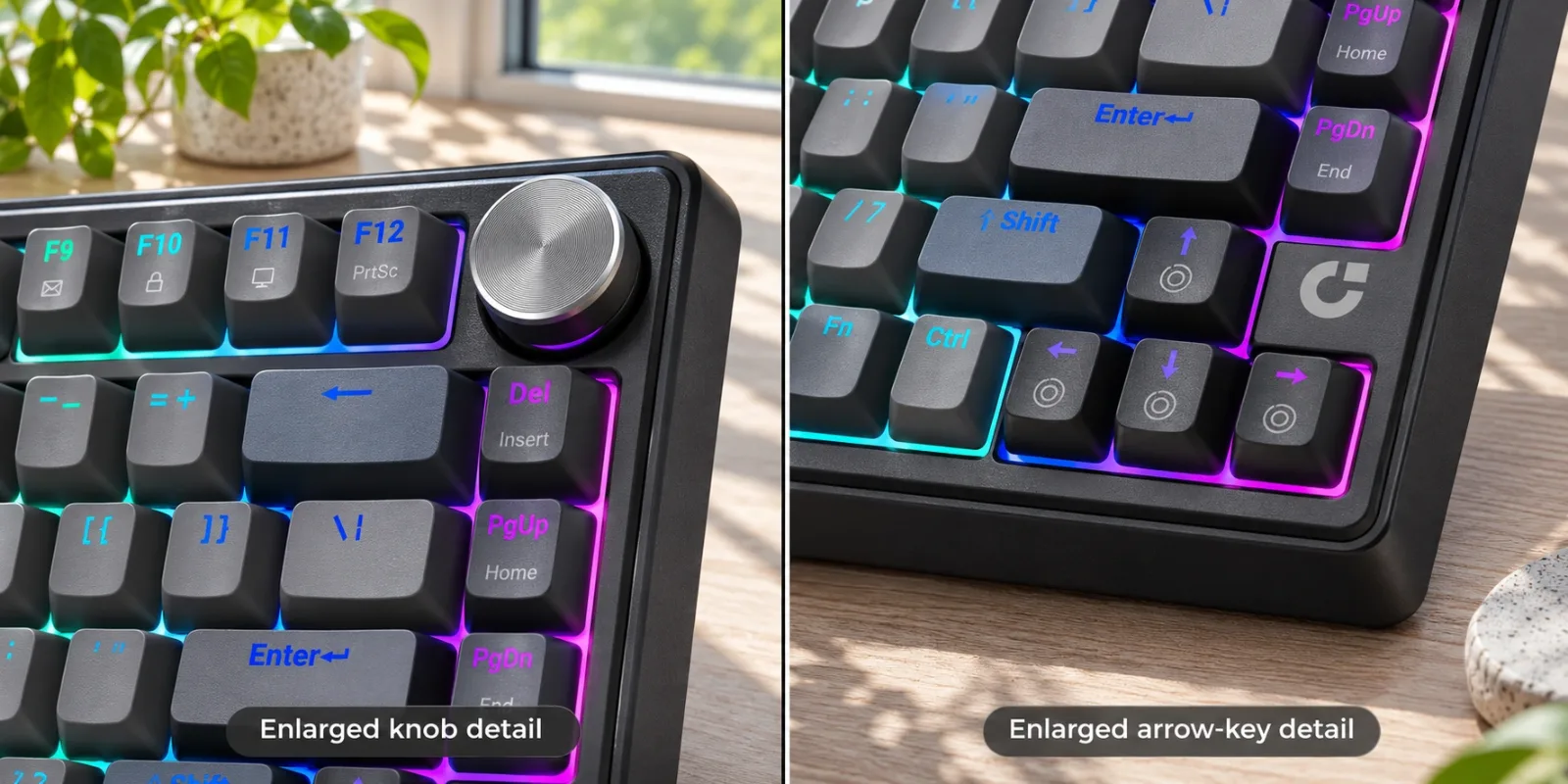
AI-generated illustration: enlarged assembled details, not switch replacement or repair instructions.
What Owners Say
We searched for exact GK470/B79 Reddit discussion but did not find reliable material to summarize. The following dated Amazon reports were visible on the checked listing. They describe individual units and do not establish a universal compatibility result or failure rate.
- Black, wired use. Prime Member, October 3, 2026, liked the keys and illumination but explicitly had only used USB, not wireless. This is not evidence of successful Mac Bluetooth pairing.
- Mapping limitations. Amazon Customer, November 12, 2026, praised the black keyboard's feel and connection choices but reported restrictions around the Fn layer and remapping. We have not independently reproduced those restrictions.
- Mac/iPad complaint, pink version. Beverly, October 7, 2026, reported failure to connect by Bluetooth or wire. The review identifies Pink, B0H8ND688Y, not our selected black ASIN; it is a caution about an individual family-version experience, not proof that every black GK470 fails.
Who should buy it, and who should skip it?
Consider it if you want a compact mechanical layout and can accept its documented onboard controls without a native Mac configuration app. Confirm the exact version, available connection and return conditions before committing to it as your main work keyboard.
Skip it if Mac software customization is essential, you need a number pad or unresolved material and dimension fields are unacceptable. For a gift, ask about the recipient's computer and required shortcuts; a keyboard that looks attractive can still be a poor fit for their daily routine.

AI-generated illustration: neutral portrait, not an ownership endorsement.
How We Researched This
We matched the GK470/B79 naming, read the manufacturer-authored manual and current driver requirements, checked the exact black Amazon offer and compared dated positive and negative owner accounts. We did not install software, pair devices, measure typing noise or test battery endurance. The decision rests on documented controls, compatibility limits and the buyer's required workflow.
FAQ
How do I select Mac mode on the GK470?
The manufacturer-authored B79/GK470 manual says to slide the physical Win/Mac switch right for Mac and left for Windows. Match the diagram and instructions to the unit supplied.
Is there an official GK470 driver for macOS?
The current wegear downloads page lists the BLITZ B79 driver as Windows-only and requires a wired connection for configuration. We did not find an official native Mac driver there.
What Bluetooth pairing name should appear?
The B79/GK470 manual lists wegear B79_BT after entering Bluetooth pairing with Fn + 1 held for three seconds. We have not tested pairing on every Mac or iPad.
Does a Mac compatibility listing guarantee custom remapping?
No. Basic system compatibility and configuration-software support are different claims. We did not verify a Mac remapping app or which Windows-configured settings persist across devices.
Are the checked black keycaps definitely PBT?
We could not confirm that. Amazon title wording says PBT, while description copy and wegear text describe ABS. Resolve the material for the exact selected version with the seller if it matters.