Anker C200 vs C920 for Mac: Focus & Low-Light Limits
Quick Verdict
Choose the C200 for adjustable framing, a physical privacy cover and a higher maximum capture resolution. Choose the original C920 if its fixed 78-degree framing and USB-A connection fit your setup. Neither specification proves superior low-light calls; test your actual Mac, cable and meeting app while returns remain available.
Buying Guide Notes · First published:
Compiled from public sources · Written using published specs and user feedback.
As an Amazon Associate I earn from qualifying purchases.
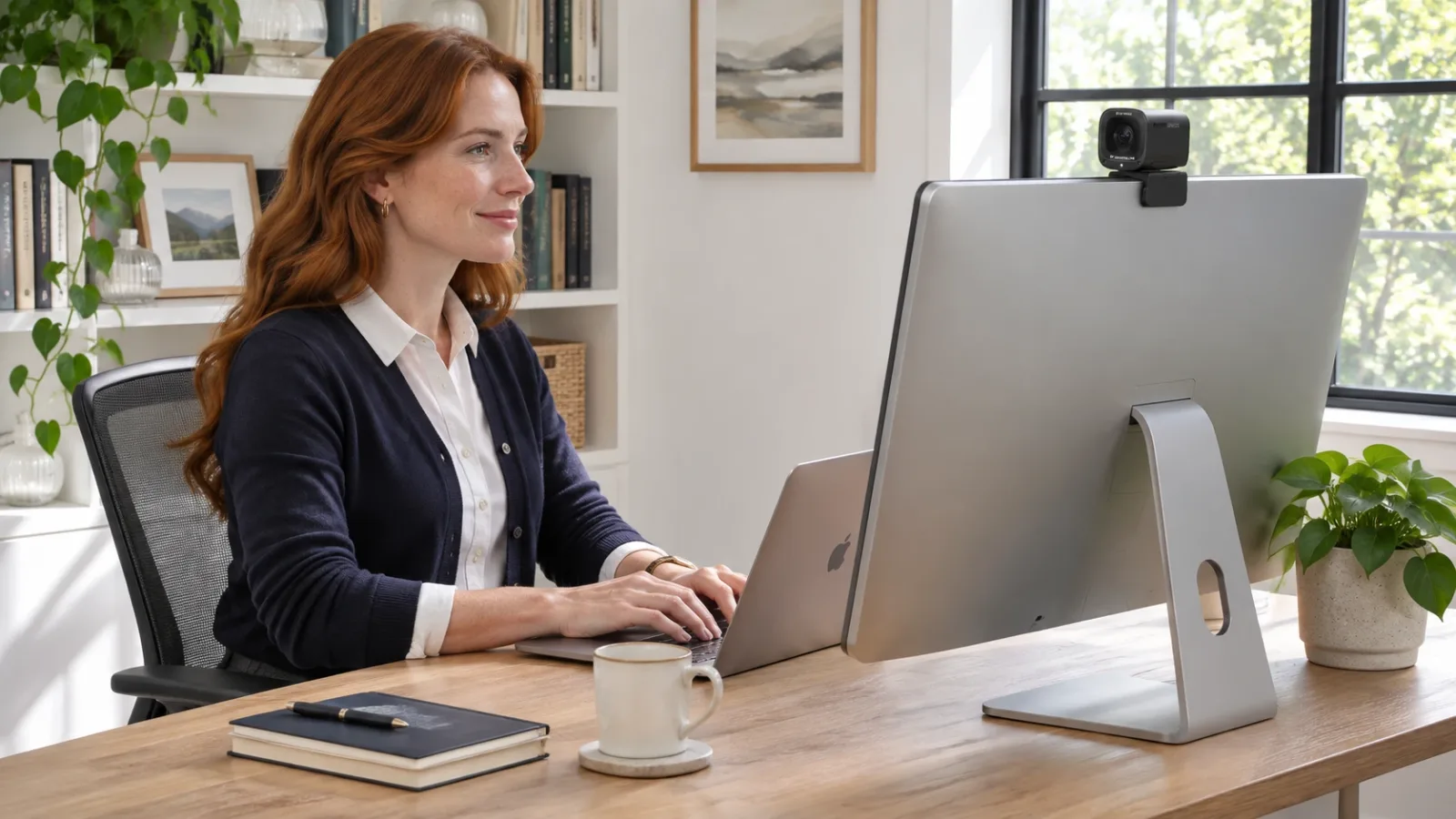
For a Mac desk, the Anker C200 offers higher maximum capture resolution, adjustable framing and an integrated privacy cover, while the original Logitech C920 offers a simpler fixed-angle 1080p option. Neither specification tells you which will make better low-light calls on your particular Mac, and dated C200 hub complaints deserve attention. Choose around your connection, framing and return options rather than treating “2K” as a guaranteed meeting-quality upgrade.
Compiled from public sources, checked November 11, 2026. We did not install, film with or compare these webcams firsthand.
AI-generated illustration: a suggested desk arrangement, not a recorded video-call test.
Which C200 and C920 are being compared?
The main product is Anker PowerConf C200, model A3369, ASIN B09MFMTMPD. Amazon.com displayed a new $69.99 offer, sold by AnkerDirect and shipped by Amazon, with 4.4 stars from 9,648 ratings. These are dated listing figures, potentially pooled across variations, rather than independent evidence of Mac reliability.
The comparison is the original Logitech C920, model 960-000764, ASIN B006JH8T3S, displayed new at $63.00, sold by VastTech and shipped by Amazon. Its listing showed 4.6 stars from 32,829 ratings. We have not treated C920x, C920s, C920e or C920-C as interchangeable names; their bundles and regional listings can differ.
| Webcam | Checked offer | Key specifications | Best for | Who should skip it |
|---|---|---|---|---|
| Anker C200 A3369 | $69.99 on Amazon.com | Up to 2560 × 1440 / 30 fps; autofocus; 65°, 78° or 95° framing; privacy cover | A Mac user wanting more framing control and an integrated cover | Someone expecting proven low-light superiority or guaranteed hub compatibility |
| Original Logitech C920 960-000764 | $63.00 on Amazon.com | 1080p / 30 fps; autofocus; 78° diagonal view; two microphones | A desk where the fixed framing and USB-A connection already make sense | Someone specifically needing 2K capture or an integrated C200-style privacy cover |
Prices are the offers observed on November 11, 2026, before any checkout-specific taxes or delivery charges. The $6.99 difference is a snapshot, not a historical price range, discount claim or guarantee of the final price.
C200: View Current Offers on Amazon →
C920: View Current Offers on Amazon →
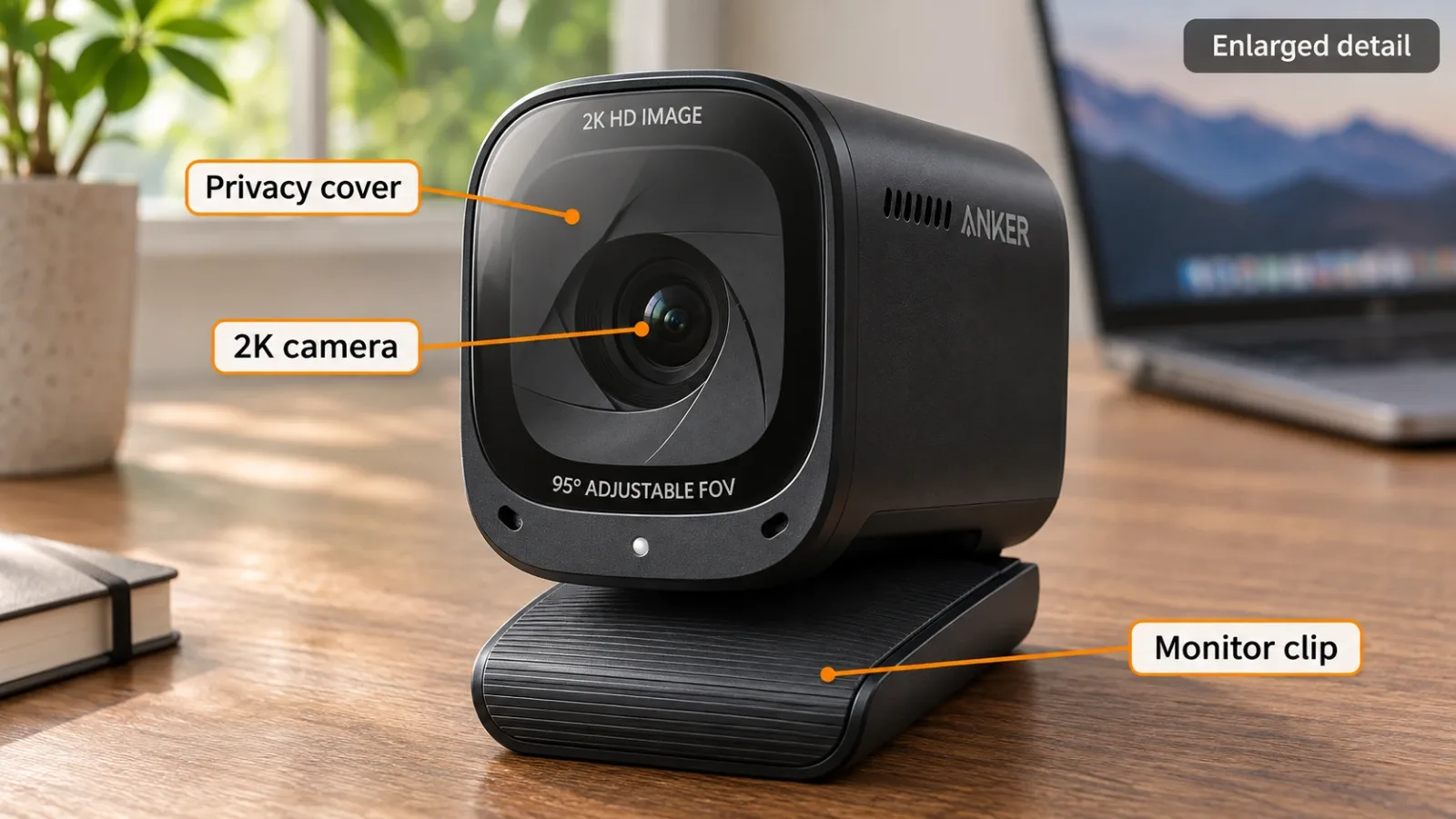
AI-generated illustration: enlarged feature detail; label placement is explanatory, not an optical teardown.
Will the C200 look sharper in Zoom or Teams?
Higher capture resolution creates an option, not a promise about the call. The C200’s maximum is above the C920’s 1080p specification, but conferencing software, account settings, bandwidth and the receiver’s view can affect what actually arrives. We did not verify a universal current resolution cap for either meeting platform, so we do not recycle old platform limits as 2026 facts.
If your priority is a head-and-shoulders call in a small on-screen tile, framing and lighting may matter more to your purchase than the maximum pixel count. If you also capture local presentations, inspect the resolution available in that specific recording app. Neither camera’s specification proves that every Mac application exposes every advertised mode.
The C200’s adjustable field of view is a concrete reason to shortlist it. A narrower view can reduce the amount of room included around a single speaker; a wider view can include more surroundings. It does not remove the need to position the camera, and a framing adjustment should not be confused with automatic subject tracking.
Does either webcam solve low-light problems?
Anker advertises low-light capabilities, while Logitech describes light correction for the C920. We have no matched recordings or exposure measurements establishing a winner. A manufacturer feature name is not enough to rank shadow detail, skin tones, motion blur or noise under your room lighting.
Before paying for an upgrade, look at your actual desk: a bright window behind your head and a dim face are different problems from an evenly lit room. A modest change in light direction may be worth evaluating before replacing a working camera. This is a setup consideration, not a claim that a particular lamp or setting will fix all image problems.
Buyers who need convincing evidence should seek same-scene footage with the exact models, similar framing and disclosed settings. Separate promotional examples recorded in different rooms cannot support a controlled C200-versus-C920 conclusion. Our generated illustrations show placement ideas only; they are not frames captured by either webcam.
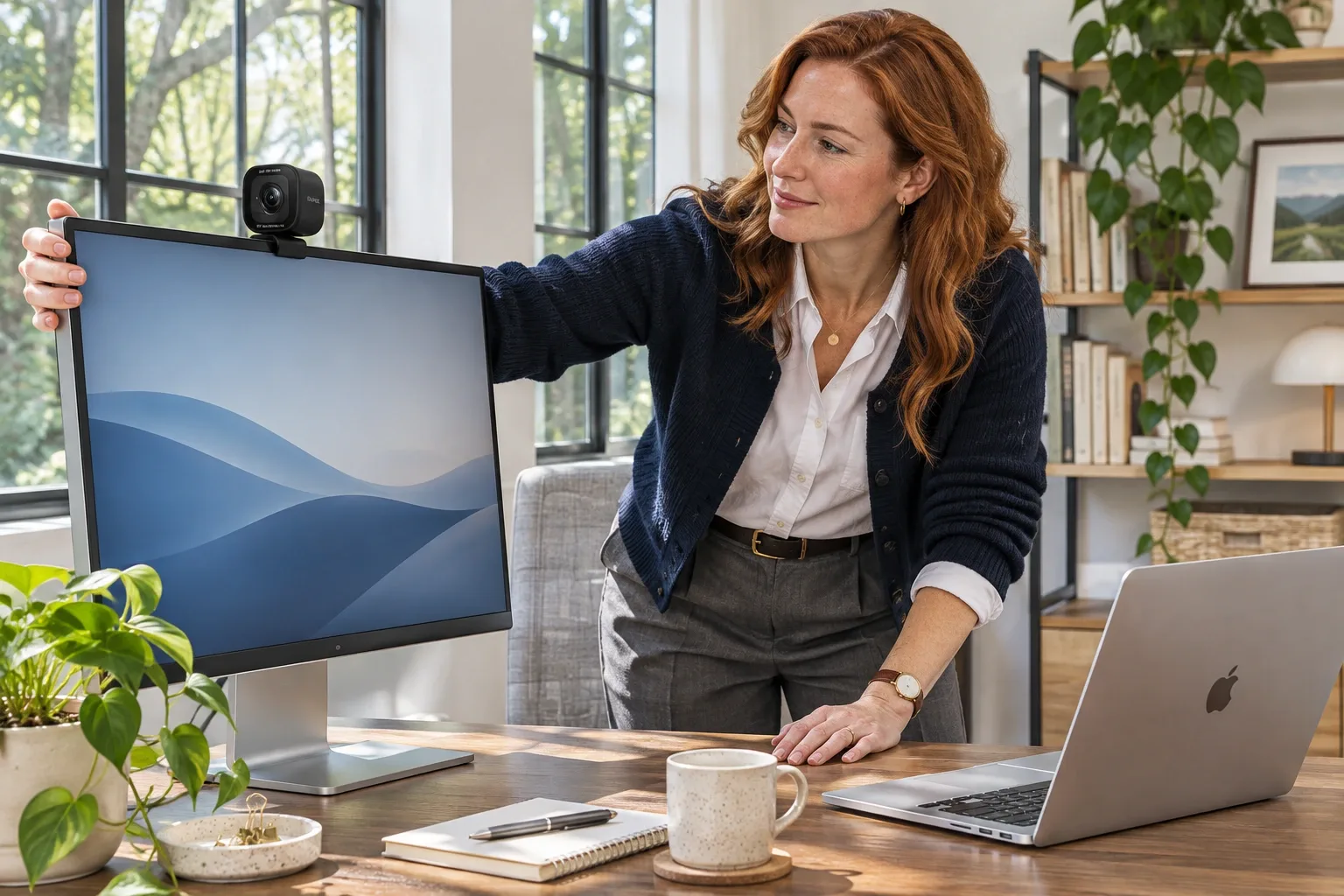
AI-generated illustration: positioning scenario at nominal webcam proportions, not a mount-fit test.
Does autofocus mean close-up documents will stay sharp?
Current Anker A3369 specifications explicitly list Auto Focus, and Logitech also specifies autofocus for the original C920. That corrects a common buying shortcut: do not assume that every compact webcam in this price class has fixed focus, or that autofocus automatically makes it suitable as a document camera.
We did not measure minimum focus distance, focus speed or how often either camera hunts. If showing a product label close to the lens is essential, that is a specific requirement to test with your own software and expected object distance. A camera that keeps a seated face sharp does not necessarily handle a close object the same way.
Avoid paying more solely on an unsupported claim that one model focuses faster. The useful verified differences here are maximum resolution, framing choices, privacy-cover design and connection details. Focus performance remains an evidence gap in this public-source comparison.
What should a USB-C Mac owner check first?
The C200 uses a USB-C device port. Anker’s Japanese package information lists a USB-C-to-USB-A cable; that is regional manufacturer information, not our inspection of the US box. Confirm the current US package contents, especially if your Mac offers only USB-C ports.
A data-capable direct connection is a sensible compatibility check before introducing a dock, monitor hub or chain of adapters. It is not a guarantee of success. The original C920’s USB-A connection also needs appropriate consideration on a USB-C-only computer; neither listing should be purchased on the assumption that the word “Mac” supplies every necessary adapter.
The current US AnkerWork download page lists macOS 10.14 or later and separates Intel and Apple-chip downloads. Anker’s regional camera specifications list basic camera compatibility from macOS 10.11, a different requirement from the optional settings application. We did not install either software version or validate the latest macOS release on either webcam.
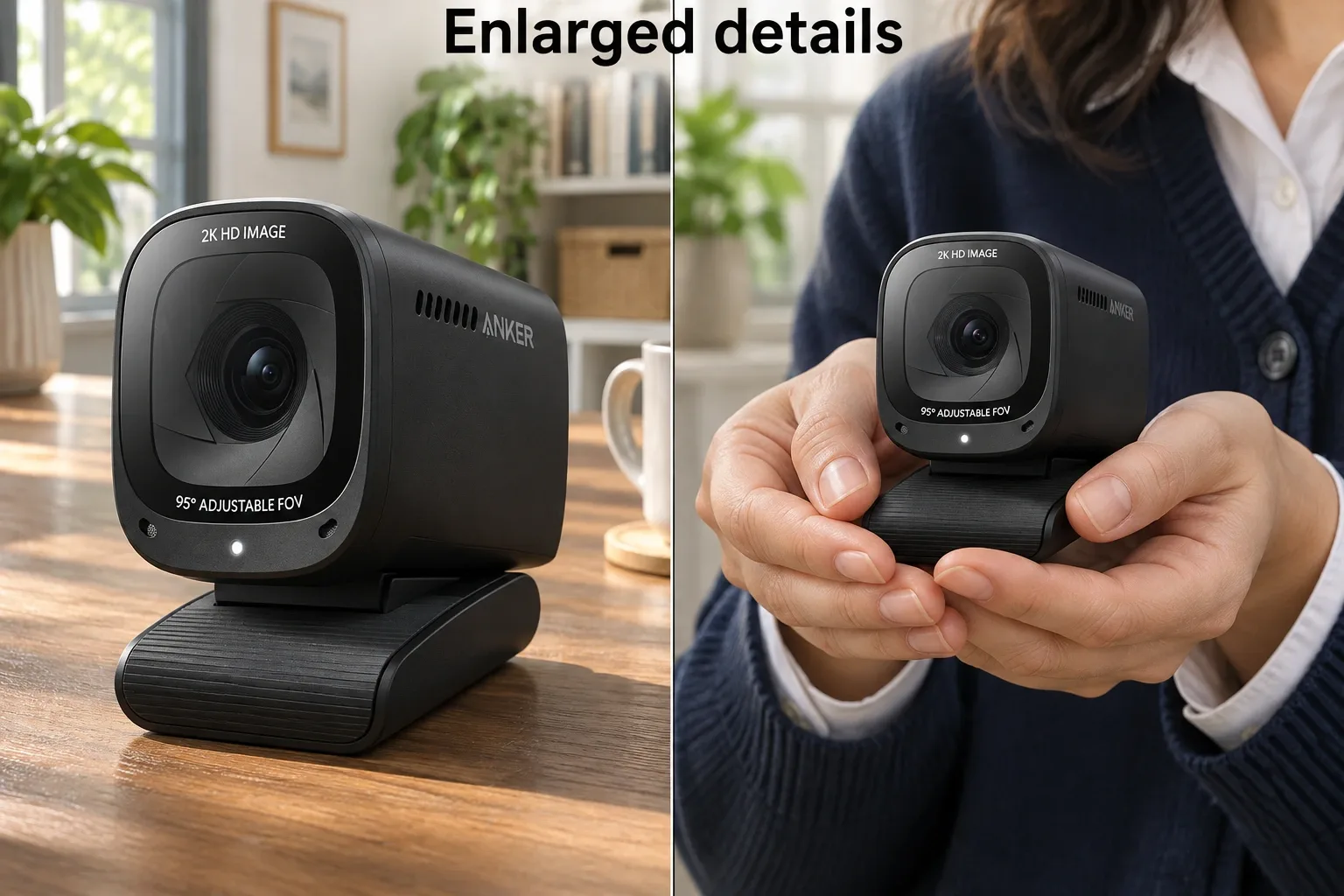
AI-generated illustration: enlarged front and handling details, not an operating demonstration.
What owners say about C200 Mac connections
-
Direct connection worked for one owner. Environmental-Dot545, October 4, 2024, reported reliable use through a direct USB-C-to-USB-C connection or a simple adapter, while several hubs failed. The positive direct-connection experience and the negative hub experience came from the same person, not two independent votes or a compatibility study.
-
Another Mac setup failed. inlovewithconcrete, June 15, 2024, described a MacBook Pro on macOS 14.5 failing to recognize the C200 despite trying connections, while other operating systems worked. This is one dated setup, not evidence that all MacBooks or current C200 units fail.
-
A quoted support exchange has limits. In an October 11, 2024 update, Environmental-Dot545 relayed a support response about hubs. We did not independently authenticate that exchange, so we do not present it as a verified current manufacturer ban on every hub. No precise failure rate follows from these reports.
These comments concern the C200; they are not firsthand comparisons against the exact C920 offer. We did not verify a current, exact-SKU C920 Mac owner comparison suitable for treating as a matched test. That gap should remain visible rather than being filled with generic webcam praise.
Which should you buy for your desk?
Choose the C200 if manual framing choices, a physical privacy cover and the option of 2K capture solve identifiable needs. Be willing to check your Mac connection and application during the applicable return period. Skip it if you require demonstrated low-light superiority or cannot tolerate uncertainty about a particular dock.
Choose the original C920 if its 78-degree view, 1080p/30 specification and USB-A connection meet your requirements at the observed lower offer. Skip it if your purchase is specifically about higher capture resolution or a built-in cover in this design. An older familiar name does not automatically make it the better value for every setup.
Keep your existing camera if it already gives acceptable calls and the proposed upgrade only adds a specification your software does not use. We have no evidence here that replacing a functioning C920 with a C200 will reliably improve every call, or that the reverse swap will resolve every Mac connection problem.

AI-generated illustration: person and product scenario, not firsthand ownership.
How we researched this comparison
We checked exact Amazon offers, Anker’s A3369 manufacturer specifications and regional FAQ, its current US software download page, Logitech’s original C920 specifications and dated Reddit Mac reports. Regional dimensions and package details are identified rather than silently transferred to every US shipment. Anker’s regional body weight and Amazon’s weight field differed, so we do not treat the Amazon weight as a measured camera-body weight.
This comparison was compiled from public sources. There was no hands-on unboxing, Mac installation, autofocus trial, microphone recording or low-light benchmark. All five images are AI-generated illustrations using the C200 as the single appearance example; they do not depict the C920 or prove video quality.
Pros
- + C200 offers up to 2560 × 1440 at 30 fps
- + C200 framing options and built-in privacy cover
- + Original C920 offers autofocus and a fixed 78-degree view
- + Current AnkerWork downloads distinguish Intel and Apple chips
Cons
- - Maximum capture resolution does not guarantee call resolution
- - Mac hub problems appear in individual dated reports
- - No comparative low-light or autofocus measurements were performed
- - C920, C920x, C920s and C920e are different listing variants
Sources and verification status
Verification status: compiled from public sources
Data updated:
Verified on:
Sources
- C200 exact Amazon offer and original C920 offer, checked November 11, 2026.
- Anker A3369 manufacturer specifications, regional manufacturer FAQ, and current US AnkerWork downloads.
- Logitech original C920 specifications; regional source, not an Australian price or US-stock claim.
- Individual Reddit reports are linked with dates in What Owners Say.
FAQ
Does the C200 have autofocus or fixed focus?
Anker’s current A3369 manufacturer specifications identify Auto Focus. We did not measure focus distance, speed or hunting. Do not interpret autofocus as a guarantee that a document held close to the lens will remain sharp.
Can I plug the C200 directly into a USB-C Mac?
The camera has a USB-C device port. Anker’s regional package information describes a USB-C-to-USB-A cable, so a USB-C-only Mac may require an appropriate data adapter or cable. Confirm the actual US box contents and connection; a charging-only cable is unsuitable for video data.
Will a C200 always work through a Mac hub?
We cannot guarantee that. One owner reported reliable direct connections but failed hub connections in October 2024. Their follow-up quoted support, but we did not independently authenticate that exchange or establish a universal incompatibility with hubs.
Does the C920 deliver 1080p at 60 fps?
The original C920 specifications checked here list 1080p at 30 fps, and 720p at 30 fps. This comparison does not cover a different Logitech model that advertises 60 fps.
Do I need AnkerWork on a Mac?
AnkerWork provides settings such as field-of-view selection. Its download page lists macOS 10.14 or later and separate Intel and Apple-chip versions. That software requirement is separate from the camera’s listed basic macOS compatibility; we did not install or test either build.
You might also like
Sports & Outdoors
Product comparisonAquatabs vs LifeStraw for Emergency Kits: Key Limits
Compare Aquatabs 397mg and the original LifeStraw for an emergency kit: batch size, waiting time, virus limits and the extra gear each approach needs.
Home & Kitchen
Product comparisonThermoPro TP829 vs TP20: Probes, Range & App Limits
Compare four-probe TP829 and two-probe TP20 for smoking, including current TempPro branding, RF range claims, wired probes and accuracy-report limitations.