Brother CUBE Plus on Windows: Bluetooth or USB?
Quick Verdict
PT-P710BT uses USB for supported Windows printing. Choose it for cabled desktop layouts plus mobile Bluetooth, not wireless Windows printing.
Good for
- Windows buyers willing to use USB
- Mobile labeling with compatible software and TZe tapes
Not for
- Windows Bluetooth or Wi-Fi as a firm requirement
- Standalone keyboard or shipping-label needs
Buying Guide Notes · First published:
Compiled from public sources · Written using published specs and user feedback.
As an Amazon Associate I earn from qualifying purchases.
Pros
- + Supports desktop label design through USB
- + Automatic cutter and tapes up to 24 mm
- + Rechargeable compact body
Cons
- - No supported computer Bluetooth printing
- - Requires an external device for label design
- - Blank leader feed adds tape consumption
Sources and verification status
Verification status: compiled from public sources
Data updated:
The Brother P-touch CUBE Plus PT-P710BT uses USB for supported Windows printing; its Bluetooth connection is for compatible mobile devices. Brother's user guide explicitly excludes Bluetooth connections to computers, so buy it for Windows only if keeping a cable available fits your setup.
Checked November 14, 2026. This guide is compiled from public sources. We checked Brother documentation, the selected Amazon listing, and dated public feedback; we have not paired the printer or tested a Windows installation.
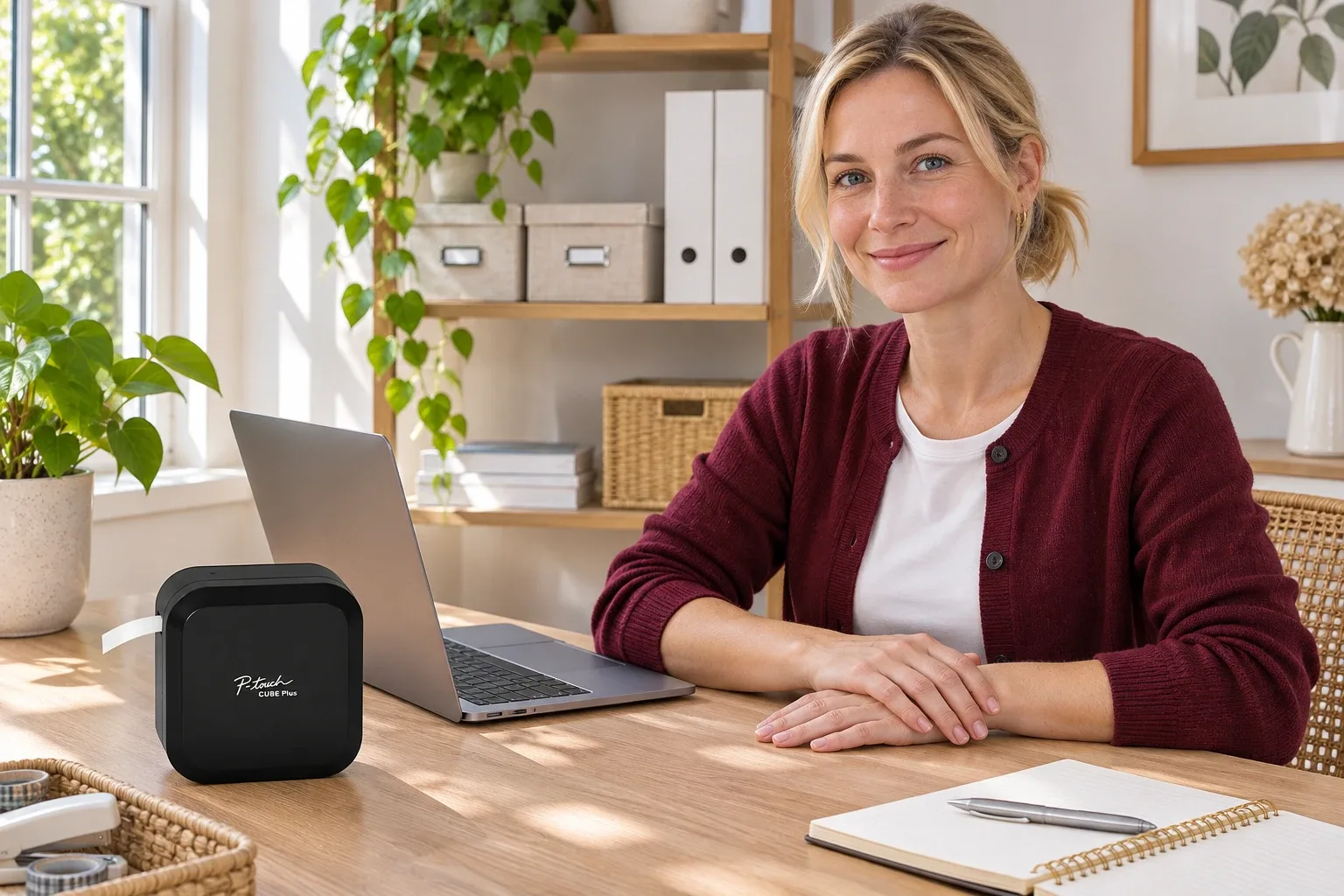
AI-generated illustration: Brother CUBE Plus PT-P710BT — a person beside the product in its intended setting. Not a hands-on test.
Why does a Bluetooth label maker need USB on Windows?
“Bluetooth” describes a connection method, not universal compatibility with every computer and application. A product may support wireless printing through its phone app while relying on a separate USB driver and desktop software on Windows. That is the distinction that matters with the CUBE Plus.
Brother's computer-printing instructions direct Windows users to connect the included cable and use P-touch Editor with the appropriate driver. The manual specifically says computer Bluetooth connections are unsupported. Seeing the device in a computer's Bluetooth menu would not establish a supported printing route.
This is worth checking before paying extra for portability. Someone carrying the printer between rooms with a phone has a different workflow from someone generating labels at a Windows workstation. Both may find the same hardware useful, but they should not expect identical connection options.
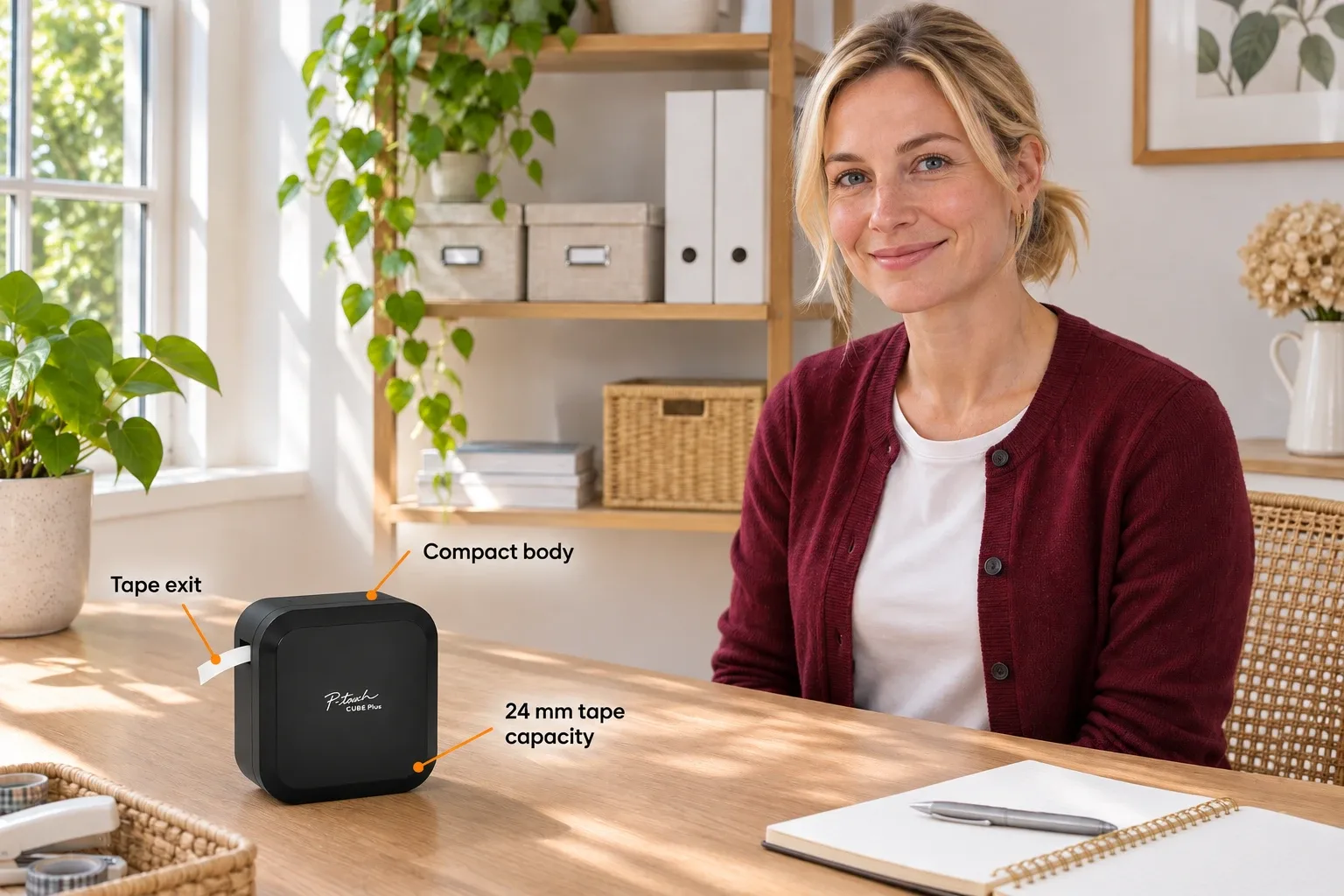
AI-generated illustration: Brother CUBE Plus PT-P710BT — orange English feature labels on the product. Not a hands-on test.
What exactly is the checked CUBE Plus?
The checked selection was black PT-P710BT, ASIN B07HB8LNSY, at $114.99. Amazon showed 4.5 stars, 2,516 ratings, and new stock sold and shipped by Amazon. This snapshot does not guarantee future price, stock, or compatibility with an unverified operating system release.
| Workflow | Price checked | Connection and key requirement | Best for |
|---|---|---|---|
| CUBE Plus with Windows | $114.99 for the printer | USB, supported driver and P-touch Editor | Repeated desktop label layouts |
| Same CUBE Plus with a compatible phone | Same printer price | Mobile Bluetooth and supported app | Moving around shelves or storage bins |
| Standalone keyboard label maker | Not price-checked here | Its own keyboard; verify exact model | Buyers who want to avoid apps and computers |
These are workflow comparisons, not three different packages. We did not verify a competing standalone model's current offer and will not invent a price for it.
What should you check before buying for a Windows laptop?
Start with the exact model number and the current Brother download page. Select your actual operating system and confirm that the required driver and editor are offered. An older manual mentioning previous Windows versions is not a blanket promise for every newer version, processor, or managed work computer.
Next, plan a physical USB route. A laptop with only USB-C ports may need a suitable data connection arrangement; a cable that supplies power alone is not evidence that printing data can pass. Keep the original cable accessible rather than assuming a nearby charger provides everything the desktop workflow needs.
Workplace permissions matter too. If your laptop is managed by an employer, check whether you can install printer software before buying a printer for it. The label maker's portability cannot remove an operating-system policy or an administrator restriction. This is a buying check, not a reason to alter security settings or install an unofficial driver.
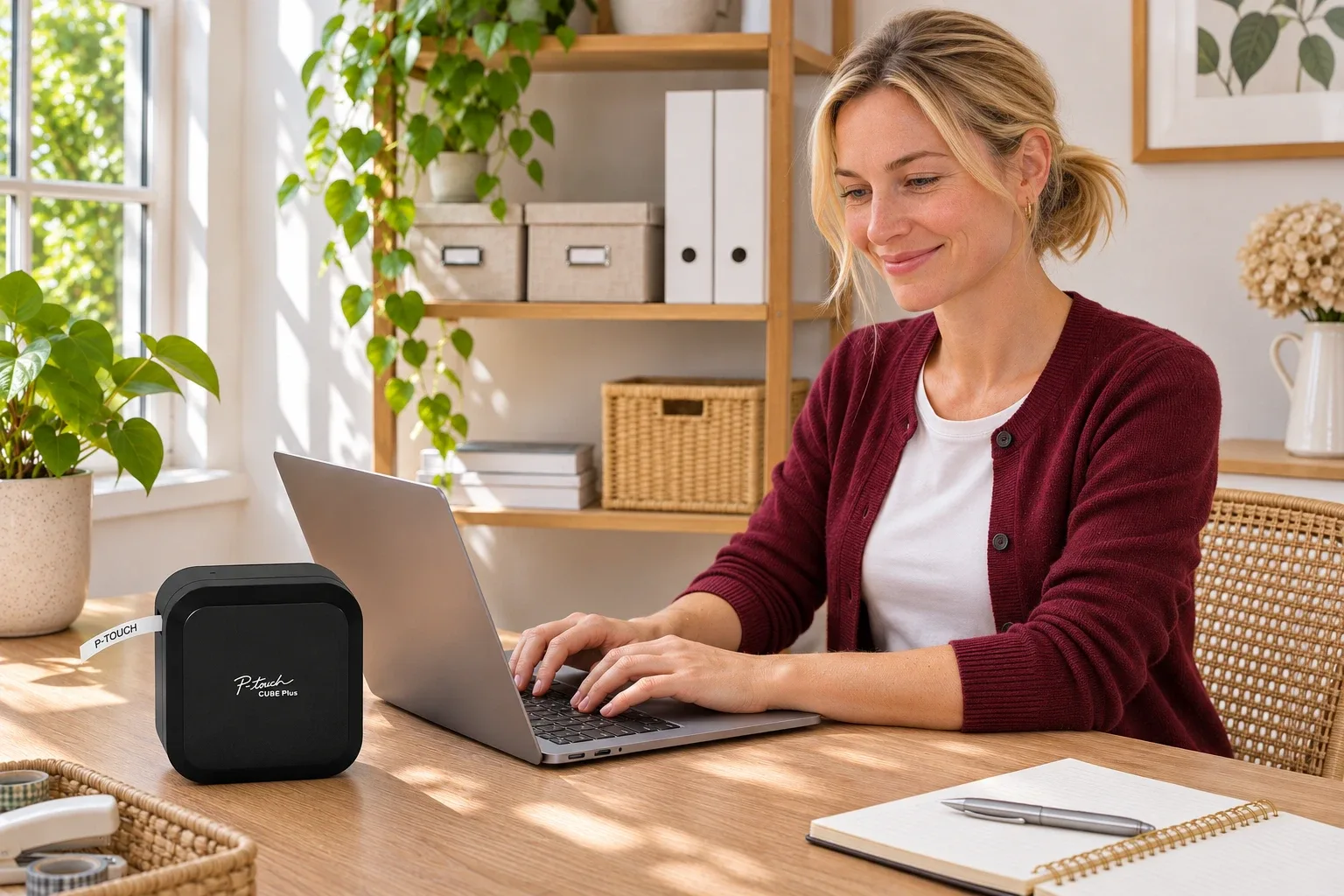
AI-generated illustration: Brother CUBE Plus PT-P710BT — an illustrative use context. Not a hands-on test.
Can a workaround make Windows Bluetooth printing work?
We would not buy the PT-P710BT on that assumption. Unofficial projects or experiments on another operating system do not change Brother's documented Windows support. They may also depend on a particular application, software version, or technically involved setup that is unsuitable for a gift recipient.
The Amazon listing's broad wording about mobile or desktop use is easy to read as a promise of the same wireless workflow everywhere. Read that alongside the manufacturer's specific connection instructions: desktop use exists, but the supported computer route is USB.
If wireless desktop printing is a firm requirement, choose a printer whose current official documentation explicitly supports your computer, operating system, and intended wireless method. Do not substitute a Bluetooth badge for those three checks. We did not verify a particular alternative model in this guide.
What stands out beyond the connection question?
The CUBE Plus combines a compact rechargeable body with an automatic cutter and support for TZe tapes up to 24 mm wide. That can suit storage, cable identification, and larger readable labels without keeping a keyboard built into the printer itself.
Brother lists the body at 128 by 67 by 128 mm. It is small enough to consider for a shared home desk, but still occupies real bag space. “Portable” does not mean pocket-sized, and a photo of a cube without a hand or ruler can make its volume hard to judge.
For repetitive layouts, a desktop editor may be the attraction rather than a fallback. A larger screen and keyboard can make a detailed label easier to arrange. Whether that advantage matters depends on the work: a few pantry labels and a batch of technical identifiers are different tasks, even when printed on the same tape.
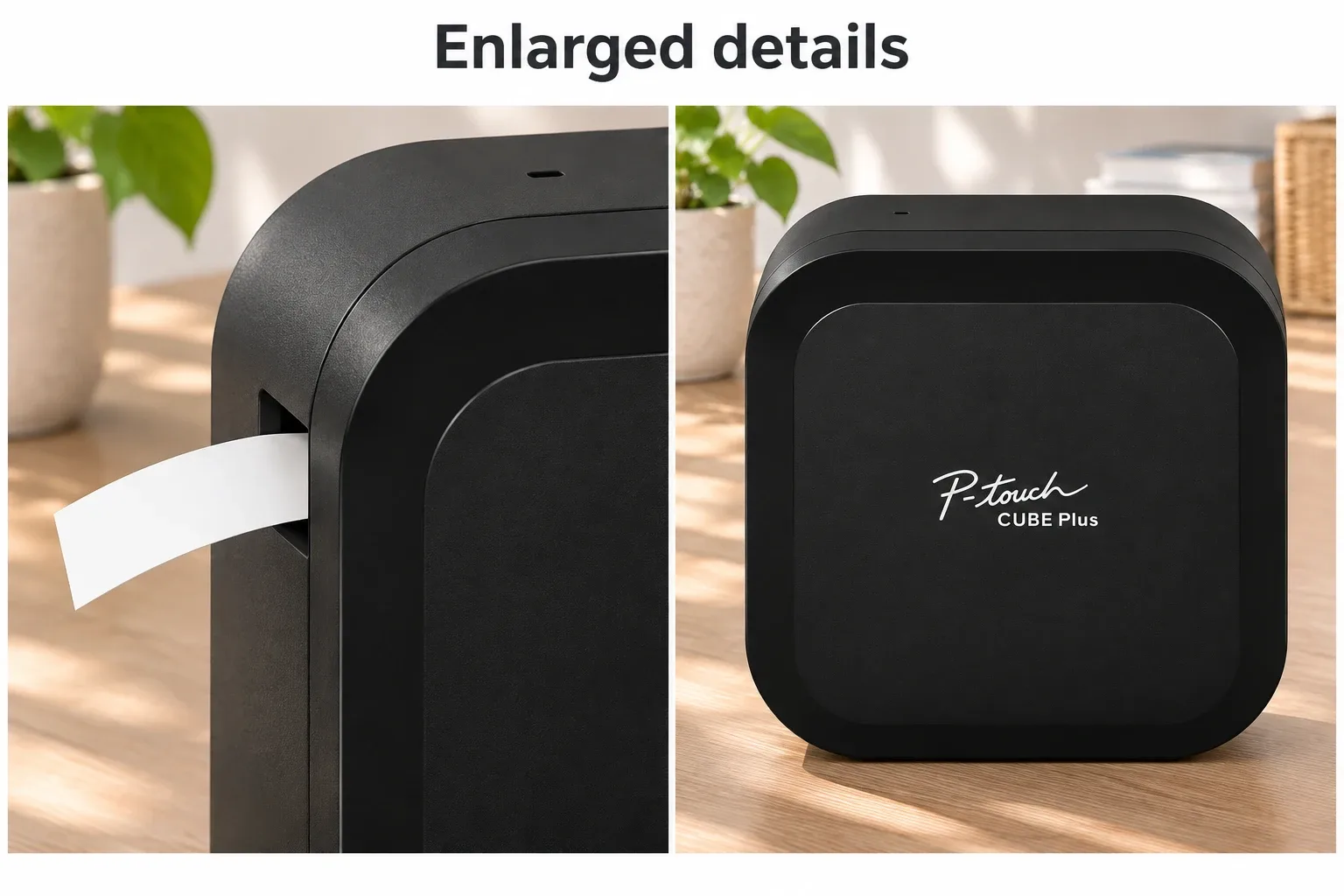
AI-generated illustration: Brother CUBE Plus PT-P710BT — two panels of enlarged product details. Not a hands-on test.
Where will it frustrate some buyers?
The clearest drawback is dependence on an external device for designing labels. There is no built-in text-entry keyboard. Someone who wants to switch on a label maker and type immediately may prefer a standalone design, even if the CUBE looks tidier on a shelf.
Tape consumption is another cost to consider. The manual describes a leading blank feed before an initial print and provides chain-printing options. That makes batching layouts worth learning, rather than repeatedly printing one very short label and assuming all tape becomes useful text.
Finally, app convenience is personal. A phone is easy to carry, but precise layout work on a small screen can be slower than expected. The automatic cutter and rechargeable battery do not remove that interface tradeoff. We have not measured printing speed, adhesive durability, or total tape cost.
What do owners and prospective buyers say?
We searched Reddit for the connection concern but did not find a reliable exact-model owner test establishing supported Windows Bluetooth printing. The following dated accounts are individual experiences, not a performance consensus.
- Desktop use can be the selling point. RevieweroftheThings, in a May 8, 2019 review on the checked Amazon listing, described PC USB use and liked the cutter and wider tape. The same reviewer criticized tape waste and the older connector choice. This is a historical account, not a current Windows-version certification.
- Phone layout can be awkward. P. Schmidt's October 27, 2025 Amazon review liked portability while finding detailed Android layouts cumbersome. That is an app-workflow complaint, not evidence that the desktop USB connection fails. The listing's historical color presentation also differed from the received black unit.
- Bag size can outweigh features. On June 28, 2022, TheDutchIdiot considered the P710 too large for a backpack-oriented label-printer search. This was a prospective buyer's constraint, not an ownership test or proof of a defect.
Who should buy it, and who should skip it?
Consider the CUBE Plus if you want mobile labeling plus a separate, cabled Windows workflow and will use its cutter or wider tapes. It is also a plausible gift for someone who already enjoys designing labels in software and has a suitable computer setup.
Skip it if your purchase depends on Windows Bluetooth, Wi-Fi printing, independent keyboard operation, or 4-by-6-inch shipping labels. Those requirements point toward different printer categories. A good price does not compensate for the wrong connection or label format.
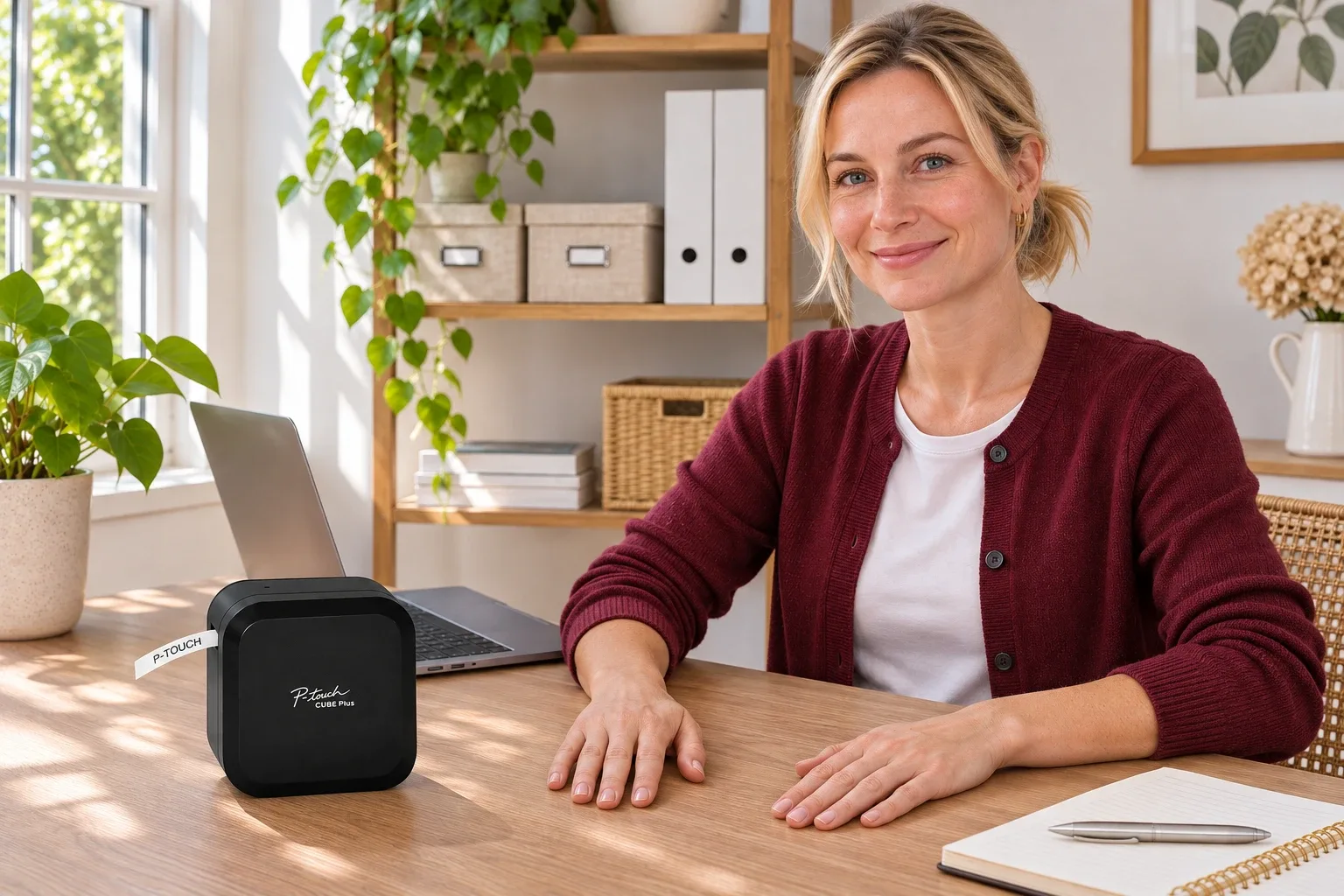
AI-generated illustration: Brother CUBE Plus PT-P710BT — a person and the product at natural scale. Not a hands-on test.
How we researched this guide
The main evidence is Brother's PT-P710BT user guide, supported by the official product page and specification page. Amazon supplied the dated offer and visible owner accounts. None of our illustrations demonstrates a successful connection or a printed test.
Quick verdict: The CUBE Plus can make sense for Windows buyers who accept USB. If you are choosing it specifically to eliminate the computer cable, choose a different, explicitly supported workflow.
FAQ
Can the PT-P710BT print from Windows over Bluetooth?
Brother’s user guide explicitly says Bluetooth connections for computers are unsupported. Its documented Windows route is USB with the appropriate driver and P-touch Editor.
Does Bluetooth work with a phone instead?
Yes, Brother documents mobile Bluetooth printing through compatible apps and mobile devices. Check current app and operating-system requirements; mobile support does not establish wireless desktop support.
Does the CUBE Plus have Wi-Fi?
No. The user guide says it does not support Wi-Fi connections. Do not assume a wireless-printing description refers to Wi-Fi networking.
Can I type labels without a phone or computer?
It has no built-in text-entry keyboard. Label layouts need a supported external device. A standalone keyboard label maker is a different buying option.
What tape width does this model accept?
Brother lists TZe tape support up to 24 mm wide for PT-P710BT. Tape width is not a promise of edge-to-edge printed text, and this is not a 4-by-6-inch shipping-label printer.
Price and purchase links
You might also like

Electronics
Product comparisonP-touch Cube vs Cube Plus: Tape, Power & PC Use
Choose between the 12 mm CUBE and 24 mm CUBE Plus by tape width, power and the computer workflow you need.
Electronics
Product analysisRoku Streaming Stick Plus USB Power: Is an Adapter Needed?
The 3830R can use TV USB power, but some TV ports cannot supply enough. Compare the included cable and official adapter fallback before buying.
Electronics
Product analysisLogitech K400 Plus Review: A Couch-PC Gift With a Receiver Catch
A compact keyboard and touchpad can simplify a living-room PC, but the USB receiver, unlit keys and older owner reports deserve attention before gifting.