Logitech K400 Plus Review: A Couch-PC Gift With a Receiver Catch
Buying Guide Notes · First published:
Compiled from public sources · Written using published specs and user feedback.
As an Amazon Associate I earn from qualifying purchases.
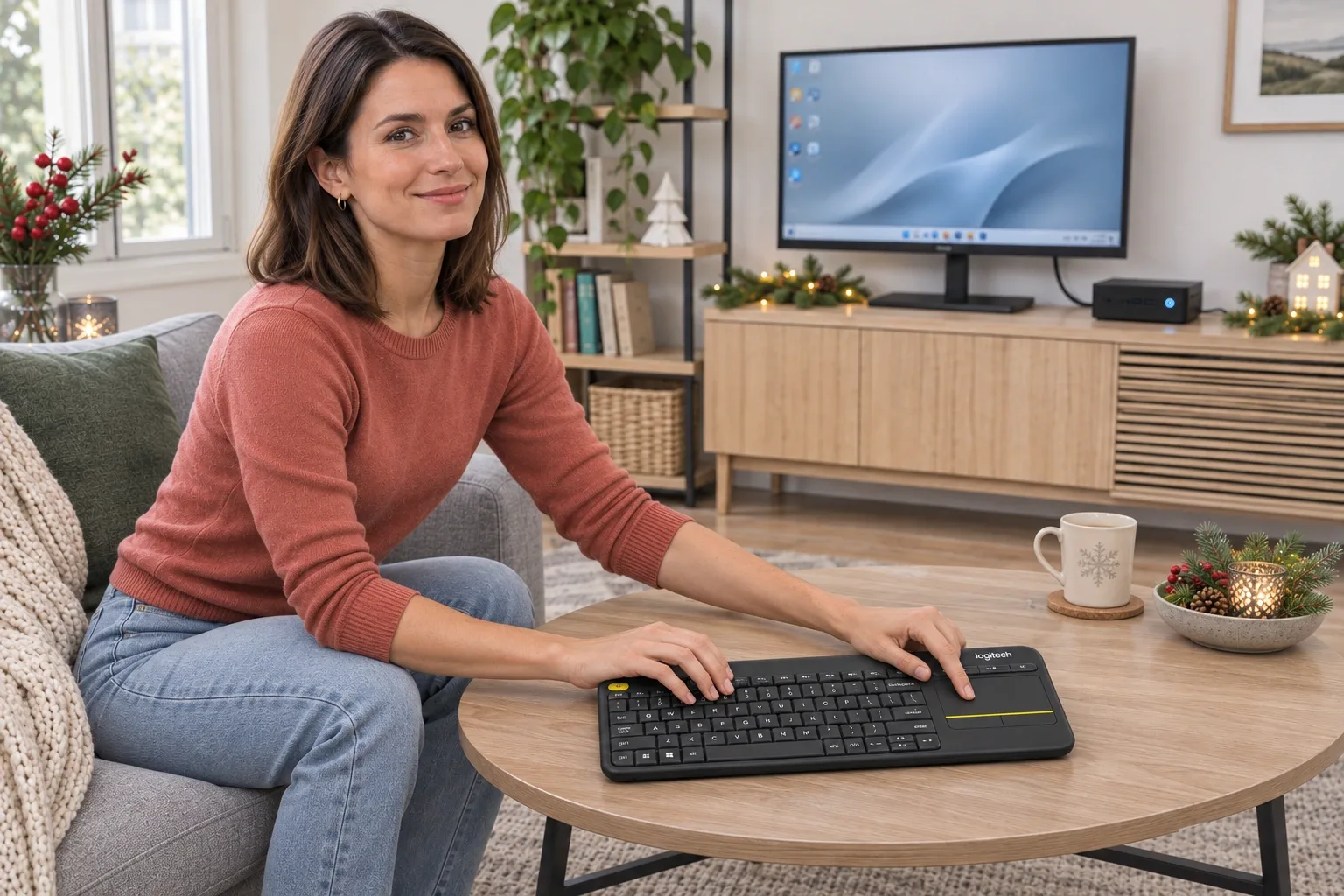
Pros
- + Keyboard and pointer controls share one compact body
- + Included Unifying receiver avoids a separate Bluetooth pairing step
- + Replaceable AA power and dedicated media controls
Cons
- - Requires a compatible host and USB receiver connection
- - Unlit keys are a limitation in a dark room
- - A detailed older owner report describes missed touchpad and click inputs
Sources and verification status
Verification status: compiled from public sources
Data updated:
Verified on:
Research checked November 11, 2026. This analysis is compiled from public sources. We have not tested typing feel, radio range, touchpad accuracy or battery life. All images are AI-generated illustrations.
Quick Verdict
The K400 Plus is an easier gift to understand when the recipient already has a computer attached to a living-room display. It puts text entry and pointer control in one object, so a separate mouse does not need somewhere to sit beside the sofa.
That convenience is also the boundary of our recommendation. A keyboard designed around occasional couch control is not automatically the right tool for long work sessions, and a USB socket on a television does not by itself prove keyboard or pointer support.
This article covers the black English-QWERTY 920-007119, ASIN B014EUQOGK. The selected new offer was in stock, sold and shipped by Amazon.com during our check. Stock can change. Check the model and host connection before wrapping it.
View Current Offers on Amazon →
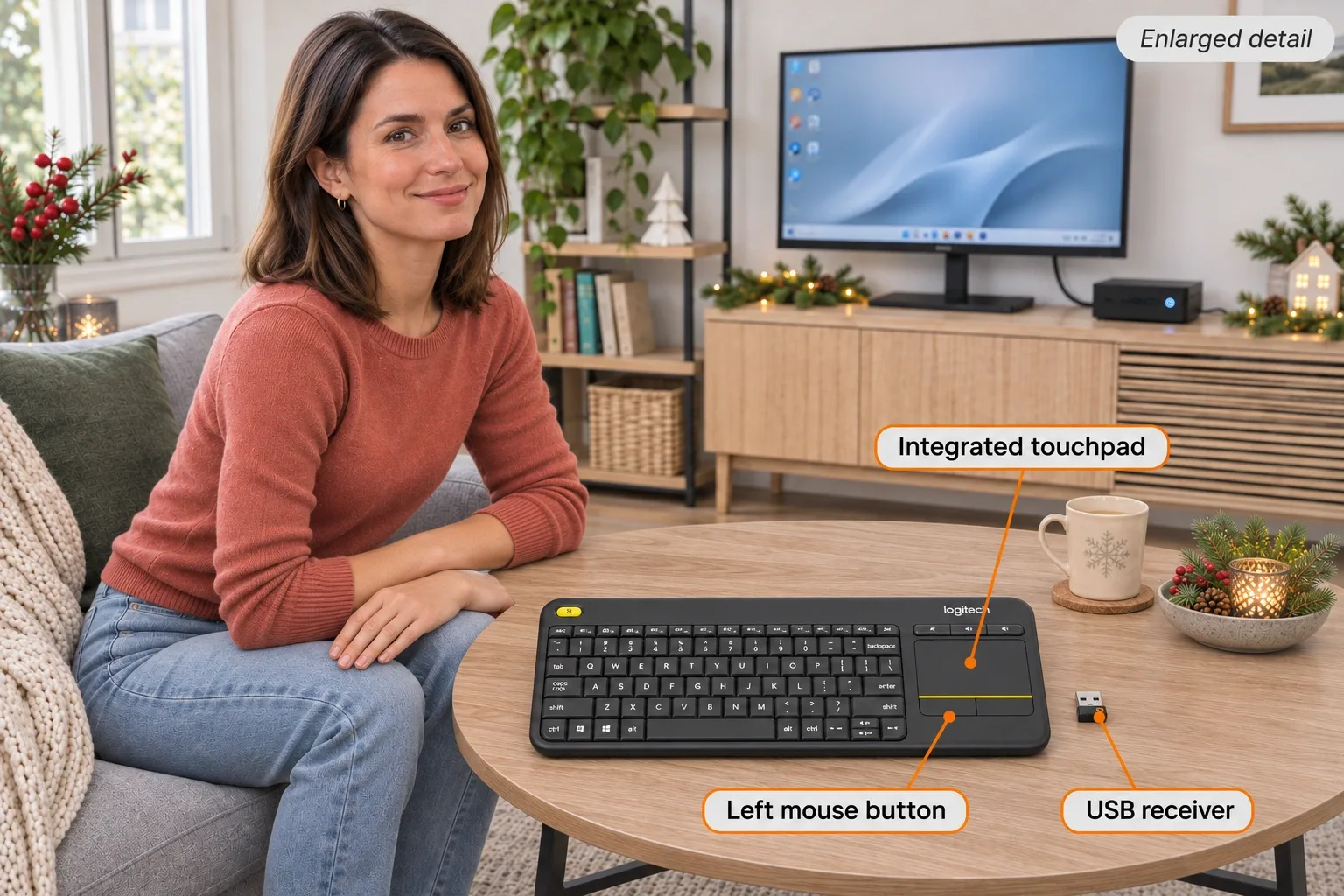
AI-generated illustration — enlarged design example; a receiver connection is required and the keys are not backlit.
What Stands Out
One object for text and pointing
The layout combines keys, a touchpad on the right and media controls, with an additional mouse button at the upper left. That arrangement is useful when the alternative is balancing two separate devices. The appeal is an arrangement of controls, not a claim that its touchpad will feel like the one in the recipient’s laptop.
The current manufacturer dimensions are approximately 354.3 mm wide, 139.9 mm deep and 23.5 mm thick. This is a compact controller-sized keyboard rather than a full desktop layout with a numeric keypad. Think about where it will rest between uses and how the recipient normally enters a search or password from the sofa.
The wireless link has a physical requirement
This version uses the 2.4 GHz Logitech Unifying connection, through a USB receiver. It is not a Bluetooth-only gift that can be paired to any nearby screen. The little receiver is part of the setup, and the host needs an appropriate USB connection.
The current official package list includes the keyboard, receiver, two pre-installed AA batteries and documentation. Amazon’s included-components field additionally names a USB range extender. Because those lists differ, we would not promise that extra without checking the actual supplied pack. We have not opened one.
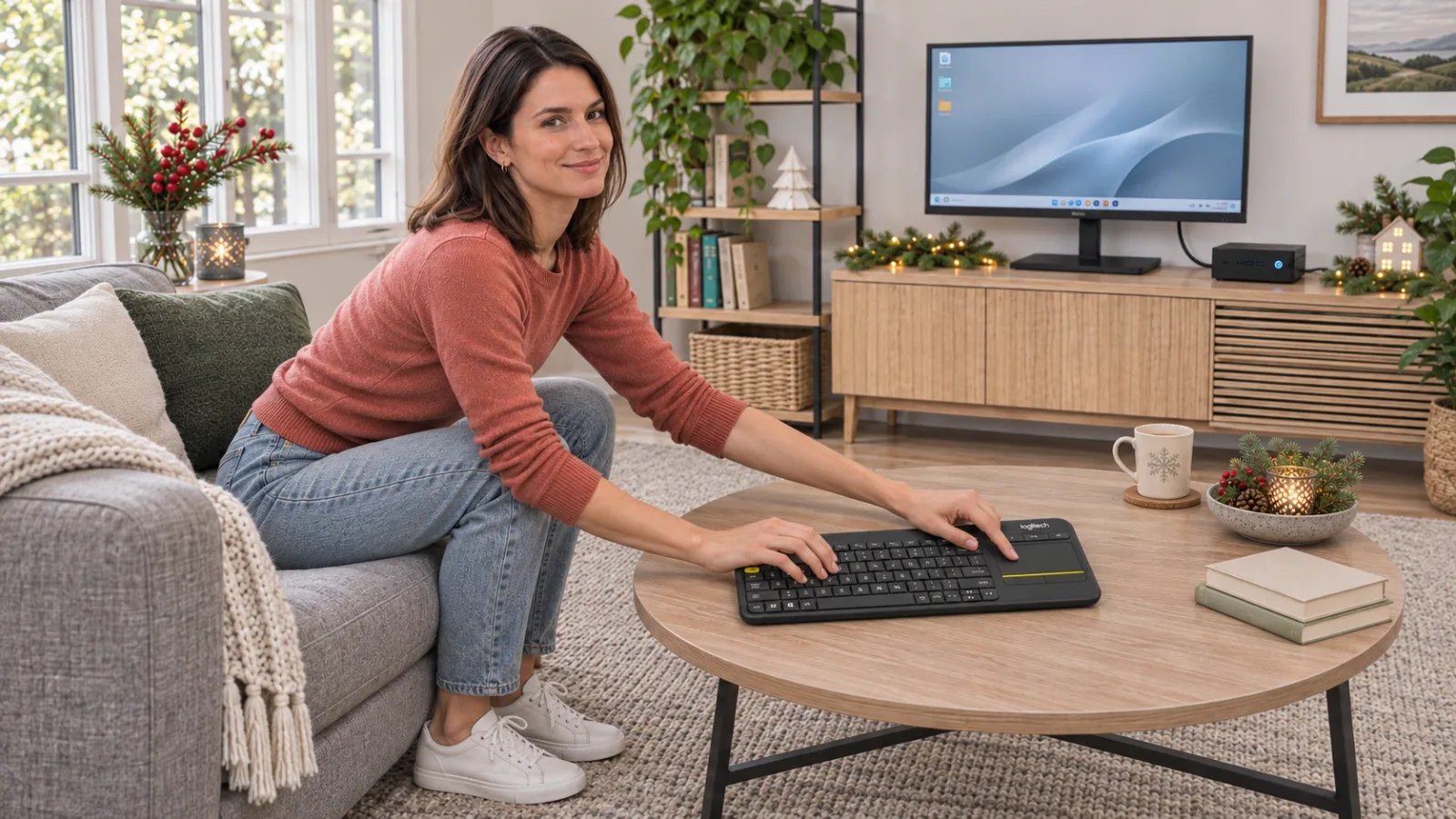
AI-generated illustration — imagined home-PC use; not proof of compatibility with a television’s own operating system.
Where It Falls Short
Dark-room expectations need checking
Logitech’s K400 Plus technical documentation lists no backlighting. Amazon also displays a generic backlighting-colour field; do not use that field as evidence that the keys light up. This distinction matters for a recipient who watches with the lights dimmed and has to look down at the keys.
A backlit alternative would involve a different product and its own checks for power, connection and layout. We would not buy this one expecting a hidden illumination feature.
Headline figures describe limits, not this room
The manufacturer advertises up to 18 months of battery life and around 10 metres of wireless range, with conditions attached. Those are not results from our research desk. A specific room’s equipment placement, interference and pattern of use are not established by a product-page maximum.
Likewise, the current specifications panel lists Windows 10/11 or later, Android 7 or later and ChromeOS, with external-keyboard support and an available USB connection required. Older marketing text on the same official page still mentions Windows 7/8. We prioritize the current specification panel and would check the recipient’s actual computer or device rather than treat older wording as blanket support.
Occasional control and daily typing are different purchases
For a gift, ask whether the recipient mainly needs short searches and pointer movements, or whether they plan to write for hours. The former is the clearer reason to consider this layout. We cannot substantiate a premium typing feel, and the detailed owner account below includes frustrations with input reliability.
What Owners Say
One detailed Reddit report offers useful positive and negative context. It identifies K400 Plus, but does not verify this Amazon ASIN, regional layout or current production. The writer’s approximately eight-year ownership claim is self-reported. We present both sides of the same account, not two independent reviews or a consensus.
- The format earned a place on the couch. User nilsmoody appreciated the compact body, integrated pointer, extra mouse button, battery endurance and range for controlling a PC from the sofa. They still considered the overall format useful. Original report, August 29, 2023 (UTC).
- Useful did not mean polished. In that same report, the owner described dropped touchpad and extra-button inputs and only middling typing, and wanted a higher-quality replacement. The post does not establish a current-unit defect rate. Same mixed report, August 29, 2023 (UTC).
These are buying questions to keep in view: will this person value the all-in-one format enough to accept its compromises? We did not convert an anecdote into a measured accuracy score or guaranteed lifespan.
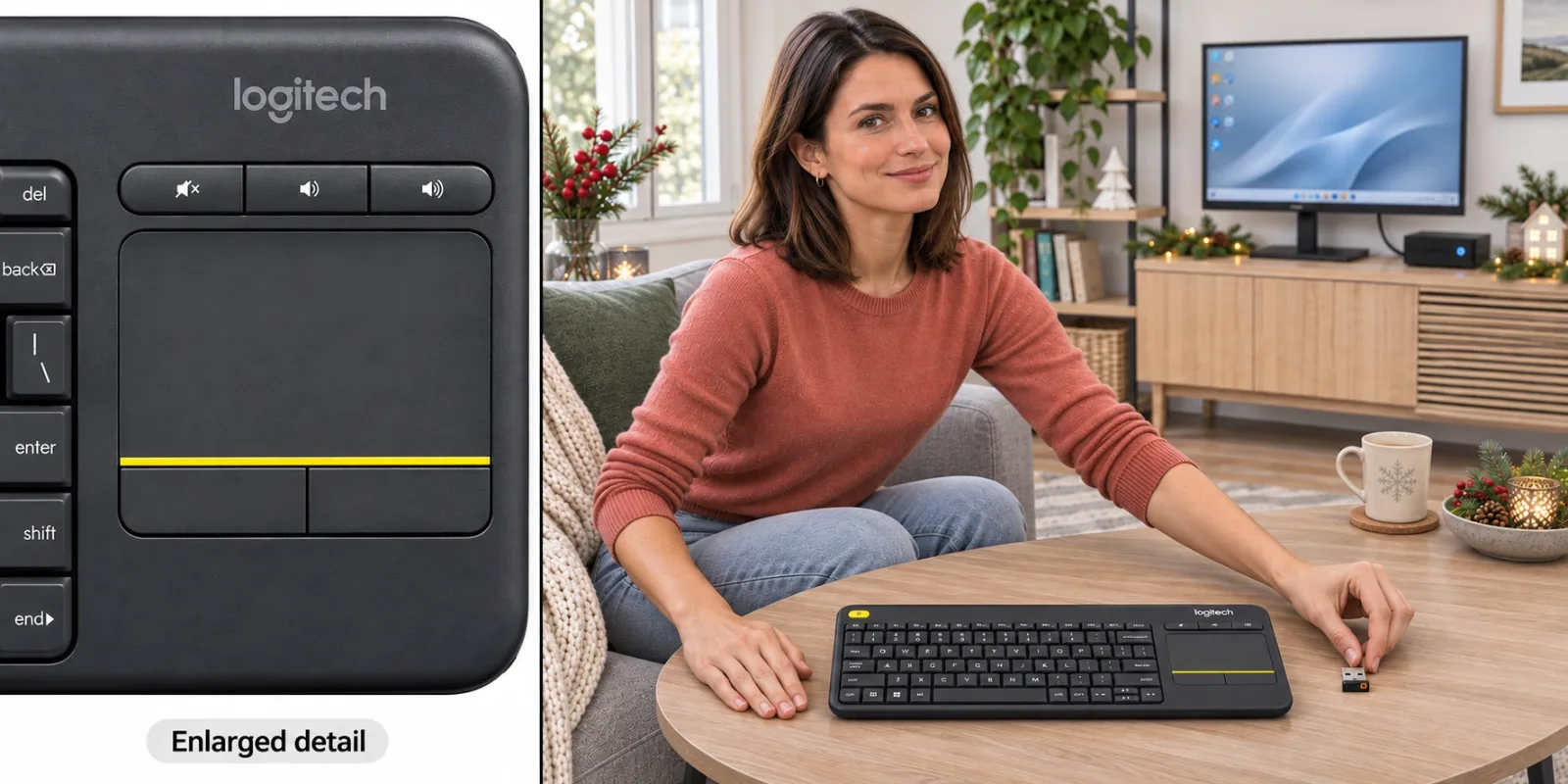
AI-generated illustration — left: enlarged control detail; right: illustrative receiver preparation, not a software setup tutorial.
Alternatives: Start With the Recipient’s Habit
| Approach | When it fits better | Trade-off |
|---|---|---|
| K400 Plus | Short PC-control sessions from a sofa, with compatible USB host | Compact unlit keyboard and integrated touchpad |
| Separate keyboard and mouse | The recipient types longer documents and has a usable surface | Two devices to position and store |
| A verified backlit living-room keyboard | Seeing key legends in a dark room is central | Recheck the exact model, power and receiver requirements |
| The device’s native remote or supported control app | Only navigation and occasional search are needed | Depends on that device’s own supported functions |
This table compares approaches, not an instrumented contest between products. We have not verified current stock for an alternative model and do not imply that an old recommendation is still sold new.
Who It’s For
Consider it for: a living-room PC owner who has specifically asked for simpler text entry and pointer control, or someone already familiar with this kind of compact keyboard.
Choose more carefully for: a direct smart-TV setup with unconfirmed input support, someone who insists on backlit keys, or a recipient whose main need is extended desk typing. Check the host and intended use before assuming that “wireless” means broadly interchangeable.
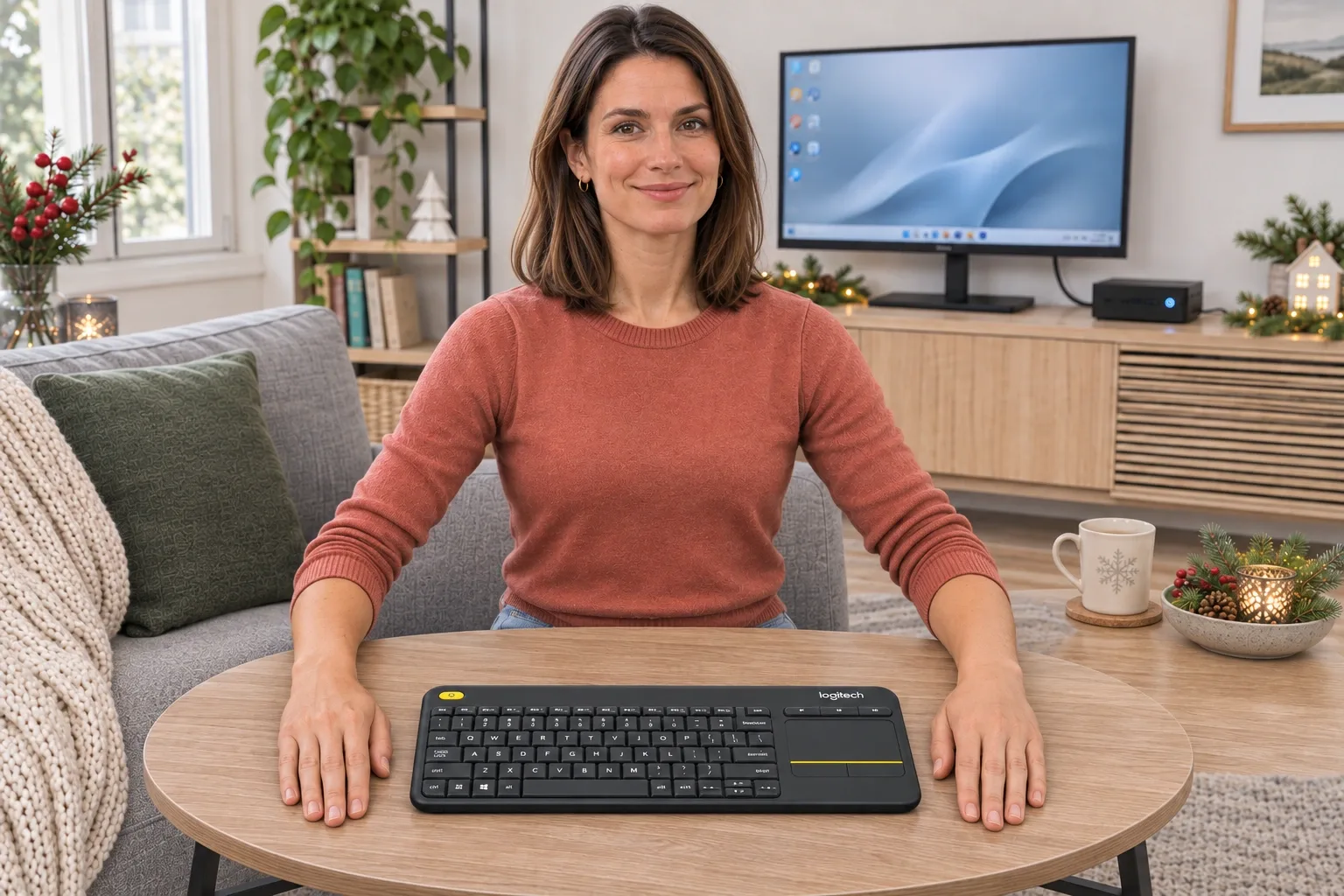
AI-generated illustration — fictional gift portrait; computer, display and room accessories are not included.
How We Researched This
We matched the selected Amazon ASIN, black Plus style, 920-007119 part number and UPC 097855115300, and checked the current new offer. We compared Logitech’s current specifications and box list with its product information and K400 Plus technical section, and examined a dated first-person Reddit report with both positive and negative observations.
We kept the current product separate from the original K400, other regional layouts and the older unit described by the owner. We also flagged the package-list and generic backlighting-field discrepancies rather than silently merging them into a feature claim.
Sources
- Logitech K400 Plus 920-007119: current specifications and package contents, checked November 11, 2026.
- Logitech technical information: K400 Plus section, including connection and backlighting, checked November 11, 2026; this is the K400 Plus section, not the camera specifications above it. Current product-page requirements take precedence over older compatibility text.
- Amazon exact ASIN B014EUQOGK, selected new offer and listing fields checked November 11, 2026.
- nilsmoody’s mixed first-person K400 Plus report, posted August 29, 2023 (UTC) and edited that day; exact current version not established.
FAQ
Is the K400 Plus a Bluetooth keyboard?
No. The checked model 920-007119 uses Logitech’s 2.4 GHz Unifying receiver. Plan for its USB connection to the host rather than a Bluetooth pairing menu.
Will it work with any smart TV?
Do not assume that. Logitech presents it for a PC-connected TV and specifies a compatible host with an available USB port. A television’s own support for external keyboards and pointer input must be checked with that TV’s manufacturer.
Are the receiver and batteries included?
Logitech’s current box list includes the keyboard, Unifying receiver, two pre-installed AA batteries and documentation. Amazon also lists a USB range extender, which is absent from that current official box list; confirm the delivered pack if that extra matters.
Are the keys illuminated?
Logitech’s K400 Plus technical information lists no backlighting. Amazon’s generic backlighting-colour field should not be interpreted as a promise of illuminated keys. Choose a different verified backlit model if dark-room typing is essential.
Does the 18-month battery figure mean I will get that runtime?
No. It is an up-to manufacturer claim dependent on use and computing conditions, not our measured battery result. The keyboard takes replaceable AA cells; this analysis does not establish runtime for a particular household.
Which operating systems does Logitech currently list?
The current specifications panel lists Windows 10, Windows 11 or later, Android 7 or later and ChromeOS, on a host supporting external keyboards with an available USB connection. Its older marketing copy still mentions Windows 7 and 8; check current host and software requirements before buying.
Is the advertised 10-metre wireless range guaranteed in my room?
No. Logitech qualifies the range by user, environmental and computing conditions. We have not tested interference, receiver placement or the distance through your furniture; avoid choosing it solely on an assumed guaranteed range.
Price and purchase links
You might also like

Electronics
Product analysisLogitech H390 Review: A Useful Desk Gift—If USB-A and On-Ear Fit Work
A simple wired computer headset with useful cable controls, but connector choice and small on-ear cushions need to suit the recipient.
Electronics
Product analysisKensington Orbit K64327F Review: A Small-Desk Gift With One Big Scrolling Catch
Consider this Orbit for a recipient who wants a stationary, finger-operated pointer and does not mind adapting their scrolling routine.

Electronics
Product analysisSwitching Among Three Devices Is the Pebble Keys 2's Easy Part
A light three-device Bluetooth keyboard for travel and tablets; the MX Keys Mini adds backlighting and USB-C charging.
Electronics
Product analysisLogitech MX Keys S: Backlit Keys Come With a Battery Trade-Off
The MX Keys S is $119.99 on Amazon. See owner comments on battery and noise, and how it compares to the K380s.