UGREEN 30768 Review: Share One Keyboard and Mouse Between Two Computers
Buying Guide Notes · First published:
Compiled from public sources · Written using published specs and user feedback.
As an Amazon Associate I earn from qualifying purchases.
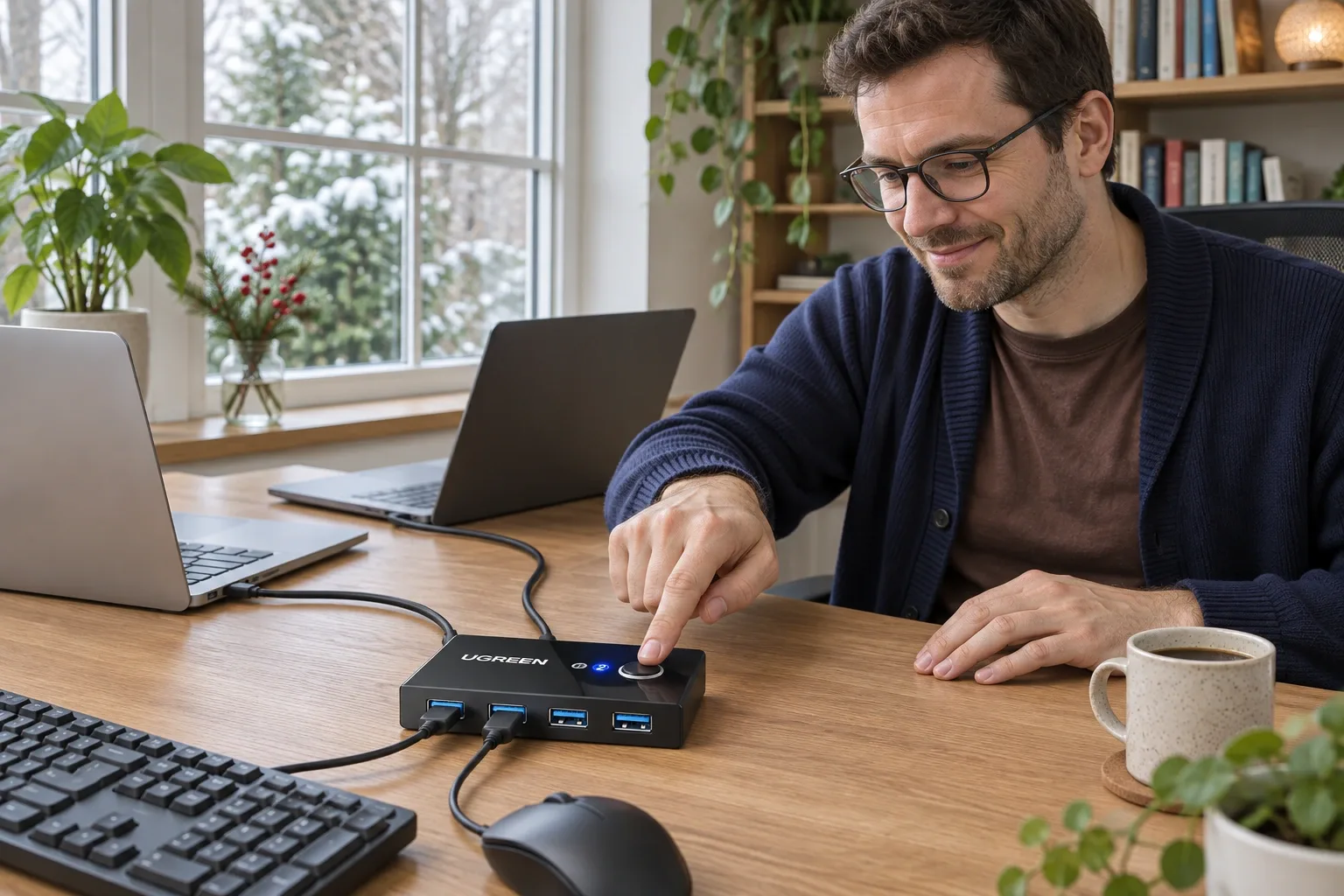
Pros
- + Two computers can share up to four USB-A peripherals
- + Physical selection button and active-host indicators
- + Two 1.5m USB-A host cables listed in the package
- + Small tabletop footprint; no switching software required
Cons
- - No monitor switching or laptop charging
- - Only one computer can use the peripherals at a time
- - Power connector and casing descriptions vary across regional listings
- - Older owner reports describe intermittent disconnects in some setups
- - Brand cautions about 2.4GHz wireless interference
Sources and verification status
Verification status: compiled from public sources
Data updated:
Verified on:
Cover: AI-generated illustration: a possible two-computer wired desk arrangement; not hands-on testing.
Quick Verdict
The UGREEN 30768 USB sharing switch addresses a familiar work-from-home nuisance: moving a favorite keyboard and mouse between a personal computer and a work computer. A button changes which machine receives the connected peripherals. For a recipient with that exact desk problem, this is a more considered gift than another generic USB hub.
It needs a clear expectation: this is USB sharing, without video switching. We compiled this analysis from public sources, not hands-on testing or an unboxing. Information and the Amazon.com new-item offer were checked on November 11, 2026; availability can change.
View Current Offers on Amazon →
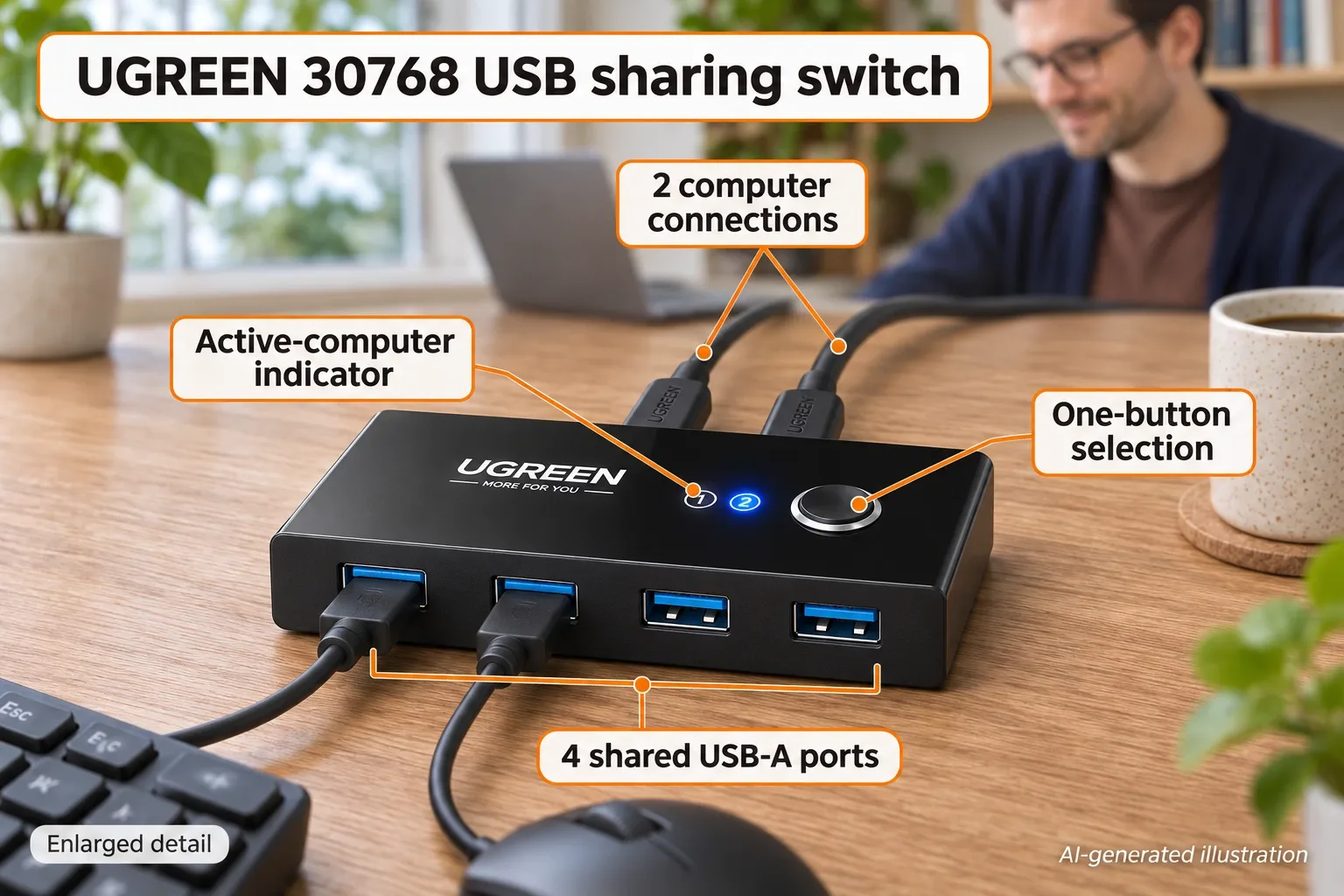
AI-generated illustration, enlarged detail: key controls and connections; no video switching is depicted.
What Stands Out
A physical control for an everyday desk problem
Four front USB-A sockets let a keyboard, mouse and other suitable USB peripherals stay connected. Two host connections lead to the computers; the top button selects the active host and numbered indicators identify it. There is no switching app to install. Peripheral-specific drivers or workplace device restrictions can still matter.
Host cables are part of the package
The selected US offer lists two 1.5m USB-A-to-USB-A cables. That matters when assessing a gift: the recipient needs two compatible computer connections rather than just an attractive little box. For USB-C-only computers, the brand’s US listing advises an adapter with the included cable and warns that a direct USB-C-to-A cable may not work.
A genuinely small object, with inconsistent listing details
Amazon lists approximately 4.09 × 2.01 × 0.59 inches; the regional UGREEN page gives 10.4 × 5.1 × 1.5cm. These are listing dimensions, not measurements we performed. The current US brand description says ABS, while the regional page says metal. We do not treat them as proof of identical construction across stock revisions.
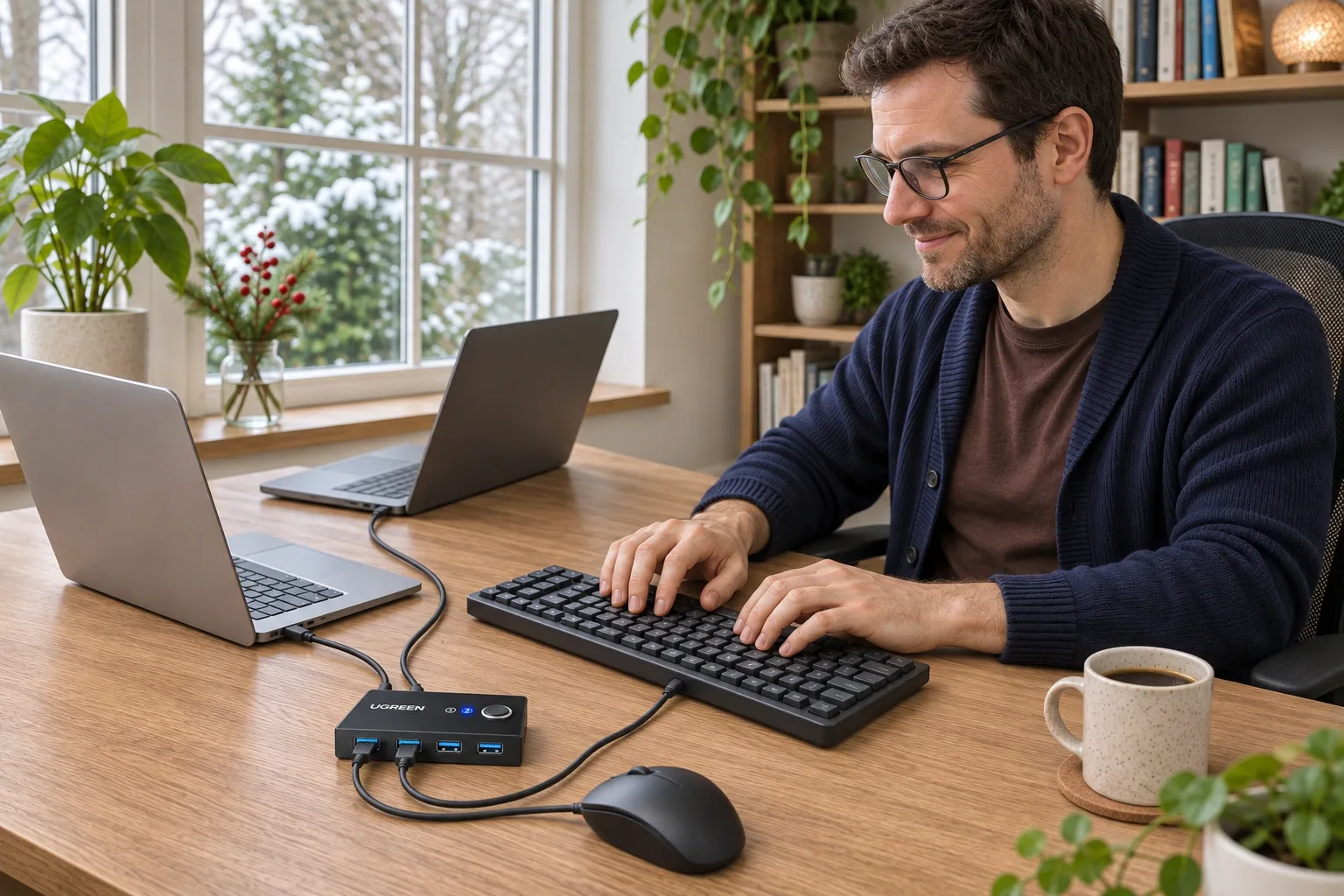
AI-generated illustration: wired peripherals at a two-computer desk; compatibility has not been tested.
Where It Falls Short
No display switching, charging or simultaneous access. A monitor remains separately connected. The active computer receives the shared peripherals; the other computer does not receive them at the same time. This is not a way to transfer files directly between the two hosts.
Auxiliary power needs a connector check. The current US offer describes USB-C 5V/2A auxiliary power, whereas the regional 30768 page describes Micro-USB. Neither description establishes which revision every seller will ship. The US offer excludes the power adapter and charging cable. Inspect the unit before buying those accessories.
Compatibility is more specific than an operating-system logo. The listing names Windows, macOS, ChromeOS and Linux, but a webcam, audio device or wireless receiver may behave differently from a basic wired keyboard. UGREEN cautions about 2.4GHz interference. The 5Gbps claim is a connection specification, not our throughput test or an independent speed guarantee for every port.
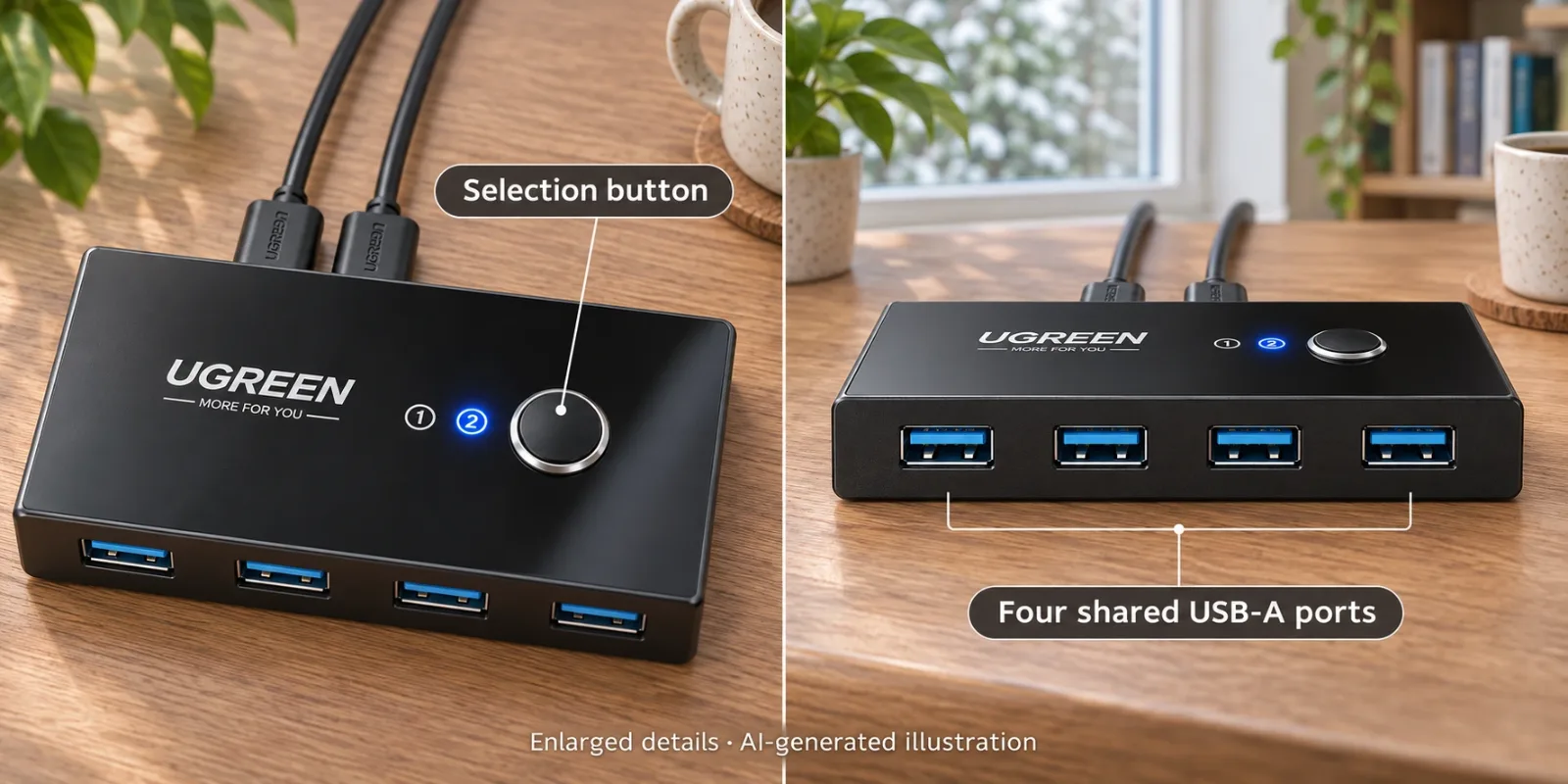
AI-generated illustration, enlarged details: button and peripheral sockets; not a wiring or troubleshooting tutorial.
What Owners Say
- A useful arrangement on one computer, instability on the other. Reddit user ilpazzo12, July 11, 2022, described peripherals working properly with an Ubuntu laptop but repeatedly disconnecting with a Windows desktop. The owner explicitly identified 30768 in a reply. This is one person’s mixed experience across two hosts, not two independent endorsements or evidence that every Windows setup fails. Original account · Model identification and unsuccessful follow-up, July 11, 2022 · Clarification about working Ubuntu use, July 11, 2022.
- Troubleshooting threads deserve careful interpretation. That owner’s edit says the attempted change did not resolve the issue. We exclude a later reply that openly describes copying the same proposed fix into multiple threads. The useful buying lesson is to check the actual host/peripheral combination, rather than presenting an unverified workaround as a universal solution.
The 2022 report predates the current US offer and does not establish its power-connector revision, a current-ASIN failure rate or a broad user consensus. We found no reliable dated owner discussion that confirms the current USB-C-power revision specifically. These reports inform compatibility questions, not a laboratory verdict.
Alternatives Compared
| Approach | Best fit | Main advantage | Main limitation |
|---|---|---|---|
| UGREEN 30768 | Two computers sharing wired USB peripherals | Four shared USB-A ports and a physical selector | No video or charging; check revision and compatibility |
| Video-capable KVM | Switching a monitor together with peripherals | Can consolidate both display and input selection | Must match resolution, refresh rate, ports and device needs |
| Multi-device keyboard and mouse | Someone willing to replace existing input devices | Can avoid a separate USB selector | Does not also share a printer, drive or webcam |
| Ordinary USB hub | Adding ports to one computer | Simpler single-host expansion | Does not choose between two host computers |
These are functionally different alternatives, not a tested performance ranking. A buyer who only needs more ports on one laptop should choose on that basis.
Who It’s For
Good fit: a two-computer home office, a recipient attached to existing wired peripherals, or a desk where physically moving plugs has become irritating. Confirm that both computers can accept the listed host-cable arrangement.
Less suitable: someone expecting one-button monitor changes, laptop charging, simultaneous access, or guaranteed reliability with a complex wireless/audio setup. It is a specific desk accessory, so asking about the recipient’s setup improves its gift value.
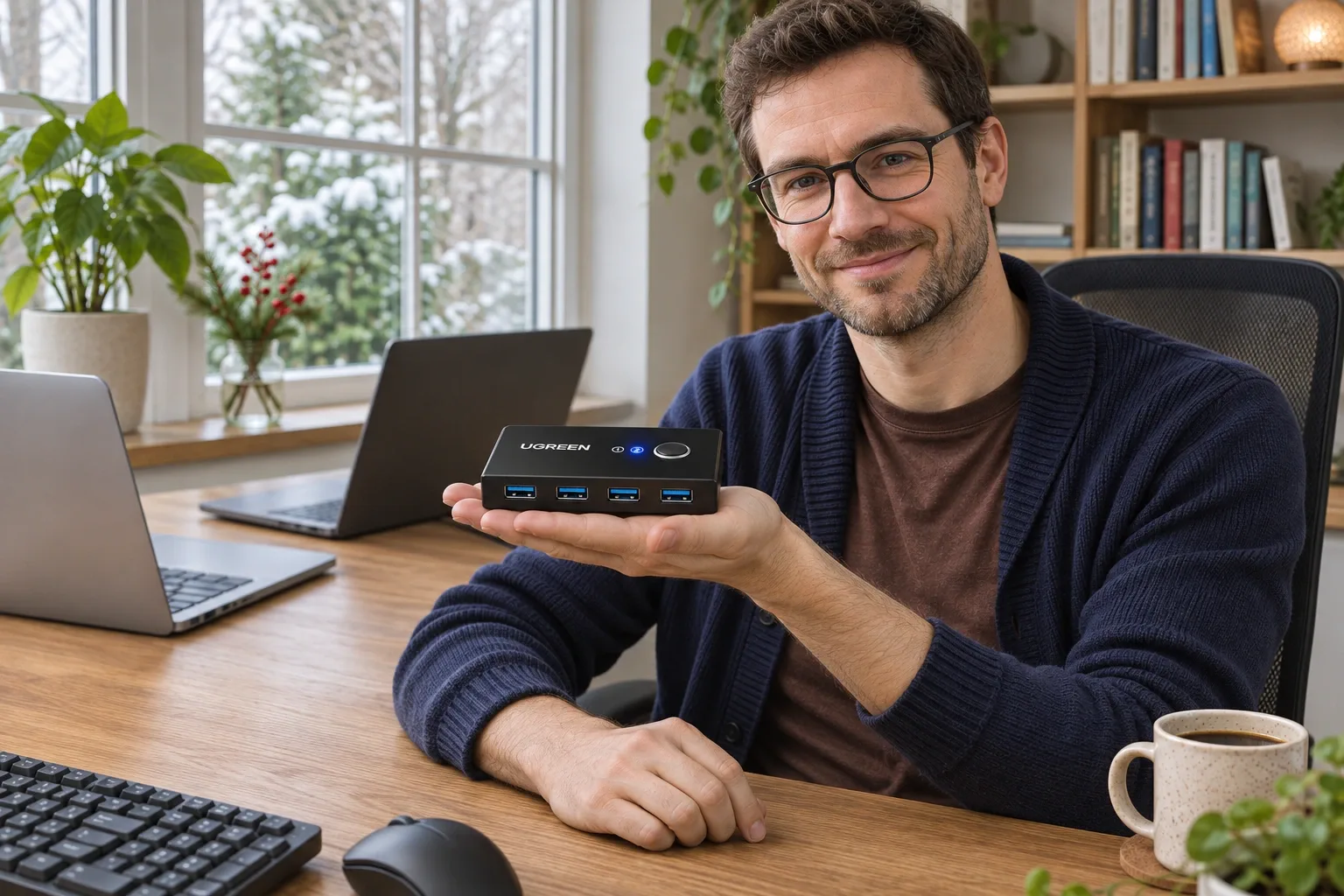
AI-generated illustration: the approximately palm-sized housing shown with a person for context.
How We Researched This
This article was compiled from public sources. We checked the selected Amazon.com item’s ASIN B01N6GD9JO, model 30768, package information and visible new-item offer: sold by UGREEN GROUP LIMITED, shipped by Amazon at the time of checking. We compared the regional brand/distributor page, reviewed product imagery, and read the dated Reddit account and its model-identifying follow-up. We did not open a box, benchmark data transfers or test compatibility. Regional material and power-port conflicts remain disclosed above.
All five images are AI-generated illustrations based on the referenced form and approximate published dimensions. They illustrate a possible desk arrangement, not observed performance, package contents or a verified wiring tutorial.
Sources
- Amazon.com selected US item and brand description — ASIN B01N6GD9JO, checked November 11, 2026. The current offer’s power connector differs from the regional description.
- UGREEN India / authorized distributor: US216 model 30768 — regional specifications and sharing limitations, checked November 11, 2026; not evidence of identical US stock.
- Reddit: ilpazzo12’s account, July 11, 2022 and the individually linked replies above — historical, explicitly identified 30768 owner experience.
FAQ
Does the UGREEN 30768 switch a monitor too?
No. It switches USB peripherals only. Keep separate video connections or use a suitable video-capable KVM if you need one-button display switching as well.
Can both computers use the same devices simultaneously?
No. The button selects one active computer at a time. This is peripheral sharing, not a network connection or a way to merge two computers.
Which cables are included?
The current Amazon.com offer lists the switch and two 1.5m USB-A-to-USB-A host cables. Auxiliary power accessories are not included. Check the selected offer and package contents before ordering.
Is auxiliary power USB-C or Micro-USB?
The US listing checked November 11, 2026 describes a USB-C 5V/2A input. The regional UGREEN India 30768 page describes Micro-USB. We cannot verify the connector inside an unopened retail box; inspect the actual unit before buying a power cable.
Will a USB-C-only laptop work?
The current US brand listing advises using a USB-C-to-USB-A adapter with an included host cable and warns that a direct USB-C-to-USB-A cable may not work. Adapter and peripheral compatibility still need checking; this does not provide laptop charging.
Is 5Gbps a guaranteed file-transfer speed?
No. It is the advertised USB 3.0 link ceiling, not a measured file-copy result or a promise for each of four devices simultaneously. The active connection is shared, and drives, computers and cables affect results.
Is this a good gift for a wireless gaming setup?
It is a more straightforward match for wired desk peripherals. UGREEN warns about interference with 2.4GHz wireless devices, and older owner reports describe setup-dependent disconnects. Confirm the recipient’s ports, peripherals and monitor arrangement first.
Price and purchase links
You might also like
Electronics
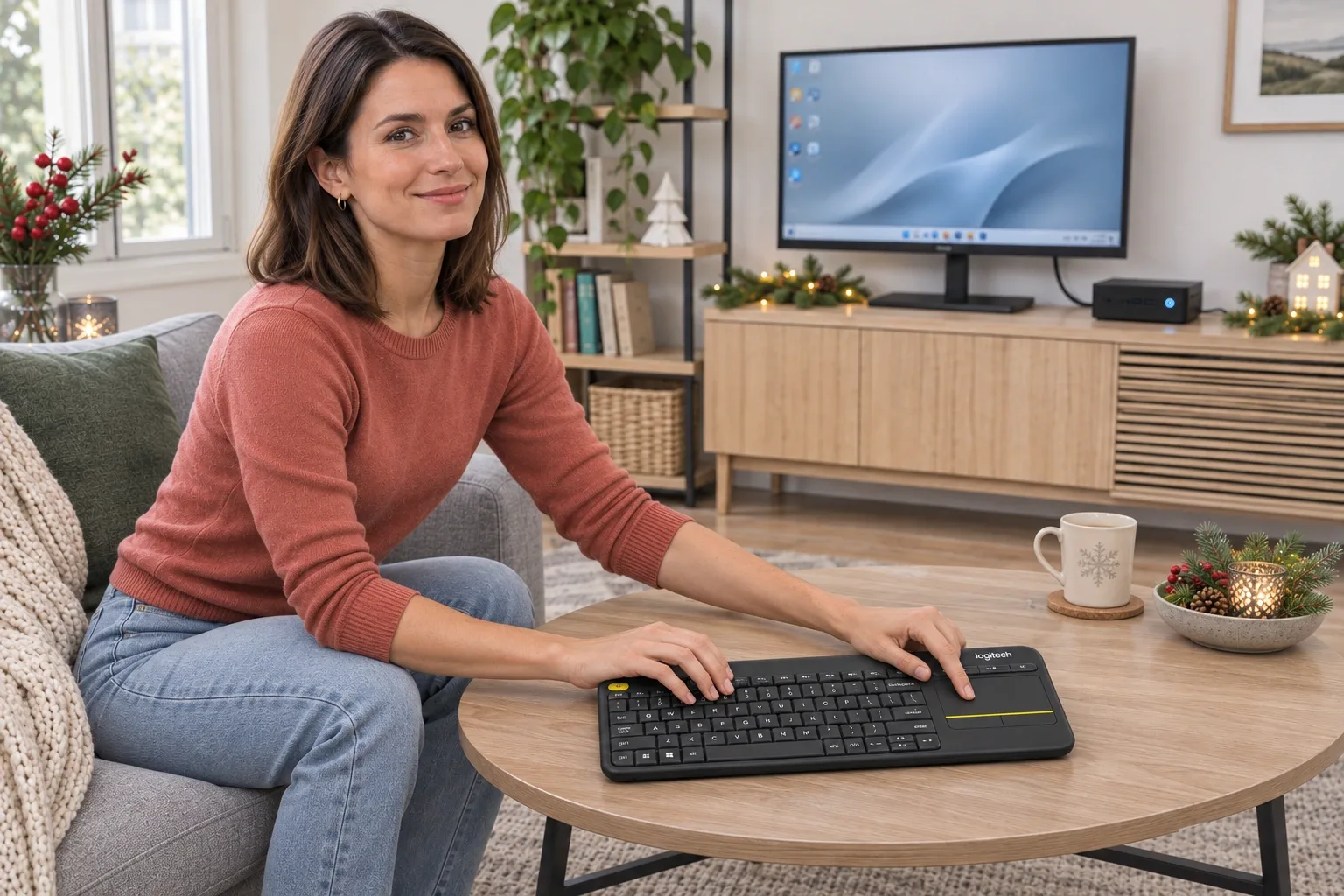
Product analysisLogitech K400 Plus Review: A Couch-PC Gift With a Receiver Catch
A compact keyboard and touchpad can simplify a living-room PC, but the USB receiver, unlit keys and older owner reports deserve attention before gifting.
Electronics
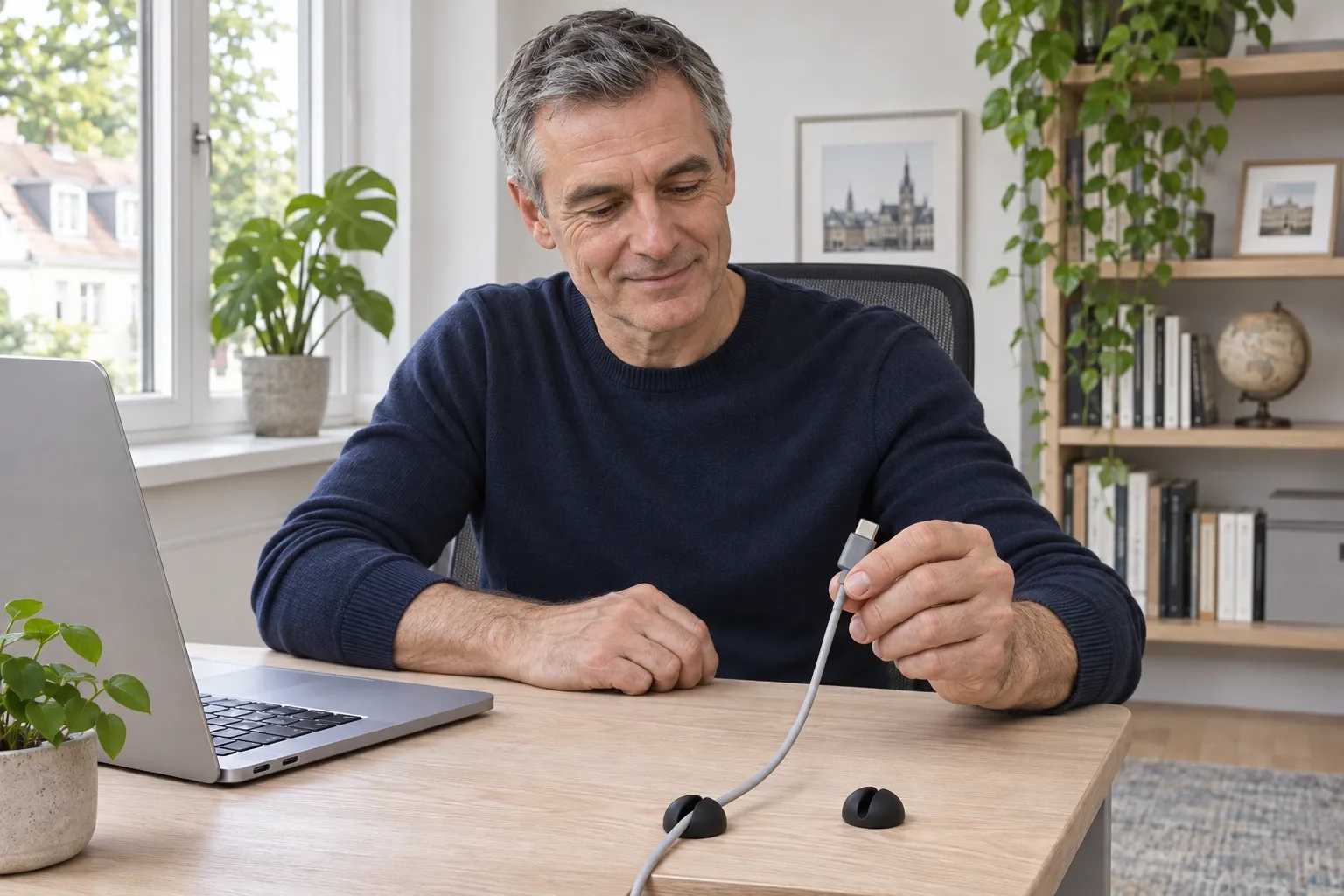
Product analysisBluelounge CableDrop Review: Stop Fishing for Cords Behind Your Desk
A small desk upgrade for keeping loose charging leads within reach. We examine the black two-pack listing, cable-fit differences and the adhesive trade-off.

Electronics
Product analysisLogitech H390 Review: A Useful Desk Gift—If USB-A and On-Ear Fit Work
A simple wired computer headset with useful cable controls, but connector choice and small on-ear cushions need to suit the recipient.
Electronics
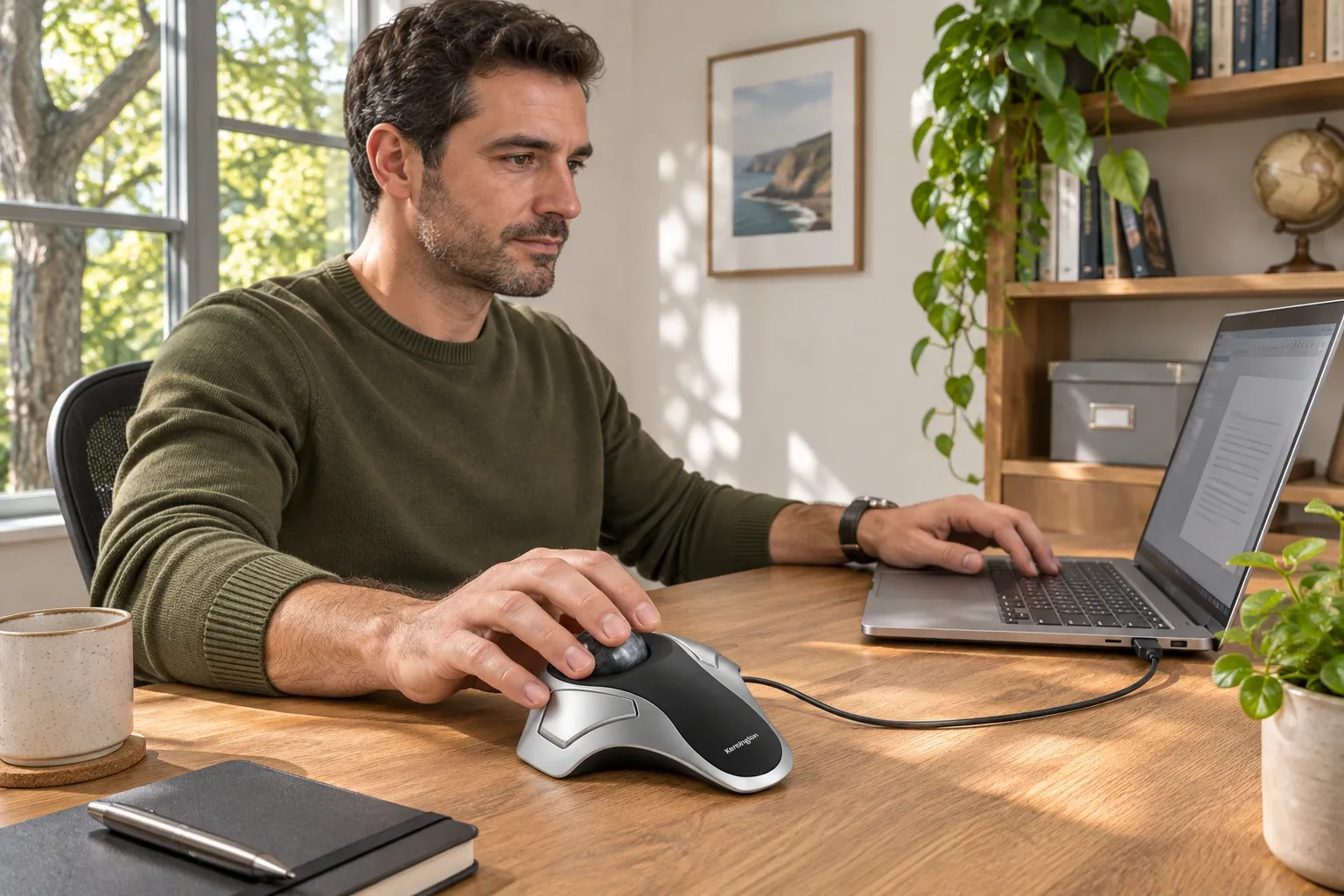
Product analysisKensington Orbit K64327F Review: A Small-Desk Gift With One Big Scrolling Catch
Consider this Orbit for a recipient who wants a stationary, finger-operated pointer and does not mind adapting their scrolling routine.