Kensington Orbit K64327F Review: A Small-Desk Gift With One Big Scrolling Catch
Buying Guide Notes · First published:
Compiled from public sources · Written using published specs and user feedback.
As an Amazon Associate I earn from qualifying purchases.
Pros
- + Stationary pointer needs no mouse travel area
- + Ambidextrous finger-ball layout
- + Wired connection avoids batteries
- + 40 mm ball and two straightforward buttons
Cons
- - No physical scroll ring
- - Wired connection can require a USB adapter on some computers
- - Learning and personal fit vary
- - Windows ARM and ChromeOS customization limitations
Sources and verification status
Verification status: compiled from public sources
Data updated:
Verified on:
Research checked November 10, 2026. This analysis is compiled from public sources. We have not bought, unboxed or physically tested this product.
Quick Verdict
Consider this Orbit for a recipient who wants a stationary, finger-operated pointer and does not mind adapting their scrolling routine. The silver-and-black K64327F has two buttons and a 40 mm gray ball, but no scroll ring. That missing control is the detail to settle before giving it as a work accessory.
Exact Model and Buying Checks
| Check | Verified detail |
|---|---|
| Selection | K64327F silver/black optical trackball; gray 40 mm ball |
| Connection | Wired USB; no batteries or wireless pairing |
| Controls | Two buttons; no physical scroll ring |
| Handedness | Ambidextrous body; a different technique from a thumb trackball |
| Compatibility caution | Current manufacturer page excludes Windows ARM; ChromeOS supports basic HID use without customization |
The selected Amazon page showed In Stock for sample ZIP 10001 on November 10, 2026. Availability, seller, total cost and delivery can change; we do not reproduce a changing price or star rating.
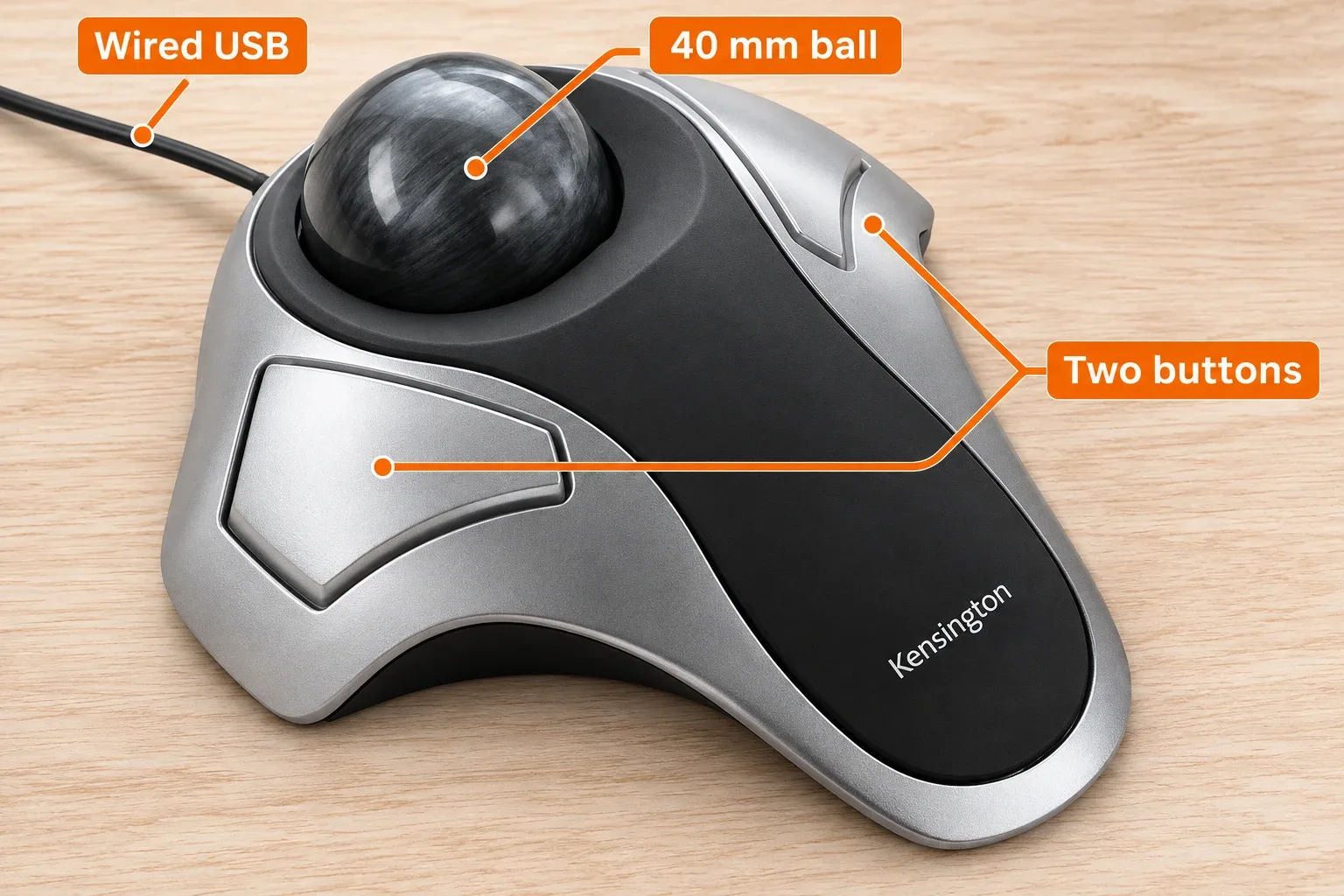
AI-generated illustration — an enlarged view labeling the 40 mm ball, two buttons and wired USB connection. Enlarged details, not scale measurements.
What Stands Out
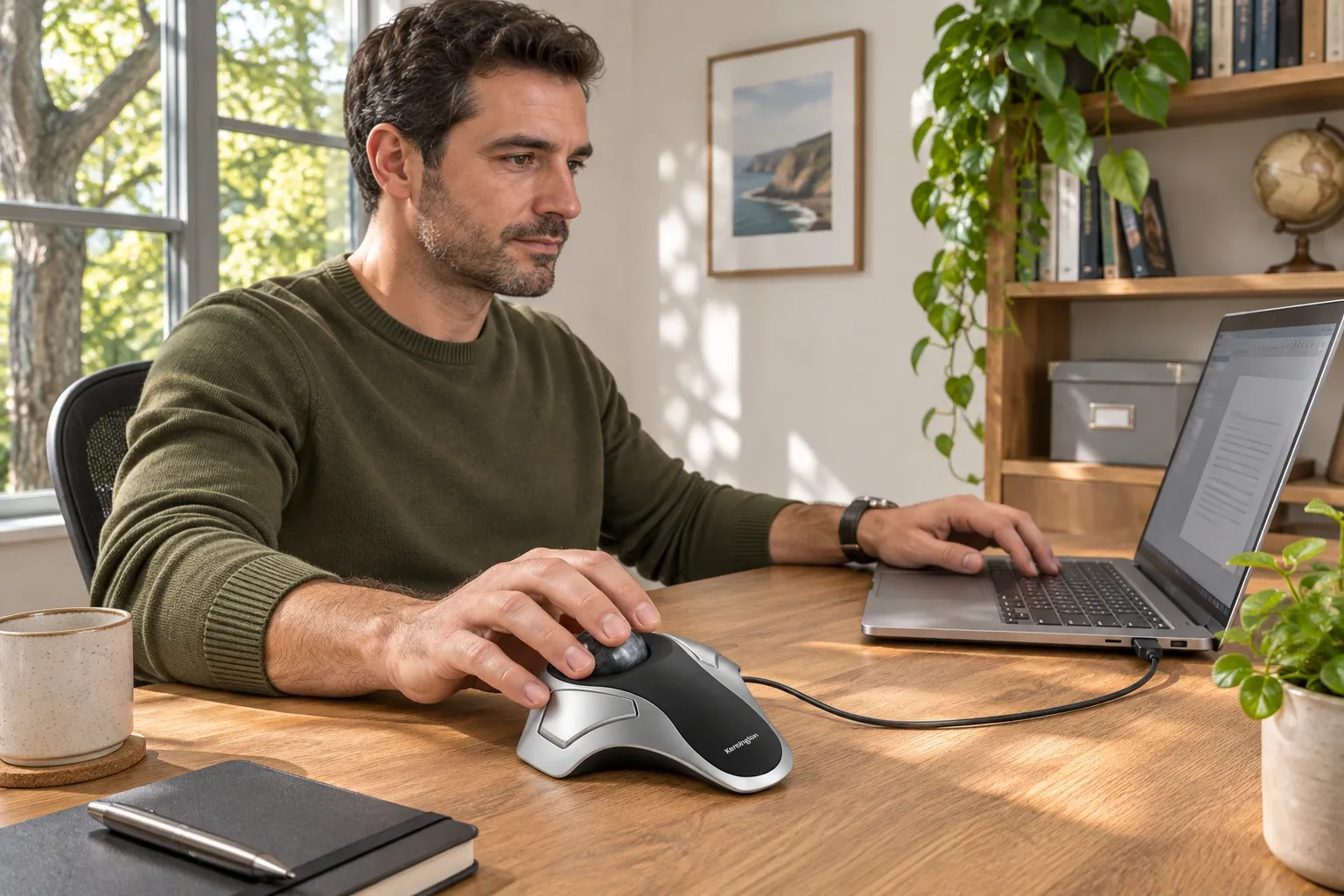
A pointer that stays in one place
A conventional mouse needs room to move. The Orbit moves the cursor when you roll the ball, so the surrounding desk does not need a full mouse travel area. That is useful next to a notebook, on a crowded craft desk or in a workspace shared with paperwork. The body still occupies space; it is not a zero-footprint input device.
Left or right hand, without a thumb-operated shell
The symmetrical shape is a meaningful distinction from many sculpted thumb trackballs. It leaves room to experiment with either hand, although changing hands and learning ball control can take practice. Button assignment and pointer adjustment depend on compatible manufacturer software. We would check the recipient’s exact operating system before counting software customization as part of the gift.
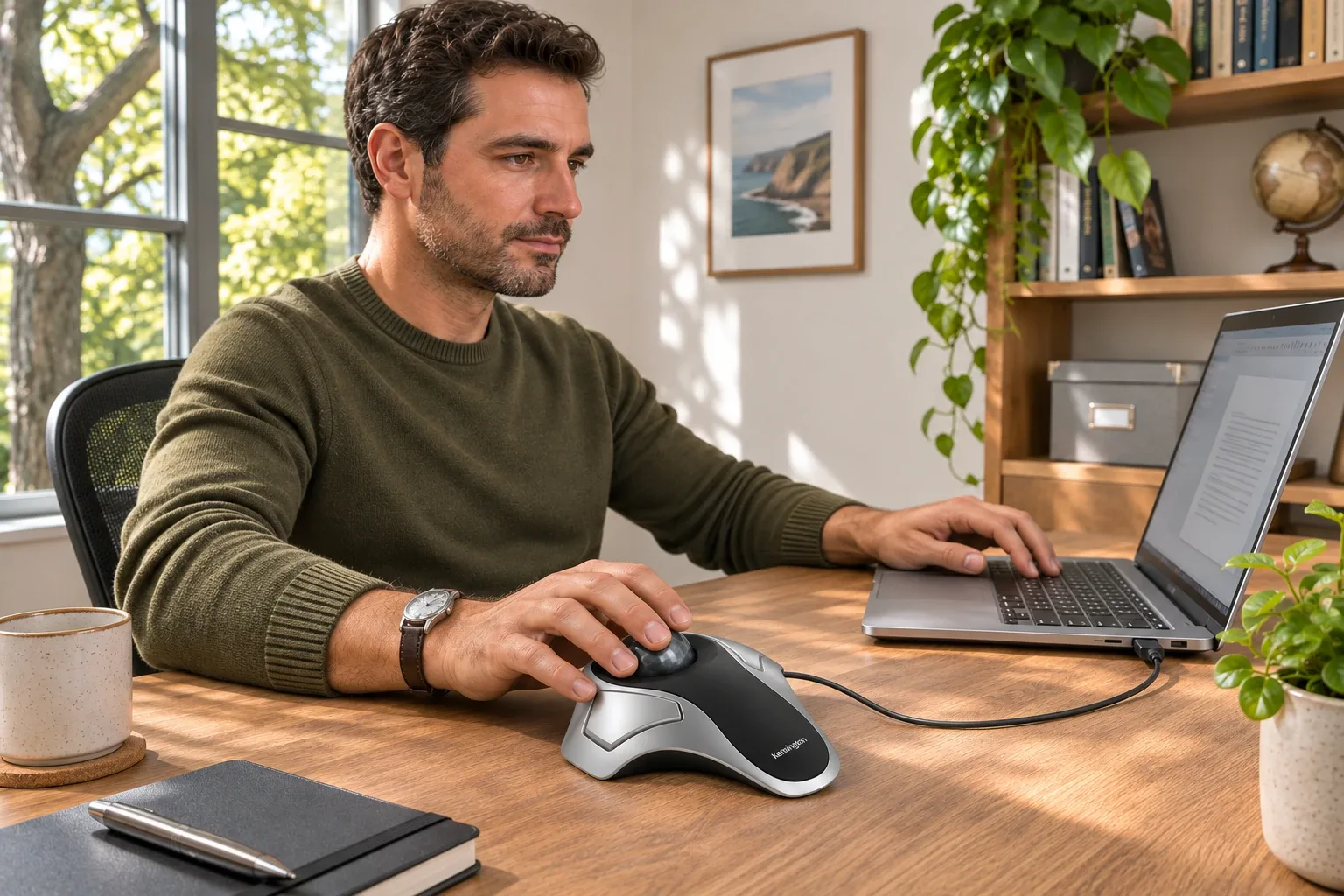
AI-generated illustration — the same man using the gray-ball pointer again. Fictional scene, not a recorded product test.
Where It Falls Short
No scroll ring is included. Product photos of other Orbit models can make this easy to miss. A frequent spreadsheet or long-document reader should decide whether software-assisted scrolling is acceptable, or buy a model with a dedicated physical scrolling control.
The cable also commits the setup to a wired connection. A computer with only USB-C ports may need an appropriate adapter that is not established as included here. Most importantly, a different pointing technique is not a medical treatment: we cannot promise relief from pain or strain, and the fit of the ball, buttons and desk height remains personal.
What Owners Say
- Shape appealed, fast movement did not initially. In a Reddit discussion dated June 9, 2022, one left-handed buyer liked the layout but described choppy cursor movement during fast ball motion. They subsequently identified the silver/black, gray-ball K64327.
- The same owner later enjoyed it, but the cause is uncertain. In the same thread on June 10, 2022, that author reported improvement after repeated cleaning, more use and third-party acceleration software. Several things changed, so this does not prove either a defect in every unit or a universal fix. Other replies concern Orbit Fusion and are not evidence for this model.
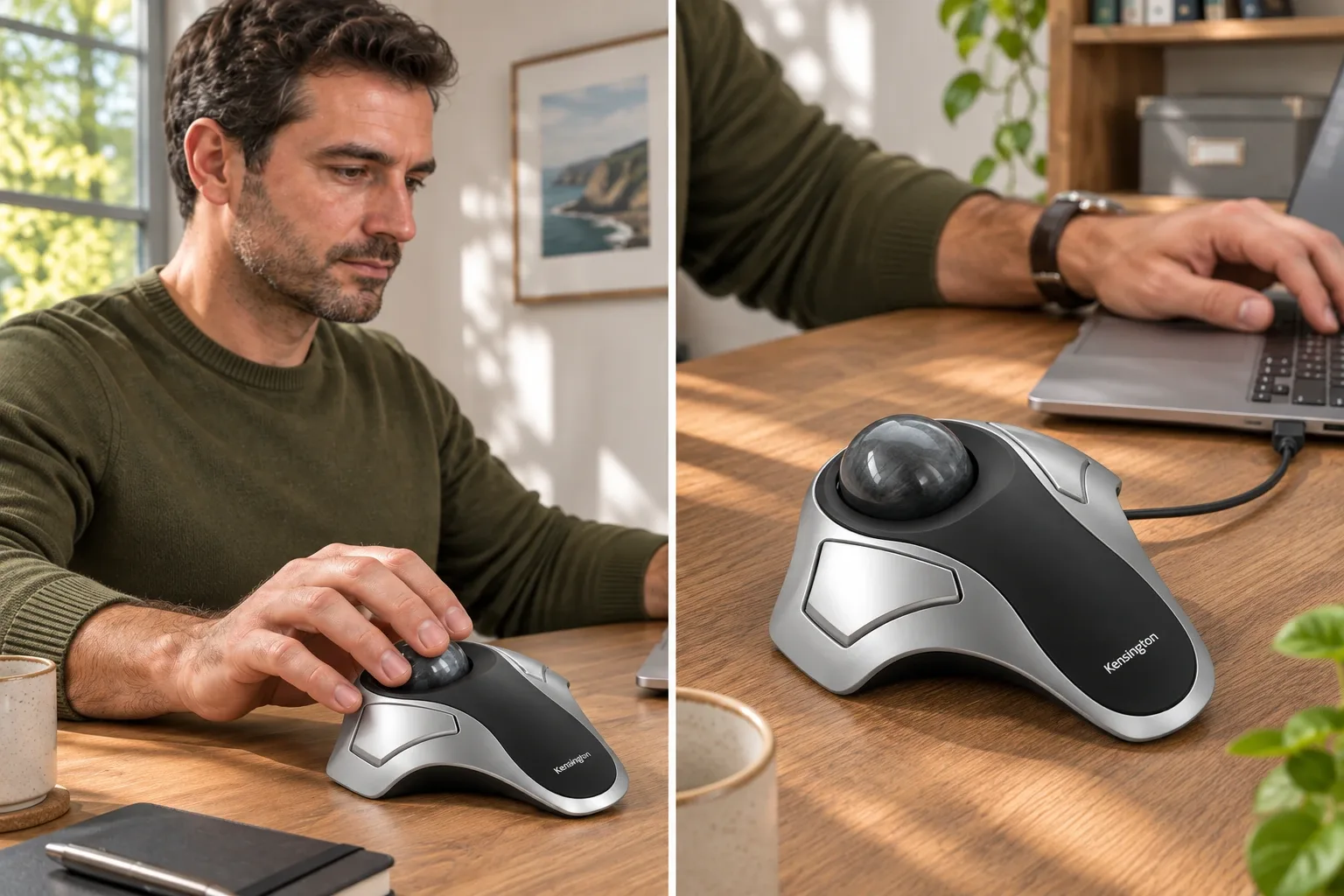
AI-generated illustration — enlarged views of the gray ball, buttons and cable. Enlarged details, not scale measurements.
Alternatives Compared
| Alternative | Why consider it | Tradeoff to check |
|---|---|---|
| Orbit with Scroll Ring | A dedicated physical scrolling control | It is a different Orbit model; verify its own ASIN and compatibility |
| Ordinary wired mouse | Familiar movement with a conventional wheel | Needs mouse travel space |
| Thumb-operated trackball | A different finger and hand position | The sculpted shape may favor one hand |
These are editorial alternatives by use, not a measured ranking or a claim that every alternative has current stock. Verify the exact model before buying.
Who It's For
Best for a curious desk worker who specifically wants a finger-operated trackball, including someone exploring a left-handed arrangement. Less suitable as a surprise for a gamer demanding a familiar mouse feel, a Windows ARM user, or anyone expecting a scroll ring straight out of the box.
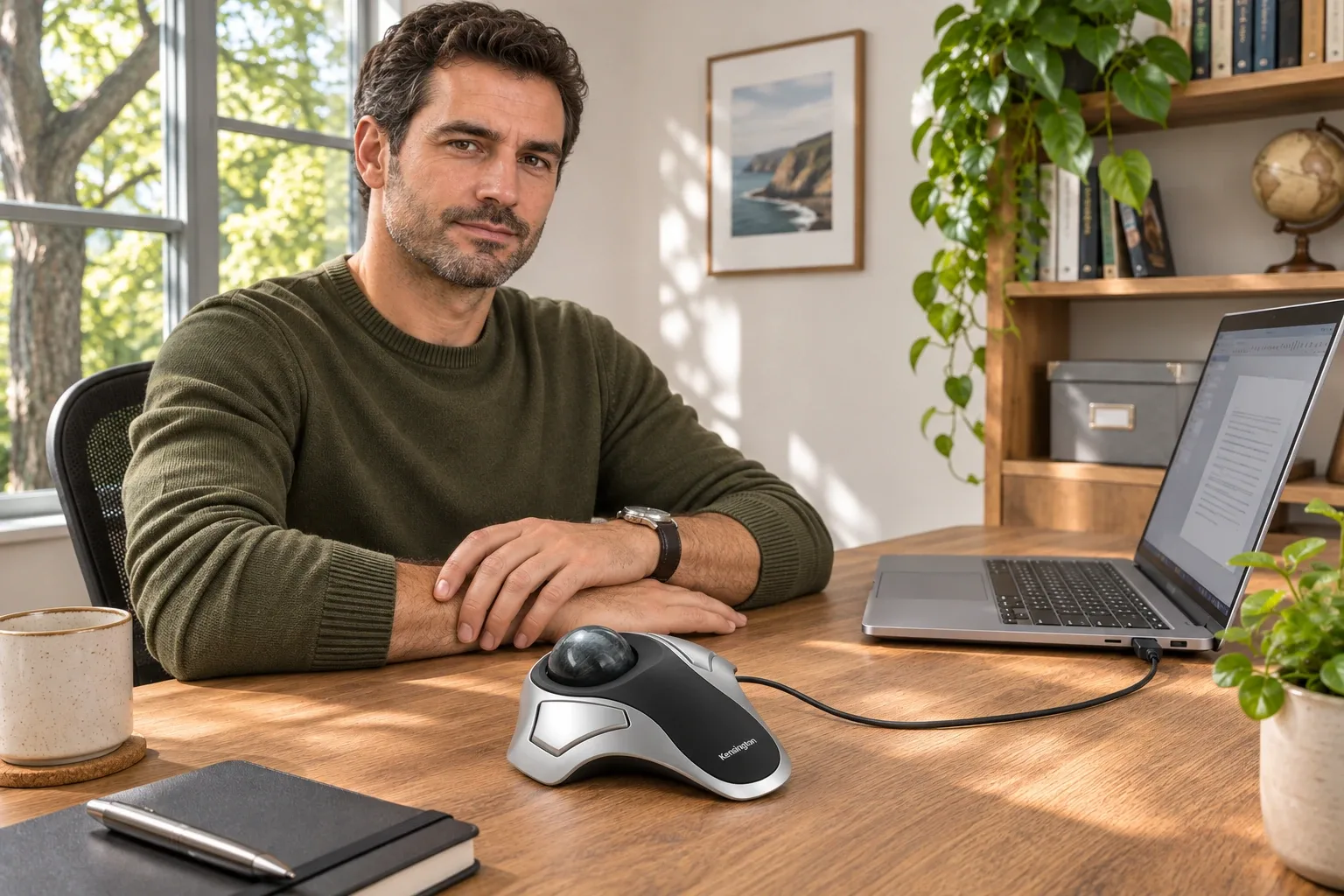
AI-generated illustration — the same man beside the stationary trackball. Fictional scene, not a recorded product test.
How We Researched This
We matched the selected Amazon model and ASIN against the official sources below, checked the visible offer and searched dated public community discussions. Brand-family or older-version experiences are identified rather than silently applied to this selection. We excluded deal bots, empty reposts and automated review aggregates. Personal accounts illustrate possibilities; they do not establish failure rates, universal results or a test winner. All five images are AI-generated illustrations, not product photographs or evidence of hands-on testing.
Sources
Dated community links, when usable evidence was found, appear directly in What Owners Say above. The Questions & Answers section below addresses the exact selection and the limits of this research.
FAQ
Does K64327F have the Orbit scroll ring?
No. Both the selected listing and manufacturer description distinguish this optical two-button model from Orbit models with a scroll ring.
Does it connect over Bluetooth?
No. This selection is wired USB. Do not buy it expecting Bluetooth, a receiver or a rechargeable battery.
Is it usable with either hand?
The manufacturer describes the body as ambidextrous. That does not guarantee personal comfort; hand size, button reach and learning the ball movement still matter.
Will it work on Windows ARM or ChromeOS?
The current official product page says Windows ARM is not supported. ChromeOS has basic HID operation, but customization software is not available there. Check the current support page for your exact system.
Will it cure wrist pain?
No such result is established by our research. This is an alternative input layout, not a diagnosed treatment. We have not performed ergonomic or clinical testing.
Price and purchase links
You might also like
Electronics
Product analysisLogitech K400 Plus Review: A Couch-PC Gift With a Receiver Catch
A compact keyboard and touchpad can simplify a living-room PC, but the USB receiver, unlit keys and older owner reports deserve attention before gifting.

Home & Kitchen
Product analysisClover Desk Needle Threader Review: Check the Needle Before Buying the Gift
A small tabletop helper for compatible hand-sewing needles, with a narrower compatibility range than some retail descriptions suggest.

Electronics
Product analysisLogitech H390 Review: A Useful Desk Gift—If USB-A and On-Ear Fit Work
A simple wired computer headset with useful cable controls, but connector choice and small on-ear cushions need to suit the recipient.
Electronics
Product analysisElgato Stream Deck Mini: Six Keys That Make a Thoughtful Desk Gift
A compact macro controller for someone with a few repeatable computer tasks. Six visible keys favor a focused workflow, and setup is part of the gift.