A Slim Travel Mouse Makes the Logitech Pebble 2 M350s Worth a Look
Buying Guide Notes · First published:
Updated
Compiled from public sources · Written using published specs and user feedback.
As an Amazon Associate I earn from qualifying purchases.

Pros
- + Slim, rounded shape designed for laptop-bag portability
- + Pairs with up to three devices via Easy-Switch
- + Customizable middle click through Logi Options+
Cons
- - Logi Bolt receiver sold separately with the standalone mouse
- - Low profile may not suit buyers who prefer a taller palm-supporting shape
- - Uses a replaceable battery rather than cable charging
Sources and verification status
Verification status: compiled from public sources
Data updated:
Source-based product analysis
Compiled from public sources. We have not unboxed or tested a physical unit. Images are AI-generated illustrative scenes, not photographs of our testing.
Quick Verdict
The Logitech Pebble Mouse 2 M350s makes sense when your mouse travels with your laptop. Its compact shape and multi-device pairing address two ordinary annoyances: packing bulky accessories and keeping a separate mouse for each device. Logitech also advertises quieter clicking through Silent Touch. These are manufacturer-described features rather than our own test results.
Our buying recommendation: shortlist it for mobile work, but try the shape first if you usually rest your whole palm on a taller mouse. A tidy-looking desk accessory still needs to suit your hand.
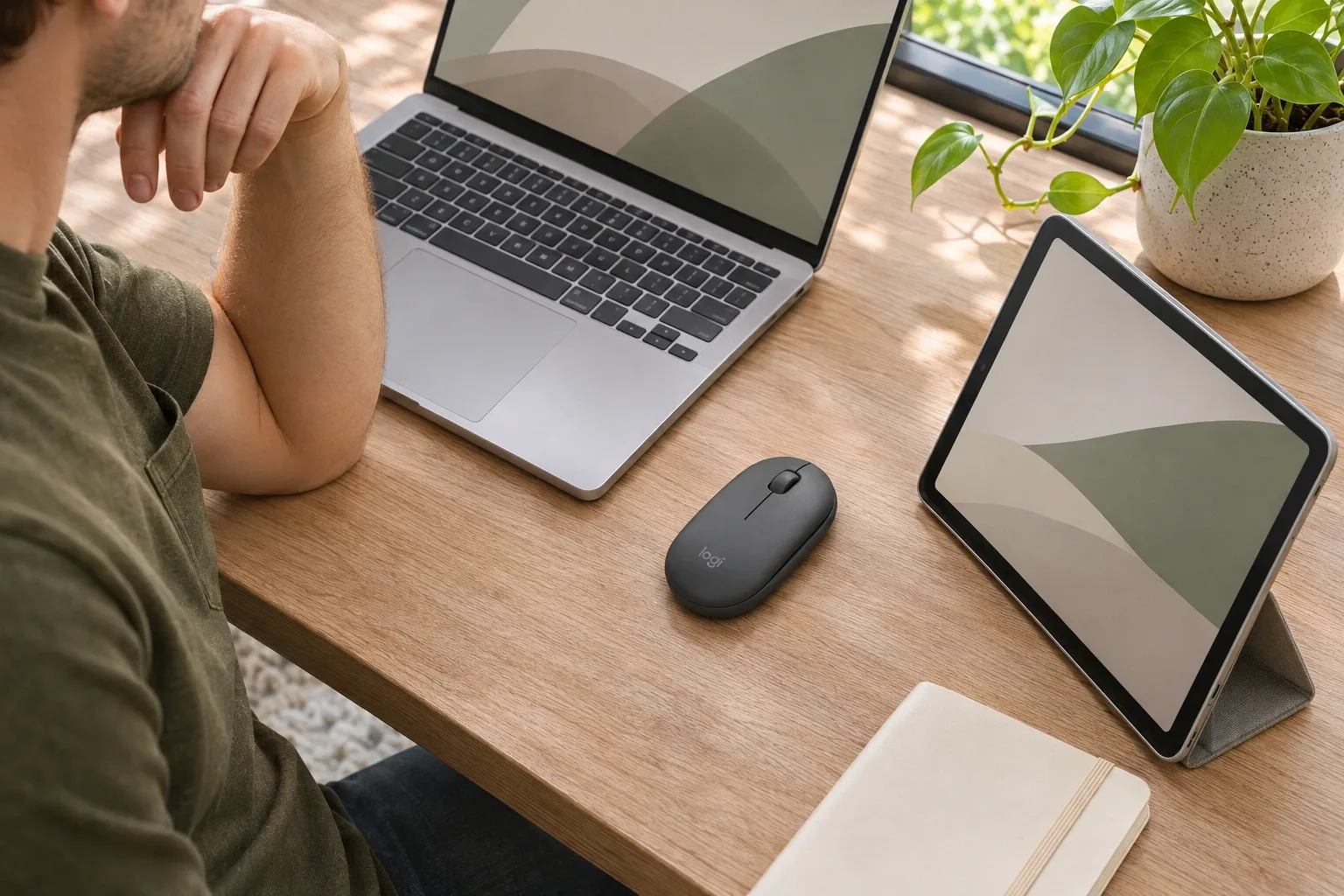
AI-generated illustration: a workspace with several devices.
What Stands Out
One mouse, several devices
Logitech's setup guide explains how to pair three devices and change between them using Easy-Switch. That suits someone moving between a work laptop and a personal computer. Switching is a deliberate action; pairing several devices does not mean the mouse controls them all at once.
A useful shortcut without extra bulk
The middle click can be reassigned in Logi Options+, including app-specific actions. That gives a simple mouse some flexibility without adding a bank of buttons. Check current software compatibility if customization is a reason you are buying. A managed work computer may also restrict software installation, so consider your actual setup before relying on optional features.
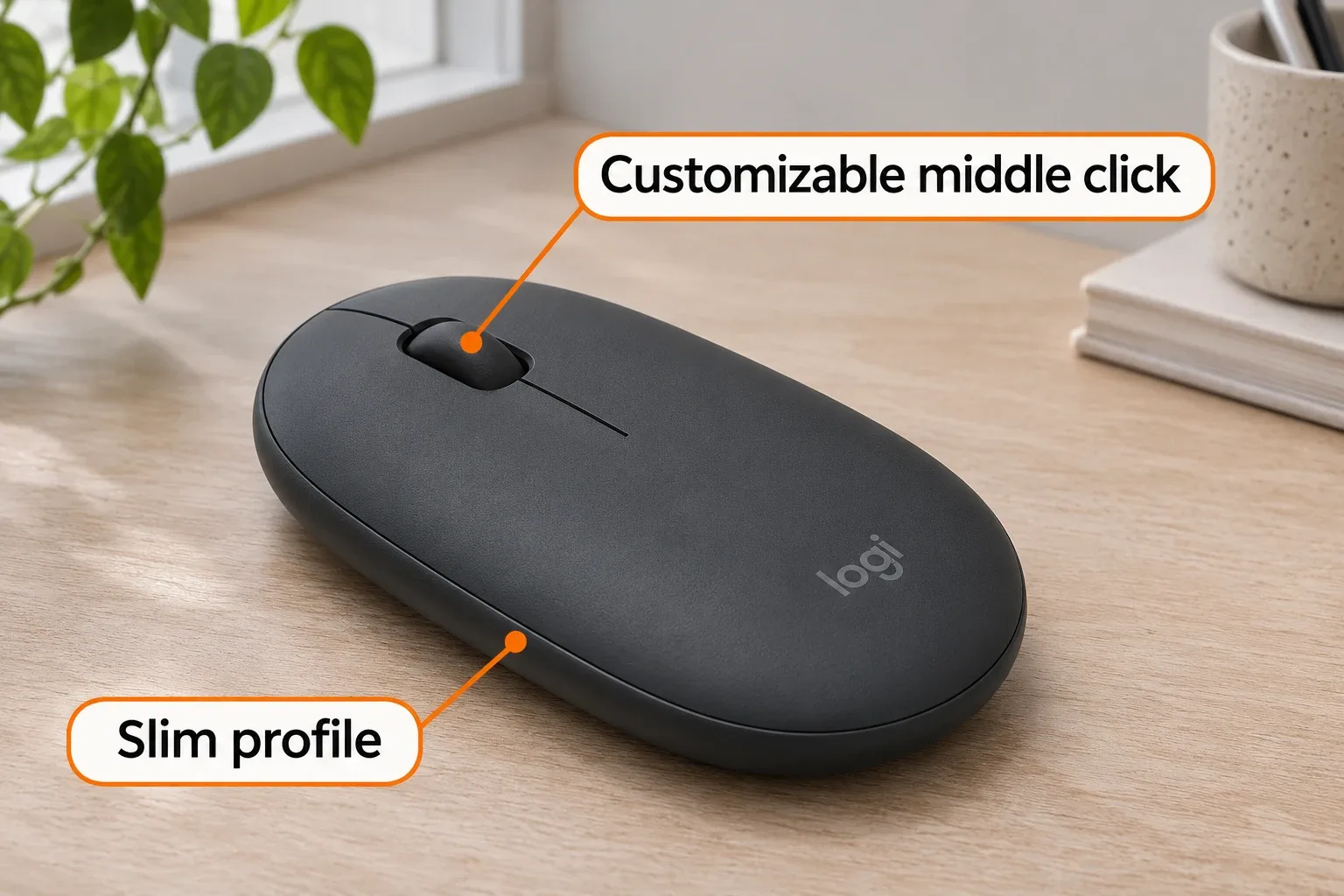
AI-generated feature illustration; shown controls are illustrative.
A battery you replace
Logitech's setup guide specifies one AA alkaline battery and expected life of up to 24 months. Treat that as a manufacturer estimate rather than a promise for your workload. The tradeoff is straightforward: no regular charging routine, but a replacement battery to keep on hand.
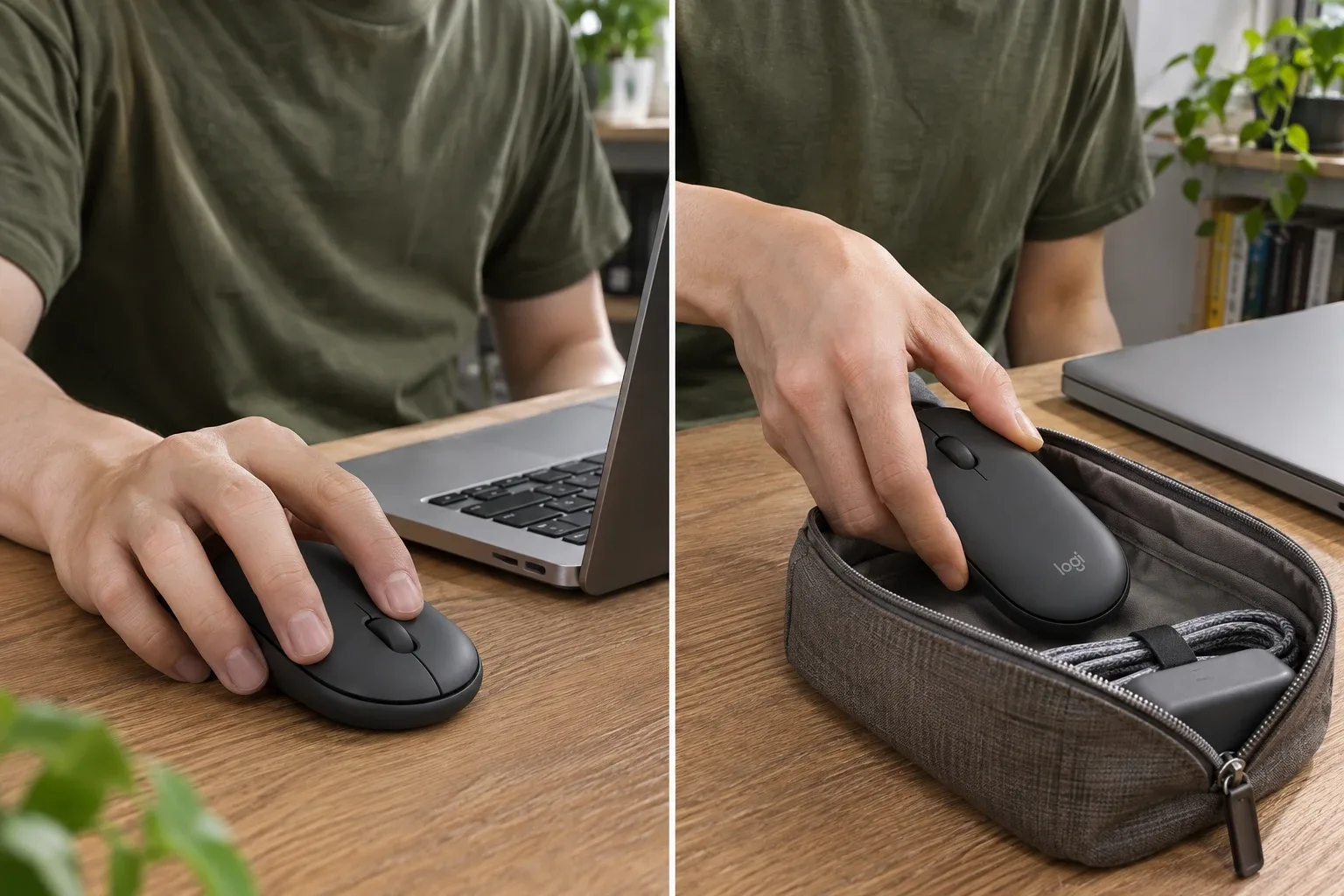
AI-generated illustration: use and storage scenarios.
Where It Falls Short
Check the connection you need before ordering. Logitech says the standalone M350s supports a Logi Bolt receiver, but that receiver is a separate purchase. Bluetooth users may never need one; buyers expecting a dongle in the box should check the exact bundle.
The low profile is also a buying tradeoff. We would not infer all-day comfort from how easily it packs. Hand size, grip and desk routine matter, so a brief in-store try can be more useful than choosing a color online.
Pebble Mouse 2 M350s vs. Signature M650
Choose the Pebble for a slim accessory you take between workspaces. Consider the M650 if your priority is a fuller shape: Logitech describes a contoured body, a soft thumb area and rubber side grips. The M650 family includes small-to-medium, large and large left-handed versions. Its SmartWheel supports precise and faster scrolling.
These differences make the M650 worth comparing for a permanent desk setup; they do not establish that it will feel better in every hand. Start with your bag space and grip preference rather than assuming one design suits everyone.
Who It's For
Picture a commuter who works at home in the morning and carries a laptop elsewhere in the afternoon. That is the situation behind this recommendation. If your mouse stays on one desk all week, give hand fit and the controls you use most more weight than packing convenience.
We have not measured gaming latency, sensor performance or long-term comfort. Buyers whose decision depends on those results should seek relevant hands-on measurements before choosing.
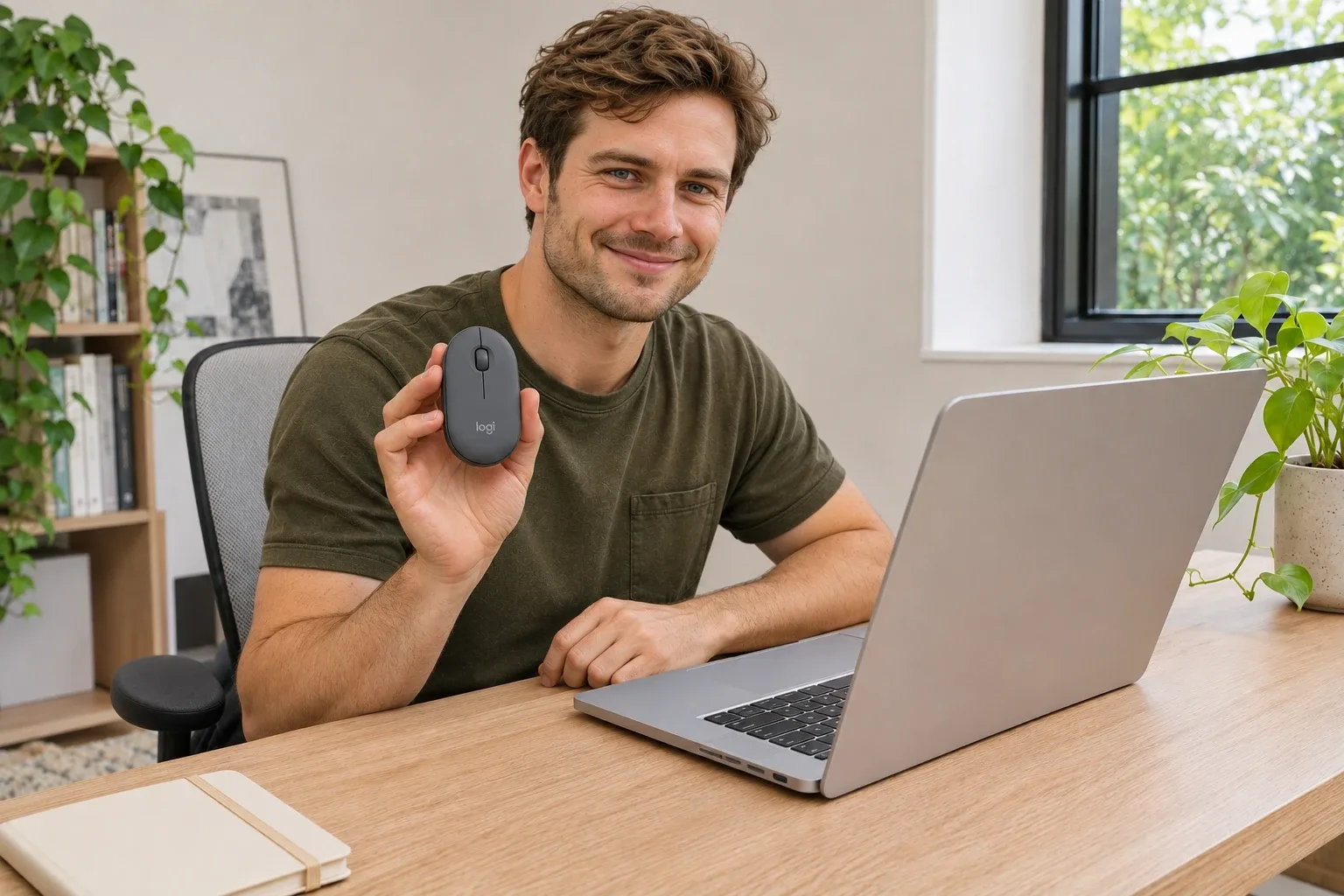
AI-generated illustrative scene, not a photograph of our testing.
How We Researched This
This guide uses Logitech's published product information and setup documentation. We did not unbox or test a physical unit. Images are AI-generated illustrative scenes, not photographs of our testing or evidence of exact product dimensions. Product details and bundle contents should be checked against the exact listing before purchase.
Sources
Find This Model on Amazon
Search Amazon for Logitech Pebble Mouse 2 M350s
Amazon's live pages could not be verified during preparation. This is a model-search link with tracking ID unboxrank-20 rather than a verified ASIN listing. No live price, rating or availability is claimed. Confirm the exact model, color, seller and bundle before purchase.
FAQ
How many devices can the M350s pair with?
It can pair with up to three devices. Use Easy-Switch to select the active device; pairing three does not mean controlling all three simultaneously.
Does the standalone M350s include a Logi Bolt receiver?
No. The standalone mouse supports Logi Bolt, but the receiver is sold separately. Check exact bundle contents if you are buying a keyboard-and-mouse combination.
Is the Pebble Mouse 2 M350s rechargeable?
No. It uses one replaceable AA battery. Logitech’s up-to-24-month battery-life figure is an estimate that depends on use and conditions.
Can the middle button be customized?
Yes. Logi Options+ supports middle-click customization on compatible systems. Check current software support and any installation restrictions on a managed work computer.
Is the slim shape comfortable for every hand?
No single shape suits everyone. The low profile is convenient for carrying, but someone who prefers a tall palm-supporting mouse should compare the fit before choosing.
Price and purchase links
You might also like

Electronics
Product analysisLogitech MX Anywhere 3S Puts MX Controls in a Coat-Pocket Mouse
The MX Anywhere 3S costs $30.00 less than the MX Master 4 and fits a coat pocket, but large hands may find it cramped.

Electronics
Product analysisSwitching Among Three Devices Is the Pebble Keys 2's Easy Part
A light three-device Bluetooth keyboard for travel and tablets; the MX Keys Mini adds backlighting and USB-C charging.
Electronics
Product analysisLogitech MX Keys S: Backlit Keys Come With a Battery Trade-Off
The MX Keys S is $119.99 on Amazon. See owner comments on battery and noise, and how it compares to the K380s.
Electronics
Product analysisUGREEN 30768 Review: Share One Keyboard and Mouse Between Two Computers
A small manual USB switch can simplify a two-computer desk, provided you understand its video, power and peripheral limits. We examine the current US offer and dated owner reports.