Logitech MX Anywhere 3S Puts MX Controls in a Coat-Pocket Mouse
Buying Guide Notes · First published:
Compiled from public sources · Written using published specs and user feedback.
As an Amazon Associate I earn from qualifying purchases.

Specifications
| Model / ASIN | 910-006925 / B0BPY4ZQXG |
|---|---|
| Sensor | 8,000 DPI Darkfield |
| Buttons | 6 |
| Connection | Bluetooth, up to 3 devices; Logi Bolt sold separately |
| Battery | Up to 70 days per charge, USB-C |
| Warranty | 1-year limited |
Sources and verification status
Verification status: compiled from public sources
Data updated:
Quick Verdict
Choose the MX Anywhere 3S for MagSpeed scrolling and three-device switching in a coat-pocket mouse. At $89.99, it costs $30.00 less than the $119.99 MX Master 4.
MX Anywhere 3S vs MX Master 4
The MX Master 4 costs $30.00 more for a thumb wheel, haptic panel and fuller grip.
| Detail | MX Anywhere 3S Graphite | MX Master 4 Graphite |
|---|---|---|
| Price, Nov. 8, 2026 | $89.99 | $119.99 |
| ASIN | B0BPY4ZQXG | B0FC5SJNQX |
| Buttons | 6 | 7 |
| Thumb wheel | No | Yes |
| Amazon rating | 4.5 stars, 2,354 | 4.3 stars, 2,236 |
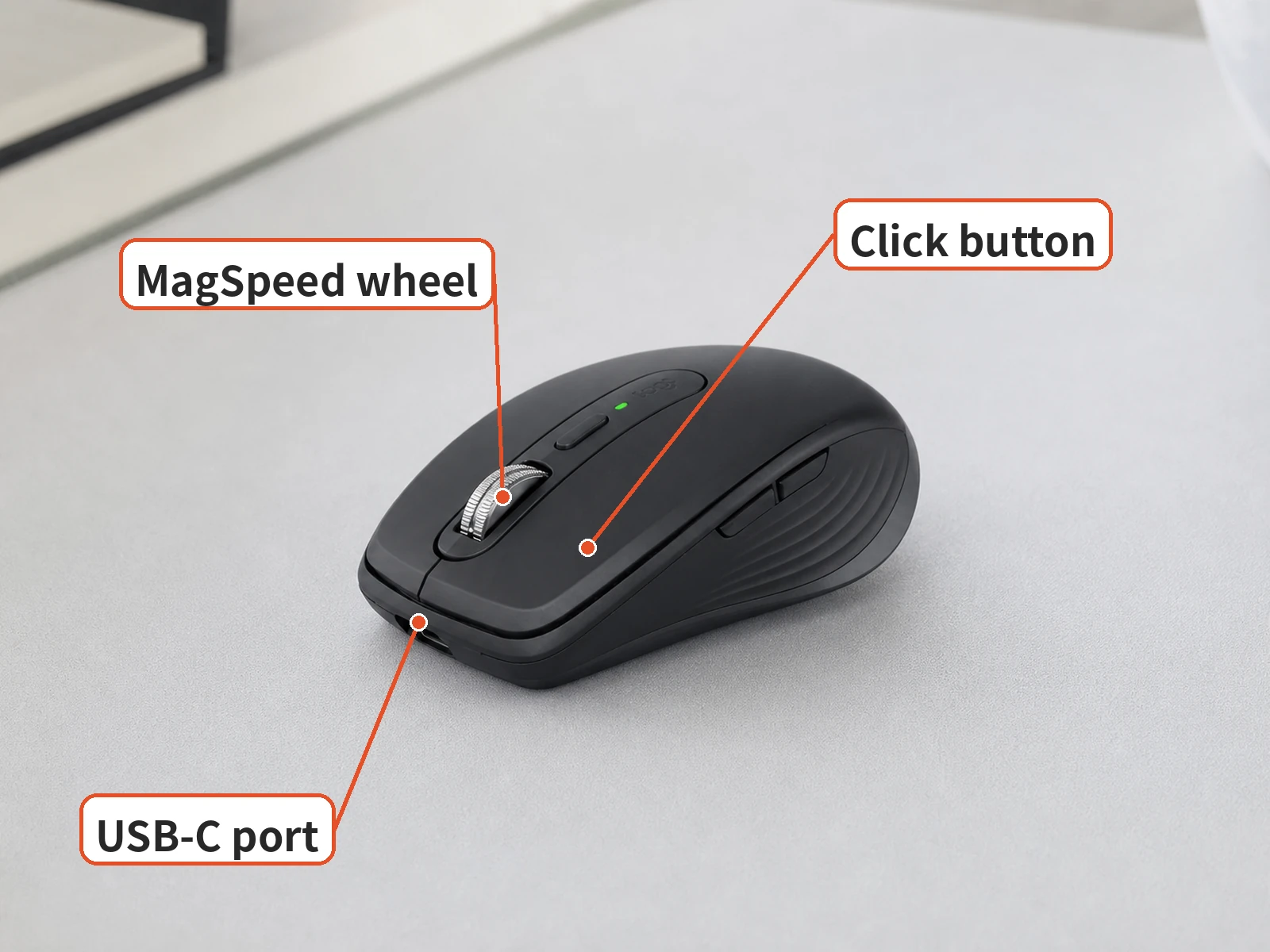
What Stands Out
The compact body is the reason to buy it. PCMag confirms that it fits coat pockets.
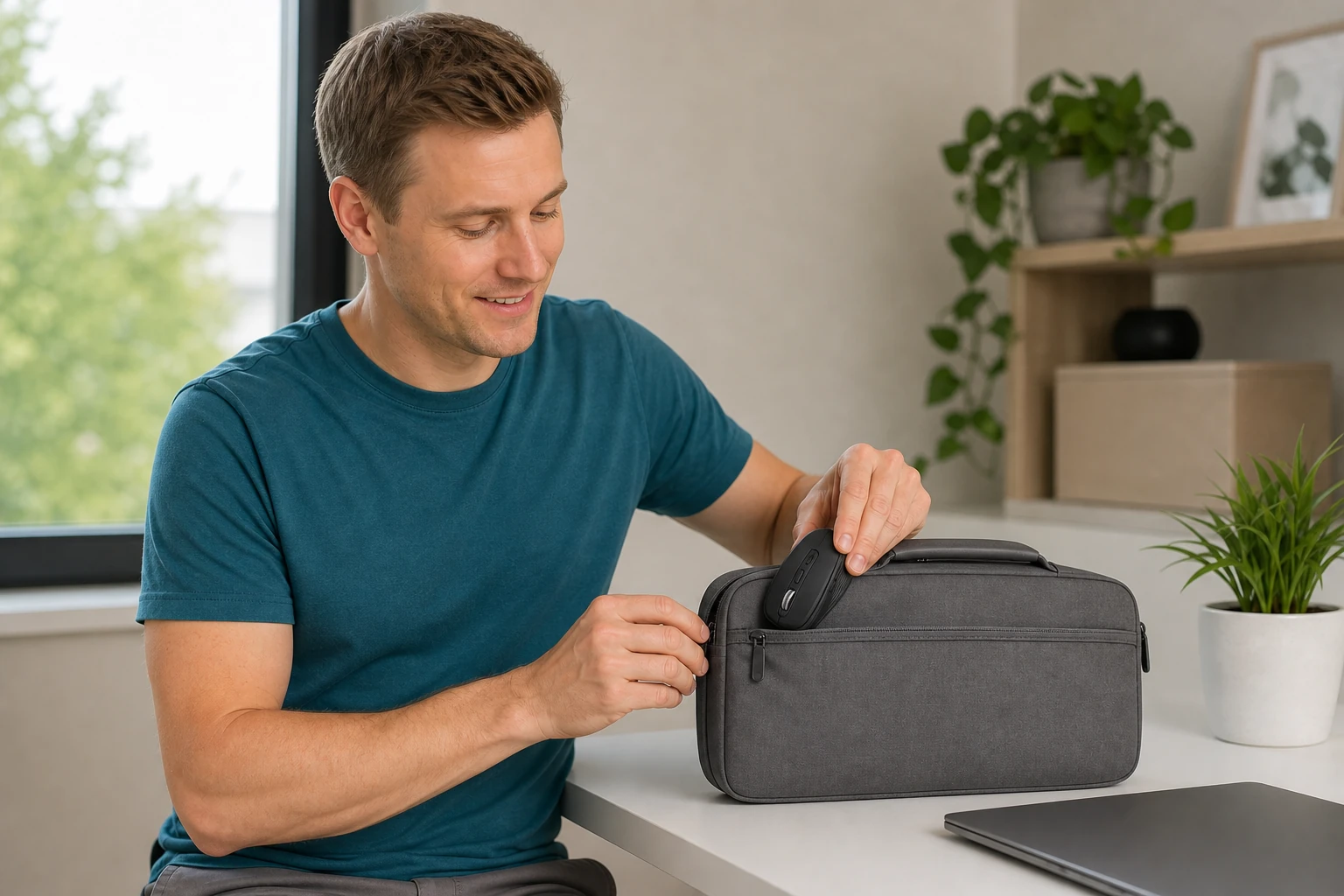
PCMag liked its quieter clicks and fast MagSpeed wheel. The 8,000 DPI sensor tracks on glass at least 4 mm thick. Advanced customization requires Logi Options+ on Windows or macOS.
Where It Falls Short
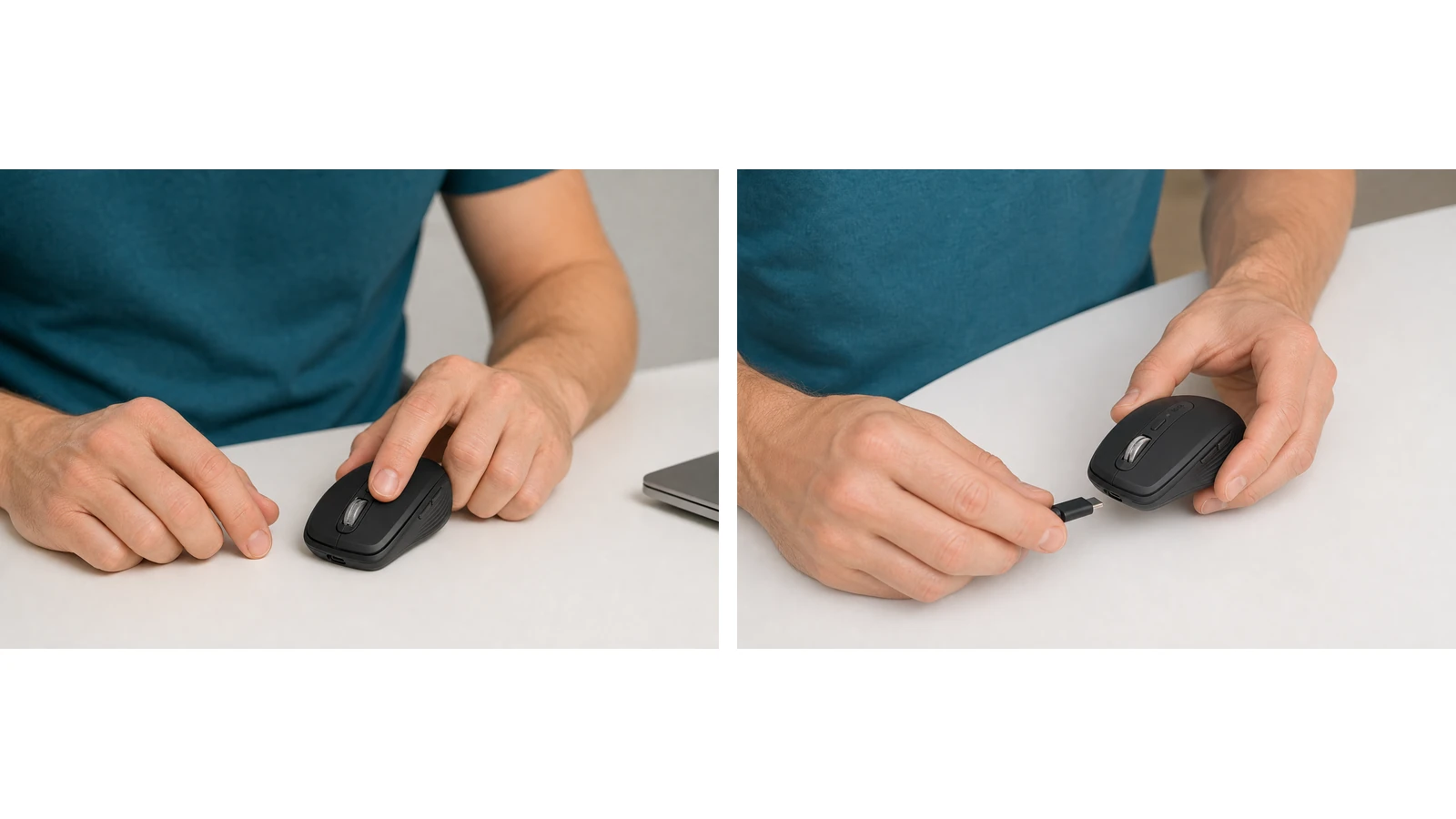
PCMag warns large hands may find it small and says Anywhere 3 owners need not upgrade. Logitech confirms the retail 3S includes a USB-A-to-USB-C cable but no receiver. Master 4 includes a USB-C receiver but no cable.
Who Should Buy It
Buy it if you move between a laptop, a tablet and a desktop and want one premium mouse that pairs with up to three devices.

Who Should Skip It
Skip it for large hands or if you need a dedicated horizontal thumb wheel.
Is the Price Fair
At $89.99, it is fairly priced for a premium compact mouse. The Master 4 buys desk-oriented controls, not better portability.
Key Specs
Specifications.
| Item | Detail |
|---|---|
| Model / ASIN | 910-006925 / B0BPY4ZQXG |
| Sensor | 8,000 DPI Darkfield |
| Buttons | 6 |
| Connection | Bluetooth, up to 3 devices; Logi Bolt sold separately |
| Battery | Up to 70 days per charge, USB-C |
| Warranty | 1-year limited |
| Amazon rating, Nov. 8, 2026 | 4.5 stars, 2,354 ratings |
|---|---|
| 5 / 4 / 3 / 2 / 1 stars | 80% / 8% / 4% / 3% / 5% |

Pros & Cons
Main trade-offs.
Pros
- $30.00 less than the MX Master 4
- Small enough for a coat pocket, per PCMag
- Quiet clicks and fast MagSpeed scrolling
Cons
- May feel small in large hands, per PCMag
- No receiver in the box
- No thumb wheel
FAQ
Buying questions.
Does the MX Anywhere 3S come with a USB receiver? No. It connects over Bluetooth; Logitech says it works with a Logi Bolt receiver sold separately.
Should MX Anywhere 3 owners upgrade? PCMag says the changes, mainly quieter clicks and a higher-resolution sensor, are not enough to justify it.
How We Researched This
We researched this guide using public sources; we did not test the product ourselves. Our assessment draws on the product information, buyer feedback, and independent sources linked below.
Sources
Where to buy
$89.99 | See price on Amazon →
Check the details on the seller's page before you buy.
Product illustrations are AI-generated.
Price and purchase links
You might also like

Electronics
Product analysisLogitech Pebble Mouse 2 M350s: Slim Enough for Your Laptop Bag?
Compare the Pebble Mouse 2 M350s for laptop travel, quiet work and multi-device use, with practical tradeoffs and a Signature M650 alternative.
Electronics
Product analysisLogitech MX Keys S: Backlit Keys Come With a Battery Trade-Off
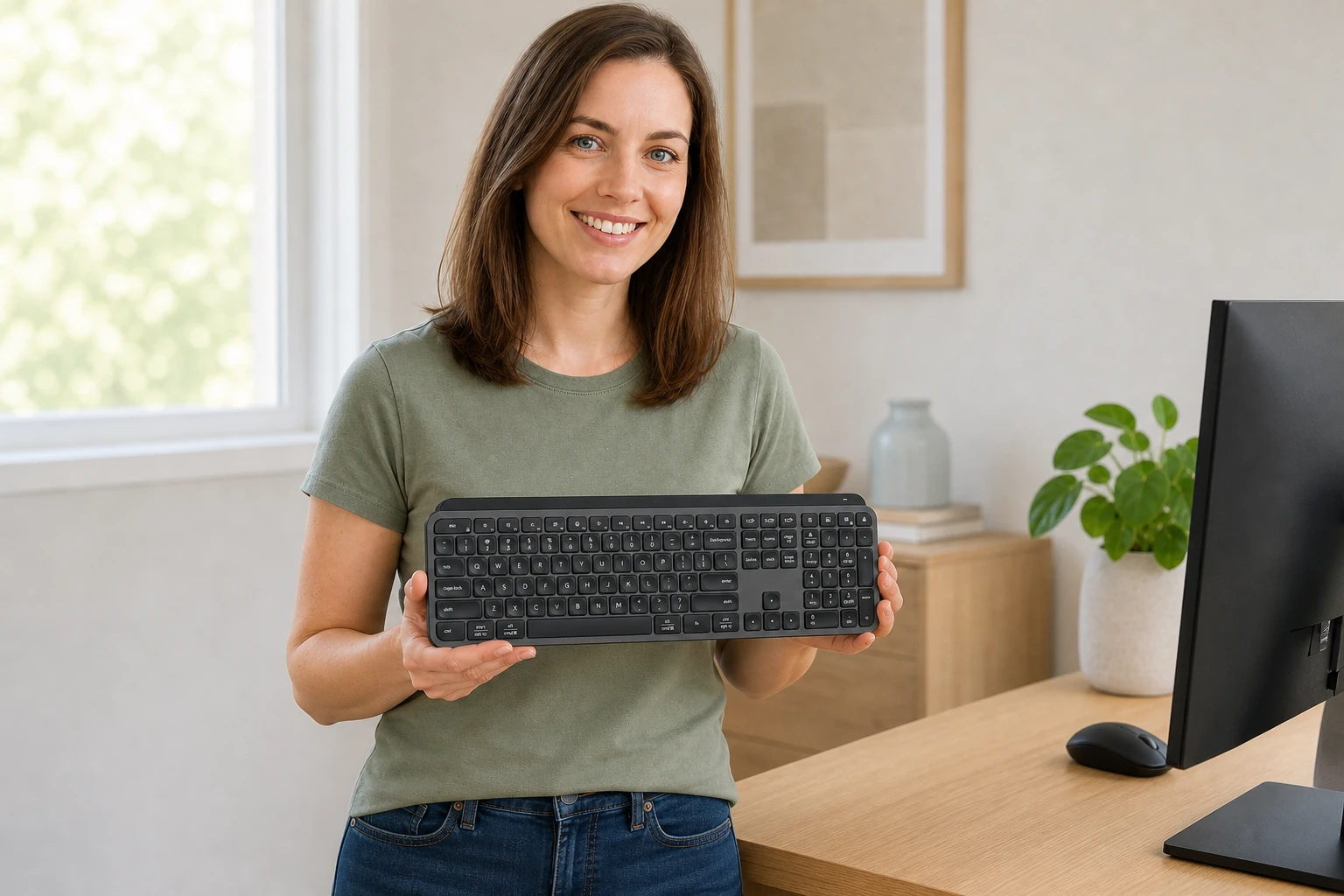
The MX Keys S is $119.99 on Amazon. See owner comments on battery and noise, and how it compares to the K380s.
Electronics
Product analysisUGREEN 30768 Review: Share One Keyboard and Mouse Between Two Computers
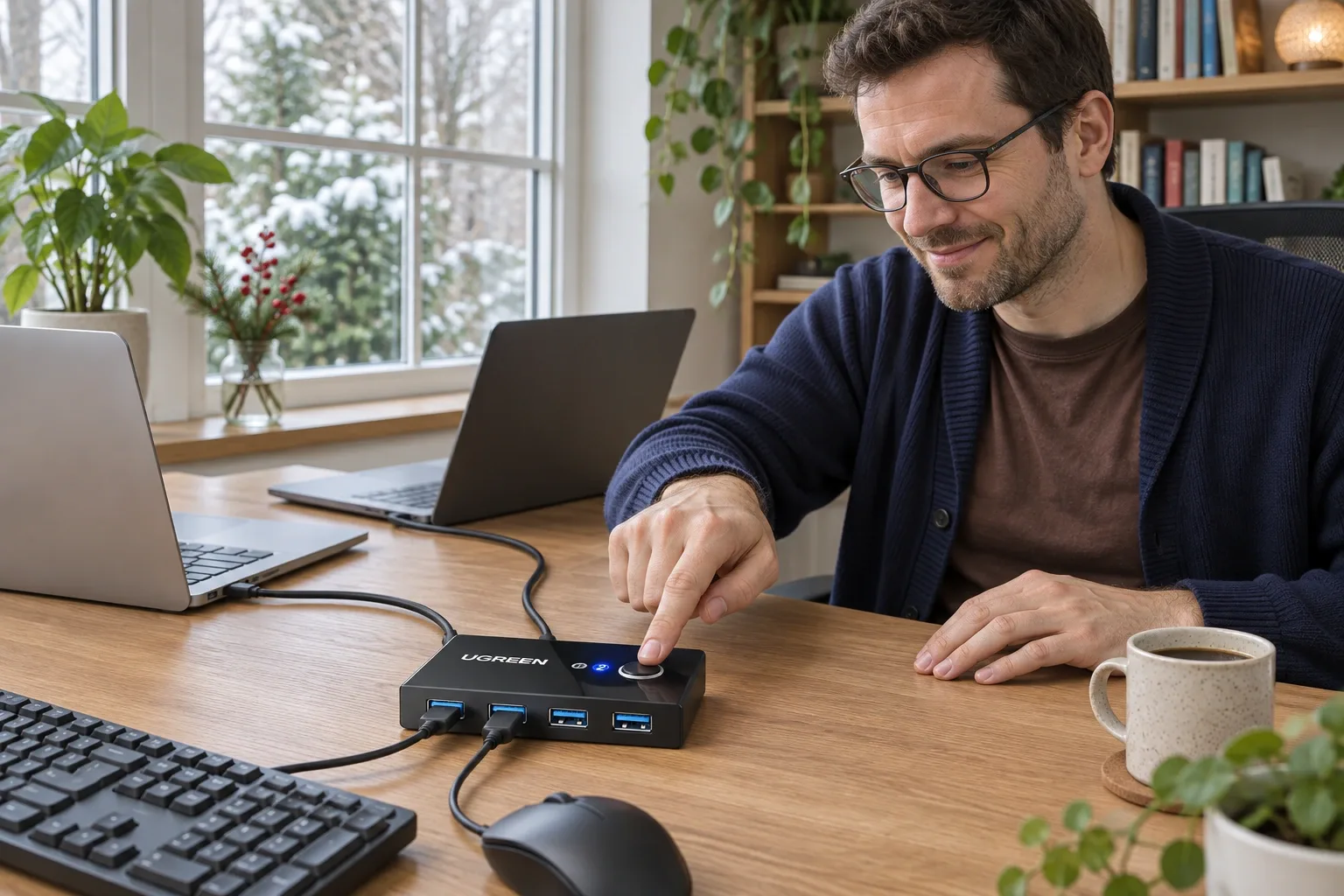
A small manual USB switch can simplify a two-computer desk, provided you understand its video, power and peripheral limits. We examine the current US offer and dated owner reports.
Electronics
Product analysisLogitech K400 Plus Review: A Couch-PC Gift With a Receiver Catch
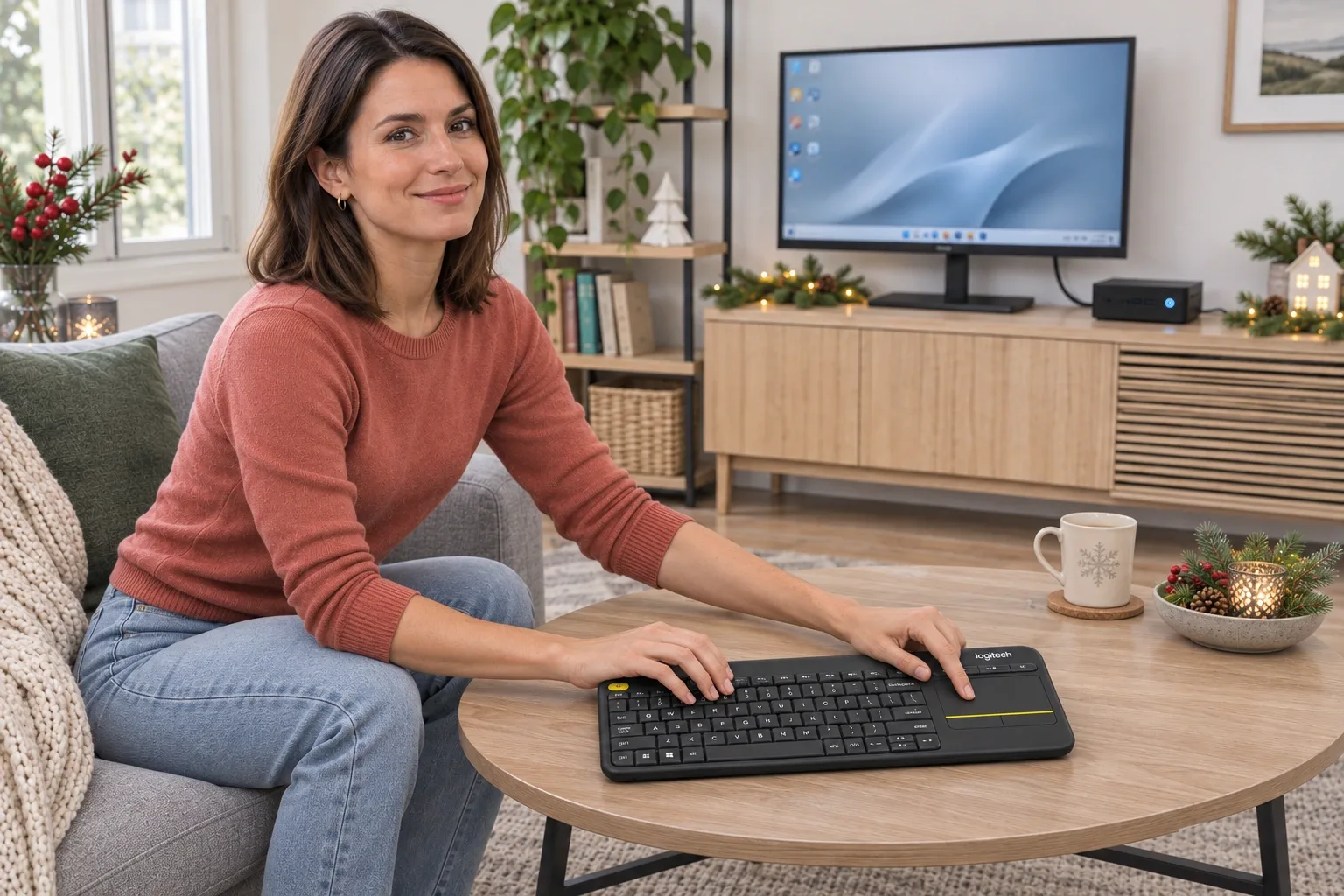
A compact keyboard and touchpad can simplify a living-room PC, but the USB receiver, unlit keys and older owner reports deserve attention before gifting.