Switching Among Three Devices Is the Pebble Keys 2's Easy Part
Buying Guide Notes · First published:
Updated
Compiled from public sources · Written using published specs and user feedback.
As an Amazon Associate I earn from qualifying purchases.

Pros
- + Pairs with three devices and switches with Easy-Switch keys
- + Up to three years of battery life on included AAA cells
- + Logi Options+ lets you remap the 10 Fn keys
Cons
- - Round keycaps slowed typing in Tom's Guide testing
- - No backlight, unlike the MX Keys Mini
- - F1 to F3 are taken by Easy-Switch on macOS
Sources and verification status
Verification status: compiled from public sources
Data updated:
Quick Verdict
The Pebble Keys 2 suits someone who wants one slim keyboard to hop between a laptop, a tablet and a phone. It pairs with three devices over Bluetooth and switches with the Easy-Switch keys. Logitech rates the included AAA batteries for up to three years. The round keycaps are the part to think about first, because Tom's Guide's reviewer struggled with them.
Logitech Pebble Keys 2 K380s vs MX Keys Mini
The Pebble Keys 2 K380s, ASIN B0BT4DP7SC, is $33.99 from Amazon.com; the MX Keys Mini, ASIN B098JPSVKY, is $89.99. The MX Keys Mini's extra $56.00 buys backlit keys and USB-C charging. Its backlight turns on as your hands approach, and Logitech rates it for up to 10 days per charge with lighting on. The Mini also adds dictation, emoji and mic-mute keys.
Power is the everyday split. The K380s runs on two AAA cells and asks for nothing until they run down. The Mini needs a cable now and then but never needs fresh batteries. Tom's Guide sums up the trade as fewer features in exchange for a large saving.
What Stands Out
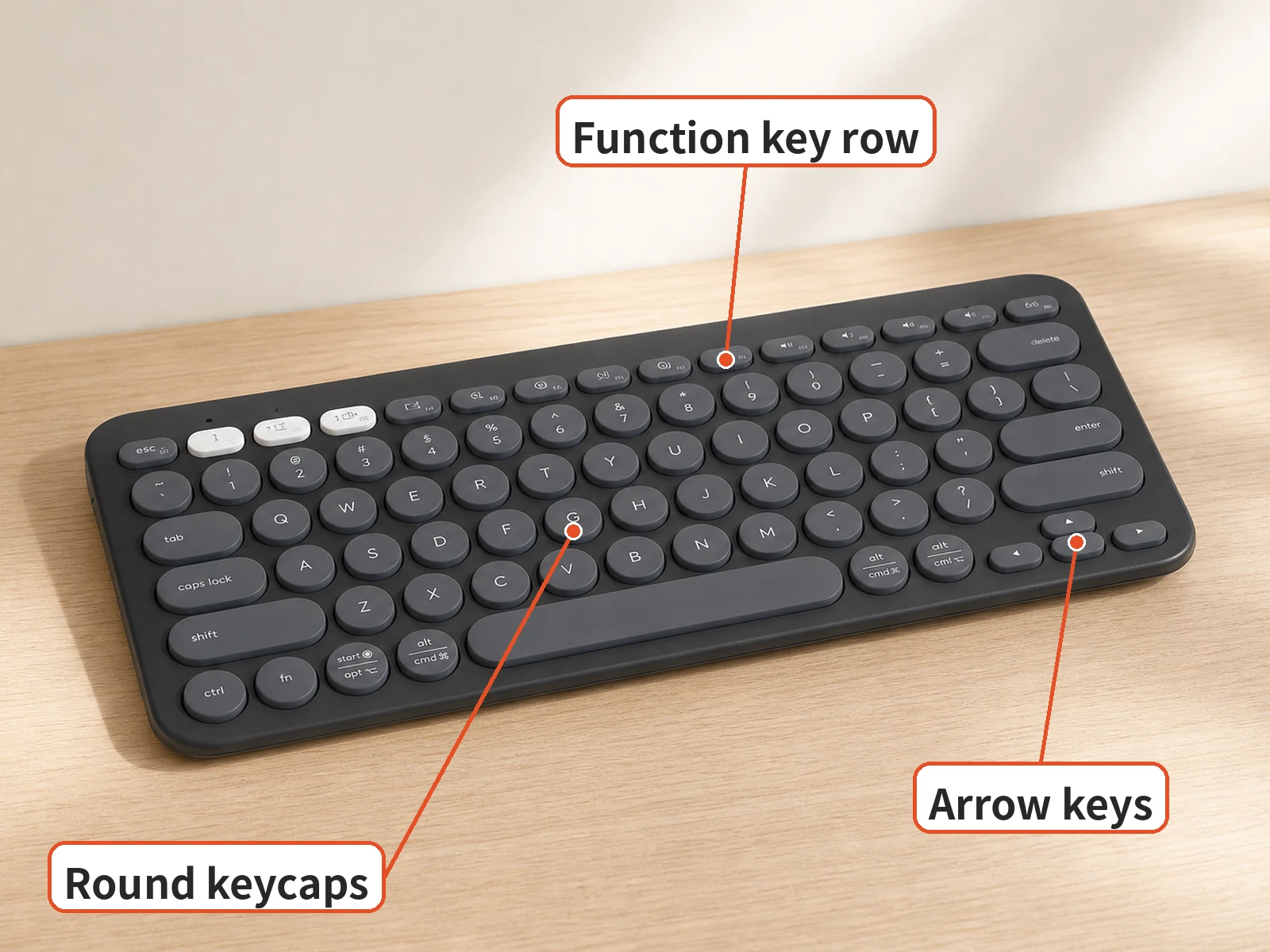
Battery life is the standout, rated for up to three years on the included AAA cells. Tom's Guide says that beats every rechargeable keyboard its reviewer had tested. The board weighs 14.6 ounces in that review, light enough to forget in a bag. Easy-Switch keys move between three paired devices in one press.

Logi Options+ adds useful control. You can remap the 10 Fn keys, including per-app shortcuts, and the app shows which devices are paired. Tom's Guide also notes support for a Logi Bolt receiver, sold separately, when Bluetooth is not an option. Tom's Guide adds that a function key can open AI tools, such as a prompt builder. Plastic parts use at least 49 percent recycled plastic, per Logitech.
Where It Falls Short
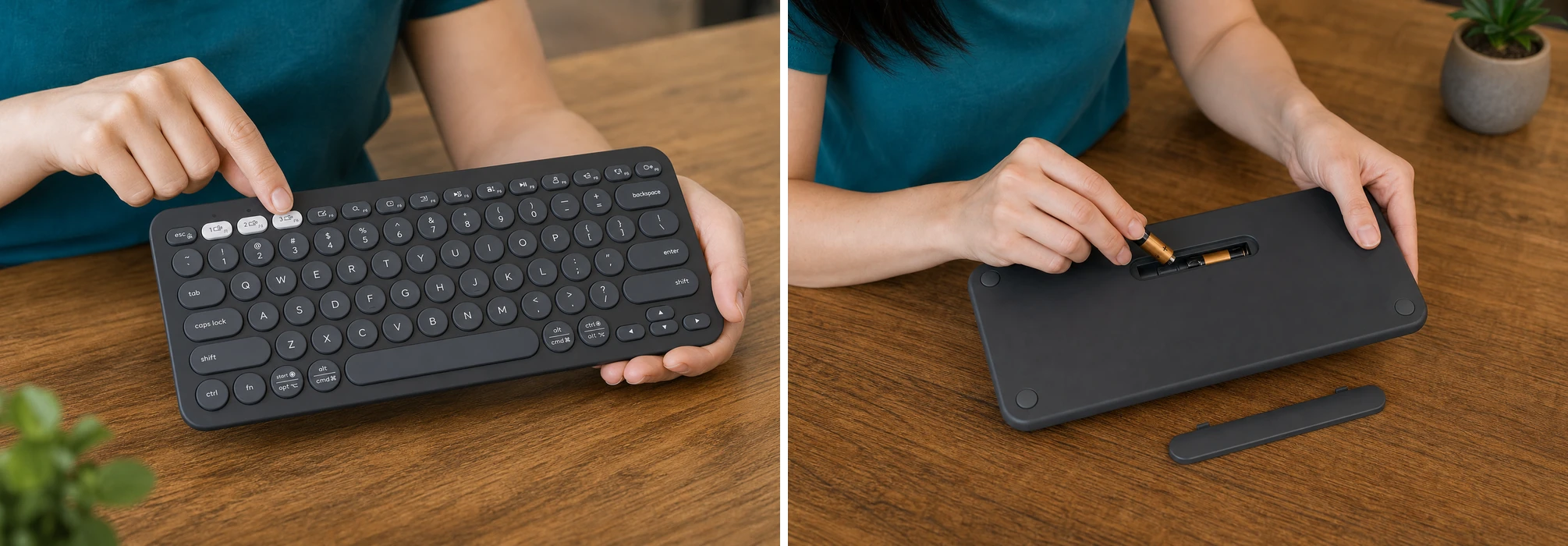
The round keycaps cost accuracy for some typists. Tom's Guide's reviewer typed 76 words per minute at 91.59 percent accuracy, below her averages of 85 and 92.17 percent, and found the small key surfaces easy to mis-type. On macOS, F1 to F3 are taken by Easy-Switch, so brightness and Expose shortcuts need remapping. There is no backlight, which the MX Keys Mini adds. Tom's Guide also found that the keys rattle a little when the board moves.
Who It's For
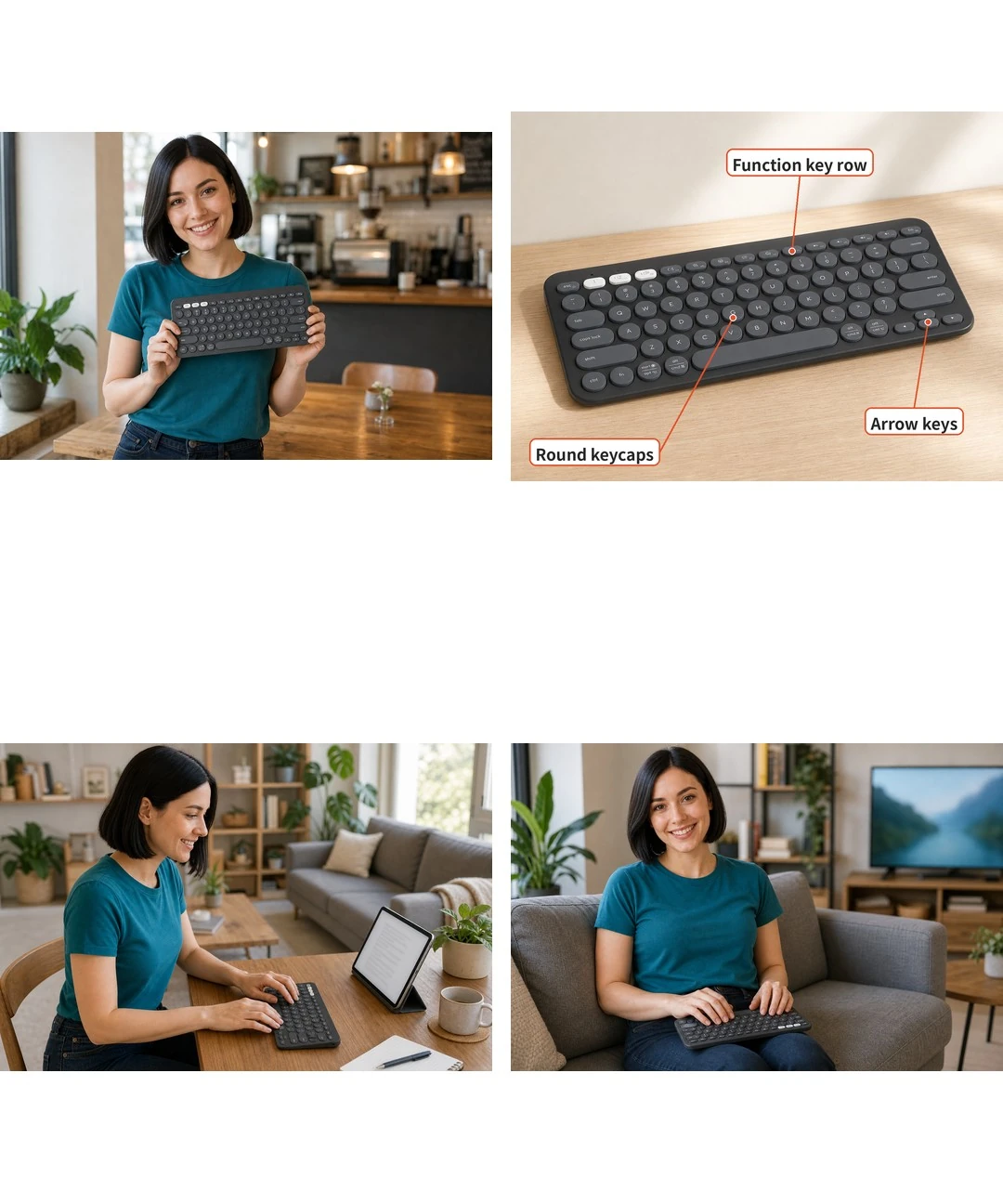
Consider a student who takes notes on an iPad in class and writes papers on a laptop at night. The K380s pairs with both and switches in one press, and the AAA cells outlast a school year. It also works as a couch keyboard for a streaming stick. Pair each device to its own Easy-Switch key once, and switching stays simple.
A writer who types for hours in dim rooms should spend more on the MX Keys Mini. Backlighting and square keys with a dished center help in that setting. Fast touch typists should try the round keys before buying if they can. Tom's Guide suggests serious typists and power users look elsewhere.

Product illustrations are AI-generated.

How We Researched This
We researched this guide using public sources; we did not test the product ourselves. Our assessment draws on the product information, buyer feedback, and independent sources linked below.
Sources
FAQ
How many devices can K380s switch between?
It pairs with up to three devices. A short press of F1, F2 or F3 selects the corresponding Easy-Switch channel.
How do I put another channel into pairing mode?
Logitech instructs users to select the Easy-Switch channel and hold its key for about three seconds until its LED blinks, then pair through the device's Bluetooth settings.
Does it use USB-C charging?
No. The selected keyboard uses two AAA batteries. The manufacturer's up-to-three-year battery rating is not a guaranteed lifespan for every workload.
Are the keys backlit?
No. Buyers wanting illuminated keys should compare a different keyboard rather than assuming the K380s includes the MX Keys Mini's backlight.
Is a USB receiver included?
The standalone K380s supports a separately sold Logi Bolt receiver. Check the exact bundle; Bluetooth pairing does not require buying that receiver.
Price and purchase links
You might also like
Electronics
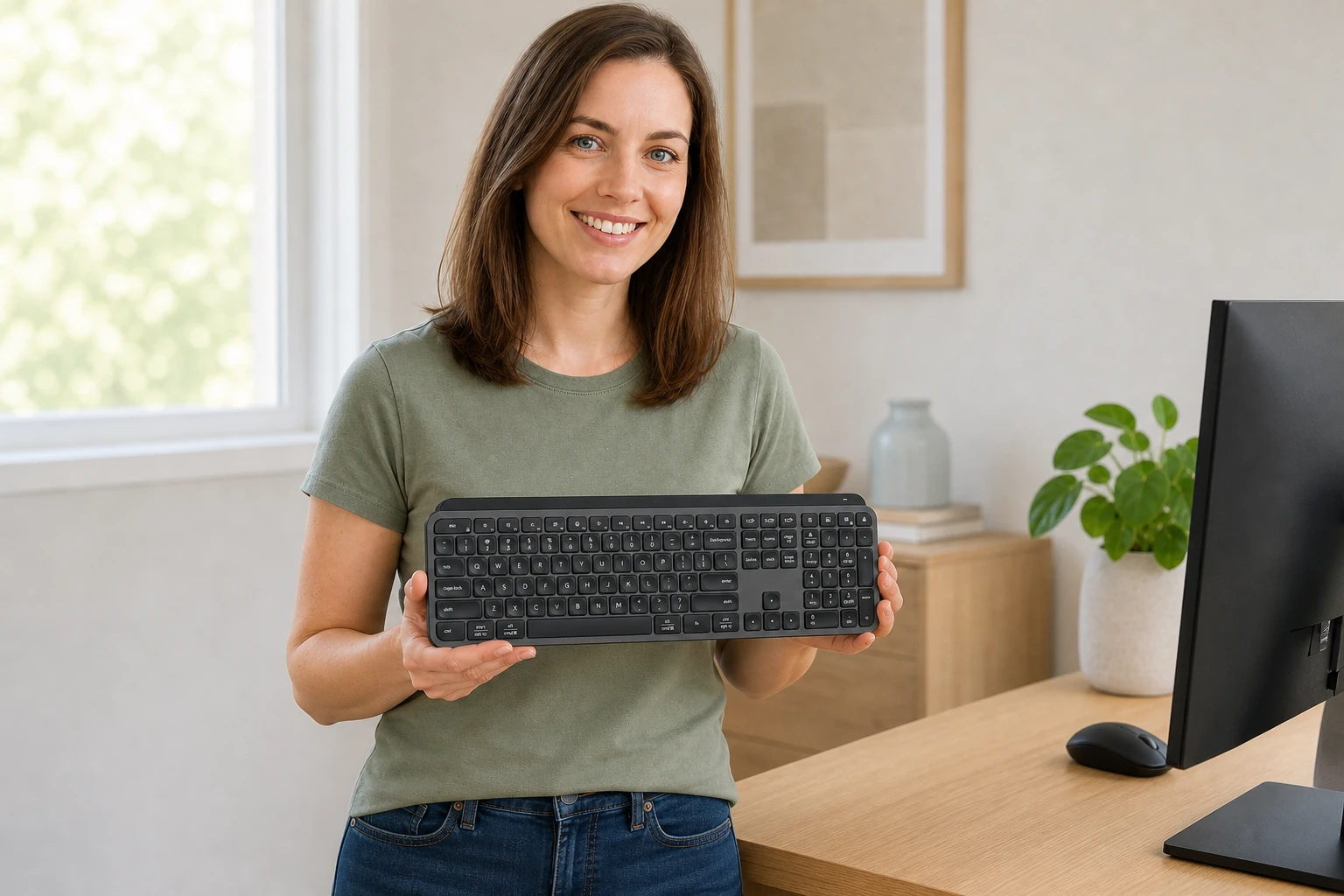
Product analysisLogitech MX Keys S: Backlit Keys Come With a Battery Trade-Off
The MX Keys S is $119.99 on Amazon. See owner comments on battery and noise, and how it compares to the K380s.

Electronics
Product analysisLogitech K400 Plus Review: A Couch-PC Gift With a Receiver Catch
A compact keyboard and touchpad can simplify a living-room PC, but the USB receiver, unlit keys and older owner reports deserve attention before gifting.

Electronics
Product analysisLogitech Pebble Mouse 2 M350s: Slim Enough for Your Laptop Bag?
Compare the Pebble Mouse 2 M350s for laptop travel, quiet work and multi-device use, with practical tradeoffs and a Signature M650 alternative.
Electronics
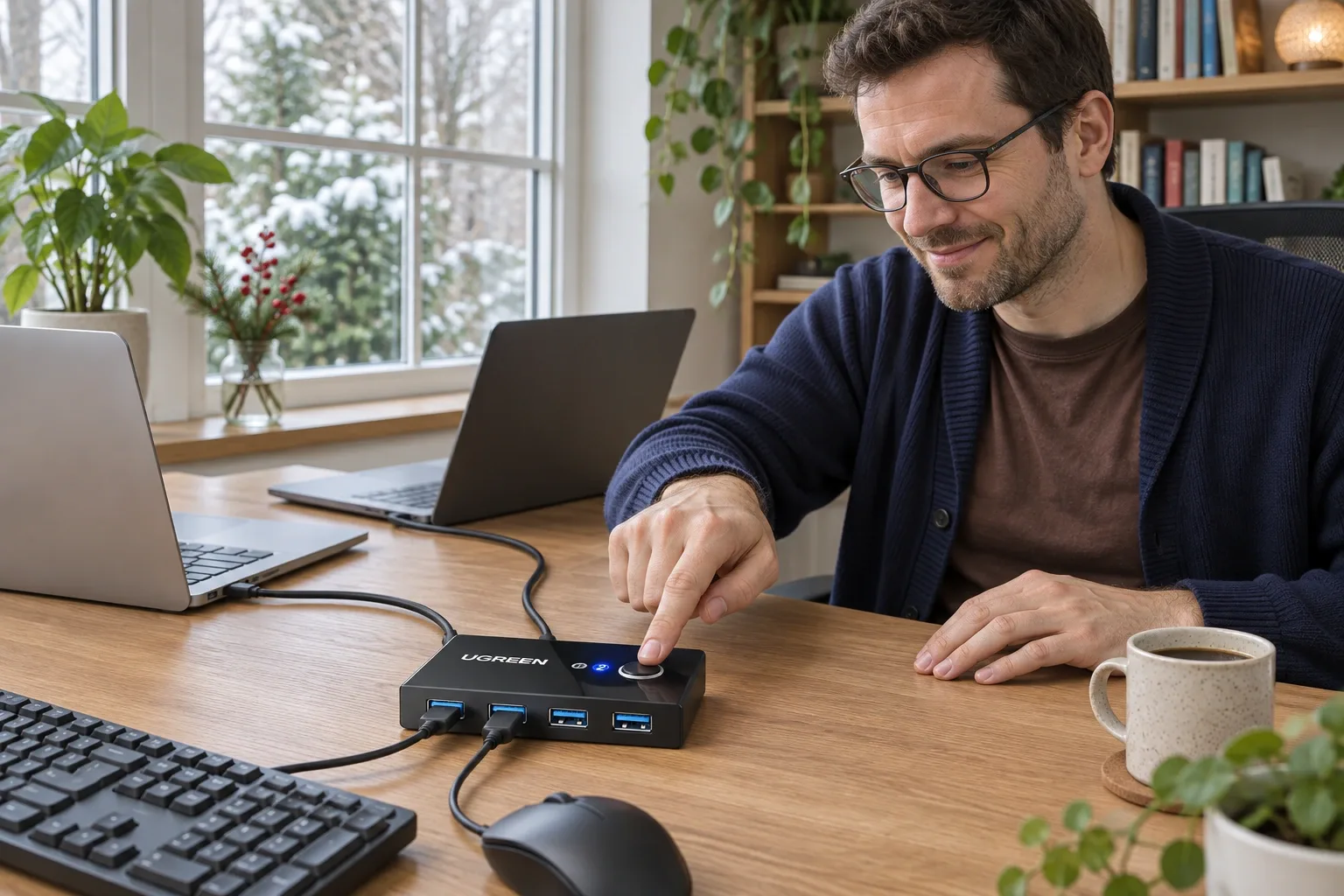
Product analysisUGREEN 30768 Review: Share One Keyboard and Mouse Between Two Computers
A small manual USB switch can simplify a two-computer desk, provided you understand its video, power and peripheral limits. We examine the current US offer and dated owner reports.