Logitech M720 Logi Bolt: Which Receiver Works?
Quick Verdict
Choose M720 for its Unifying or Bluetooth options; skip it if one existing Bolt receiver must connect both your keyboard and mouse.
Good for
- Right-handed users who want accessible device switching
- Computers with a supported Unifying or Bluetooth connection
- Buyers who have verified their workplace pairing rules
Not for
- Sharing an existing Logi Bolt receiver
- Buyers requiring a compact ambidextrous mouse
- Assuming optional Flow tools work on every managed computer
Buying Guide Notes · First published:
Compiled from public sources · Written using published specs and user feedback.
As an Amazon Associate I earn from qualifying purchases.
Pros
- + Two documented connection choices: Unifying and direct Bluetooth
- + Accessible three-device switching and dual-mode scrolling
- + Replaceable AA battery; official package lists a receiver
Cons
- - Cannot share a Logi Bolt receiver
- - Right-handed full-size shape is not for every user
- - Optional software and workplace compatibility need separate checks
Sources and verification status
Verification status: compiled from public sources
Data updated:
Verified on:
The Logitech M720 Triathlon does not pair with a Logi Bolt receiver: it uses Logitech Unifying or direct Bluetooth. If you want one receiver for an existing Bolt keyboard and a new mouse, buying an M720 will not create that combination. Choose it for its own connection options, or choose a mouse explicitly marked Bolt-compatible when consolidating onto your keyboard’s receiver is essential.
Checked November 14, 2026, Taiwan time. This guide is compiled from public sources, not hands-on pairing or reliability tests. The selected new black M720, ASIN B087Z6LSHW, was $44.99, in stock, sold and shipped by Amazon.com for US ZIP 10001. The page showed 4.5 stars and 13,489 ratings. These are dated listing observations, not our score or a promise about your delivered unit.
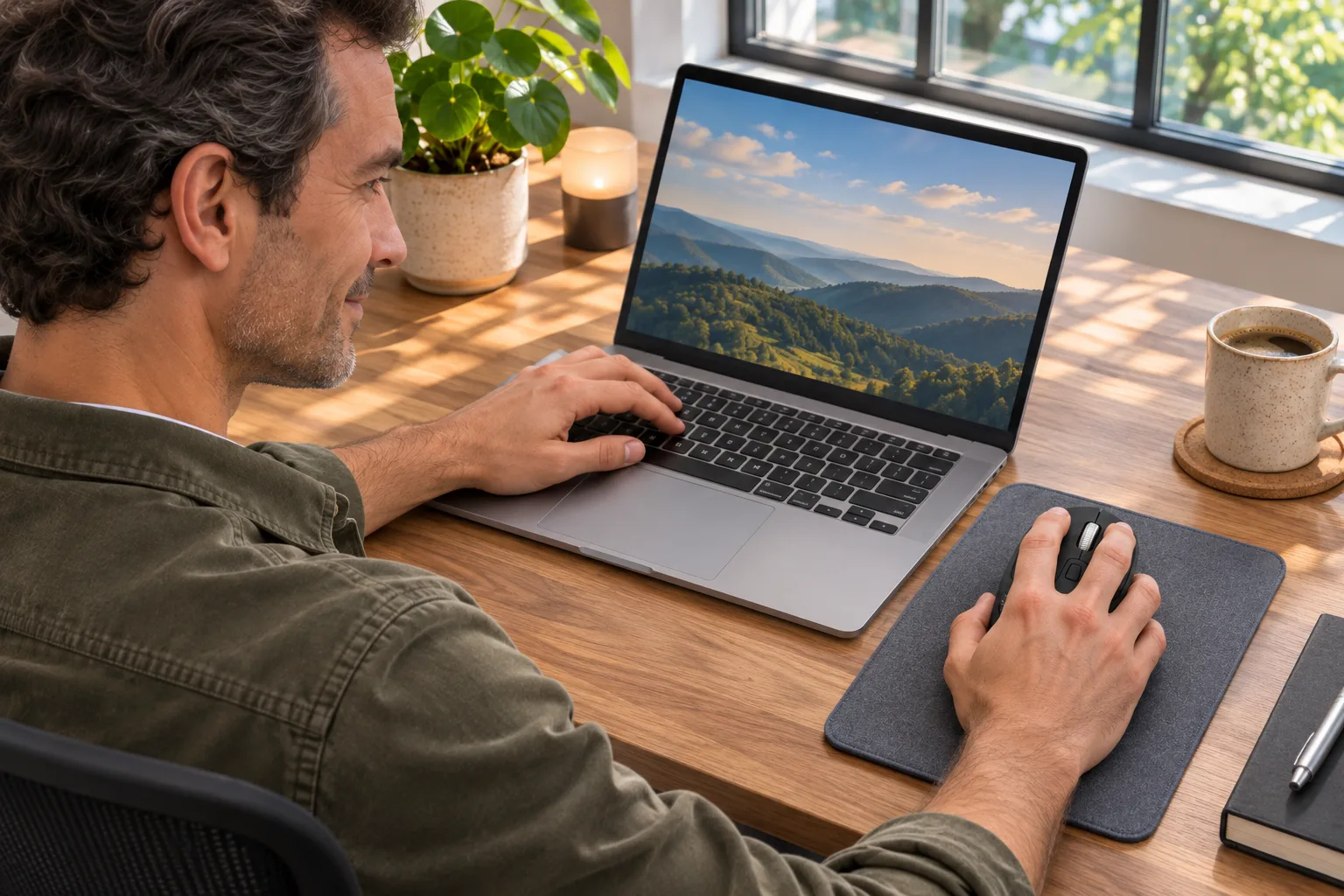
AI-generated illustration — A fictional man using a palm-sized black M720 in a home office; not a recorded compatibility test.
Quick verdict: which connection should you buy for?
The receiver’s product family matters more than its USB plug. A dongle that fits a computer can still be incompatible with the mouse. Logitech explains that Bolt and Unifying are not cross-compatible.
| Arrangement | Price status | Relevant specification | Best for | Main drawback |
|---|---|---|---|---|
| M720 with its supplied Unifying receiver | $44.99 mouse offer checked | Unifying wireless connection | Using the included connection hardware | Needs an available suitable USB connection |
| M720 over direct Bluetooth | Same $44.99 mouse | Bluetooth Low Energy | A supported computer with Bluetooth | Host pairing and workplace restrictions still matter |
| M720 with an existing Bolt keyboard’s receiver | Same mouse; do not buy a Bolt receiver for this purpose | Not compatible | Nobody seeking this exact pairing | The mouse cannot join that receiver |
| A mouse explicitly supporting Bolt | Alternative offer not priced here | Check the exact model and package | Sharing an existing Bolt ecosystem | Different shape and controls; verify before replacing |
View Current Offers on Amazon →
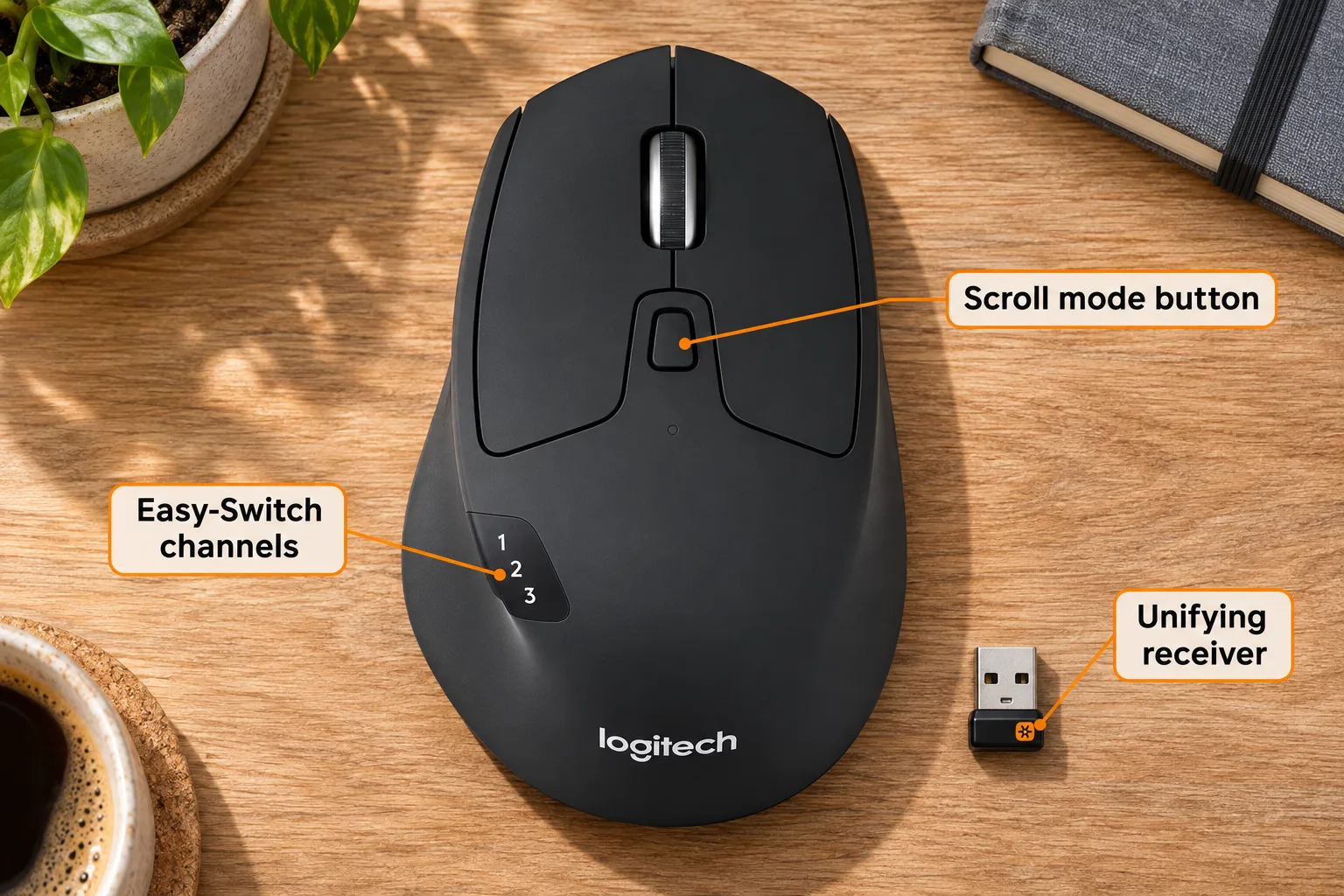
AI-generated illustration — Enlarged M720 product view with orange labels for the scroll mode button, Easy-Switch channels and Unifying receiver.
Why won’t an M720 appear when pairing a Bolt receiver?
This is a hardware compatibility boundary, not evidence that you selected the wrong Windows menu. Logitech’s M720 technical specifications identify Bluetooth Low Energy and Unifying. Its receiver compatibility does not expand merely because software has a shared Logitech name.
Check the receiver you actually have before ordering anything. Read its identification and consult the corresponding official product information. “Logitech USB receiver” is too vague for a purchase: the brand name and physical connector do not identify the wireless system.
If a seller describes a receiver as universal, ask whether it explicitly supports M720 and Unifying. Do not assume a generic replacement or a Bolt-labelled listing is suitable. Conversely, a genuine Bolt receiver can be working normally while failing to recognize this mouse. Replacing it with another Bolt receiver would leave the central mismatch unresolved.
Can Bluetooth avoid carrying two receivers?
Yes, direct Bluetooth is the M720’s documented alternative, provided the host supports the relevant connection. It lets you consider using the keyboard through Bolt and the mouse through the computer’s Bluetooth rather than expecting them to share one dongle. That is two connection paths, not a newly compatible Bolt pair.
Before buying for a work laptop, confirm that you can add a Bluetooth mouse under your organization’s rules. Check with its administrator if pairing or device software is restricted. A home computer’s successful setup does not establish what a managed office computer permits, and this article does not recommend bypassing those restrictions.

AI-generated illustration — The same man typing beside an unused palm-sized M720; no connection performance is demonstrated.
Do Easy-Switch and Flow change receiver compatibility?
No. Logitech’s product page describes pairing with up to three devices and selecting among them using Easy-Switch. Flow is a separate software-assisted cross-computer workflow. Neither feature is permission to substitute a different receiver family.
We did not verify Flow on a particular corporate network, operating-system combination or software version. Do not buy the mouse solely on a broad “works across computers” statement without checking the current software requirements for the specific feature you need. Basic cursor use and optional cross-computer tools are different compatibility questions.
What stands out about the M720 beyond the dongle?
The appeal is a right-handed full-size shape, a scroll wheel offering free-spinning and stepped modes, and accessible extra controls. These are useful reasons to consider the mouse independently of the receiver question. They do not establish comfort for a particular hand or prove that it will improve someone’s wrist symptoms.
Logitech lists the body at 115 × 74 × 45 mm, with a replaceable AA battery. The technical page identifies model M-R0062 inside the battery compartment and includes a Unifying receiver and AA battery in its package description. Check the selected seller’s package, especially when comparing new, renewed and used offers.
There is a version-checking trap in this purchase. The older Amazon B01LF37K80 page displayed “Discontinued by Manufacturer” and pointed to the current B087Z6LSHW listing. We verified the new offer on the latter. We did not carry over the older page’s separate rating count or treat its discontinued notice as proof that no new M720 stock exists anywhere.
Where does it fall short for a mixed-device desk?
The main disadvantage is clear: it will not consolidate onto a Bolt receiver. If that is your non-negotiable requirement, its other conveniences do not compensate for the wrong connection system. Return to the shortlist before spending money on adapters or replacement dongles.
The shape is also not an automatic fit for left-handed use or someone who wants a small travel mouse. An included receiver does not remove host-port constraints, and direct Bluetooth does not guarantee trouble-free reconnection on every computer. We have not measured latency, radio interference, battery endurance or scrolling behavior.
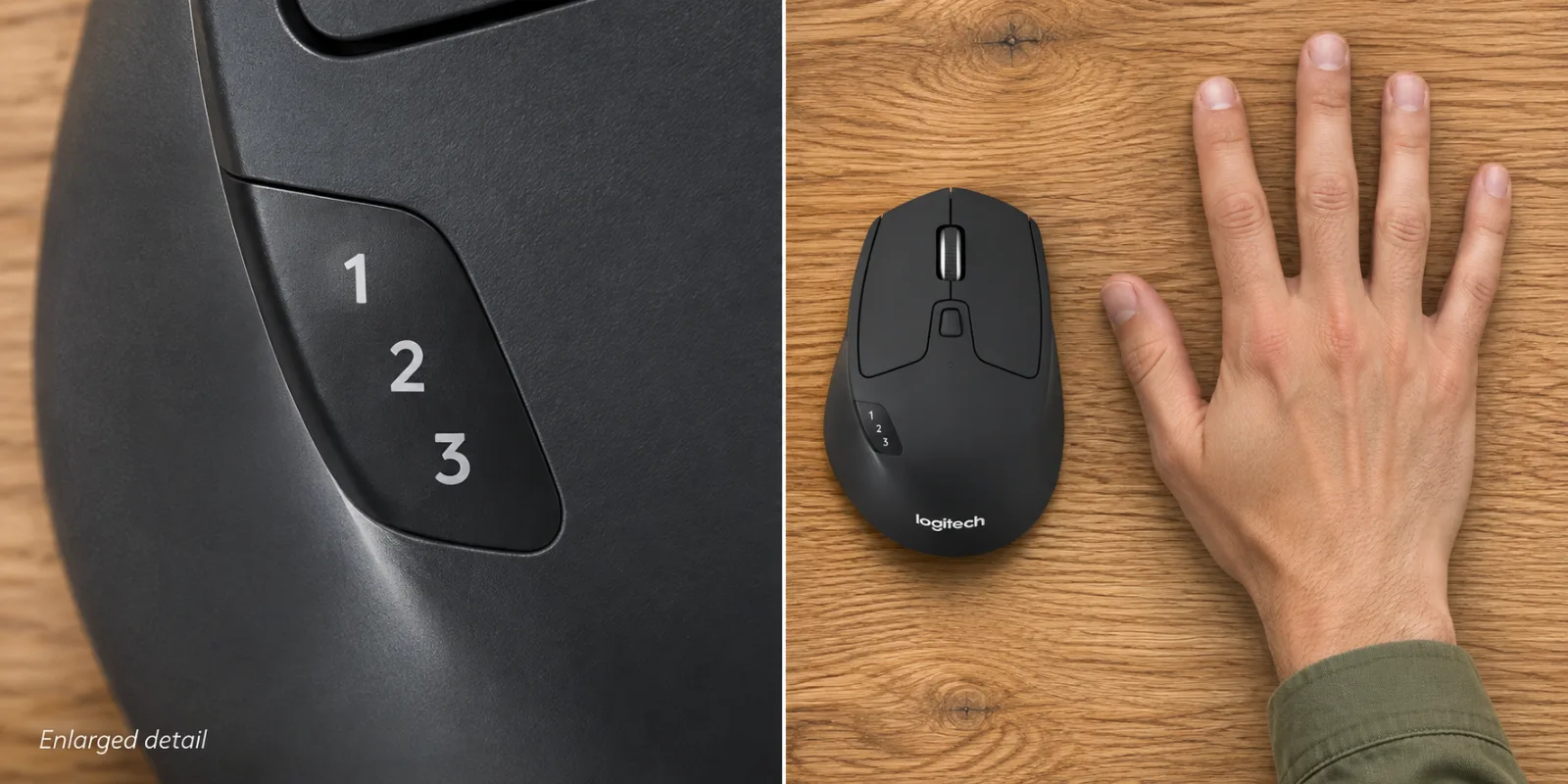
AI-generated illustration — Two panels show an enlarged channel indicator and a realistically sized M720 beside a five-fingered right hand.
What do owners say about real mixed-receiver setups?
These are individual accounts with identifiable dates, not a reliability survey or evidence about every current unit.
- A keyboard upgrade exposed the mismatch. GLIOBLASTOR’s September 9, 2024 post described moving from a Unifying keyboard to a Bolt business keyboard and ending up with extra connection hardware. Their September 11 clarification said the mouse itself was working; they wanted similar controls with Bolt support. This is a buying-fit complaint, not a broken-mouse report.
- One owner valued the controls but lost Bluetooth connectivity. Takiri_aerilaya wrote on August 27, 2026 that they liked the gesture feature and used the M720 for work, but could no longer reconnect through Bluetooth. Their Unifying connection still worked. The account contains both praise and a drawback from one person, not two independent votes.
- The follow-up did not establish a universal fix. The same owner’s August 27 reply said repeated pairing attempts and a fresh battery had not resolved it. Replies from the logi_sm account offered troubleshooting; we do not count a support-style reply as another owner’s success or promise that those steps will repair every mouse.
The posts identify M720, but not the exact current ASIN or production batch. They cannot establish a failure rate, prove a Bluetooth defect across the range, or override the manufacturer’s receiver specifications.
Who should buy it, and who should choose something else?
Consider the M720 when you want its documented shape and controls, are happy with Unifying or supported Bluetooth, and have checked the recipient’s computer. The included connection equipment can be useful when it matches the actual setup.
Skip it if the purchase is meant to share an existing Bolt keyboard’s dongle. Choose an explicitly Bolt-compatible mouse after checking its exact variant, included receiver, size and button placement. We have not verified a current alternative offer here, so this is a selection rule rather than an unresearched replacement recommendation.
Keeping a working mouse is another reasonable alternative. A keyboard replacement does not require a mouse replacement if two supported connections are acceptable. Decide whether consolidation is worth changing a control layout you already like.
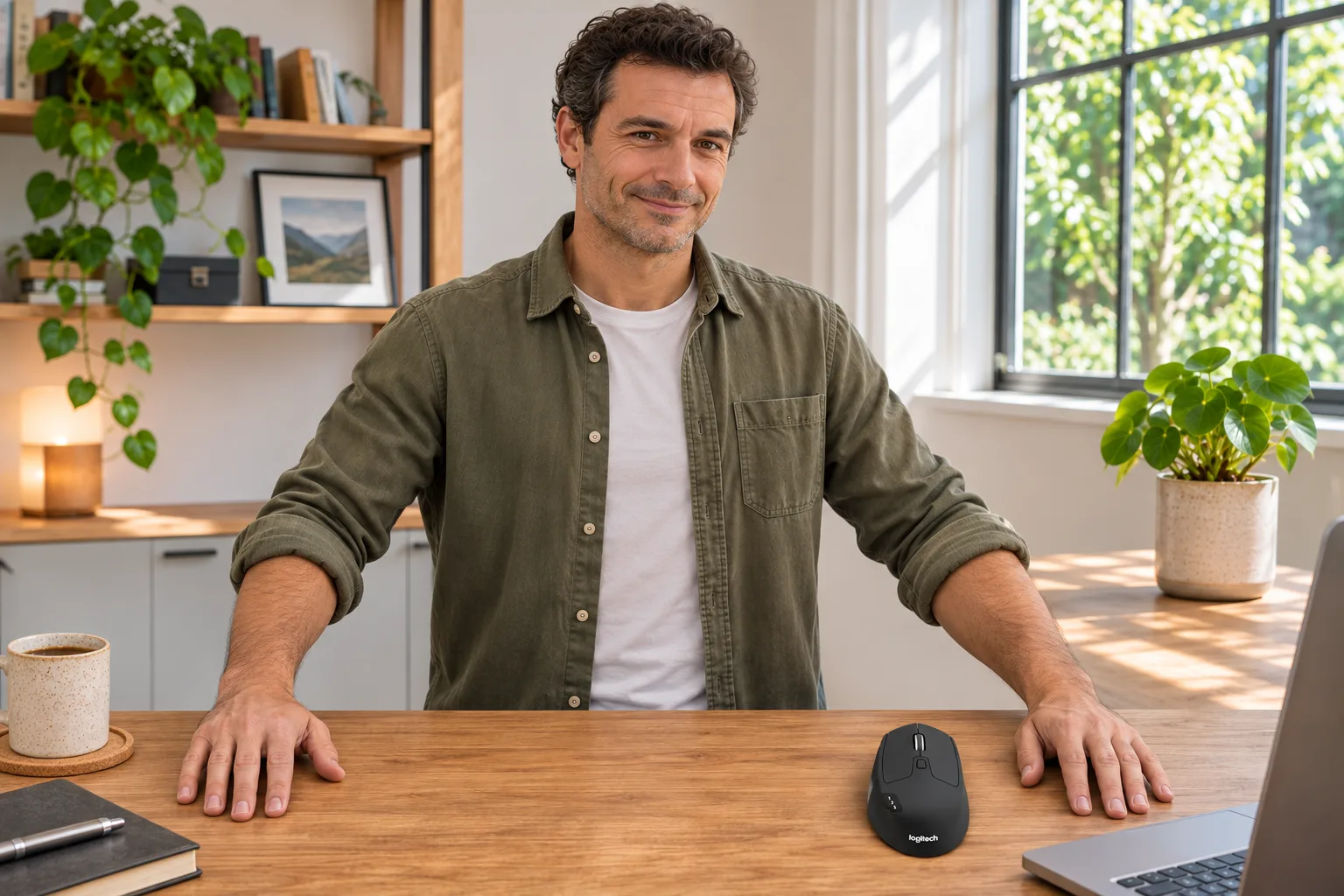
AI-generated illustration — The same man beside a small M720 with both hands resting separately on the desk.
How we researched this guide
We checked the live Amazon US model and new offer, current Logitech product information, technical specifications, receiver-family guidance and dated Reddit accounts. We searched the CMS for M720 and found no existing matching article. This is an editorial buying guide, not an Amazon sales ranking, personal test or guarantee of workplace compatibility. Five AI-generated illustrations show fictional scenes; enlarged details are labelled and cannot verify hardware behavior.
FAQ
Can Logitech M720 connect to a Logi Bolt receiver?
No. Logitech documents Unifying and direct Bluetooth for M720, and states that Bolt and Unifying are not cross-compatible. A Bolt receiver cannot pair this mouse.
Is a Unifying receiver included with this new M720?
Logitech’s M720 package specification lists a Unifying receiver and one AA battery. Our selected new offer is ASIN B087Z6LSHW. Check the seller’s exact package; renewed and used offers may differ.
Can I keep a Bolt keyboard and use M720 through Bluetooth?
Yes, that is a separate connection arrangement to consider on a supported host: the keyboard uses Bolt and the mouse pairs directly through Bluetooth. Confirm computer compatibility and workplace device rules first.
Does Logitech Flow make M720 compatible with Bolt?
No. Flow and Easy-Switch describe cross-computer features and device selection. They do not change the mouse’s supported receiver family. Check current software requirements separately for optional features.
Does failure to pair mean the receiver is broken?
Not necessarily. First distinguish a mismatched receiver family from a problem with a supported connection. A working Bolt receiver still cannot pair M720. We have not tested or diagnosed your particular hardware.