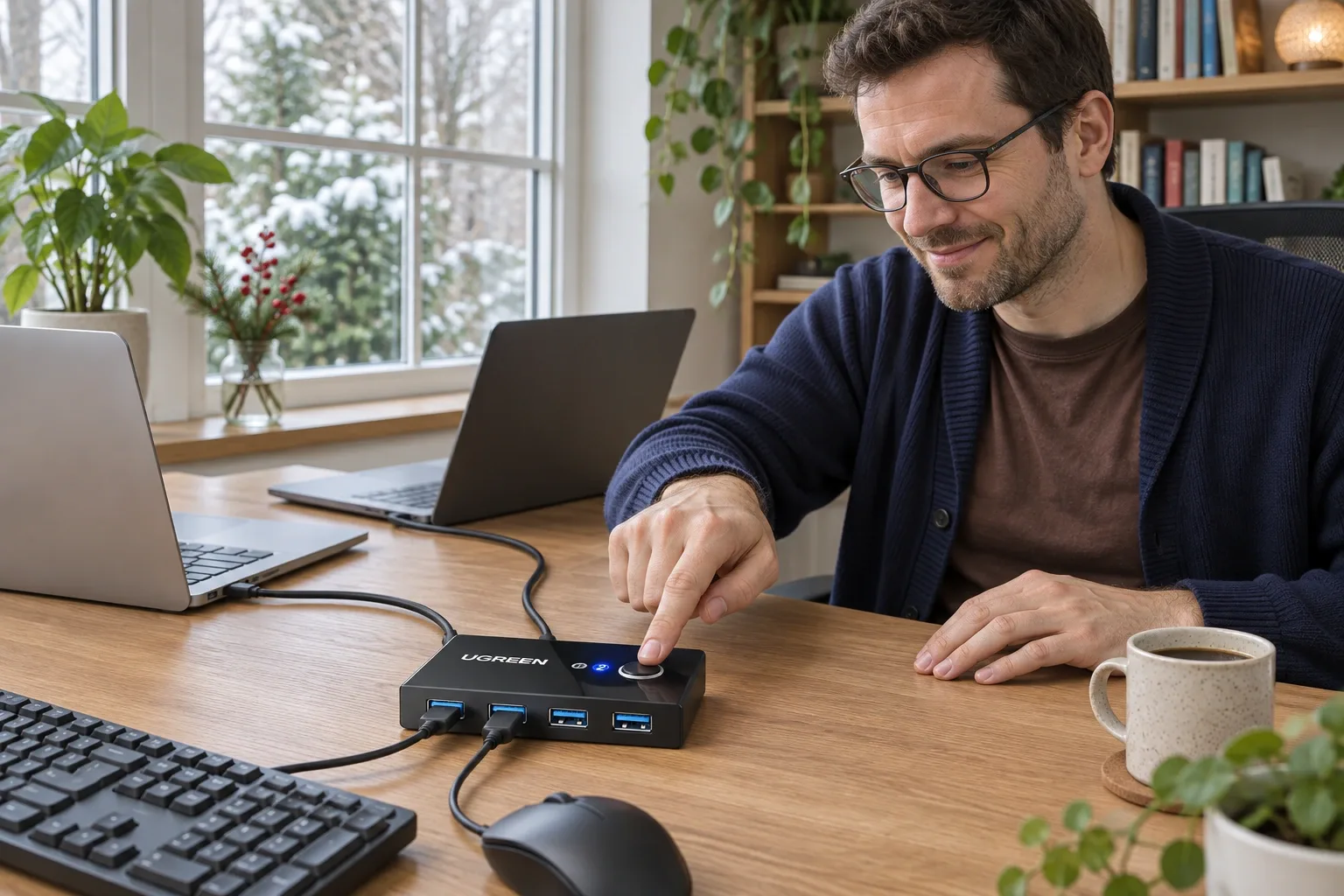
M575S vs MX Ergo S for Two Computers
Quick Verdict
MX Ergo S is the better fit for repeated two-computer switching because it has two Easy-Switch channels. M575S is the lower-cost dedicated-computer choice.
Good for
- MX Ergo S: frequent switching between two saved computers
- M575S: a lower-cost single-computer thumb trackball
Not for
- Buyers expecting hardware switching to transfer files automatically
- Anyone assuming ergonomic styling guarantees comfort
Buying Guide Notes · First published:
Compiled from public sources · Written using published specs and user feedback.
As an Amazon Associate I earn from qualifying purchases.

For regularly switching one trackball between two computers, the MX Ergo S is the more suitable choice because it has a two-channel Easy-Switch control. The cheaper ERGO M575S offers Bluetooth or Logi Bolt connectivity, but those two connection methods should not be mistaken for an equivalent two-computer switching feature.
Checked November 14, 2026. This comparison is compiled from public sources; we have not tested pairing, switching speed, comfort, or software across two computers. The purchase decision here is specifically about a shared trackball, not a general ranking of ergonomic mice.
AI-generated illustration: Logitech M575S — a person beside the product in its intended setting. Not a hands-on test. M575S is the single visual example; MX Ergo S is not pictured.
What are you paying for when you move to MX Ergo S?
The checked M575S Graphite selection with blue ball, ASIN B0BBQ3ZYNY, was $39.99, with 4.5 stars and 2,544 ratings. The checked MX Ergo S Graphite, B0D6PTR6MP, was $119.99, with 4.4 stars and 875 ratings. Both showed new stock sold and shipped by Amazon.
The $80 difference is substantial if you only need one pointer on one computer. It becomes easier to justify if repeatedly switching between a work laptop and personal computer is the main reason for buying. The MX model's smaller rating count is also worth stating honestly: it did not meet our preferred 1,000-rating screening threshold at this check, although the M575S did.
| Trackball | Checked price | Key specs and connection distinction | Best for |
|---|---|---|---|
| ERGO M575S | $39.99 | Bluetooth or included Logi Bolt; one AA battery; fixed body angle | A lower-cost dedicated computer setup |
| MX Ergo S | $119.99 | Two-channel Easy-Switch; Bluetooth/Logi Bolt; rechargeable; adjustable tilt | Frequent switching between two computers |
These are current selected offers, not historical price ranges. Neither price guarantees a future discount, a delivery date, or compatibility with a particular employer-managed laptop.
View Current Offers on Amazon →
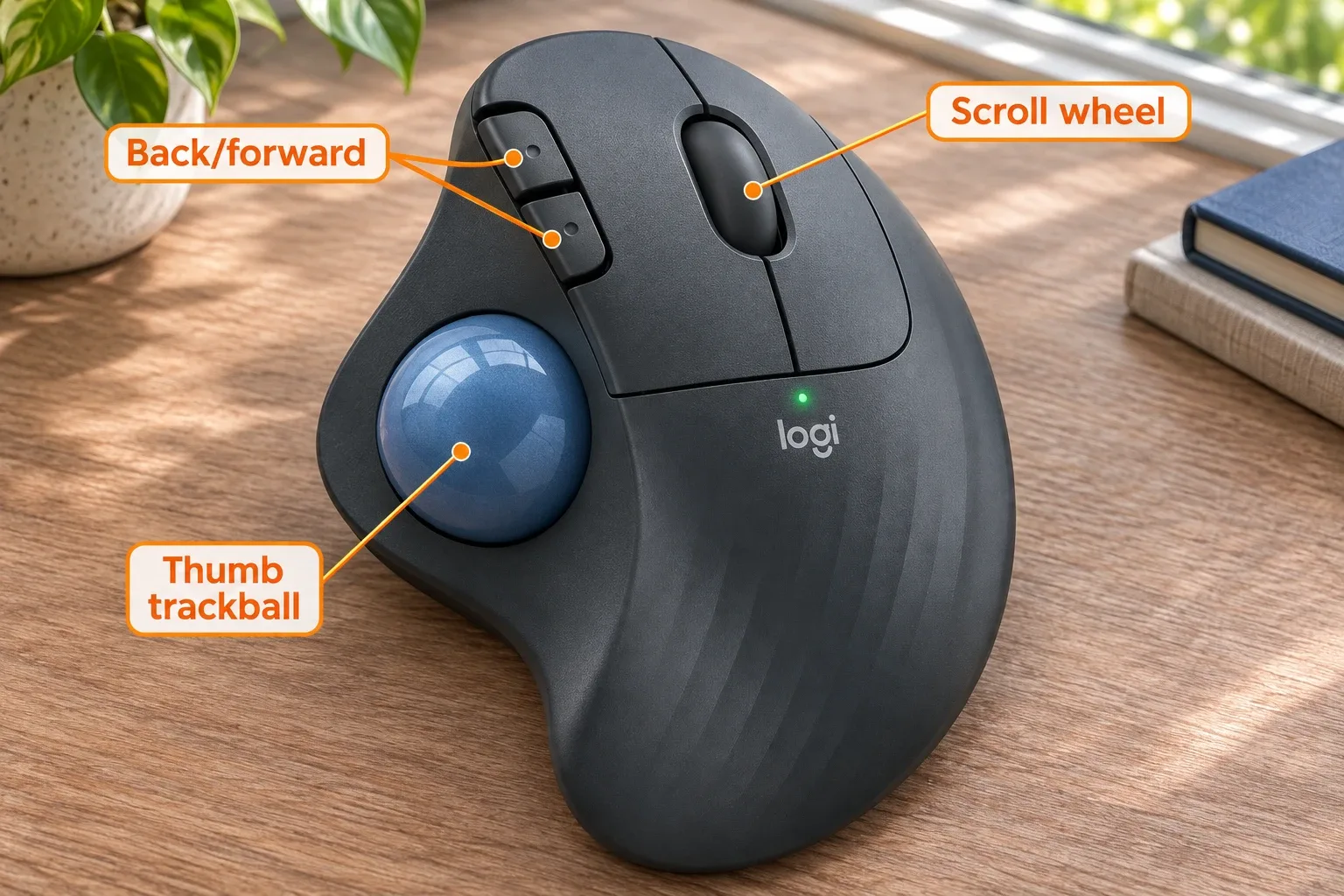
AI-generated illustration: Logitech M575S — orange English feature labels on the product. Not a hands-on test. M575S is the single visual example; MX Ergo S is not pictured.
Is Bluetooth plus a USB receiver the same as Easy-Switch?
No. A connection option tells you how a device can communicate. A switching control tells you how conveniently it can remember and select different destinations. Those are separate features, and the distinction is easy to miss in a short retailer specification table.
Logitech's MX Ergo S setup instructions describe two Easy-Switch channels. After initial pairing, the control selects the other saved channel rather than requiring the user to begin a fresh pairing process every time. That is the feature to look for when the trackball will be shared throughout the day.
For the M575S, Logitech documents Bluetooth and Logi Bolt setup, but not the MX model's two-channel Easy-Switch workflow. We would buy it as a dedicated trackball rather than promise equivalent switching by juggling receivers, Bluetooth menus, or a workaround. If an existing USB sharing device is part of your plan, check that device's exact support separately; we did not test one.
Does the MX Ergo S automatically move files too?
Hardware switching and Logitech Flow are different layers. Easy-Switch selects a paired computer. Flow is a software feature for a compatible multi-computer setup and has its own operating-system, installation, and configuration requirements.
Do not buy on the assumption that pressing a channel button automatically transfers files, shares a keyboard, or bypasses restrictions on a work computer. A company-managed laptop may not allow the software or network arrangement needed for your intended workflow. The trackball can still be attractive for hardware switching, but that is a narrower promise.
Before ordering, decide which problem you actually have. If it is “I need to click on either computer without re-pairing,” channel switching is the relevant feature. If it is “I need to move content between computers,” investigate software support and workplace policy before treating the mouse as the solution.

AI-generated illustration: Logitech M575S — an illustrative use context. Not a hands-on test. M575S is the single visual example; MX Ergo S is not pictured.
What about batteries, charging, and desk space?
The M575S runs on an included AA battery. That suits someone who prefers replacing a common battery rather than scheduling charging. Logitech's battery-life claims depend on use conditions; we have not measured how long a battery lasts in either connection mode.
The MX Ergo S is rechargeable through USB-C. Logitech says the charging cable is not included, so check what you already own and the actual package description before gifting it. A charging port should not be interpreted as proof of a wired pointer-data mode.
The M575S body measures 134 by 100 by 48 mm. It stays in place while your thumb moves the ball, which can be useful on a cramped surface. That does not mean it is a tiny travel mouse: allow room for your hand and for removing or cleaning the ball as directed.
Which one is more comfortable?
The MX Ergo S adds a 20-degree tilt option. That gives a buyer another position to try; it does not establish that every wrist will prefer it. We did not conduct comfort testing or verify any pain-relief outcome.
Both use a thumb-operated ball. Someone who dislikes sustained thumb movement may find that more important than the channel button or tilt mechanism. If you have only used ordinary mice, try the interaction style before assuming an ergonomic label guarantees a good fit.
Keep the exact model names straight when reading feedback. Older ERGO M575 and MX Ergo models appear in many discussions, but their receivers, charging ports, and surfaces should not be silently substituted for current S-model specifications. Also avoid mixing the standard MX Ergo S with region-specific S Plus base accessories.
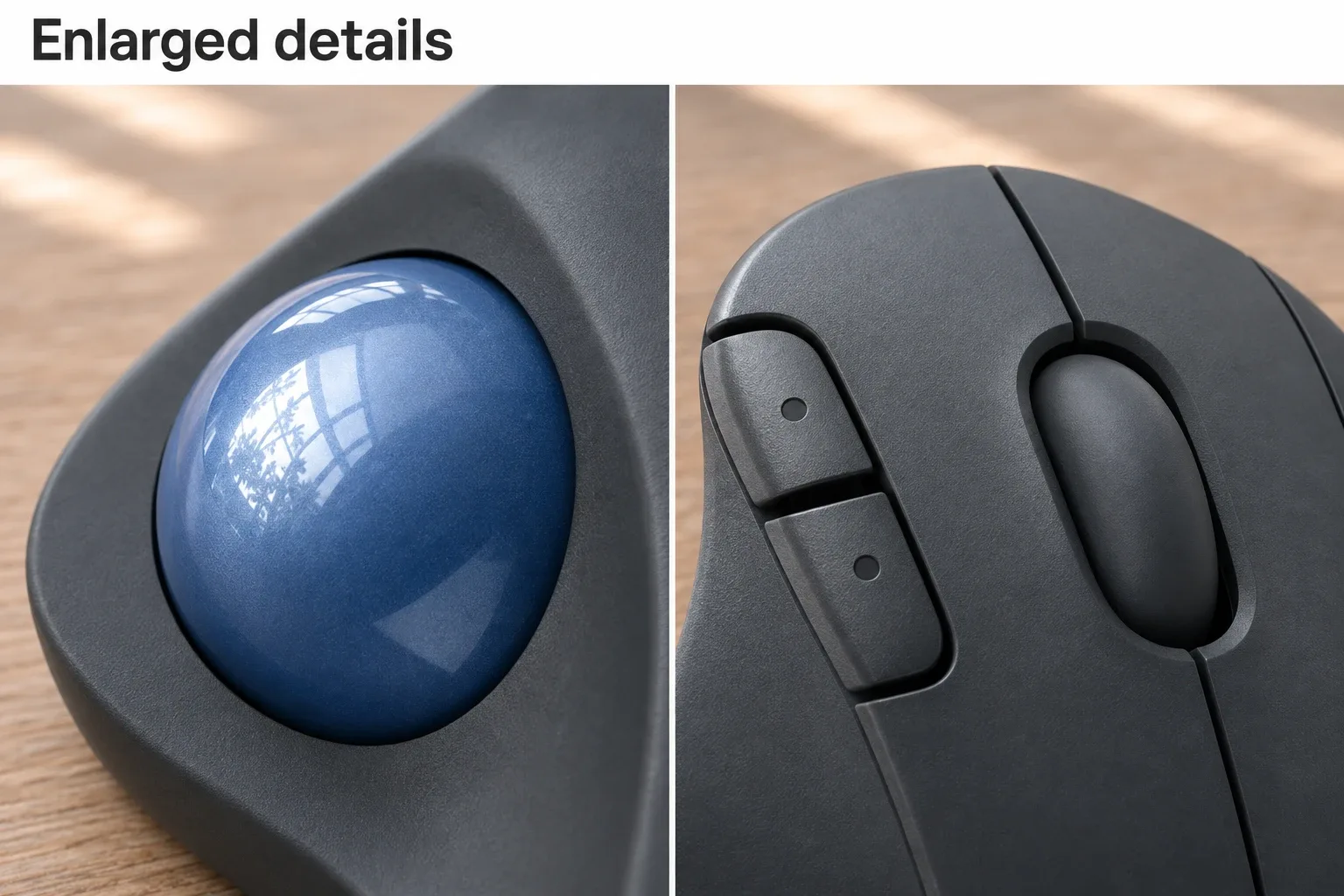
AI-generated illustration: Logitech M575S — two panels of enlarged product details. Not a hands-on test. M575S is the single visual example; MX Ergo S is not pictured.
What do owners say about these tradeoffs?
The following comments were read in one public discussion. They describe individual experiences and different ownership periods, not a measured failure rate or a controlled comparison.
- Tilt and shape justified an upgrade for one buyer. On June 2, 2026, 9393andersson described liking the MX Ergo S after moving from an M575S. The post describes roughly a week of use, so it is useful for first impressions rather than durability.
- Surface aging favored the cheaper family for another person. On June 2, 2026, fastbiter said an older MX Ergo's soft-touch surface became sticky and preferred M575/M575S models afterward. That older MX experience does not prove the same outcome for the checked MX Ergo S.
- The premium model still had a reported fault. On June 19, 2026, JiminyWimminy reported a middle-click failure after about six months with an MX Ergo S, alongside channel-switching concerns. The owner still liked the product overall. One mixed account is not a prediction that every unit will fail.
Who should buy each one, and who should skip it?
Buy the M575S for a single computer when price, a replaceable AA battery, and a stationary thumb-ball design are the priorities. Skip it if seamless repeated switching between two saved computers is the reason you are shopping. Saving money on a feature you need every hour can become an annoying compromise.
Buy the MX Ergo S when its two saved channels and tilt option solve real daily needs. Skip it if you will leave it connected to one machine and do not value those extras. It also deserves a cautious look if rechargeable ownership or the reported individual button concerns conflict with your priorities.
An alternative is one dedicated pointing device per computer. That uses more desk space but avoids switching altogether. We did not price a second specific model here; the point is to compare your workflow, not force a premium purchase when a separate existing mouse already solves the problem.
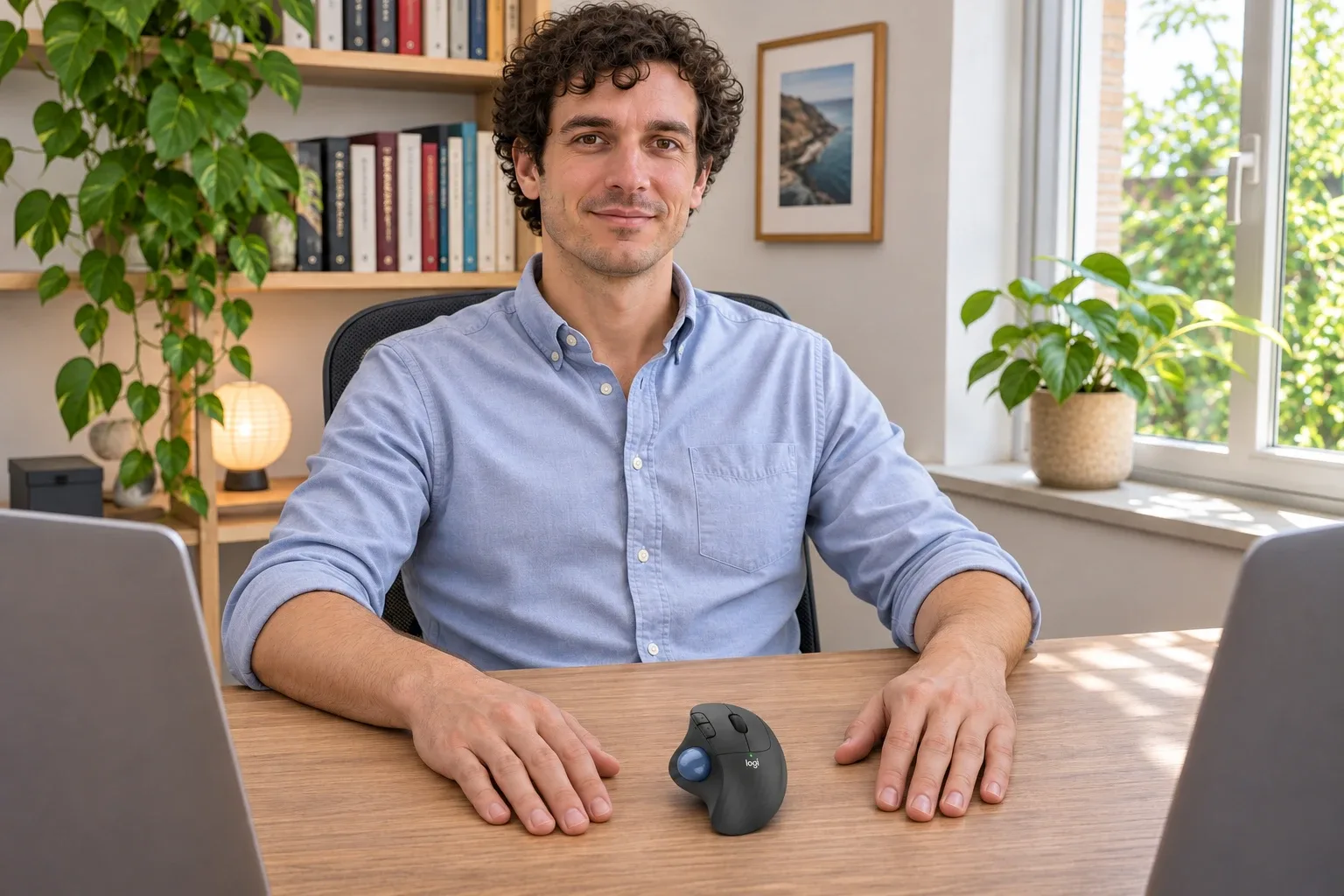
AI-generated illustration: Logitech M575S — a person and the product at natural scale. Not a hands-on test. M575S is the single visual example; MX Ergo S is not pictured.
How we researched this comparison
We checked Logitech's MX Ergo S setup instructions, M575S setup instructions, M575S specifications, and S-model launch information. The M575S offer and MX offer were checked separately. Illustrations show the M575S as a single visual example and do not demonstrate a working two-computer connection.
Quick verdict: Choose the MX Ergo S for its verified two-channel workflow. Choose the M575S when one computer and a lower price are the actual requirements.
Pros
- + MX Ergo S has two documented Easy-Switch channels
- + M575S is substantially cheaper at the checked offers
- + Both provide Bluetooth or Logi Bolt options
Cons
- - MX Ergo S costs $80 more at the check
- - MX Ergo S charging cable is not included
- - M575S lacks the documented two-channel workflow
Sources and verification status
Verification status: compiled from public sources
Data updated:
FAQ
Which model has a two-computer Easy-Switch button?
MX Ergo S has two Easy-Switch channels in Logitech’s setup instructions. M575S supports Bluetooth or Logi Bolt, but those alternatives are not an equivalent documented two-channel switching system.
Does Easy-Switch automatically transfer files?
No. Selecting a hardware channel and using Logitech Flow are separate features. Flow needs a compatible software setup; do not assume it works on every managed computer or operating system.
Are the batteries different?
Yes. M575S uses an included AA battery. MX Ergo S has a rechargeable battery and USB-C charging. We have not measured battery life on either model.
Does MX Ergo S include its USB-C charging cable?
Logitech’s S-model launch information says the charging cable is not included. Check the selected package and provide a suitable cable if needed, especially when gifting it.
Do older MX Ergo and M575 comments describe these exact S models?
Not necessarily. Older models can differ in receiver technology, charging ports, and other details. This comparison identifies older-model owner experiences and does not treat them as proof of current S-model durability.