Tapo C216 Without a Subscription: What Still Works?
Quick Verdict
Use the Tapo C216 without a subscription: compare free alerts, microSD recording and paid cloud features, plus card requirements and common gaps.
Buying Guide Notes · First published:
Compiled from public sources · Written using published specs and user feedback.
As an Amazon Associate I earn from qualifying purchases.

Pros
- + Local microSD recording does not require Tapo Care
- + Free motion, person and baby-cry detection
- + 2K 3MP camera with pan/tilt viewing
Cons
- - Compatible microSD card costs extra
- - Requires wired power and 2.4GHz Wi-Fi
- - Cloud storage and notification snapshots require paid services
- - Onboard footage remains with the camera
Sources and verification status
Verification status: compiled from public sources
Data updated:
The Tapo C216 can provide live view, basic alerts and local microSD recording without a Tapo Care subscription. You must buy a compatible microSD card separately and enable recording; paying nothing monthly does not automatically create a video archive. Cloud storage and notification snapshots belong to the paid side of the feature list.
Compiled from public sources, checked November 13, 2026. We have not installed this camera or tested its recordings. AI-generated illustrations show the C216 as an example and are not footage or installation evidence.
AI-generated illustration: a man beside a compact white Tapo C216 on an indoor desk; not a recording test.
Quick verdict: what should you actually buy?
Choose the white, single-pack Tapo C216, ASIN B0F5G33SPF, if you want a modestly priced wired camera and are comfortable managing local storage. At our check, Amazon showed a new offer at $33.99, sold and shipped by Amazon.com, with 4.5 stars from 1,421 ratings. These are listing observations, not our scores, and the offer can change.
Budget for the card as well as the camera. If your main requirement is footage surviving theft of the camera, an onboard card alone is an incomplete answer. Consider cloud storage or a separately secured recording arrangement before deciding that avoiding a subscription is the only priority.
Which features are free, and which cost extra?
| Option | Price or cost basis | Key specs and limits | Best for |
|---|---|---|---|
| C216 live view and alerts | Camera observed at $33.99; no Tapo Care fee for listed free features | 2K 3MP, motion/person/baby-cry detection; no saved archive just because an alert arrived | Checking a room and receiving basic notifications |
| C216 with onboard microSD | Camera plus a separately purchased card; card price not verified | Up to 512GB; configure local recording and schedule | Buyers who want local history without monthly cloud storage |
| C216 with Tapo Care | Camera plus subscription; current plan price not verified | Cloud recording and notification snapshots are paid services | Buyers who value off-camera cloud history |
This is a comparison of storage choices for one camera, not three different camera packages. The US C216 product page separates free detection from paid cloud storage. Its specification table also marks notifications with snapshots as a Tapo Care service. A phone notification and a retrievable video clip are different deliverables.
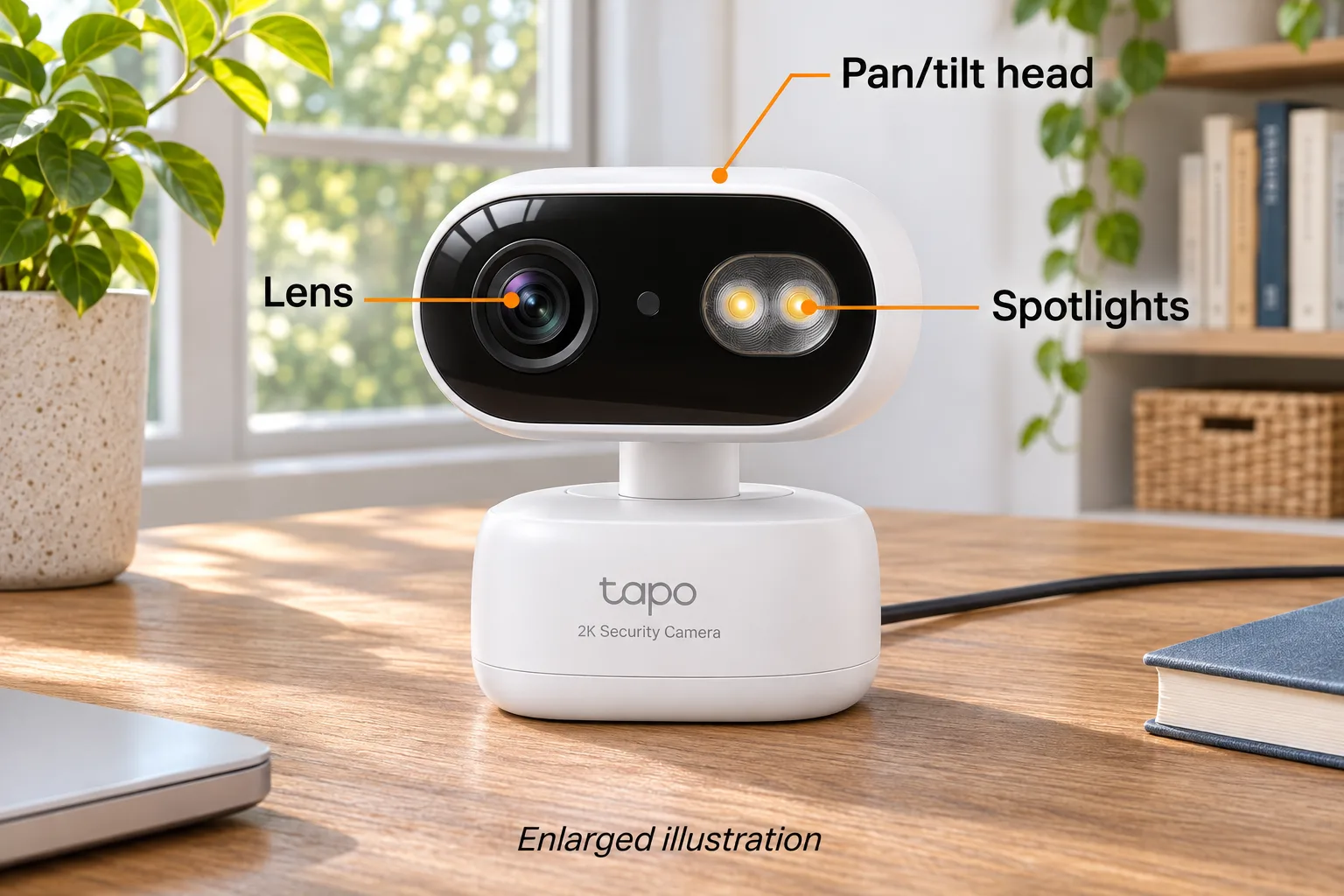
AI-generated illustration: enlarged C216 head, lens and spotlights with orange labels; not a size reference.
Does a microSD card record automatically?
Do not assume inserting a card is the final setup step. TP-Link's continuous-recording instructions describe enabling Local Recording and choosing a Recording Schedule. Continuous recording fills scheduled time blocks; detection recording saves triggered events and naturally leaves intervals between them.
That distinction matters when a buyer complains about missing footage. An empty period may reflect the selected schedule rather than a subscription restriction. Check whether that period was assigned continuous recording, detection recording or no recording. Also check the date and the SD-card section of Playback & Download before concluding that a recording disappeared.
The support article covers multiple Tapo products and warns that battery cameras differ. The C216 is a wired-power camera; its own current product page confirms onboard local storage. Follow the controls offered by your actual hardware and firmware rather than a screenshot from another model.
Which microSD card should you choose?
The capacity ceiling is 512GB, not a promise that every card carrying that capacity will work. Tapo's microSD compatibility guidance, updated November 4, 2026, specifies at least Class 10 and U1 or V10. It recommends endurance-oriented cards for repeated recording and provides tested models and exceptions.
Buy from a trustworthy seller and check the exact card model, including capacity and revision. A recommendation for one card family is not a guarantee for every product sold under a similar name. Counterfeit capacity and a worn card can make a cheap purchase expensive if the clip you need is missing.
We are not assigning a fixed number of recording days to a 128GB or 512GB card. Resolution settings, scene activity and recording mode affect storage use. Choose continuous coverage or event-only coverage first; then size the card for that plan. Save important footage elsewhere instead of treating a looping card as a permanent archive.

AI-generated illustration: the same C216 in a desk setting with wired power; no footage or app output is shown.
Why might playback have gaps or fail?
Tapo's SD playback troubleshooting guide, updated September 29, 2026, recommends checking the card, recording settings, selected playback date and network conditions. It also notes that simultaneous playback from another client can interfere with access.
Work through those checks in a deliberate order. Confirm that live view works, inspect the recording schedule, and verify the relevant detection settings if you chose event recording. Keep the app and camera firmware current. If the card needs formatting, export anything important first: formatting erases its contents. Follow the manufacturer's instructions for your card and camera.
Buying a subscription is not a demonstrated fix for a failing or incorrectly configured card. Conversely, a working live feed does not prove that yesterday's footage was recorded. A sensible first-day check is to confirm that an ordinary, non-sensitive test event appears in playback before relying on the system.
What else can make the C216 a poor fit?
This camera needs 5V DC power and 2.4GHz Wi-Fi. It is not a rechargeable camera that can sit anywhere without a power cable, and the specification does not list 5GHz Wi-Fi. Plan power and wireless coverage at the intended location before buying a mounting accessory.
The C216 offers pan/tilt viewing and IP65-rated camera housing. Do not read that as permission to expose every adapter, outlet or cable connection to weather. Our illustrations use an indoor tabletop setting and do not show an approved outdoor wiring arrangement.
The manufacturer lists an overall dimensional envelope of 4.15 × 3.06 × 2.75 inches under W×D×H. The pictures are illustrations, not independent measurements or clearance templates. Check the product drawing and mounting arrangement if a narrow shelf or enclosure is involved.
A further practical drawback is the location of onboard recordings: the card stays with the camera. If both disappear, access to that local copy may disappear too. A second storage destination can matter more than saving a small recurring fee.
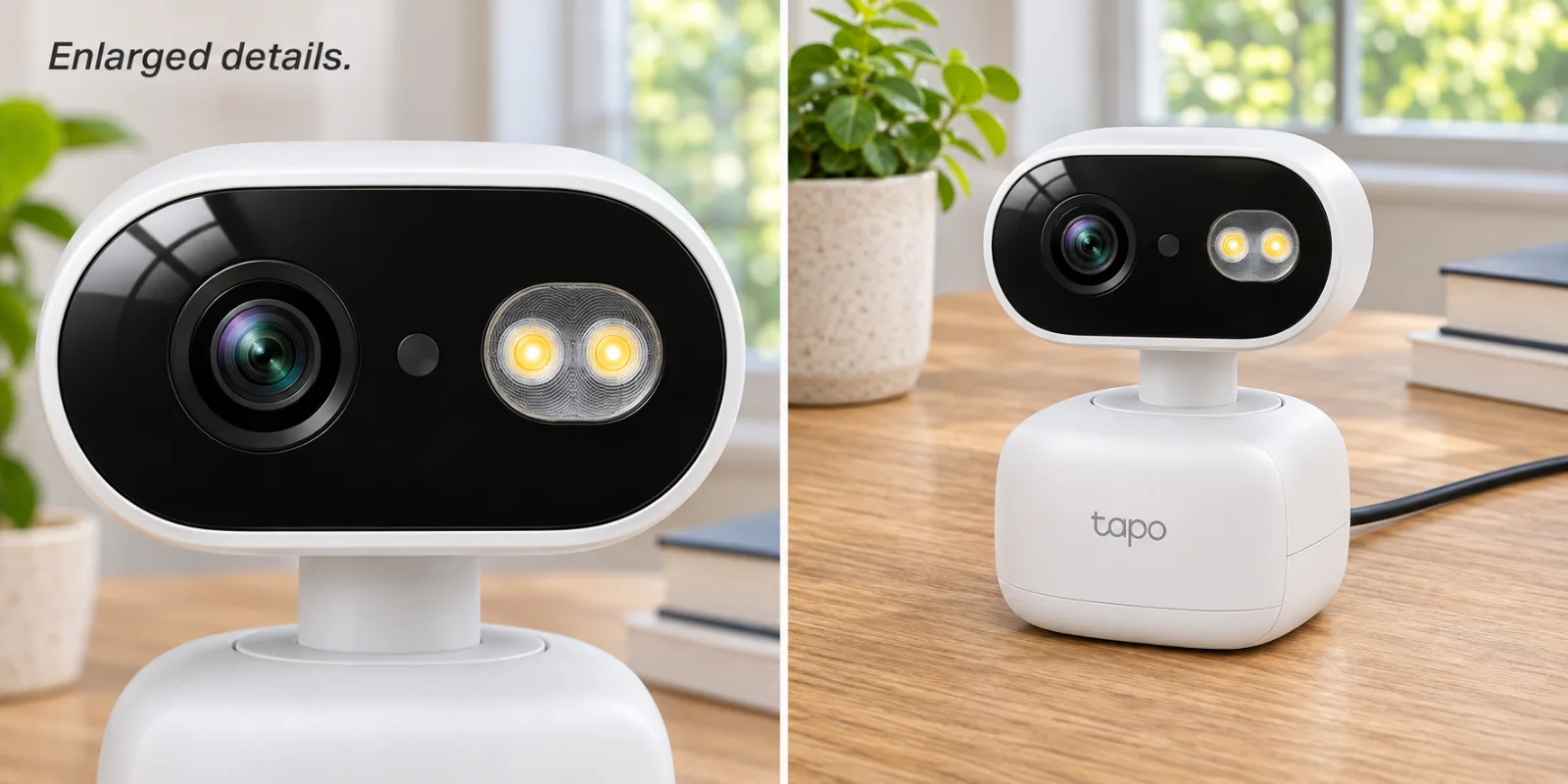
AI-generated illustration: two enlarged panels show the C216 front and base; not a card-installation demonstration.
What owners say—and what the evidence cannot establish
- Useful recording, with occasional glitches in one hub setup. Reddit user samymohab, June 3, 2026, described two C216 and two C217 cameras using Kingston cards with an H200 hub. They reported continuous looping recording working, alongside occasional video jumps that they suspected involved network or firmware conditions. That explanation was their speculation, not a confirmed diagnosis. This is one mixed account involving several models and a hub; it does not establish the reliability of this exact Amazon single-pack or direct onboard-card recording.
We found limited detailed discussion tied to this exact C216 listing. Amazon's individual low-star review pages were not readable without signing in during our check, so we did not turn its generated review summary into invented owner quotations. The public evidence supports explaining the available storage features; it does not support a measured failure rate or a universal claim that playback is flawless.
Who should buy it, and who should skip it?
Good fit: someone who wants a wired, app-managed room camera, can provide 2.4GHz Wi-Fi, and will configure and occasionally check local recording. The lack of a required cloud fee is useful when ongoing costs matter, provided the buyer accepts responsibility for the card and archive.
Skip it: someone who needs cable-free placement, expects a card in the box, or wants guaranteed off-camera footage without arranging another storage method. Also reconsider if you cannot tolerate occasional maintenance or need a professionally managed security system. A consumer camera is not a guarantee that an event will be detected or preserved.
For a gift, confirm the recipient wants an internet-connected camera before buying it. Include the correct card or explain that it is separate. Giving only the camera to someone expecting immediate recording creates a predictable disappointment.
AI-generated illustration: the same man and C216 on a desk at approximate consumer-product scale; not firsthand use.
How we researched this
We compared the selected Amazon single-pack with the current US manufacturer's specifications, card-compatibility guidance and recording/playback support pages. We read the dated Reddit account above and retained its hub and mixed-model limitations. We did not conduct night-vision, notification-speed, privacy or recording-endurance tests.
Our recommendation favors a clear match between the buyer's storage requirements and the documented feature set. It is not an Amazon sales ranking or a finding that the C216 is the best camera on the market. Prices and listing ratings were checked on November 13, 2026; later offers and app features may differ.
Decision: buy the C216 for local recording only if you will also choose a suitable card and verify playback after setup. Pay for cloud features when their specific benefits solve your needs, rather than assuming that either a free plan or a paid plan solves every recording problem.
FAQ
Does the C216 require Tapo Care for microSD recording?
No. The current US product page lists onboard microSD recording separately from subscription cloud storage. Buy a compatible card and enable the recording settings; the card is not included.
Are notification snapshots free?
The C216 specification table lists system notifications separately from system notifications with snapshots, which are marked as a Tapo Care service. Free detection does not mean every notification feature is free.
What is the largest supported microSD card?
The current C216 specification lists up to 512GB. Tapo recommends checking the exact card model and its current compatibility guidance rather than relying on capacity alone.
Is the C216 battery powered or compatible with 5GHz Wi-Fi?
No. The US specification lists a 5V DC power adapter and 2.4GHz Wi-Fi. A power adapter and 2m USB adapter cable are included; a microSD card is separate.
Will buying a subscription fix missing SD recordings?
Not necessarily. First check Local Recording, the schedule, selected date, card condition and the manufacturer’s playback troubleshooting guidance. Export important clips before any formatting, which erases the card.