USB Bluetooth 5.0 Adapter Review: Plug Into a Desktop and Pair Right Away?
Shop Owner's Review ·
Compiled from official specs and user feedback.
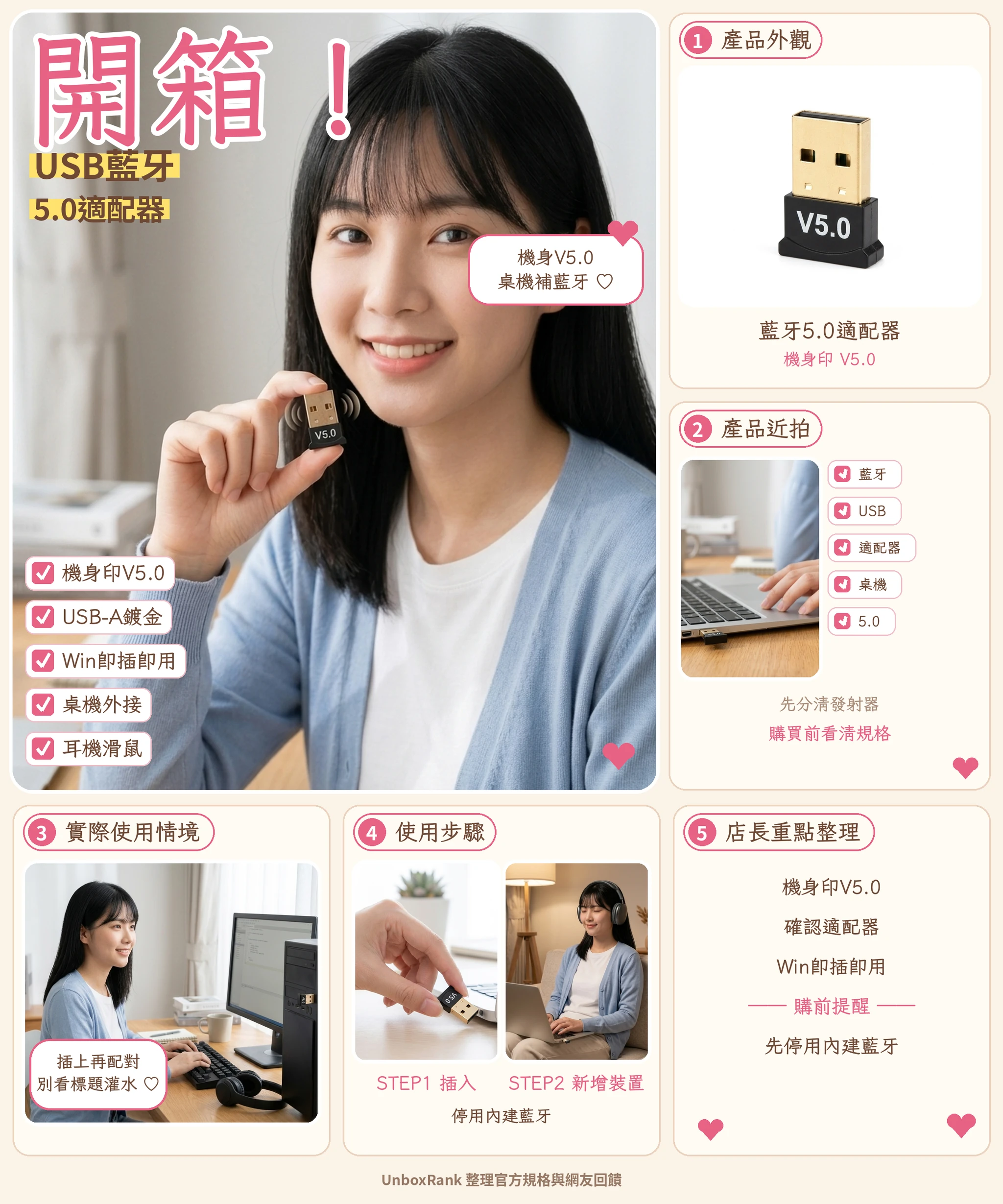

Price updated 2026/11/04. Actual price is subject to the Shopee listing.
Where to buy
Desktop missing Bluetooth? This adapter is printed V5.0, so ignore the 5.3 in the title, and make sure you are not buying an audio transmitter.
Price updated 2026/11/04. Actual price is subject to the Shopee listing.
Please check Shopee/Amazon for current prices. Disclosure
You want to connect wireless headphones or a Bluetooth mouse to your desktop, only to find there is no Bluetooth toggle at all. The simplest fix is a USB Bluetooth adapter. Most people want to know two things: will it pair as soon as you plug it in, and are the 5.3 or 6.0 numbers in the listing title real? Here are the specs, setup tips, and user feedback in one place.
What this Bluetooth adapter looks like
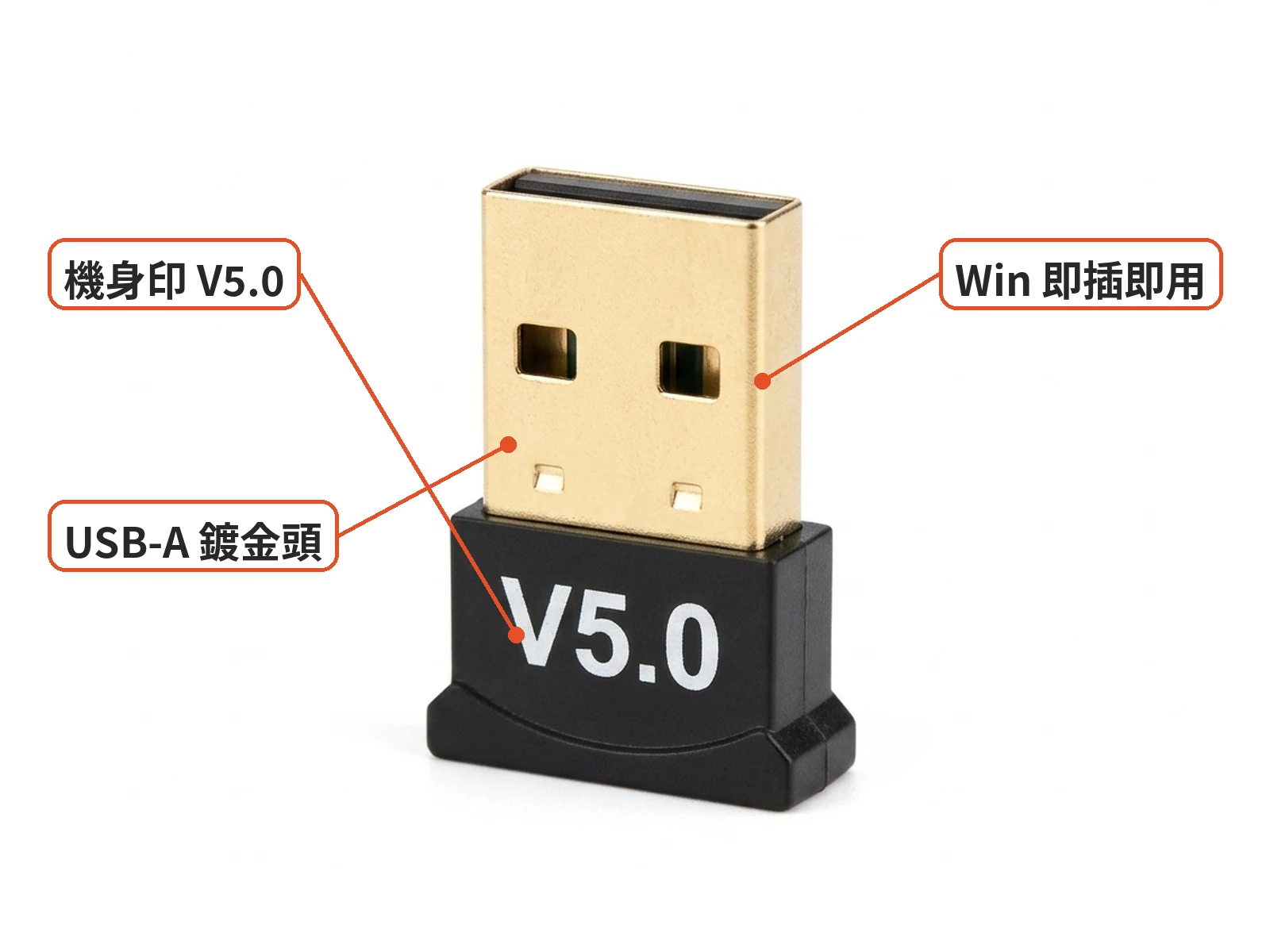
This is a common Shopee USB Bluetooth 5.0 adapter: a matte black plastic body, a gold-plated USB-A plug, and V5.0 printed in white on the body. It is sold as add-on Bluetooth with Windows plug-and-play.
Listing titles often pile on several version numbers such as 5.3, 5.4, and 6.0, but the body says V5.0, so this article treats it as Bluetooth 5.0. The listing says little about drivers, how many devices it can connect, or range, so read the description before you order.

Adapter or audio transmitter?
This is the most common mistake. Mobile01 users share plenty of stories about buying the wrong thing. To give a computer Bluetooth, you need a USB Bluetooth adapter. A Bluetooth audio transmitter plugs into a 3.5mm jack and sends sound from a speaker or TV to Bluetooth headphones; it will not add a Bluetooth toggle to your computer. The two often show up together in searches, so check whether the plug is USB or 3.5mm.
Will it pair right after you plug it in?
In most cases, Windows 10 and 11 let you add headphones, a mouse, or a keyboard under Bluetooth & devices once it is plugged in, as long as the driver installs correctly. A few setup tips:
- Disable built-in Bluetooth first: if your computer already has Bluetooth that is unreliable, disable it in Device Manager before plugging in the adapter to avoid conflicts.
- Check the version in the system: look at the Bluetooth device name and advanced details in Device Manager rather than trusting the listing title.
- Avoid obstructions: if a rear USB port is blocked by the case, the signal may suffer; a short extension cable can move the adapter to the front or onto your desk.
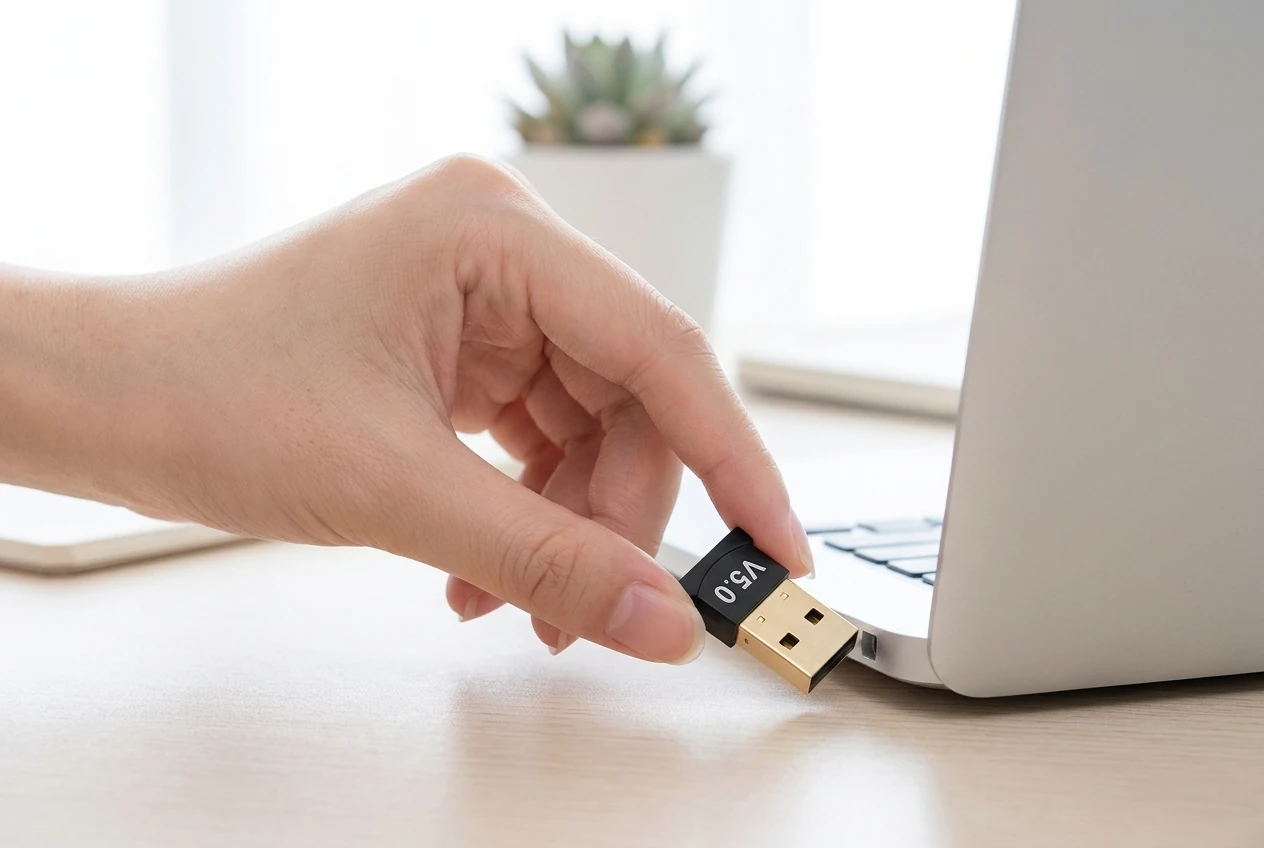
- Do not force it: laptop side ports can be tight, so insert and remove it straight.
Listings usually focus on Windows, so check the supported systems before buying for Mac or Linux.
Good fit: desktops without Bluetooth, mainly for headphones, mice, and keyboards, on a budget under NT$100.
Not a fit: anyone who needs gaming-grade low latency, or whose laptop already has reliable built-in Bluetooth.

Check these on arrival
Make sure the metal USB plug is not loose, the V5.0 print is there, and a Bluetooth device appears once it is plugged in. If it is not recognized at all or will not connect, request a return through Shopee; a Device Manager screenshot makes that easier.
What forum users say
Mobile01 has threads about buying the wrong receiver and how to check a dongle's version, and PTT has Bluetooth receiver recommendation threads. The most common points: make sure you buy an adapter that gives your computer Bluetooth, check the version in system info when it arrives, and expect mixed opinions on the stability of budget USB adapters. Most of this is experience with similar products, so use it as a reference.

Similar alternatives
- ASUS USB-BT500: more brand discussion, usually pricier.
- PCIe Wi-Fi cards such as the Intel AX210: PTT users often compare them with USB adapters for stability and latency, but they require opening the PC.
- Brand-name adapters such as UGREEN: more unboxing reviews; still check the supported systems.
Before you order
Bottom line: for under NT$100, this USB adapter with V5.0 printed on the body is an easy way to add Bluetooth to a desktop. What matters is whether your system recognizes it, whether the connection is stable, and whether the version is clear. Confirm it is a USB adapter and not an audio transmitter, then check the printed version, and you are unlikely to buy the wrong thing.
Pre-purchase checklist
- Confirm the model: matte black body, gold USB-A plug, white V5.0 print; ignore the 5.3/5.4/6.0 numbers in the title
- Make sure it is a USB Bluetooth adapter for computers, not a 3.5mm audio transmitter
- Check whether Windows 10/11 needs a driver, how many devices it supports, and its range
- Check the actual version in Device Manager after it arrives
- If you already have built-in Bluetooth, disable it first
- Check the ship-from location, warranty, and return policy
Specs
| Item | Detail |
|---|---|
| Product | USB Bluetooth 5.0 adapter (model with V5.0 printed on the body) |
| Look | Matte black plastic body, gold-plated USB-A plug, white V5.0 print |
| Key features | Add-on Bluetooth, Windows plug-and-play |
| Bluetooth version | V5.0 printed on the body; the listing title also mentions 5.3/5.4/6.0, and this article goes by the body print |
| Price | About NT$85 (may change during promotions) |
| Sold | About 60,000+ |
| Seller | Regular Shopee seller; not listed as an official brand store |
| Not stated on listing | Chipset, maximum connections, range, Mac/Linux compatibility |
Pros
- V5.0 is printed right on the body, which is clearer than the title
- It is a USB adapter that adds Bluetooth to a desktop, not an audio transmitter
- About NT$85 with 60,000+ sold, so it is easy to compare with similar adapters
Cons
- Opinions on the stability of budget adapters are mixed; latency-sensitive users often switch to a PCIe card
- It can conflict with built-in Bluetooth, which you need to disable first
- The version numbers in the title are messy, so check the body print and system info
Where to buy
The USB Bluetooth 5.0 adapter is about NT$85 with about 60,000+ sold. It is good value for adding Bluetooth to a desktop for under NT$100; for brand warranty or lower latency, compare pricier brand-name adapters or PCIe cards.
NT$85 | See the lowest price →
UnboxRank compiles official specs and user feedback.
Some images are AI-generated illustrations
FAQ
Can a desktop pair headphones right after plugging it in?
Most Windows 10/11 PCs can add devices in Bluetooth settings once the driver is installed. First make sure you bought a USB Bluetooth adapter, not a 3.5mm audio transmitter.
Is it 5.0 or 5.3?
The body is printed V5.0, while the listing title mentions higher versions. This article treats it as Bluetooth 5.0; you can confirm in Device Manager after it arrives.
Do I need one if my laptop already has Bluetooth?
Usually not. Consider one only if the built-in Bluetooth is unreliable, and disable the built-in radio first to avoid conflicts.
Does it work on Mac or Linux?
Budget adapters like this mostly target Windows, and the listing does not clearly cover other systems. Check the supported systems before buying.
Is this an official store?
The listing does not say it is an official brand store. Check warranty and ship-from details on the listing.
Related articles

Tech & Gadgets
Shop owner's pickiPhone Camera Base Film Review: Not a Lens Cap—Case Fit?
A camera-base film is not a lens-glass sticker; case clash and frame scratch care still need the right model cut and shell holes.

Tech & Gadgets
Shop owner's pick1260° Dash Clip Phone Mount Review: Will It Block Your View, and How Do You Set It Up to Stay Steady?
Dash-clip mounts skip the vent, but sightline block and grip still depend on your instrument-hood shape.

Tech & Gadgets
Shop owner's pickZSync Car Bluetooth Receiver Review: No Bluetooth in an Older Car, Will an AUX Dongle Hiss?
For cars without Bluetooth, AUX receiver stability and noise matter more than a shiny alloy shell.

Tech & Gadgets
Shop owner's pickDTAudio DTA-K150 Review: Can You See the Battery on the Case, and Is It Hassle-Free for Commuting?
Bean-style buds with a case battery window tempt commuters; check the Bluetooth claim and listing details before you buy.
Some images are illustrative.