Cricut EasyPress SE vs 3: Bluetooth & Size Differences
Quick Verdict
The SE is the sensible shortlist if you want manual time and temperature controls without Bluetooth activation. EasyPress 3 adds phone-to-press settings through Cricut Heat, not automatic pressure. At the checked prices, decide whether that workflow merits $51.64 more for the same nominal plate size.
Buying Guide Notes · First published:
Compiled from public sources · Written using published specs and user feedback.
As an Amazon Associate I earn from qualifying purchases.
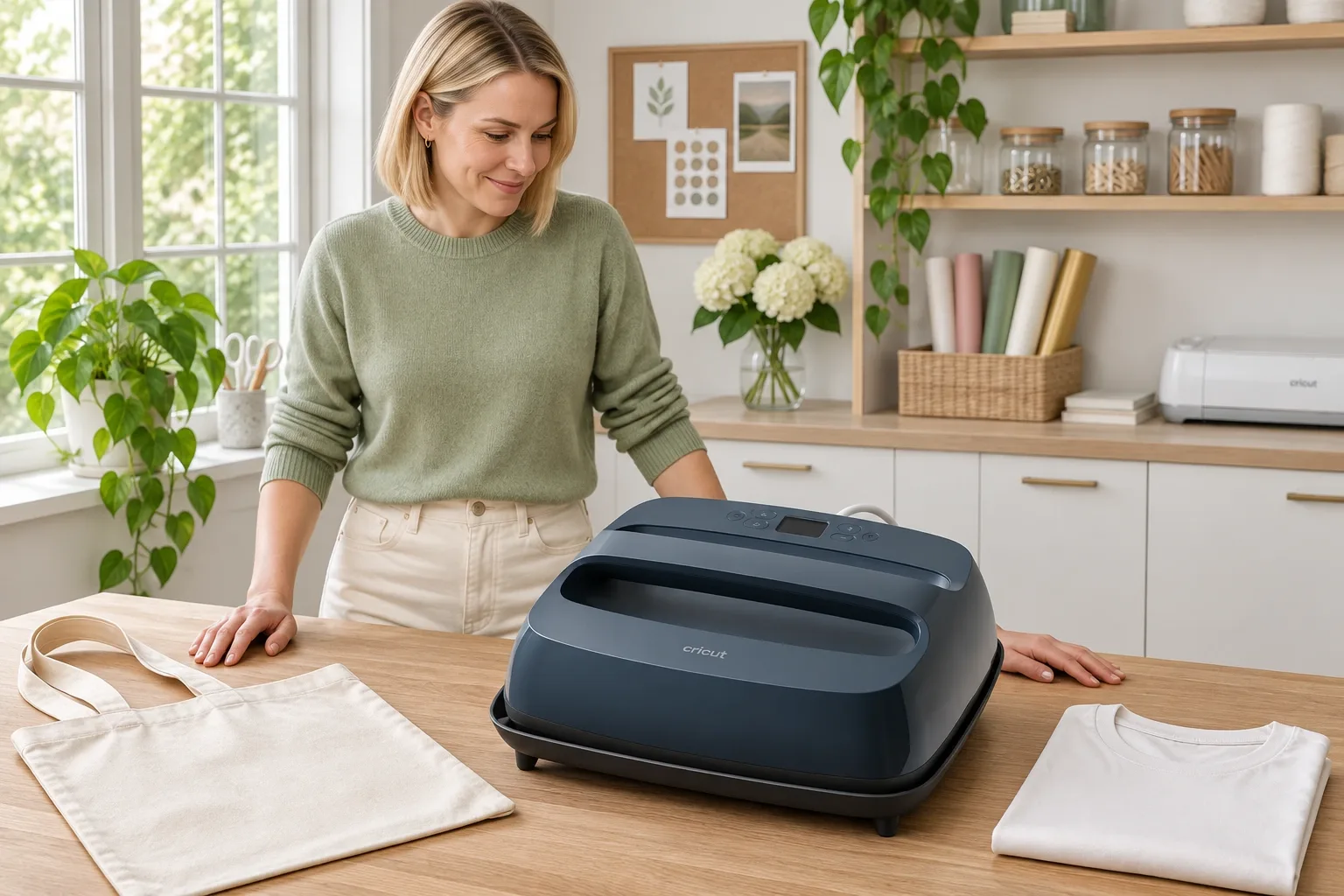
The Cricut EasyPress SE is the simpler choice if you want to set time and temperature manually without Bluetooth, while EasyPress 3 adds phone-to-press settings through the Cricut Heat app. Both compared options have a nominal 12-by-10-inch heat plate and a stated maximum of 400°F. Bluetooth changes the workflow; it does not supply automatic pressure or prove better transfer durability.
Compiled from public sources, checked November 11, 2026. We did not press a shirt, measure plate temperature or perform wash tests.
AI-generated illustration: a craft-room planning scene; the press is shown resting, not proving a transfer result.
Which EasyPress SE and EasyPress 3 are compared?
The main offer is EasyPress SE, Blue, 12 × 10 inches, model 2012729, ASIN B0GH8JFN5G, displayed new on Amazon.com for $99.00, sold and shipped by Amazon.com. Its 4.7-star rating from 8,967 ratings is a listing snapshot that may include other variations or earlier linked products, not a count of verified tests of this exact SE color.
The comparison is EasyPress 3, 12 × 10 inches, ASIN B0B8DYZL55, displayed new for $150.64, also sold and shipped by Amazon.com. Its listing showed 4.5 stars from 525 ratings. That secondary product does not meet our main-product 1,000-rating screening threshold; it is included because it is the specific comparison buyers are asking about, not presented as another qualifying lead product.
| Option | Checked Amazon price | Key difference | Best for | Who should skip it |
|---|---|---|---|---|
| EasyPress SE Blue 12 × 10 | $99.00 | Manual controls; no Bluetooth; no activation required in current guidance | A crafter happy to consult the Heat Guide and enter settings | Someone specifically wanting phone-to-press settings |
| EasyPress 3 12 × 10 | $150.64 | Bluetooth connection to Cricut Heat; activation workflow | Someone who values guided mobile setup and transmitted settings | A buyer expecting automatic pressure or a larger plate than the SE |
| SE 9 × 9 size option | Current offer not verified here | 81-square-inch nominal plate versus 120 for 12 × 10 | Smaller flat designs and a more compact working footprint | A project needing the larger uninterrupted plate area |
The price difference between the two verified Amazon offers was $51.64 on the check date. That is an observed comparison, not a promised discount or a historical price range. The 9-by-9 size is a manufacturer-listed alternative, not an additional Amazon purchase recommendation with an invented price.
SE: View Current Offers on Amazon →
EasyPress 3: View Current Offers on Amazon →
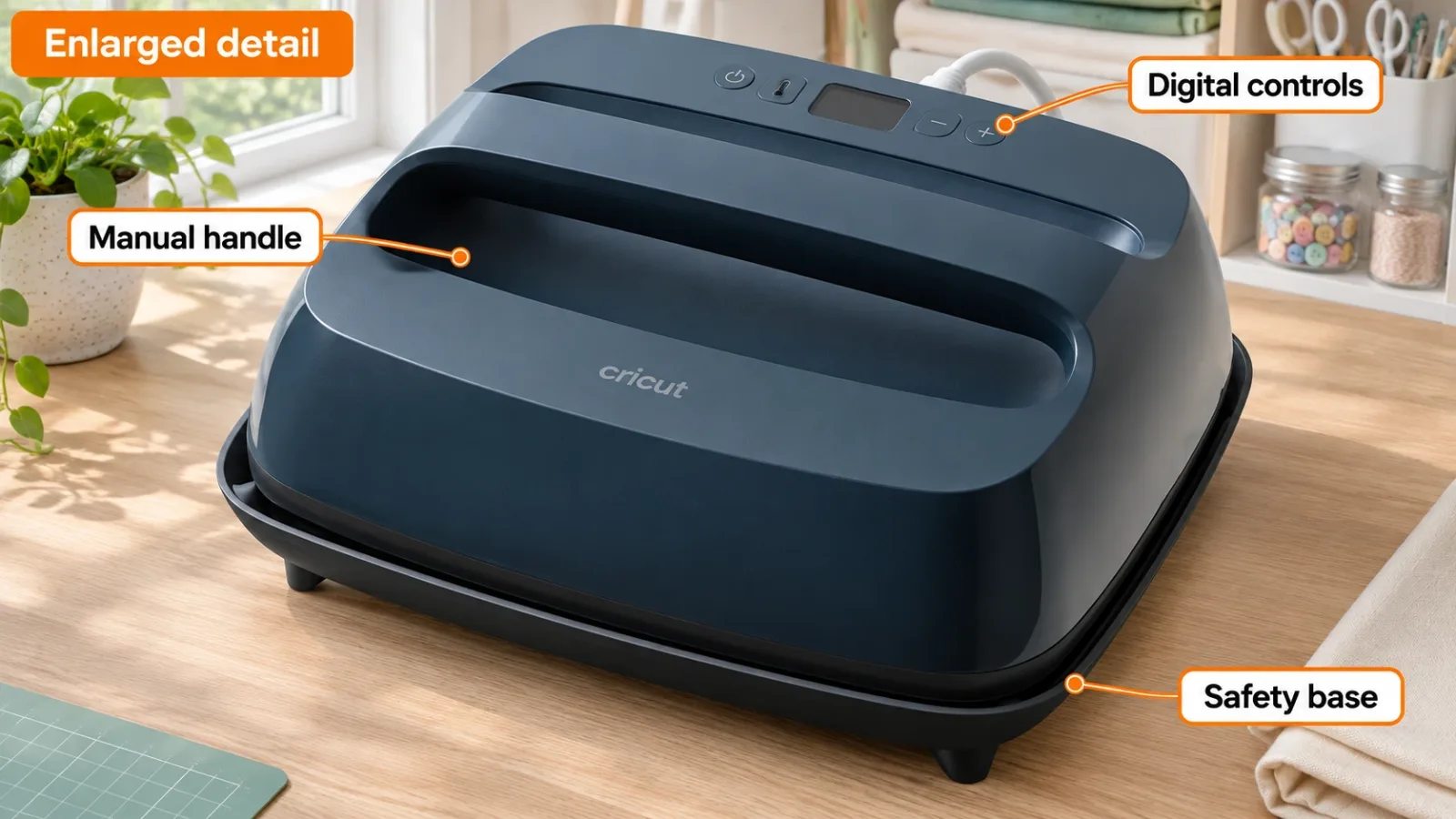
AI-generated illustration: enlarged visible features, not measured heat distribution.
What does Bluetooth actually add?
EasyPress 3 can receive time and temperature settings from the Cricut Heat mobile app. The SE uses buttons on the press itself, with recommended settings available through Cricut’s web Heat Guide. That is the central verified difference for someone comparing these two names.
The distinction is useful if you frequently move between materials and appreciate guided steps on a phone. It is less compelling if you prefer reading the instructions separately and entering settings yourself. You can decide which workflow fits your habits without assuming that a connected tool creates a better bond automatically.
Neither model is a cutting machine, and neither Bluetooth nor the Heat Guide removes the need to match transfer material, blank and instructions. Avoid confusing Cricut Heat with a promise that every function of a cutting-machine app controls the press. We did not install the app or validate compatibility on a particular phone.
Does the SE need activation, registration or updates?
Current official comparison guidance states that the SE does not require activation or firmware updates and does not have a USB port. EasyPress 3 has its own activation process and Bluetooth-connected workflow. This matters to a buyer who wants to avoid adding a connected device to a simple pressing routine.
Do not generalize a complaint about an EasyPress 2 or EasyPress 3 to every SE. Model names, ports and setup requirements differ. Likewise, an owner's successful manual operation after setup does not settle whether a brand-new EasyPress 3 needs its initial activation steps.
If app access is a deal-breaker, read the current activation instructions before choosing the 3. If the SE’s manual workflow meets your needs, paying for connectivity solely because “3” sounds newer is difficult to justify from this comparison. The SE was introduced in 2026, so the model number alone is a poor chronology guide.
AI-generated illustration: project-planning scenario, not pressing or wash-test evidence.
Is the 12-by-10 size worth more desk space?
The listed 12 × 10 inches describes the heat plate, not a promise about outer dimensions. The selected SE Amazon dimensions field lists 13.7 × 4.7 × 11.5 inches with an unusual axis order. We do not turn that field into a claim that the plate is only 4.7 inches across or that we measured its housing.
A nominal 12-by-10 plate has 120 square inches of area; 9-by-9 has 81. That arithmetic helps explain coverage, but it does not establish how much of a particular sweatshirt can be pressed around seams, folds or attachments. Measure your common design area and consult the material instructions rather than selecting only by garment size.
The larger footprint can be useful for broad flat designs, but it also occupies more storage and working space. A small logo beside a seam may not benefit from more plate area. If most of your work involves tight or curved areas, a different press shape may be more relevant than choosing between these two same-size models.
Does EasyPress 3 apply more consistent pressure?
Both products are handheld presses. Their controls do not automate pressure. Cricut’s current selection guide identifies manual operation and manual pressure for the SE family; Bluetooth on the 3 sends settings, not downward force.
A buyer making occasional flat transfers may accept that workflow. Someone planning repeated batches or needing controlled pressure should compare an appropriate automatic or clamp-style category, with its actual footprint and specifications. We have not verified a competing ASIN here or claimed that an unspecified cheap press will produce better results.
A pressing mat is also different from the included insulated safety base. The base is the resting accessory shown in our illustrations. Do not assume that an Amazon bundle including a separate mat is identical to the selected press-only offer, or that every tabletop is suitable for an actual pressing operation.
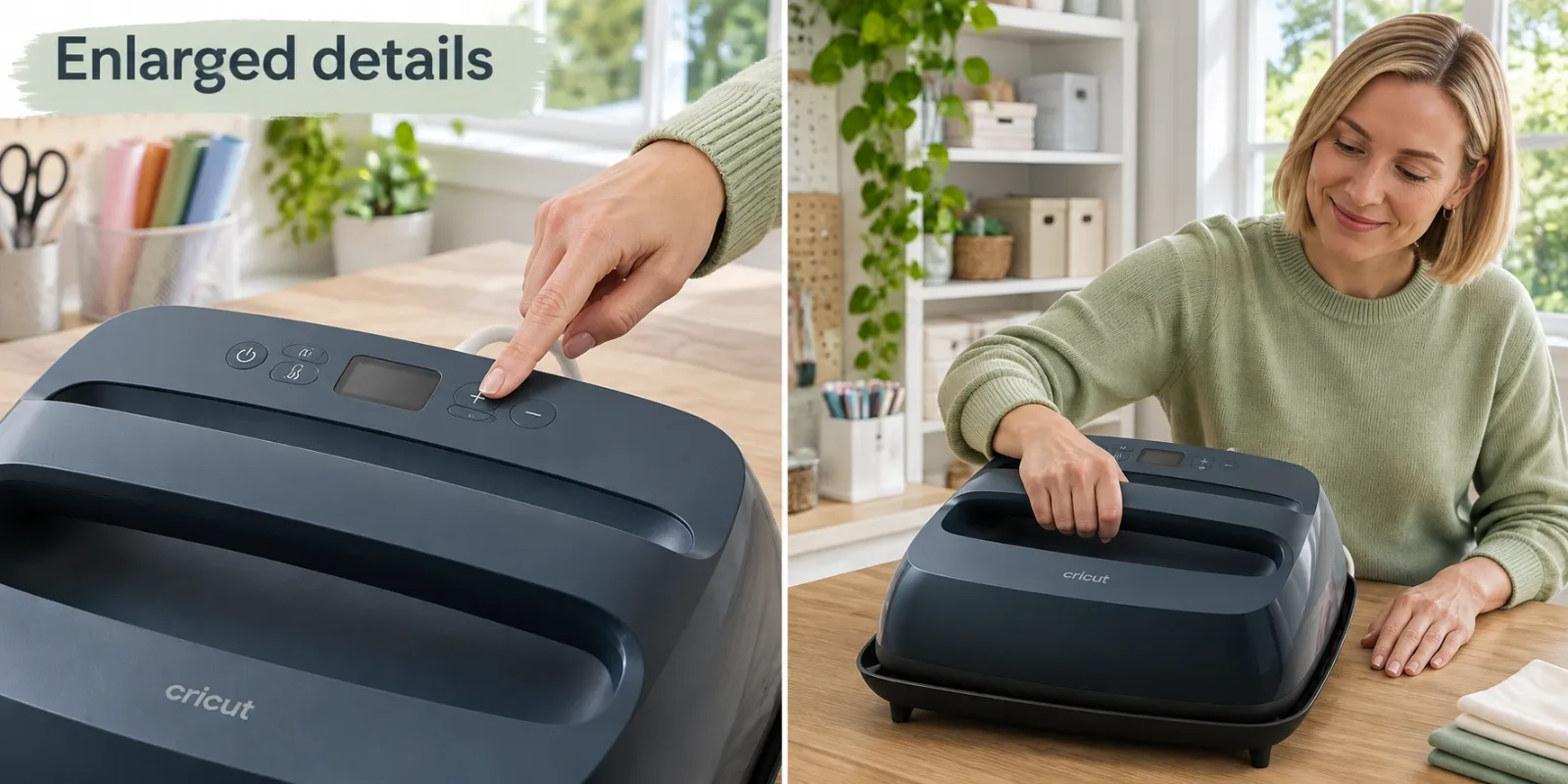
AI-generated illustration: enlarged control and handle details with the press on its base; not safety training.
What owners say about the app and possible problems
-
One EasyPress 3 owner liked both workflows. Advanced-Ticket6902, May 7, 2024, reported using version 3 with and without the app and described a positive experience. They did not identify our exact ASIN or plate size, and this was not a comparison with the 2026 SE.
-
One new-unit owner reported an error after pairing. swissbin, December 30, 2025, described an EasyPress 3 displaying E05 after pairing. The post does not establish the cause, a current failure rate or an SE defect. We do not invent a repair or recommend bypassing a safety-related error.
-
Buyers have questioned the value of connectivity for years. trillianinspace, January 28, 2023, discussed Bluetooth when comparing EasyPress 2 and 3. That older discussion illustrates the workflow question; it cannot supply firsthand evidence about the later SE’s heating plate or durability.
We searched for SE-specific public discussion but did not verify a reliable exact-ASIN owner comparison of these two selected units. The older reports remain useful only with those limits. Individual positive and negative accounts are not proof that either product is universally reliable or unreliable.
Who should choose each model?
Choose the SE if manual digital controls are what you want, the 12-by-10 plate fits your projects and the checked lower price matters. Skip it if you specifically want Bluetooth transfer of settings. Its simpler setup is a verified workflow difference, not a guarantee that it cannot develop hardware problems.
Choose EasyPress 3 if the mobile guidance and transmitted settings are worth the observed premium to you. Skip it if you expect the extra money to buy a larger plate, automatic pressure or a proven durability advantage. None of those conclusions follows from the Bluetooth feature.
Keep a working press if it already provides the controls and coverage you need. We have no test evidence that switching between these two handheld models will improve every finished project. For either, use the current Heat Guide for the exact blank and transfer combination rather than copying a universal temperature from a comment.
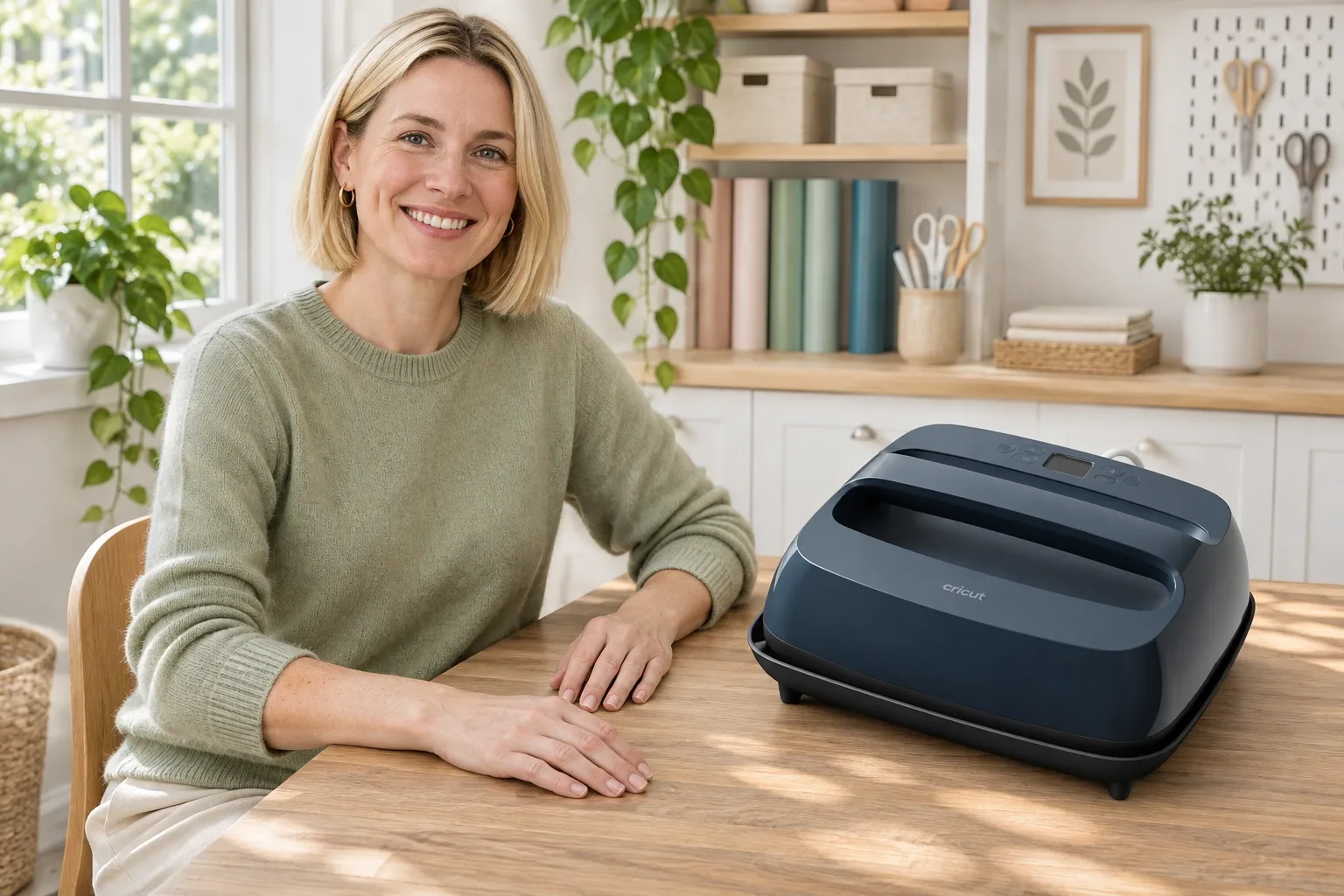
AI-generated illustration: person and product portrait; not firsthand use.
How we researched this comparison
We checked both exact US Amazon offers, the SE model and reference appearance, Cricut’s current comparison and activation guidance, its 2026 introduction, the current Heat Guide and dated original Reddit reports. Our ranking is based on workflow, plate-size fit and verified offer differences, not sales rank, a heat-map test or a wash-test winner.
This article was compiled from public sources. All five images are AI-generated illustrations using the Slate Blue SE as a single appearance example. They show a resting planning setup and enlarged controls, not an operating safety demonstration or evidence that a transfer survived washing.
Pros
- + SE offers manual digital time and temperature controls
- + Both compared options have a nominal 12-by-10-inch plate
- + EasyPress 3 can receive settings from Cricut Heat via Bluetooth
- + SE requires no activation or firmware updates in current official guidance
Cons
- - Neither handheld model automates applied pressure
- - SE lacks Bluetooth and phone-to-press settings
- - Plate size is different from outer housing dimensions
- - No press-temperature, adhesion or wash testing was performed
Sources and verification status
Verification status: compiled from public sources
Data updated:
Verified on:
Sources
- SE Blue exact offer and EasyPress 3 12-by-10 offer, checked November 11, 2026.
- Cricut EasyPress comparison, family overview, SE product information, and Heat Guide.
- Individual owner sources and dates appear in What Owners Say; older-model comments are not exact-SE tests.
FAQ
Does the EasyPress SE connect to the Cricut Heat app?
No Bluetooth connection is listed for the SE. Enter time and temperature on its controls and consult the web Heat Guide. EasyPress 3 supports sending settings through the Cricut Heat mobile app.
Does the SE require activation or a USB update?
Current Cricut comparison guidance states that the SE does not require activation or firmware updates and has no USB port. EasyPress 3 has a separate activation workflow; do not transfer an older EasyPress complaint to the SE without checking its model.
Is a 12-by-10-inch EasyPress larger than a 9-by-9?
Yes: the nominal plate areas are 120 and 81 square inches respectively. The larger figure describes plate coverage, not a measured increase in productive output or a guarantee that every design will fit around seams.
Do these presses automatically apply pressure?
No. These are handheld presses requiring manual pressure. Bluetooth on EasyPress 3 sends settings; it does not turn the device into a clamp or automatic pressure press.
Is a pressing mat included with the selected SE?
The selected Amazon offer is the press-only Blue 12-by-10-inch option, and the manufacturer specifies a safety base. Do not assume a separately advertised mat bundle is included. Check the exact box contents and the recommended pressing surface before purchasing.
You might also like
Electronics
Product comparisonRK61 Wired vs Wireless: Check Bluetooth Before Buying
RK61 names cover different keyboards. Check the wired QMK/VIA listing, Bluetooth alternatives, software limits, and compact-layout tradeoffs before buying.
Tools & Home Improvement
Product comparisonChannellock 460 vs 440: Jaw Size and Weight
Home & Kitchen
Product comparisonOXO Compact vs Regular Cold Brew: Batch Size & Cleanup
Compare actual recipe yields, space, draining controls and cleaning before choosing an OXO cold brew size. The Compact and regular labels describe different capacities.
Pet Supplies
Product analysisBlue Buffalo Small Breed vs Pro Plan: Look Beyond Bag Size
Blue Buffalo costs less per pound than Pro Plan; choose the recipe that suits your adult small dog.