Honeywell HT-900 Aims Upward Without Sweeping the Room
Buying Guide Notes · First published:
Updated
Compiled from public sources · Written using published specs and user feedback.
As an Amazon Associate I earn from qualifying purchases.

Pros
- + Wall-mount option frees crowded desk space
- + Upward tilt directs airflow away from the face
- + Removable grille gives access for cleaning
Cons
- - Wall-mounting screws are not included
- - Highest setting hummed in Homes & Gardens' review
- - Motor noise developed in Sterling Wong's three-year account
Sources and verification status
Verification status: compiled from public sources
Data updated:
Quick Verdict
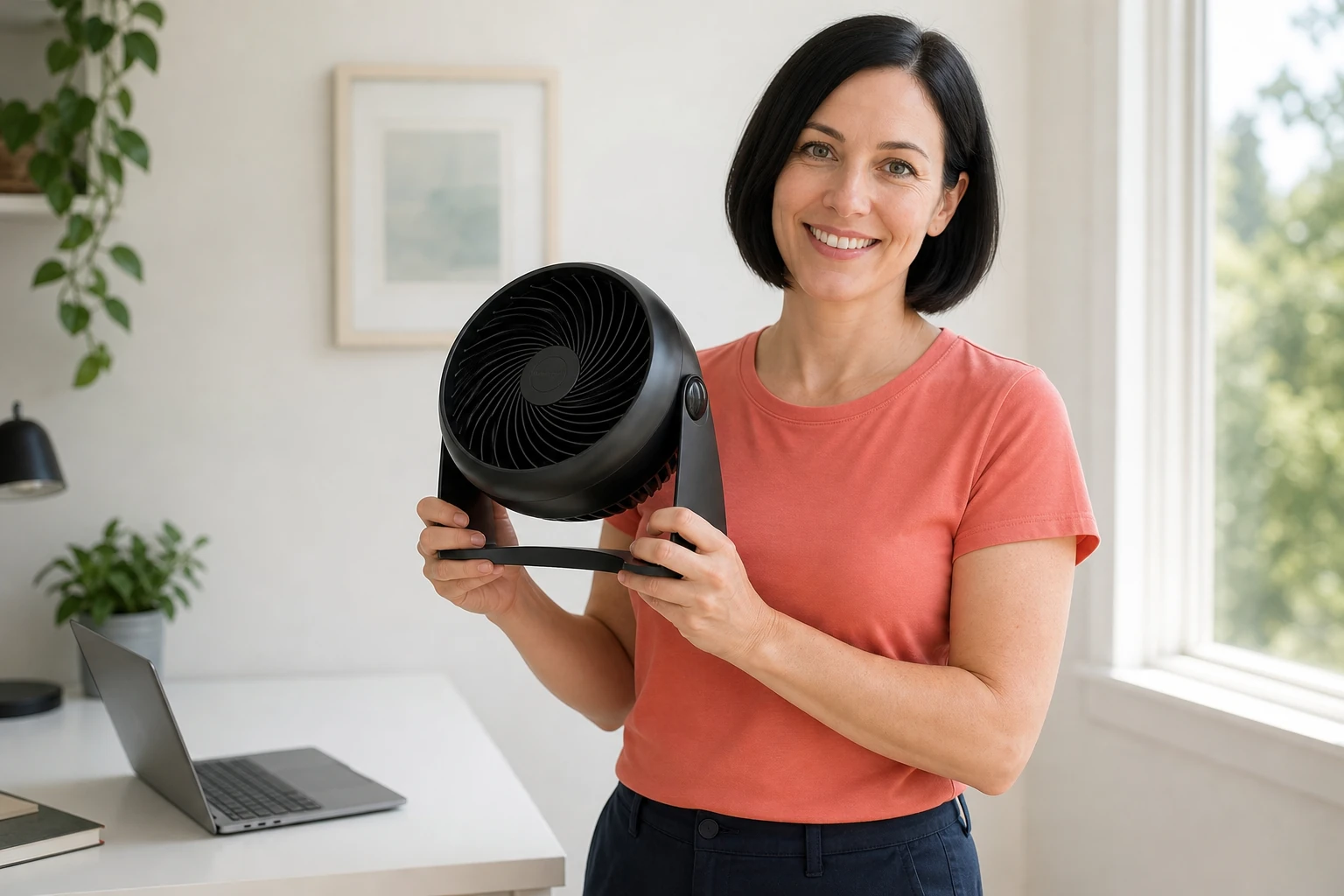
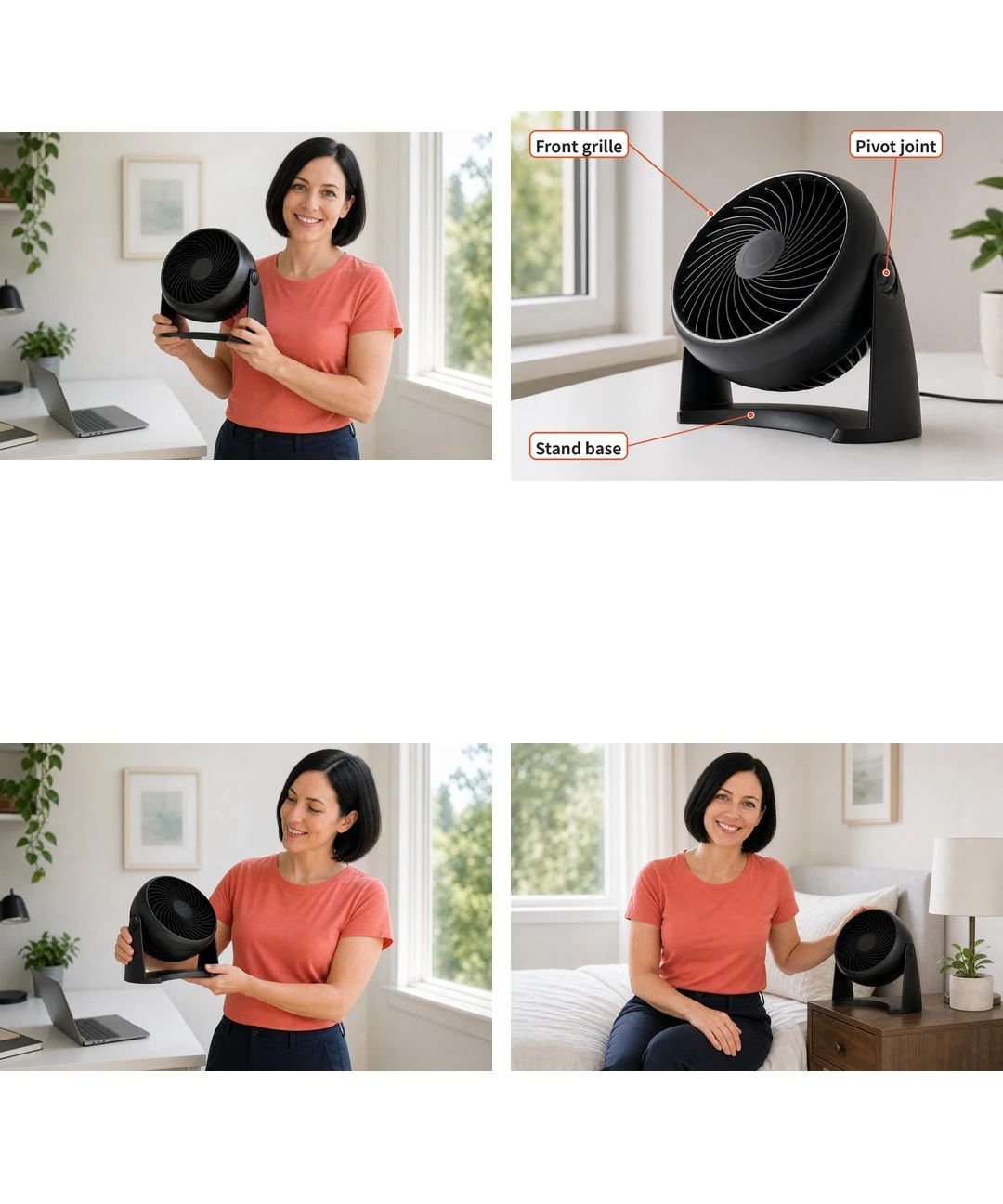
Choose the HT-900 for manually aimed airflow, not an automatic sweep between people. Its head pivots upward through ninety degrees, but it does not oscillate across a desk. That suits one fixed workstation better than a shared table where everyone expects alternating coverage. There is no remote or timer to adjust it from across the room.
Honeywell HT-900 vs Vornado 133
Honeywell HT-900, ASIN B001R1RXUG, is $19.29; Vornado 133 Black, ASIN B00FGPWJXA, is $26.29. Vornado's $7.00 premium buys a five-year limited warranty rather than Honeywell's one-year coverage, not guaranteed extra years of operation. Both are small corded circulators with manually adjustable heads. Honeywell supplies three speeds, whereas Vornado offers two.
For a crowded desk, placement is the more immediate distinction. Honeywell's stand has wall-mount slots, while the selected Vornado is a tabletop design. Choose Honeywell when a suitable wall position frees the workspace; choose Vornado when longer stated coverage matters more than a third speed. Neither choice adds a motorized sweep or turns the purchase into air conditioning.
What Stands Out
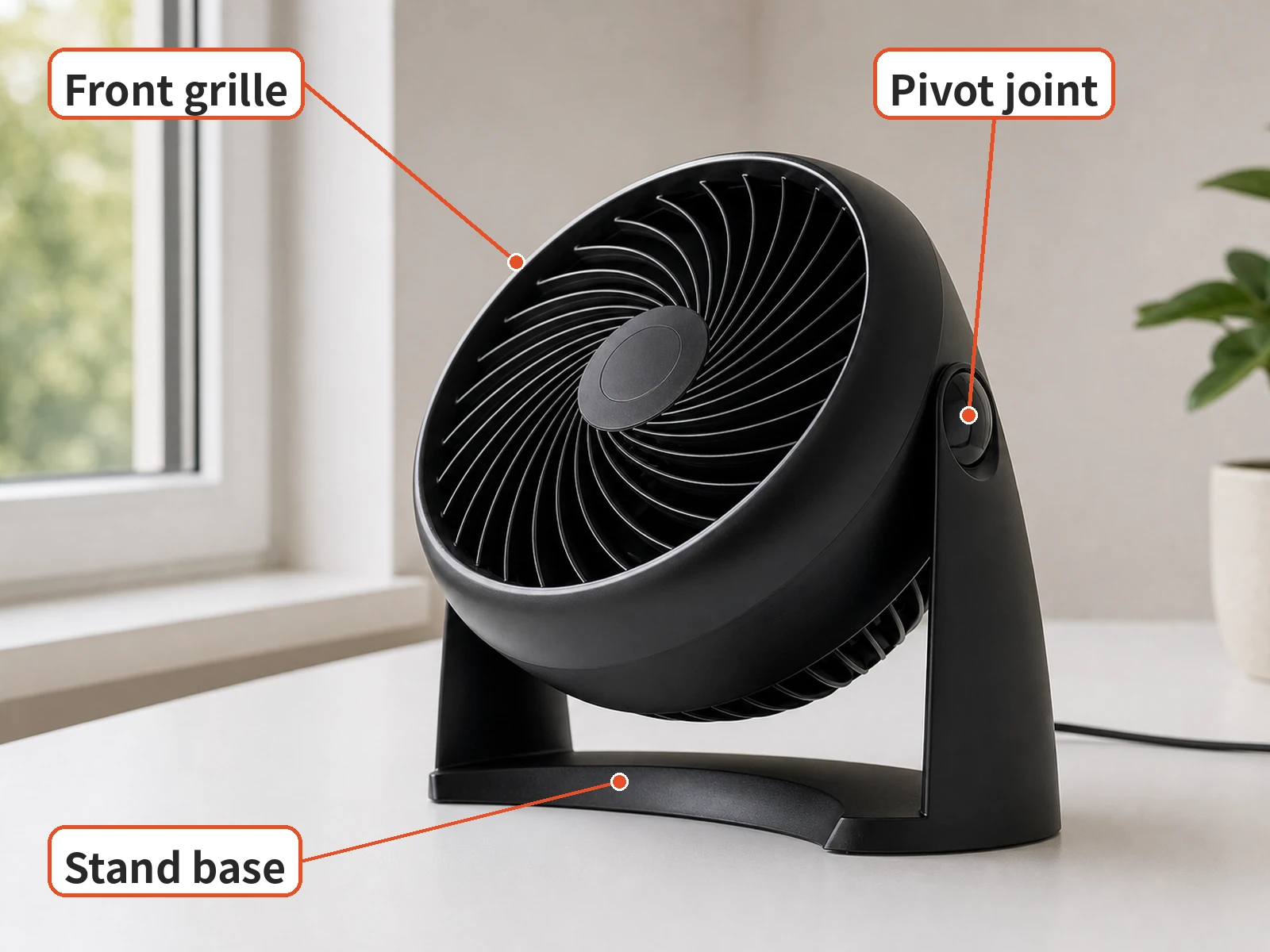
The wall-mount option is the practical advantage when a monitor and keyboard already fill the desk. Honeywell's US store specifies two mounting screws, which are not included. Plan the location around the mains lead and a suitable wall attachment rather than assuming the box contains mounting hardware.
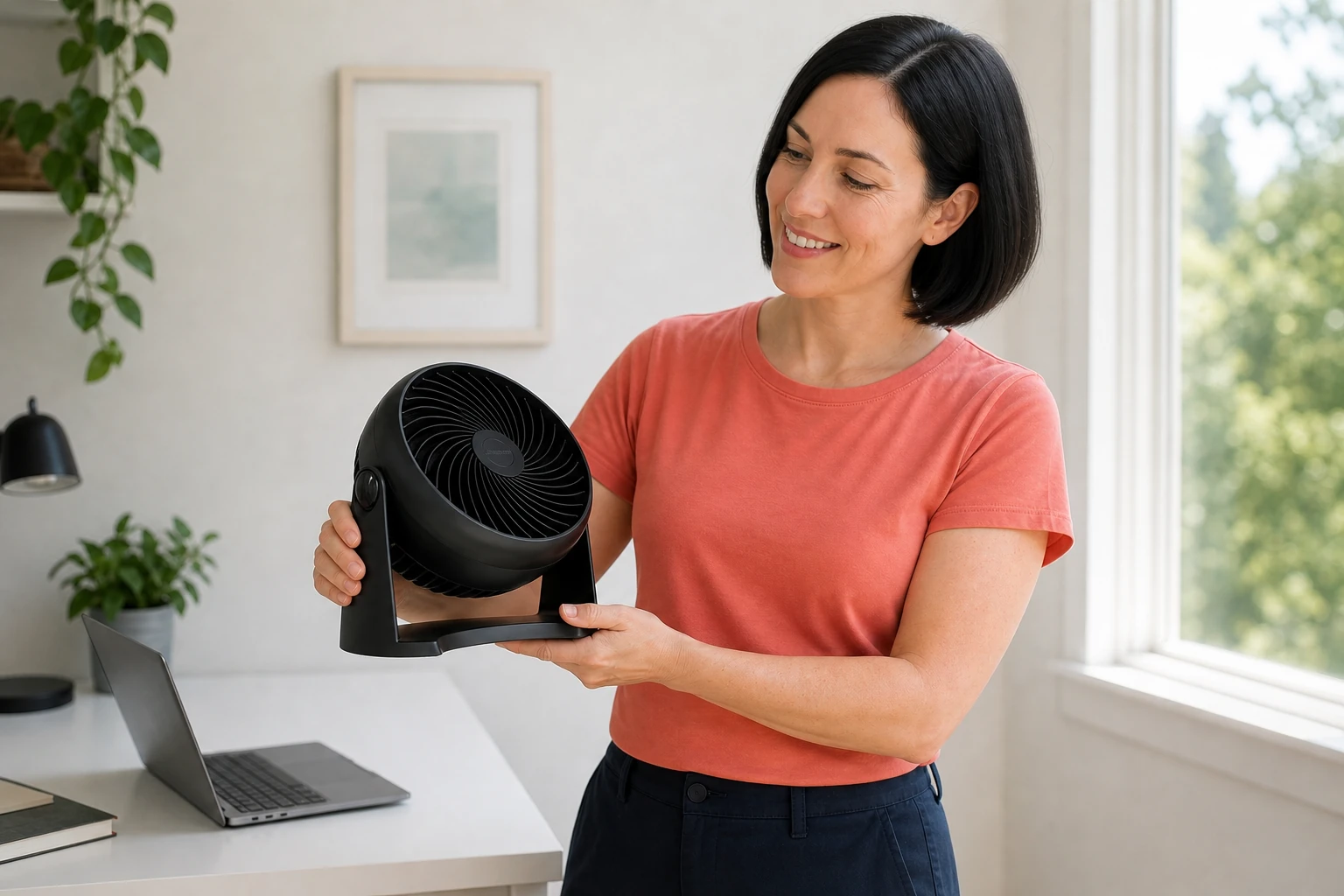
Eve Smallman's Homes & Gardens assessment explicitly identifies the HT-900 and describes using it at a desk for three months. She found upward tilt useful when she did not want air aimed straight at her face. That is a relevant workstation scenario, not a measurement borrowed from another country's fan. The same US store confirms a removable grille for cleaning, with power disconnected first.
Where It Falls Short
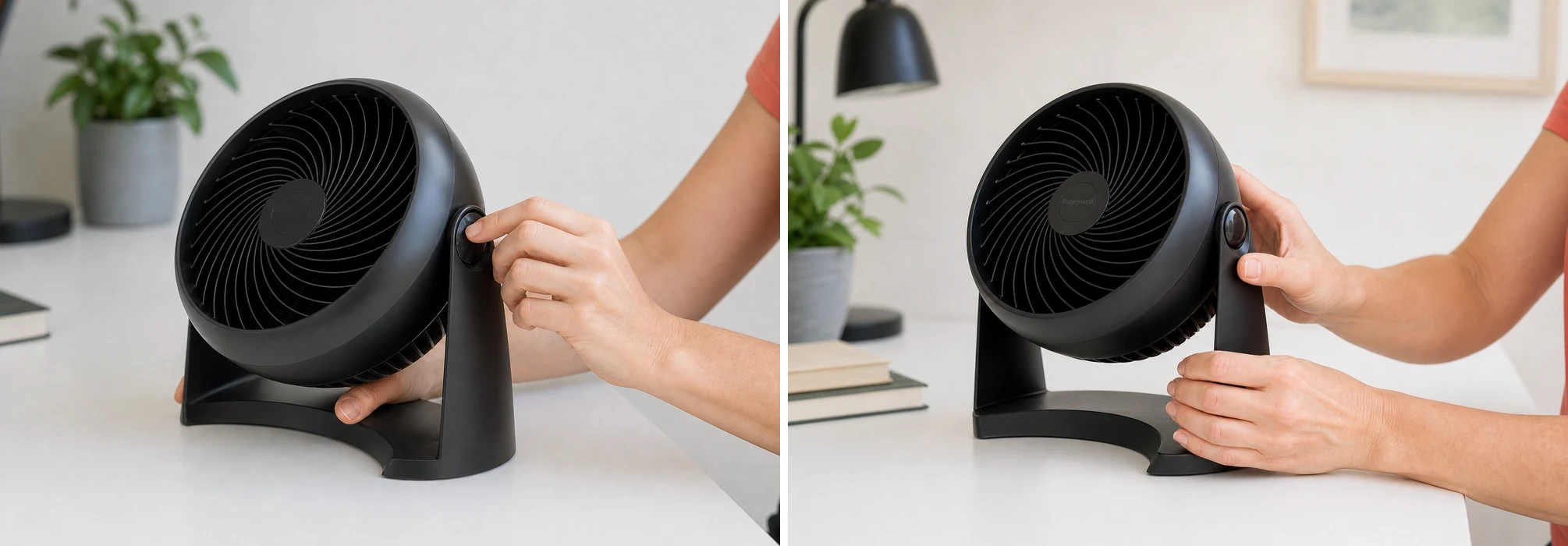
Do not choose it on the assumption that a small fan must be inaudible beside a microphone or pillow. Smallman describes an audible hum on the highest setting, although she could ignore it while listening to audio. Sterling Wong's separate HT-900 account reports a motor noise developing after three years. These are individual assessments, not a noise specification or a prediction of every unit's lifespan.
Who It's For
For a person studying at one desk, the manual head is a useful fit when the direction usually stays put. Wall placement can keep the working surface clear if the outlet and mounting position cooperate. Leave the grille unobstructed rather than squeezing the fan behind books.
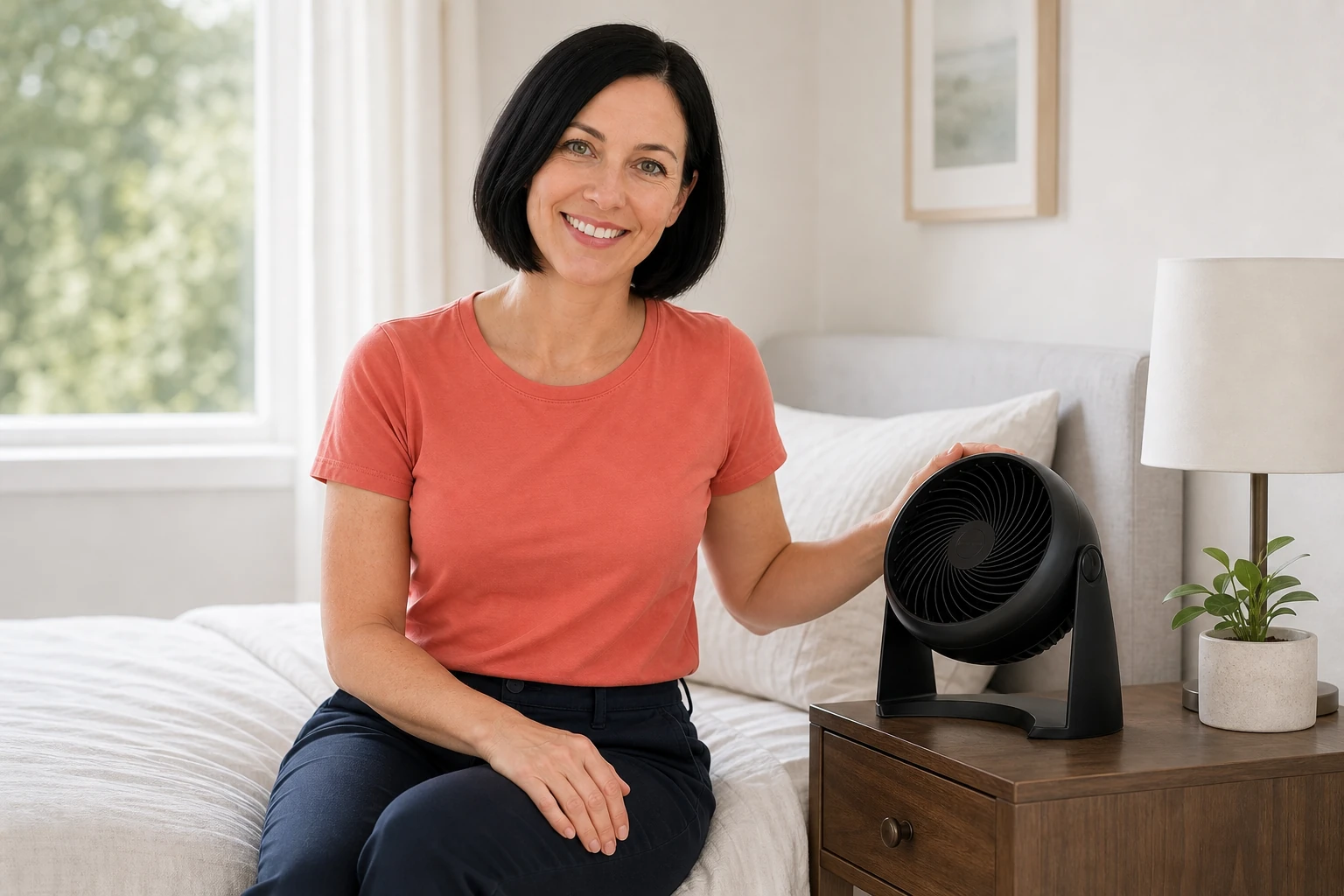
Pick Vornado 133 for a tabletop spot when its longer limited warranty is the deciding benefit. Skip both if the requirement is a remote, sleep timer or oscillating coverage for several seats. A light sleeper should audition the actual fan's settings rather than infer silence from the word circulator.
Product illustrations are AI-generated.
How We Researched This
We researched this guide using public sources; we did not test the product ourselves. Our assessment draws on the product information, buyer feedback, and independent sources linked below.
Sources
- Amazon: Honeywell HT-900 TurboForce Air Circulator (4.6 stars, 160,769 ratings)
- Amazon: Vornado 133 Compact Air Circulator Fan
- Sterling Wong: Honeywell HT-900 three years later
- Homes & Gardens: exact HT-900 desk assessment
- Honeywell Store: US HT-900 features and care
- Vornado: 133 specifications and warranty
FAQ
Does the HT-900 oscillate automatically?
No. You aim the head manually. It pivots upward through 90 degrees rather than sweeping side to side automatically.
How many speeds does it have?
The HT-900 has three manually selected speeds. Choose the airflow setting for your location rather than assuming the highest setting will be quiet enough for every desk or bedroom.
Can it be mounted on a wall?
Yes. The US HT-900 has wall-mount slots. The Honeywell Store specifies two mounting screws, which are not included. Check the installation instructions before mounting.
Does it include a remote control or timer?
No. This model uses manual controls and does not add a remote or automatic shutoff timer. Consider another model if those functions are essential.
Can the grille be removed for cleaning?
Yes. Honeywell identifies a removable grille. Disconnect power first and follow the HT-900 care instructions; do not treat a mains-powered fan as a washable appliance.
Price and purchase links
You might also like

Home & Kitchen
Product comparisonOwala FreeSip vs HydroJug: Bag or Desk Bottle?
Compare Owala FreeSip 24 oz and HydroJug Traveler 32 oz for bags and desks: covered spouts, handles, cleaning, capacity, and limits of leakproof claims.
Electronics
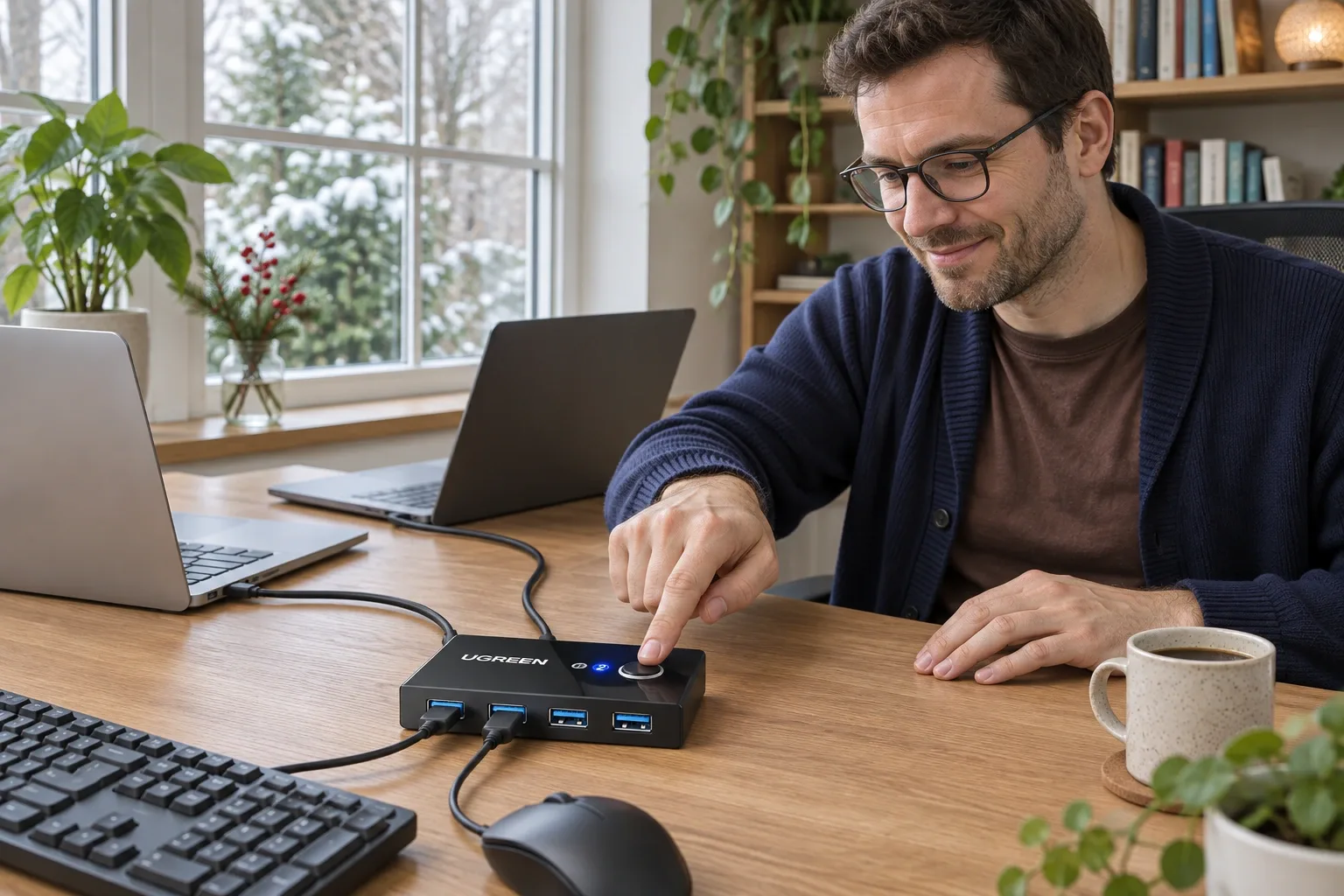
Product analysisUGREEN 30768 Review: Share One Keyboard and Mouse Between Two Computers
A small manual USB switch can simplify a two-computer desk, provided you understand its video, power and peripheral limits. We examine the current US offer and dated owner reports.
Electronics
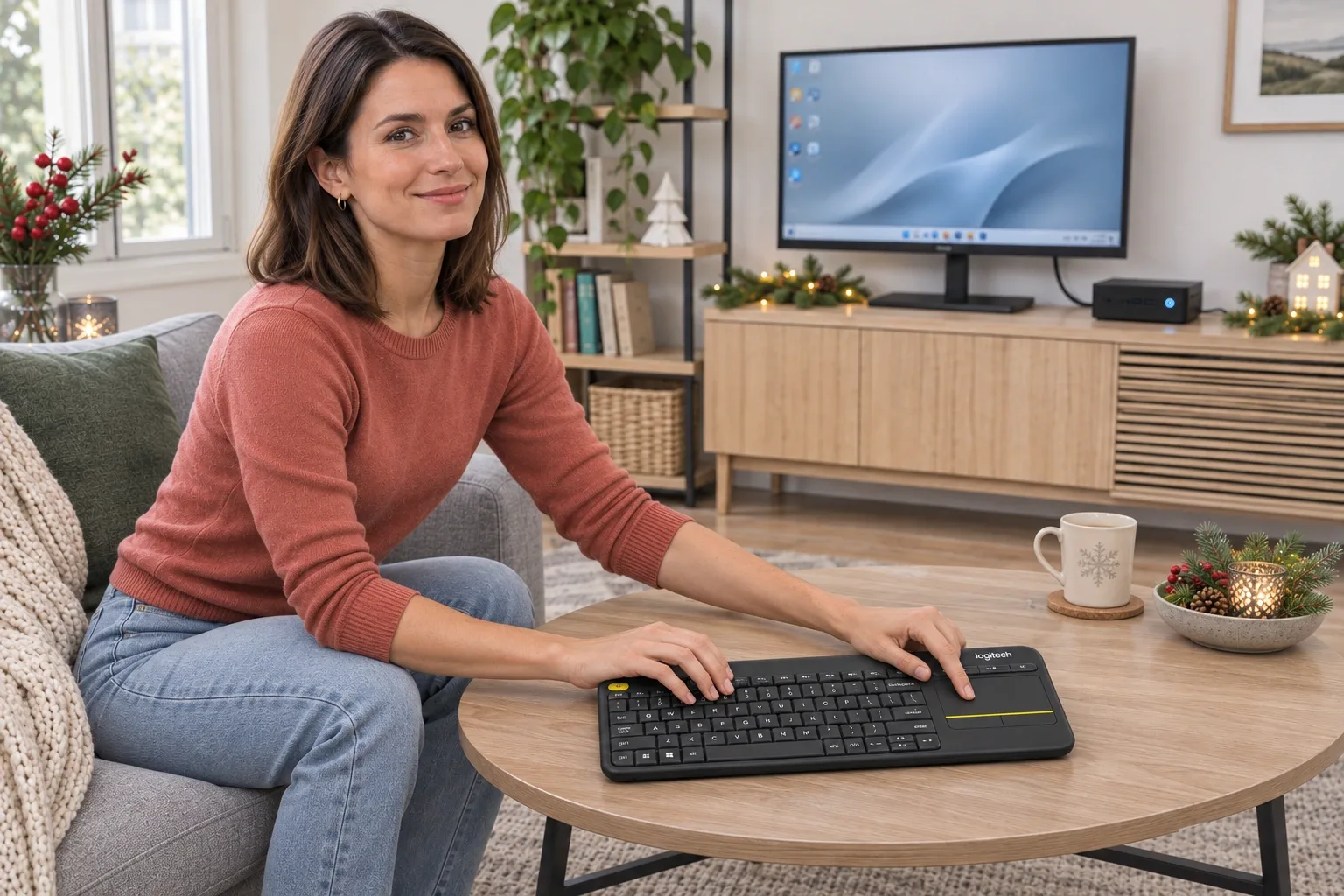
Product analysisLogitech K400 Plus Review: A Couch-PC Gift With a Receiver Catch
A compact keyboard and touchpad can simplify a living-room PC, but the USB receiver, unlit keys and older owner reports deserve attention before gifting.
Electronics
Product analysisBluelounge CableDrop Review: Stop Fishing for Cords Behind Your Desk
A small desk upgrade for keeping loose charging leads within reach. We examine the black two-pack listing, cable-fit differences and the adhesive trade-off.