Desktop Lift Phone Stand Review: Does an NT$36 Telescopic Stand Stay Steady at Full Height?
30-second verdict
Fits desk users who want a cheap telescopic lift and will test how steady it is when tapped; skip if you need a bed boom or a heavy tablet base.
Good for
- People who watch shows or take online classes at a desk and want more height
- Buyers trying a telescopic stand under about NT$100
- People who switch landscape and portrait often
Not for
- Anyone who needs a long arm over a bed
- Heavy tablet users who tap hard
- Buyers who need a pocket-thin folding stand for travel
Buying Guide Notes · First published:
Compiled from public sourcesWritten using official specs and user feedback.
Pros
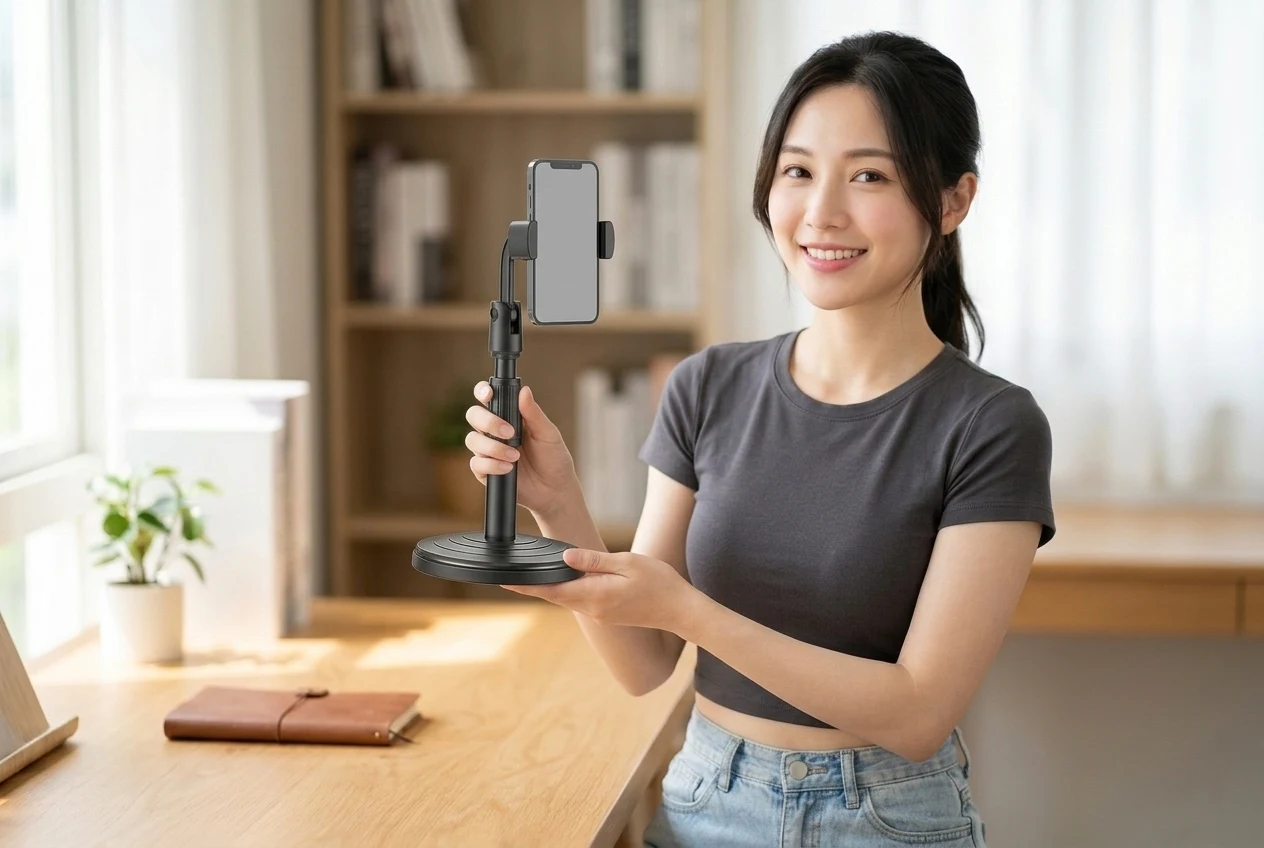
- Round base + telescopic pole lifts closer to eye level than thin folding stands
- Side clamp switches landscape/portrait with a simple desk footprint
- About NT$36 with 5,000+ sold keeps a telescopic trial cheap
Cons
- Long-term reports on this model are scarce; full-height tap stability needs your test
- A light base can still wobble or tip with a large phone and hard taps
- Not a long-arm bedside boom—reach and scenes differ
Specs
| Item | Detail |
|---|---|
| Product | Desktop height-adjustable multi-angle phone stand (matte black round-base clamp) |
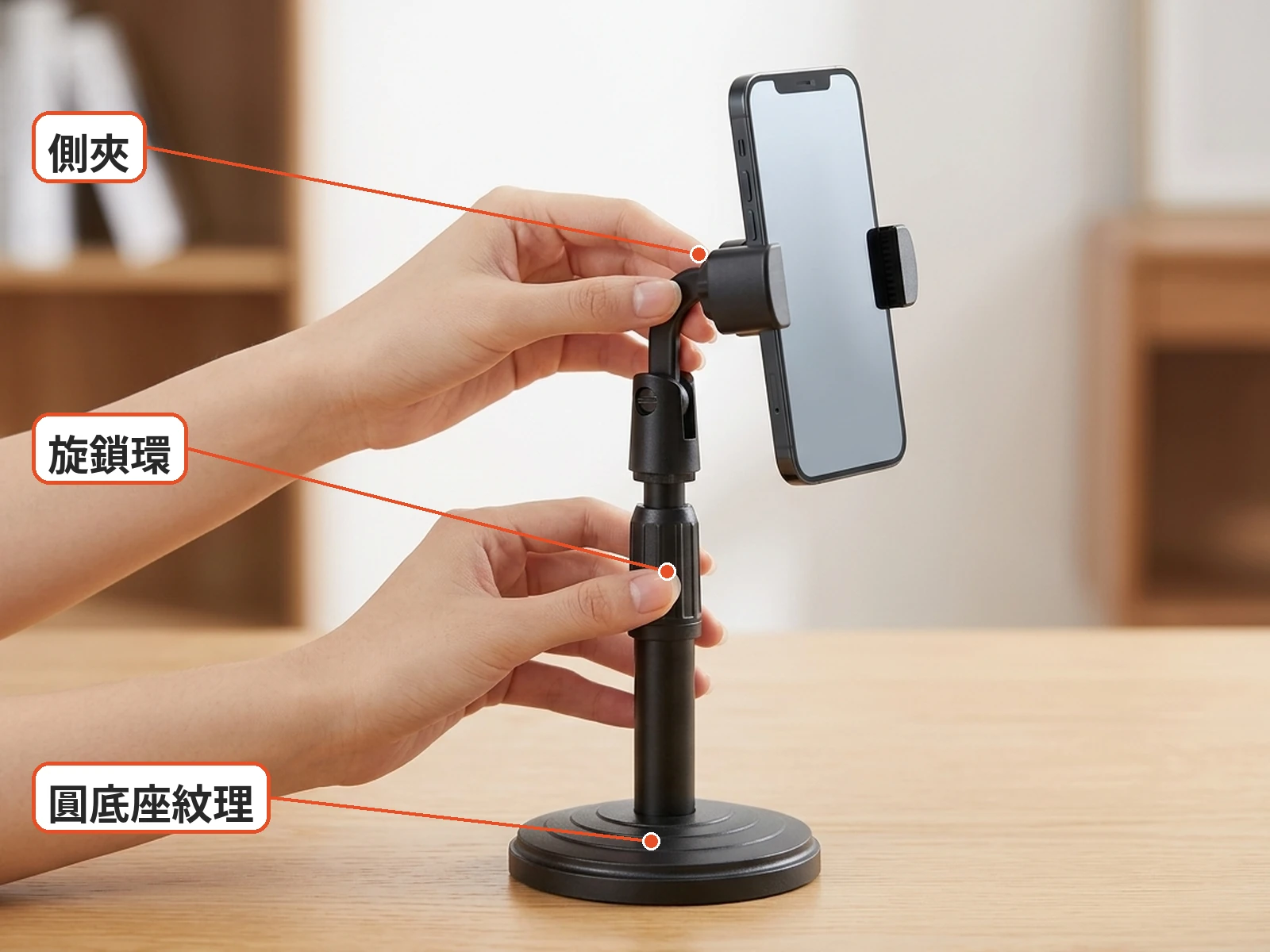
| Look | Black round base with ring texture; telescopic pole + twist lock; hinge tilt; ball/side clamp rotate |
| Common labels | 360° rotate, 180° tilt, landscape/portrait clamp (marketing labels) |
| Common claims | Desk livestream / watching / calls; raise height then lock |
| Common use | Desk watching, class video calls, short desktop livestream framing |
| Price note | About NT$36 (promo prices change) |
| Sold note | About 5,000+ sold |
| Public data thin | Max clamp width and case thickness, exact height range, base weight, joint durability, charge-port clearance |
Sources and verification status
Verification status: compiled from public sources; not hands-on tested
Data updated:
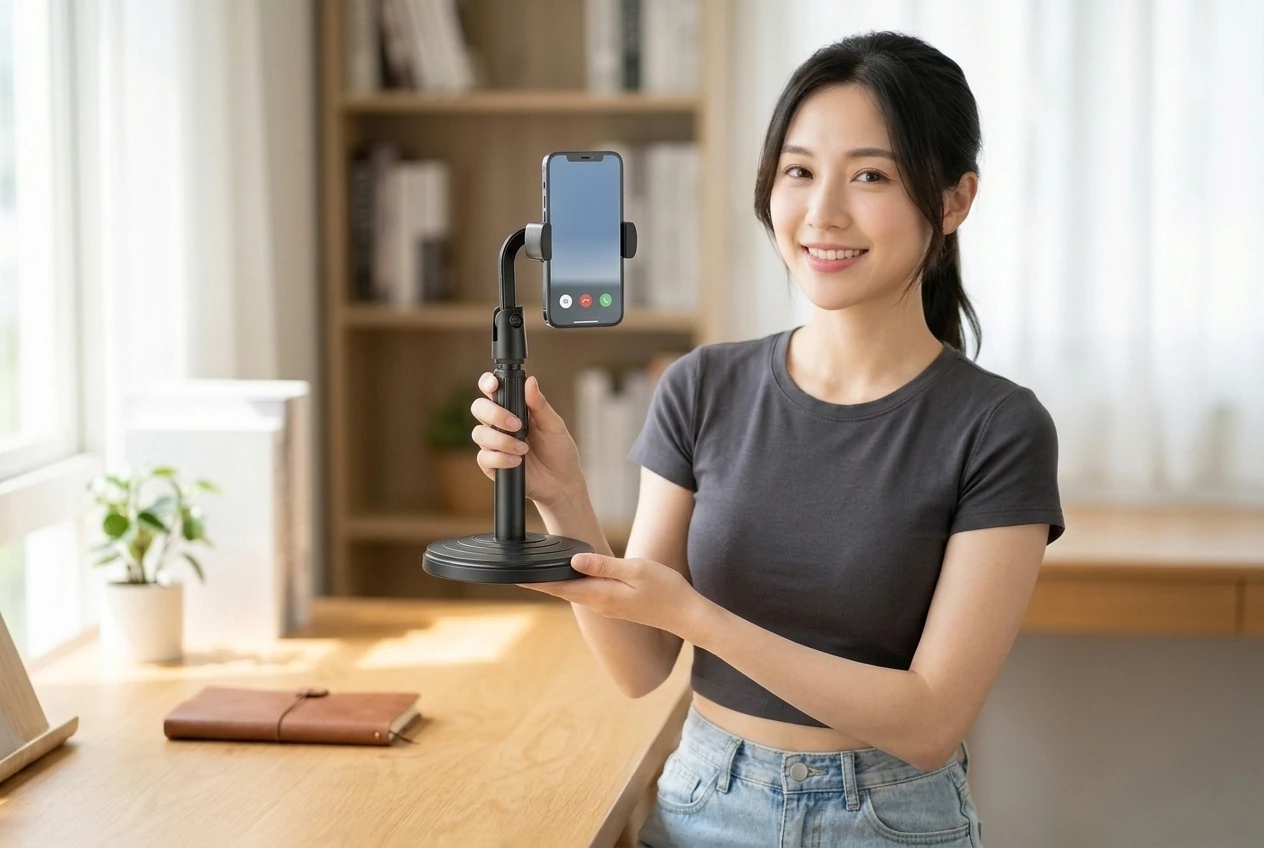
You raise the phone to eye level for a lunch break show, tap once, and the stand nods like it is agreeing with the plot. Many shoppers are not looking for another foldable triangle—they want a desk pole that lifts and angles. This desktop lift phone stand is a matte-black round base with a telescopic pole, a mid twist-lock, a hinge, and a side clamp; it clamps in landscape or portrait, with 360° rotate / 180° tilt in the specs.
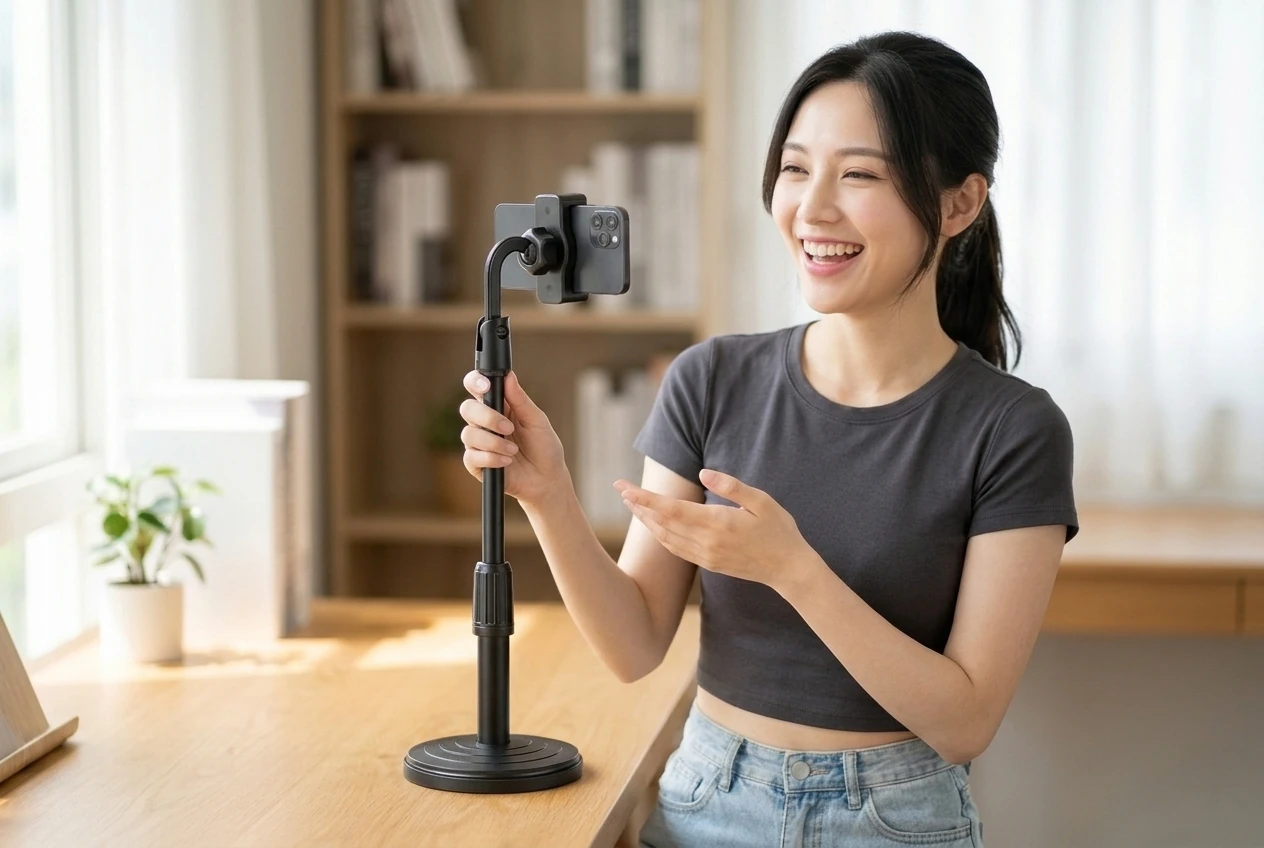
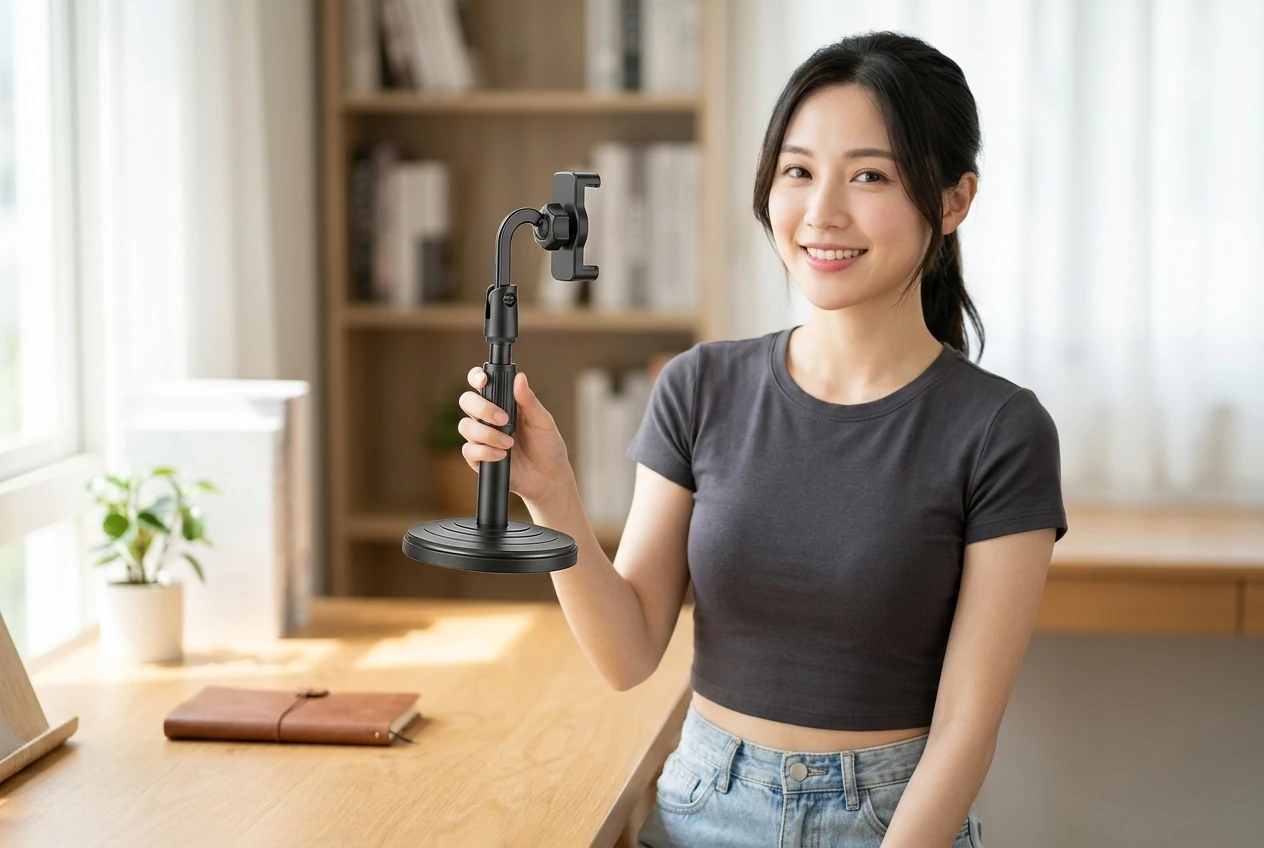
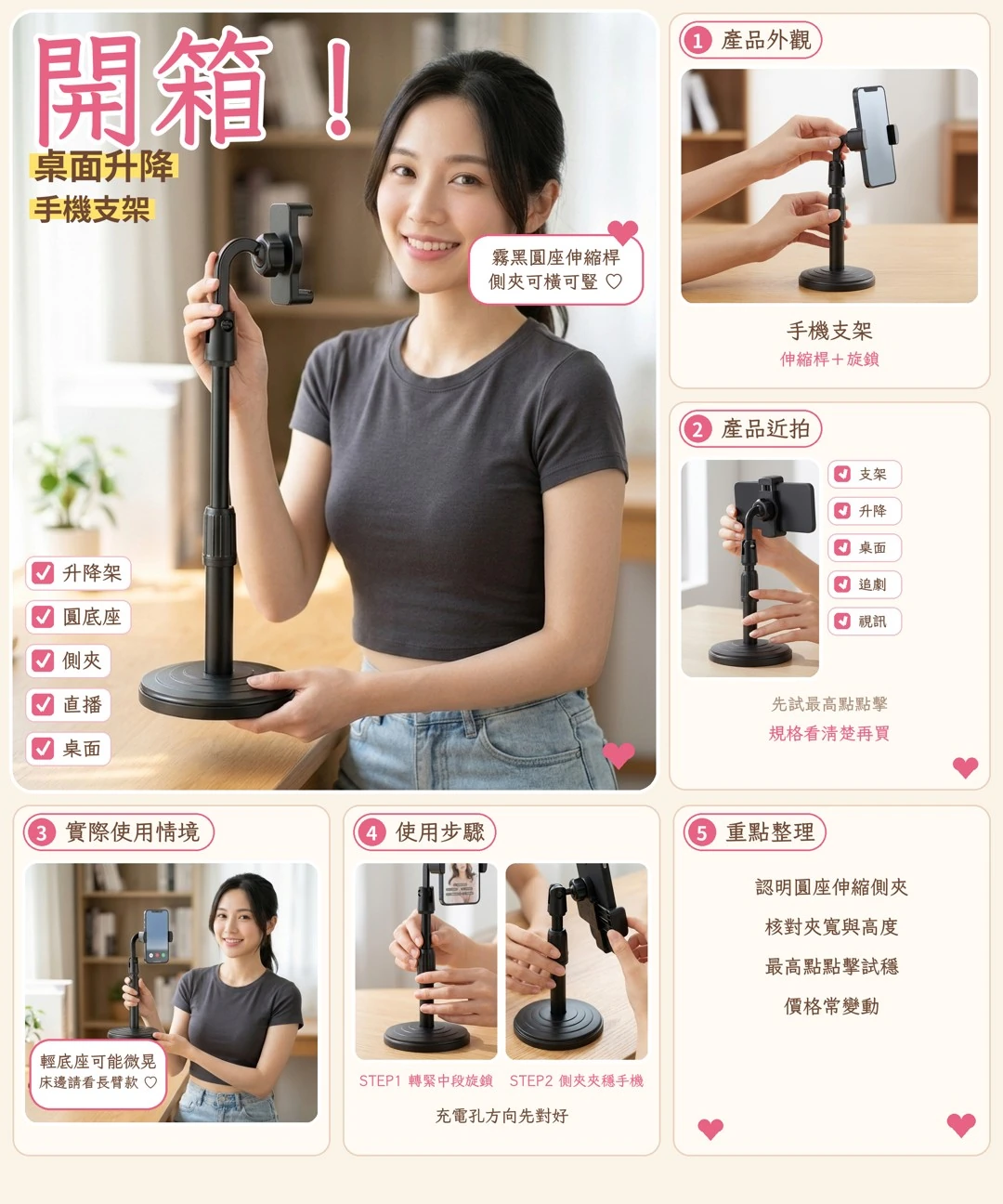
The look is plain: a black circular base with concentric rings, a telescopic center pole with a textured twist collar, a tilt hinge, then a ball joint into side clamp arms. It is not a MagSafe card wedge and not a long-arm bedside boom—this one is a fixed desktop lift, not a pocket sheet or a bed-rail clamp.
Which Desks Fit a Desktop Lift Phone Stand?
If you video-call, follow tutorials, or need the lens a bit higher for short desk livestreams, a telescopic pole is more direct than a triangle that only nudges tilt. Forum threads on lazy stands keep returning to wobble and droop; creator-stand talks treat “still standing after you tap” as a baseline.
Good fit: desk binge-watching or online class, people who want the camera closer to eye level, buyers who want a sub-NT$100 telescopic trial. Poor fit: anyone who needs a long arm into the middle of a bed, or who clamps a large tablet and taps hard—those needs usually call for a heavier base or a floor boom.
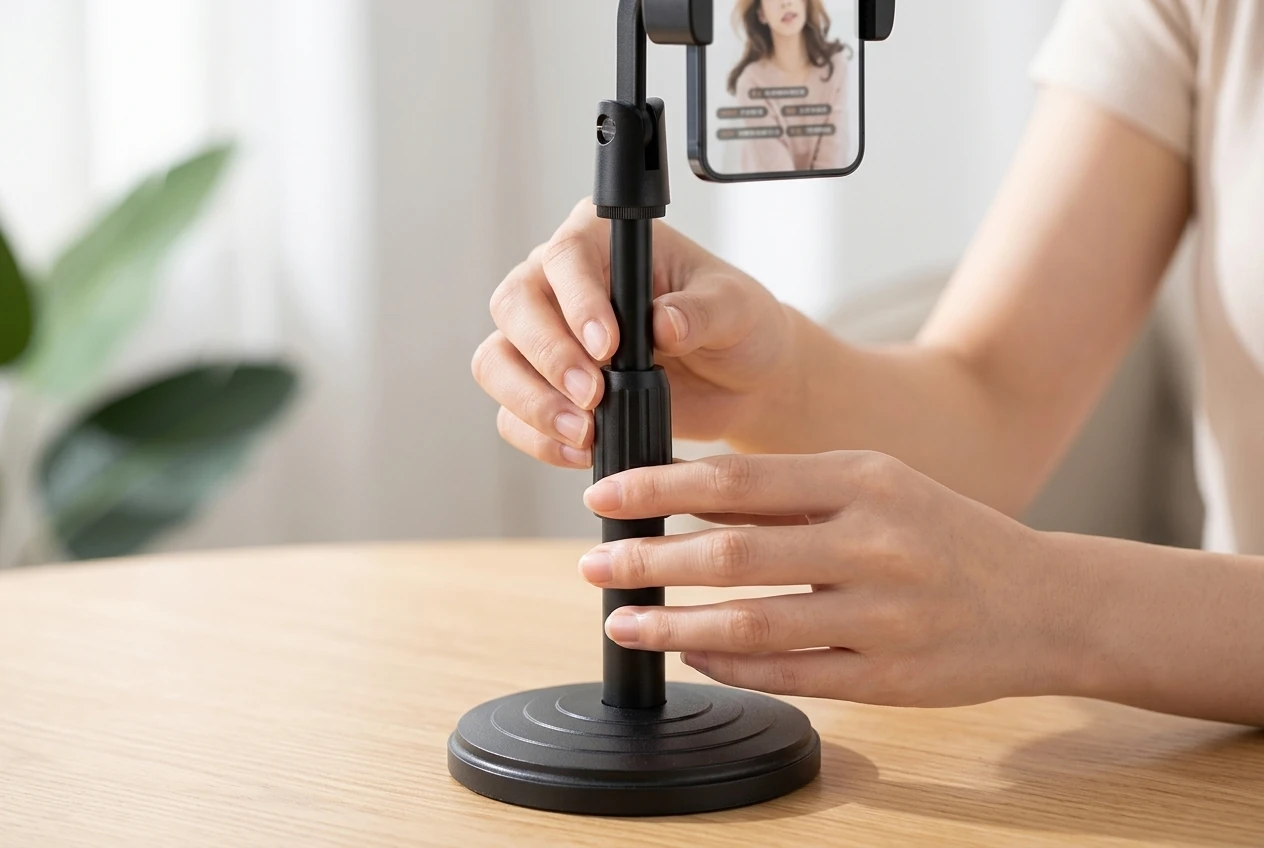
Daily use stays simple: loosen the collar, set height, lock, then set tilt and portrait/landscape before you poke the screen. Side clamps often allow long-edge or short-edge grip, but max width, case thickness, and whether the charge port stays clear have few public numbers for this model, so check the option text and trial your own phone.
Practical Take: The Specs Say 360° / 180°—What Should You Recheck?
Angle badges are usually marketing for mechanical travel, not instrumented damping data. When choosing a desktop lift phone stand, compare base weight, wobble at full height, and whether the clamp arms slowly loosen. The twist collar has to bite; a pole that sinks on its own is more annoying than any degree number on a banner.
Street price is about NT$36, with about 5,000+ sold. In the same band you can compare heavier aluminum lift stands or ultra-thin folding card stands; this unit’s pitch is a black round base plus telescopic multi-angle side clamp, not top-tier metal finish. For travel, a thin fold may win; for long tablet livestreams, a model with a heavier base may fit better.
On arrival: check that the base sits flat, the telescopic section locks, joints are not oddly loose, clamp pads exist, and the jaws open smoothly. Clamp your phone (with case) at low and high height and tap the screen. If it leans, will not lock, or parts are missing, stop and start a return—photograph first.
One last note: a stand reduces neck bend; it is not a promise against drops. A narrow desk edge with a half-hanging base will tip any stand.
If your desk is cable-heavy, route the charge cable under or beside the clamp arms so unclipping the phone does not yank the joints. If the twist collar starts to slip with a soft click, stop and check whether the teeth are worn—forcing it only makes the pole sink faster. For short storage you can collapse the pole and close the arms without removing the base every day; this round-base design is meant as a desk fixture, and daily teardown wears the collar sooner.
What users say
A PTT WomenTalk thread asking whether lazy phone stands are worth it covers stability, clamp-vs-base choices, droop and tip-overs. PTT e-shopping binge-stand notes focus on daily watching and calls. A PTT iOS thread asking for MagSafe desk stands puts a heavy, stable base first. A Mobile01 post on why a good phone stand matters covers creator and livestream support needs. These are category threads, not long tests of this exact matte-black lift clamp.
Similar alternatives
- Heavier aluminum lift stands: usually steadier, higher price
- Ultra-thin folding / MagSafe card stands: portable, shorter height travel
- Long-arm desk clamps or floor booms: better for beds, different footprint
FAQ
Will it hold a large phone with a case?
It depends on max jaw opening and pads; match the option text and trial your own phone with its case.
Will it wobble at full height when I tap?
Light single-pole bases often flex a little at full height; hard taps or tablets may need a heavier-base model.
Is it good for watching in bed?
This is a desk round-base stand, not a long-arm bed clamp; choose a boom or floor stand for bed use.
Will the clamp block charging?
Landscape vs portrait and port placement vary; check port direction or use a short angled cable.
Where to buy
NT$36 | See the lowest price →
Check the details on the seller's page before you buy.
You might also like

Tech & Gadgets
Product analysisANENG Monitor Light Bar Review: 33cm or 50cm?
Bright screen, dark desk? Pick the right length and make sure the clamp clears your webcam before buying this ANENG light bar.
NT$259

Tech & Gadgets
Product analysisDTAudio WM200 Vertical Mouse Review: Will It Ease Wrist Strain, and Does It Fit Small Hands?
Wrist aches after a day on the mouse? Check the DTAudio WM200 vertical mouse's 62° tilt, size and buttons before deciding if it fits your hand.
NT$299

Tech & Gadgets
Product analysisMultipurpose Cleaning Gel Review: Will It Leave Residue in Key Gaps? Is It Safe on Mechanical Switches?
Dust stuck in your key gaps but worried about residue? This bright blue cleaning gel costs NT$5. Learn how to test it and use it on a mechanical keyboard before you stock up.
NT$5

Tech & Gadgets
Product analysisLogitech M196 Bluetooth Mouse Review: Is a Receiver-Free Mouse Handy for Laptops on the Go?
The Logitech M196 uses pure Bluetooth, so there is no receiver to carry and no USB port taken up. At about 76 g, it is easy to pack for office work, classes and working outside.
NT$399