ANENG Monitor Light Bar Review: Desk Glare and What to Check
30-second verdict
Explore the ANENG monitor light bar's glare concerns, Type-C power and length options, plus what to check about clamp fit and miss.
Buying Guide Notes · First published:
Compiled from public sourcesWritten using published specs and user feedback.
Sources and verification status
Verification status: compiled from public sources; not hands-on tested
Data updated:
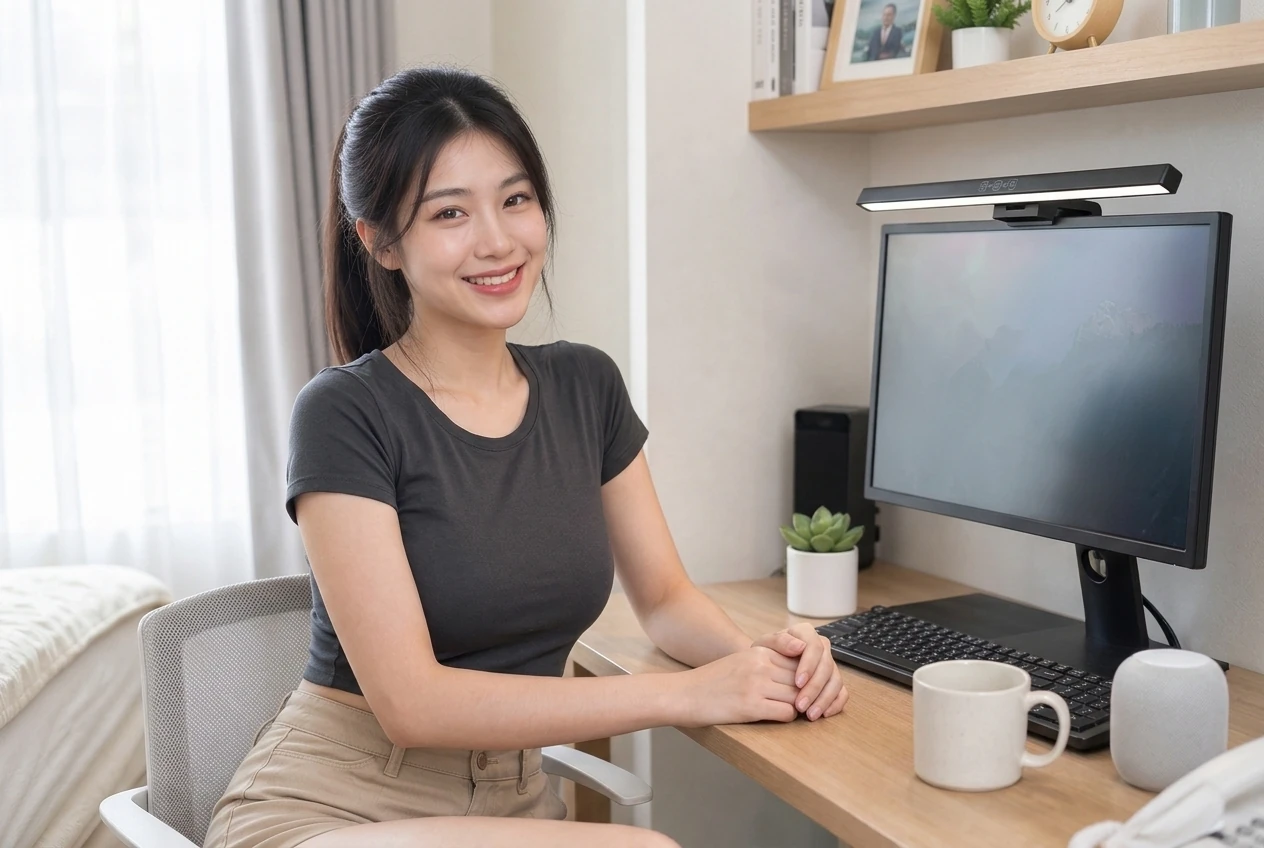
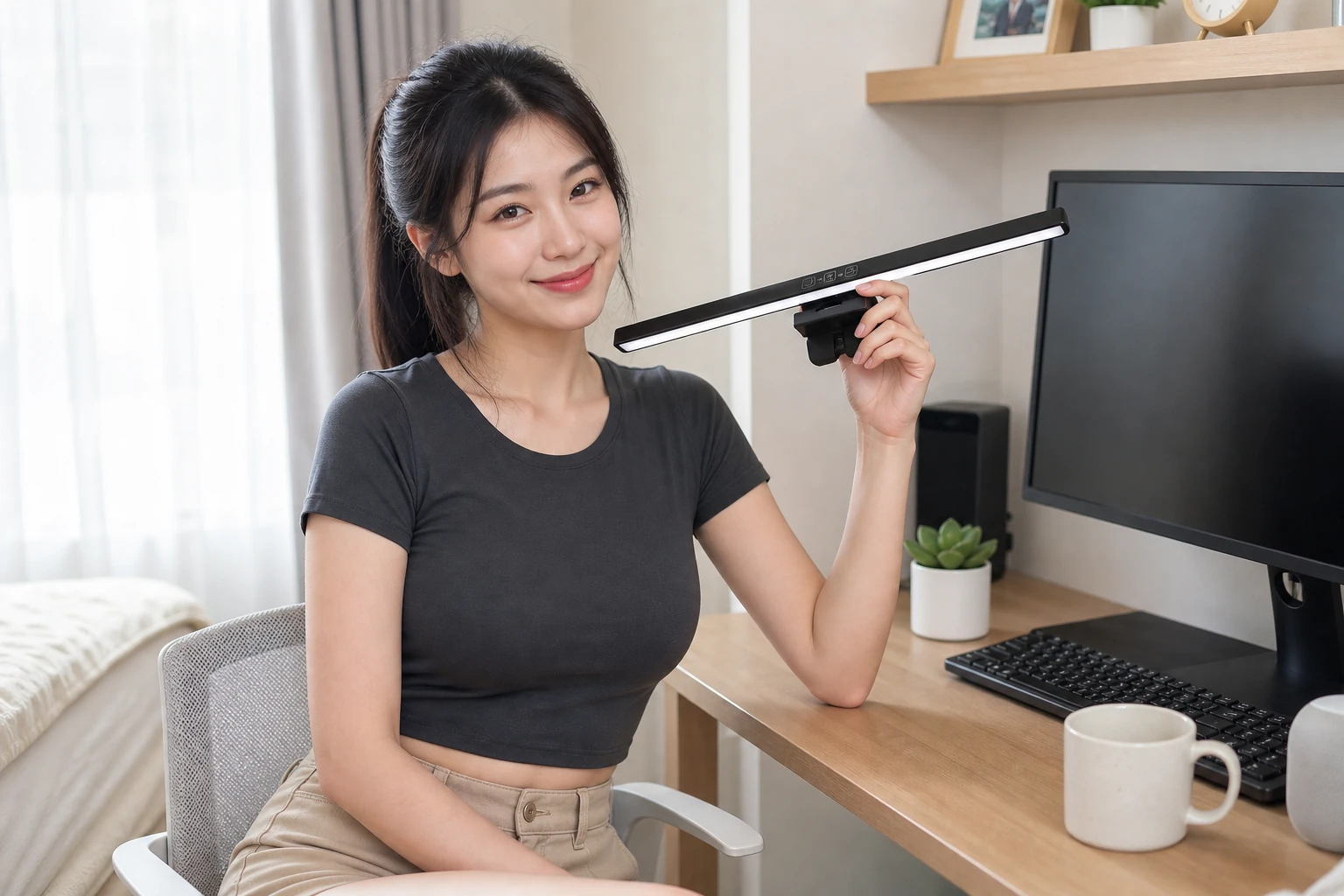
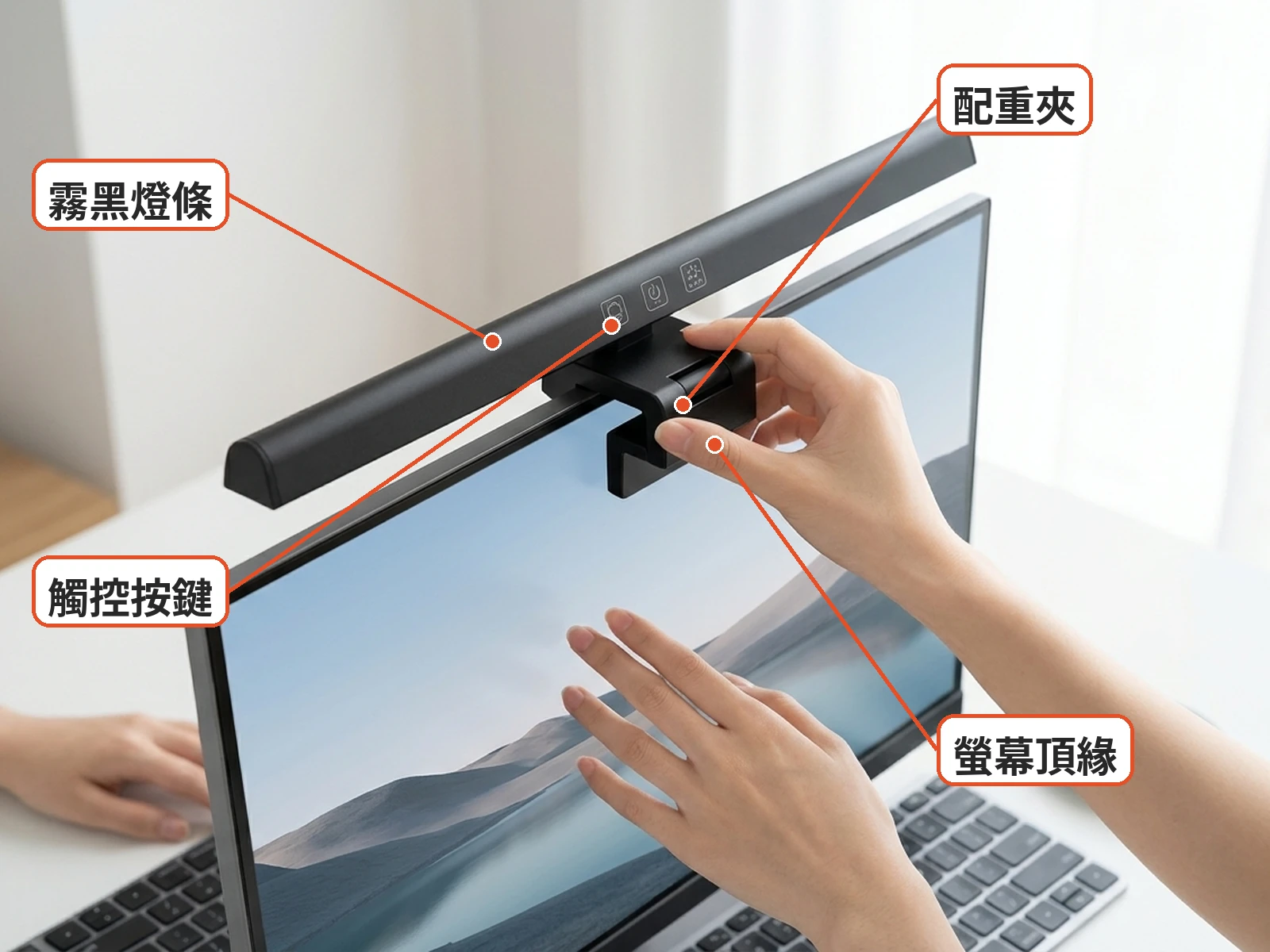
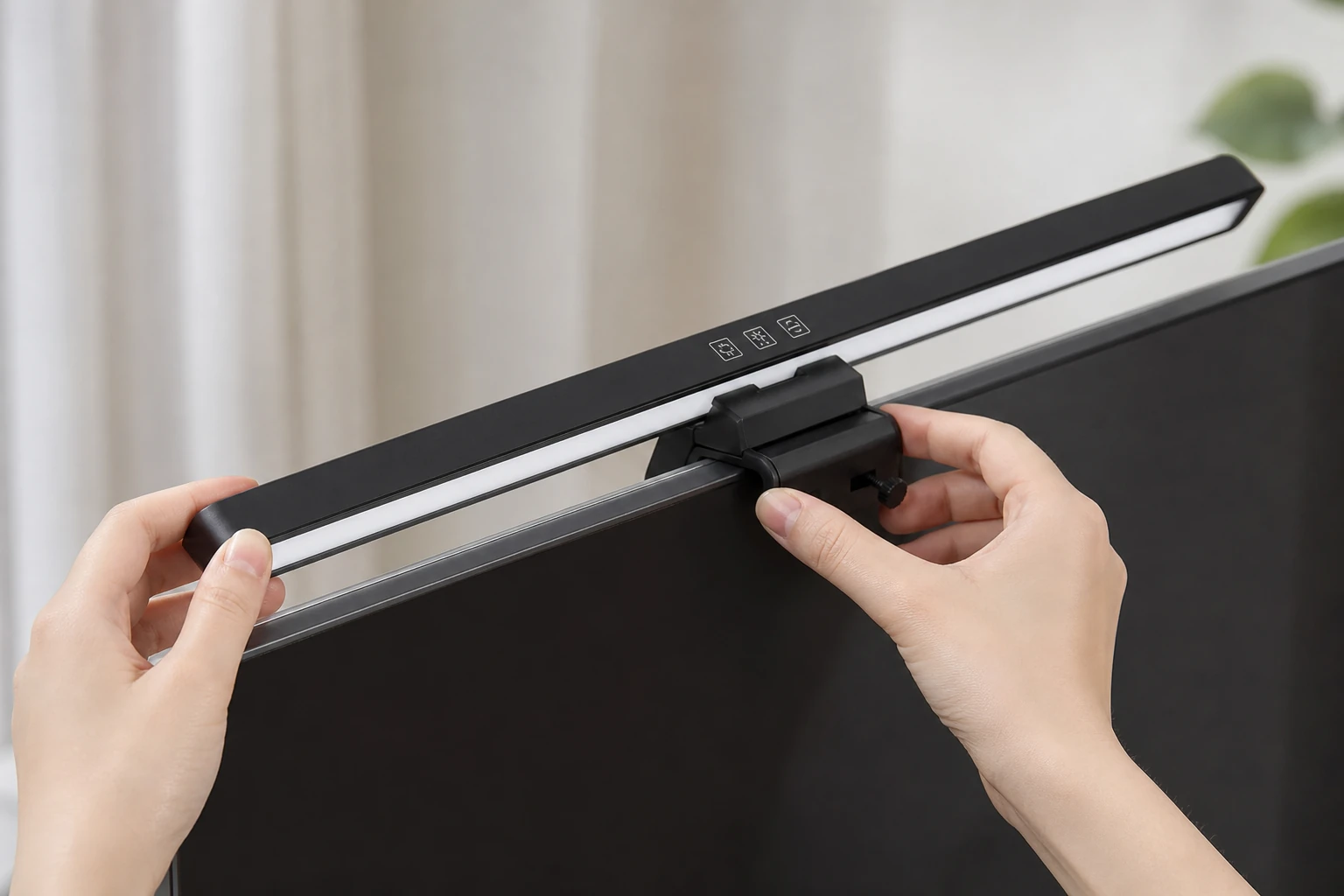
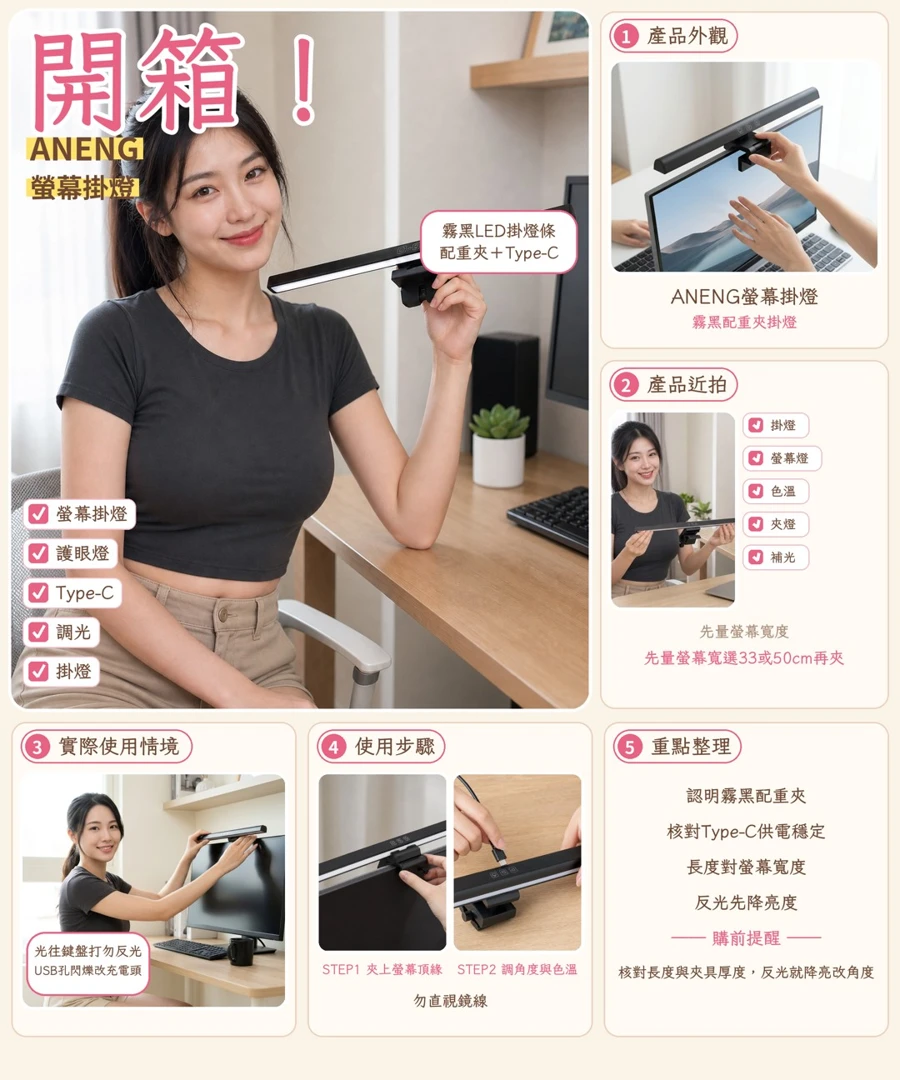
When the monitor is bright but the keyboard and paperwork are hard to see, a light bar can add desk lighting without taking up space for a lamp base. The ANENG monitor eye-care light bar has a matte-black, metal-look LED strip, a rear weighted clamp, a top touch zone and Type-C power. Listed features include stepless dimming, adjustable angles and three color-temperature modes. Common length options are approximately 33 cm and 50 cm.
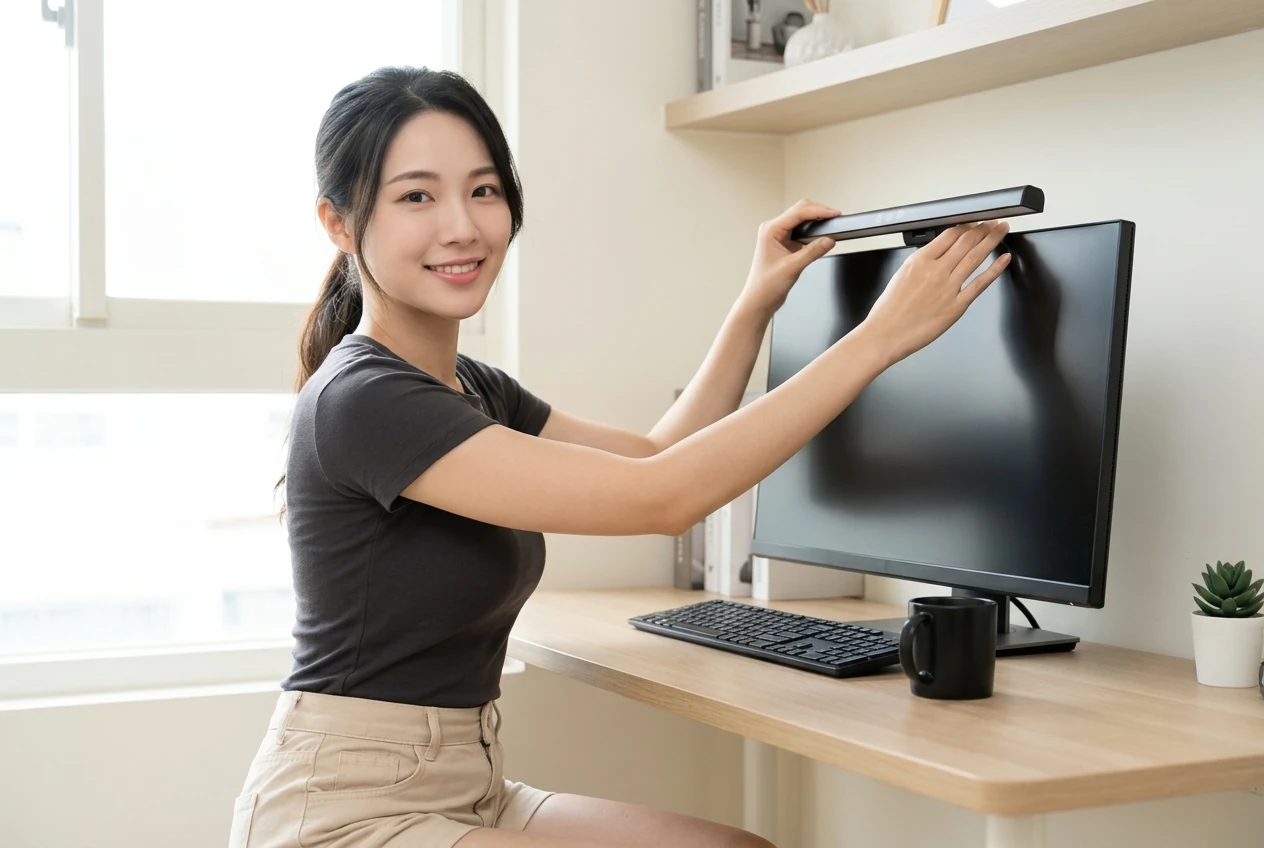
The weighted clamp sits on the monitor's top edge rather than the desk. Its angle can be adjusted, but the actual light coverage will depend on the screen and desk arrangement. The available information does not fully explain the touch gestures or any memory function, so check the included instructions when it arrives.
Which desks fit a monitor bar?
A monitor bar is worth considering if you spend time typing or reading at a crowded desk and would rather not make room for a lamp base. Check the space above the screen too: a webcam or other accessory may compete with the clamp.
Not every screen will be a good fit. Thin laptop lids vary in their ability to support weight, and curved monitors have different back profiles. The listing does not specify a supported thickness or curvature range. Measure the top edge and ask the seller about compatibility, especially if the clamp has little room to sit securely. People who need documented color rendering or illuminance for their work will also find the available figures incomplete.
When the bar arrives, check the length and clamp parts before mounting it. Support the light while checking that the clamp sits securely, then connect power. Starting at a low brightness makes it easier to check the keyboard area, screen reflections and your view of the light source before adjusting further.
Practical take: how should you read the eye-care claims?
The questions behind an ANENG monitor light bar review include desk illumination, screen glare and stable power. Although the bar is listed with adjustable brightness and angle, exact Ra color-rendering and center lux figures are not publicly specified, and asymmetric optics have not been confirmed. The product's eye-care name alone does not establish its lighting performance or guarantee relief from eye strain.
The three color modes and stepless dimming offer settings to try in different surroundings. A warmer setting may be comfortable at night, while a more neutral one may suit daytime paperwork. The available information does not establish whether modes and brightness are controlled by tapping, holding or another gesture; consult the instructions rather than assuming.
To check for glare, aim the light toward the keyboard and desk rather than directly at the panel. If a bright patch or haze appears on the screen, adjust the angle or lower the brightness. From your usual seated position, also check whether the light itself shines uncomfortably into your eyes. These adjustments can help, but they cannot guarantee a reflection-free result on every monitor.
Type-C describes the light's power connection; it does not mean every USB source will supply suitable power. If a monitor USB port produces flickering or unstable brightness, check the cable and connection, then try another source that meets the product's power requirements. Those requirements are not fully specified in the available information, so ask the seller and check the included instructions.
The bar is intended to light the area close to the screen, not necessarily the whole room. If the surroundings are completely dark, the contrast between screen, desk and background may feel uncomfortable. Consider ambient lighting as well, and pay attention to font size and breaks during longer sessions.
If the clamp slips, support the bar before adjusting it to avoid hitting the panel. Keep liquids away from the touch zone and children from pulling the cable. Disconnect the light if it develops unusual heat or an odor. Route the cable with enough slack for a monitor arm to move.
Start the length decision by measuring the monitor's top edge. The approximately 33 cm option may suit a smaller screen, while the 50 cm version is worth comparing with a wider desktop monitor. Published coverage data is incomplete, so length alone cannot guarantee even illumination. Check for webcams and other accessories before choosing.
With two monitors, consider where most of your work takes place. One bar may not cover the entire desk, particularly if you read documents on both sides. Once installed, observe the light during your normal work routine and check whether its brightness, reflections and clamp stability meet your needs.
What users say
A PTT PC_Shopping discussion of a Yeelight monitor light describes desk lighting and angle-related impressions for a different product. A separate BenQ ScreenBar Halo2 post discusses automatic dimming and front and rear lighting. Neither is a test of this ANENG model or evidence of its illuminance and glare performance, but both offer useful questions to consider when comparing light bars.
Similar alternatives
- Xiaomi or Yeelight monitor bars: Compare the controls, remote options and clamp designs of individual models; features differ.
- BenQ ScreenBar series: Consider the published optical and sensor features of each model if those are important to your setup.
- A conventional desk lamp: It does not add weight to the monitor, but its base takes up desk space and its light direction still matters.
Consider whether you need to illuminate a keyboard, documents or a wider portion of the desk. A bar saves space occupied by a lamp base, but clamp compatibility and actual light distribution still need attention.
Before-you-buy checklist
- Confirm the matte-black bar and rear weighted clamp in the selected option.
- Measure the monitor's top edge and compare the approximately 33 cm and 50 cm lengths.
- Measure screen thickness and ask about compatibility with a curved monitor or laptop.
- Confirm the Type-C power requirements and whether your source and cable are suitable.
- Ask about touch controls, memory functions and included accessories.
- Check shipping origin, returns and warranty details.
- After installation, check clamp stability, reflections and flicker.
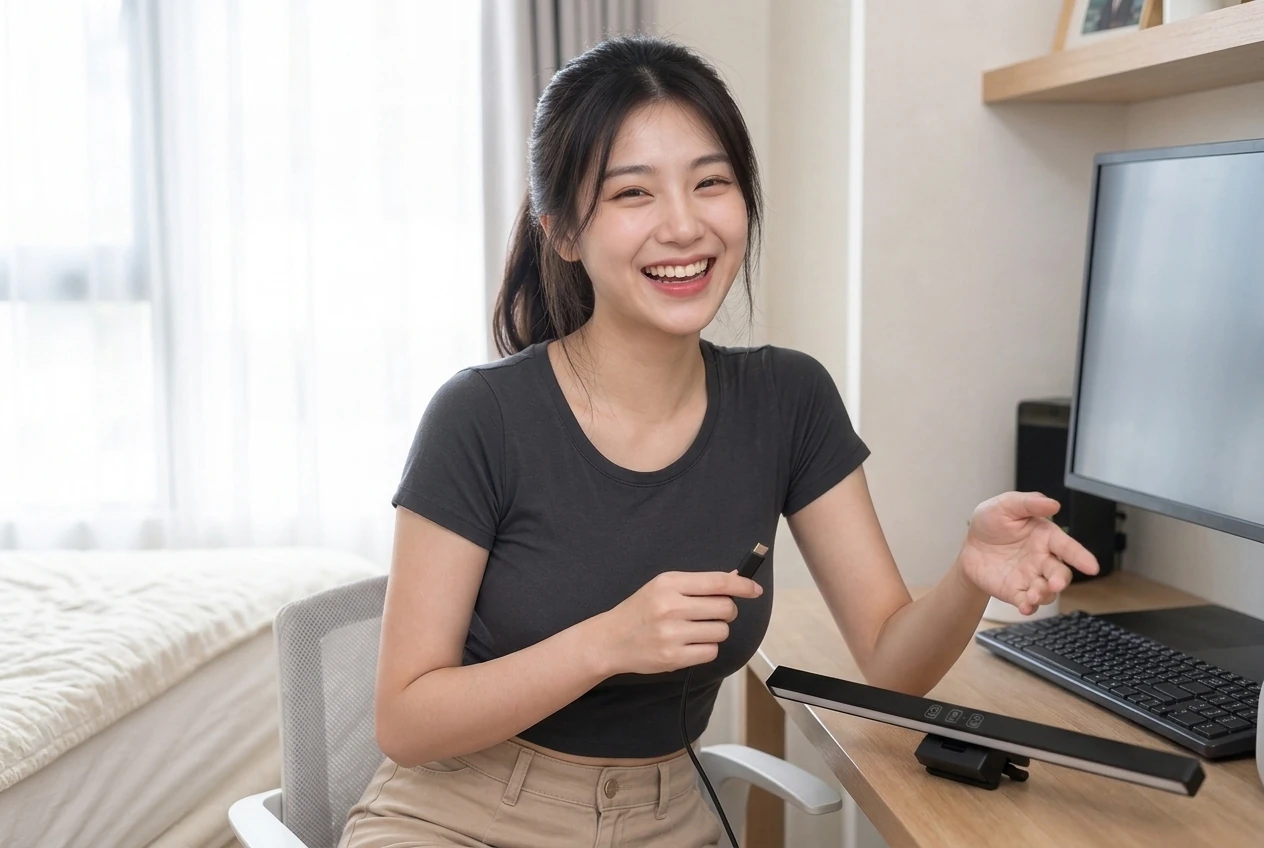
Specs
| Item | Detail |
|---|---|
| Product | ANENG monitor eye-care light bar, black LED strip |
| Appearance | Matte-black metal-look bar, rear weighted clamp and top touch zone |
| Power | Type-C; detailed power requirements not fully disclosed |
| Listed features | Stepless dimming, adjustable angles and three color-temperature modes |
| Common lengths | Approximately 33 cm or 50 cm; check the selected option |
| Sales count | Approximately 6,000 or more sold |
| Information not fully disclosed | Exact Ra and center lux, supported screen thickness and curvature, asymmetric optics and warranty details |
Pros
- The weighted clamp sits on the monitor, leaving desk space free of a lamp base.
- Listed dimming, color temperatures and angle adjustment offer settings to try in different conditions.
- The bar uses Type-C power and has a matte-black look that can fit an office or gaming setup.
Cons
- Without complete Ra and lux figures, lighting performance and eye-care claims cannot be quantified.
- Supported screen thickness, curved-screen compatibility and power requirements are not fully disclosed.
- An underpowered monitor USB port may cause flicker; an unsuitable length may not provide the desired proportions or coverage.
Where to buy
FAQ
Will the ANENG light bar cause screen glare?
It depends on the monitor and the bar's angle. Aim toward the keyboard, then adjust the angle or lower brightness if a bright patch appears. Asymmetric optics have not been confirmed for this model.
Can it fit a laptop or curved monitor?
The supported thickness and curvature ranges are not specified. Measure the top edge and ask the seller about clamp compatibility; for laptops, also consider lid weight and hinge clearance.
Does it need a separate wall charger?
Not necessarily, but the source must meet the product's power requirements. If it flickers on a monitor USB port, check the cable and try another suitable source. Ask the seller for the exact requirements.
Should I choose 33 cm or 50 cm?
Measure the monitor's top edge and note any accessories such as a webcam. The shorter option may suit a smaller screen, but complete coverage data is unavailable, so length alone cannot guarantee even lighting.
You might also like
Tech & Gadgets
Product analysisANENG Monitor Light Bar Review for Laptops: Webcam Blocked?
Bright screen, dark desk? Pick the right length and make sure the clamp clears your webcam before buying this ANENG light bar.
NT$259
Tech & Gadgets
Product analysisDesktop Lift Phone Stand Review: Does It Wobble at Full Height?
Tired of a nodding phone stand? Match the black round-base lift pole and side clamp first.
NT$36
Tech & Gadgets
Product analysisBaseus 240W Cable Review: Can It Connect a Laptop to a Monitor?
Baseus Tungsten Gold 240W focuses on high-power PD fast charging for people whose laptop and phone both use USB-C; just remember it is USB 2.0 before buying.
NT$250

Beauty & Skincare
Product analysisGoldensilk Scalp Comb Review: Can Five Claws Ease Desk Tension?
A glossy dark five-claw deer-horn wood comb for portable scalp pressure—relaxing feel, not a hair-growth promise.
NT$59