Foxxray HKM-88 RGB Mechanical Keyboard Review: Will NT$1090 Blue Switches Annoy Your Deskmates?
30-second verdict
Wired full-size RGB with blue or red options—decide if deskmates can live with the sound.
Buying Guide Notes · First published:
Compiled from public sourcesWritten using published specs and user feedback.

Sources and verification status
Verification status: compiled from public sources; not hands-on tested
Data updated:
Membrane boards can feel mushy after long days, yet open offices punish loud clickies—so a wired full-size mechanical often becomes the first practice board. The Foxxray HKM-88 RGB mechanical keyboard is a floating-key full-size layout with a numeric keypad, common in white or black, RGB glowing under the caps, blue or red switch options, and a wired link.
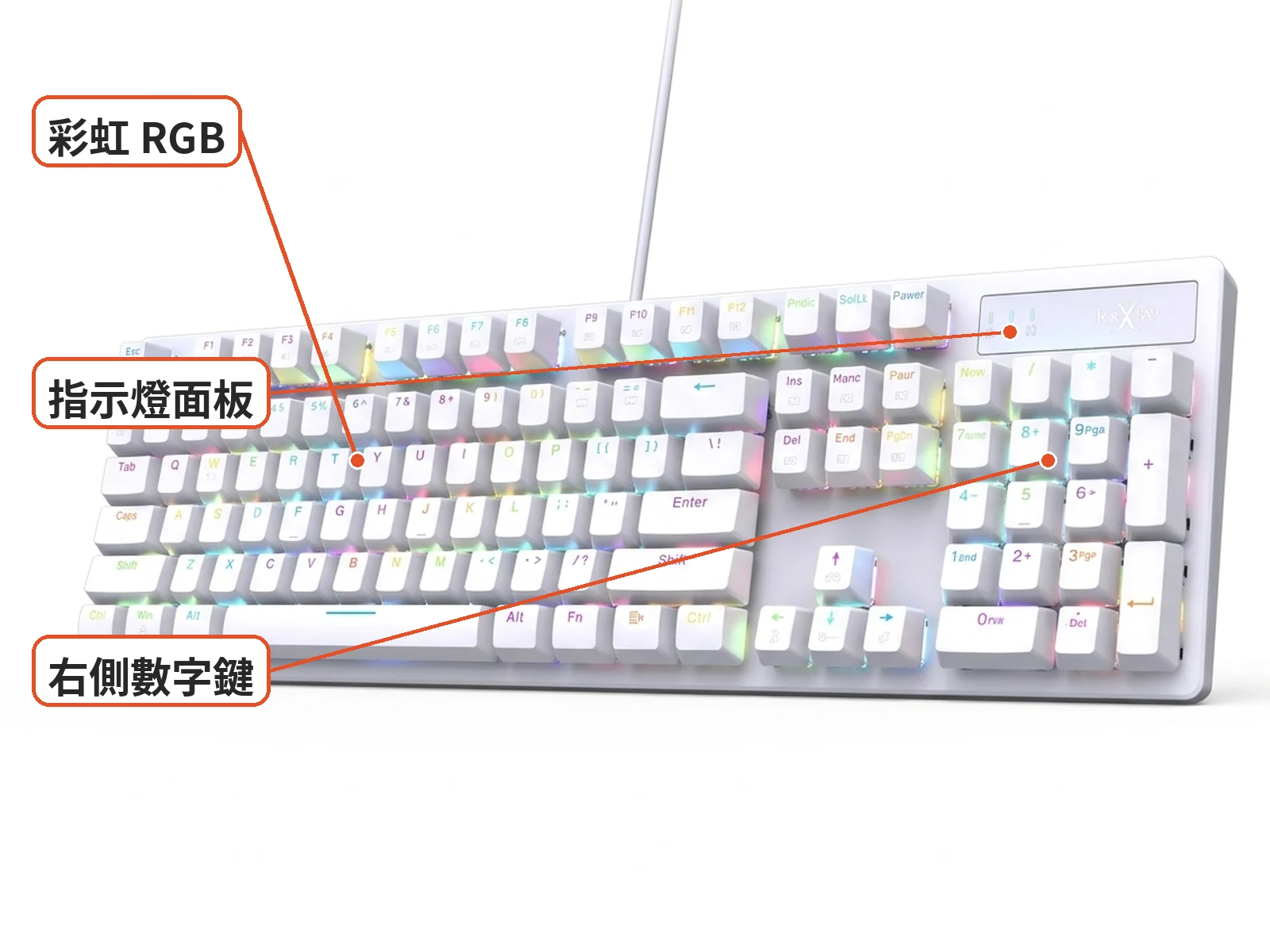
Easy to spot: thin bezel, floating keys, a small brand/indicator plate above the numpad, and a cable leaving the case. White units look soft with pastel rainbow light; black units punch harder—same full-size skeleton. It is not a 60% board, a wireless tri-mode kit, or a quiet membrane office slab.
Blue or red switches on the Foxxray HKM-88?
Blue switches add a clicky bump—fun to type, easy to annoy neighbors. Red switches are linear and common for rapid game taps, yet bottom-out noise still exists. Reddit MechanicalKeyboards threads picking red vs blue usually steer shared rooms away from blues. Mobile01 open-boxes of related FOXXRAY full-size boards note familiar layouts and macro software that skews Windows-first.
Good fit: users who need a numpad, want RGB plus mechanical feel, and accept a cable. Less ideal: ultra-quiet open offices, 65%-only fans, or people who demand polished macOS drivers without checking support.
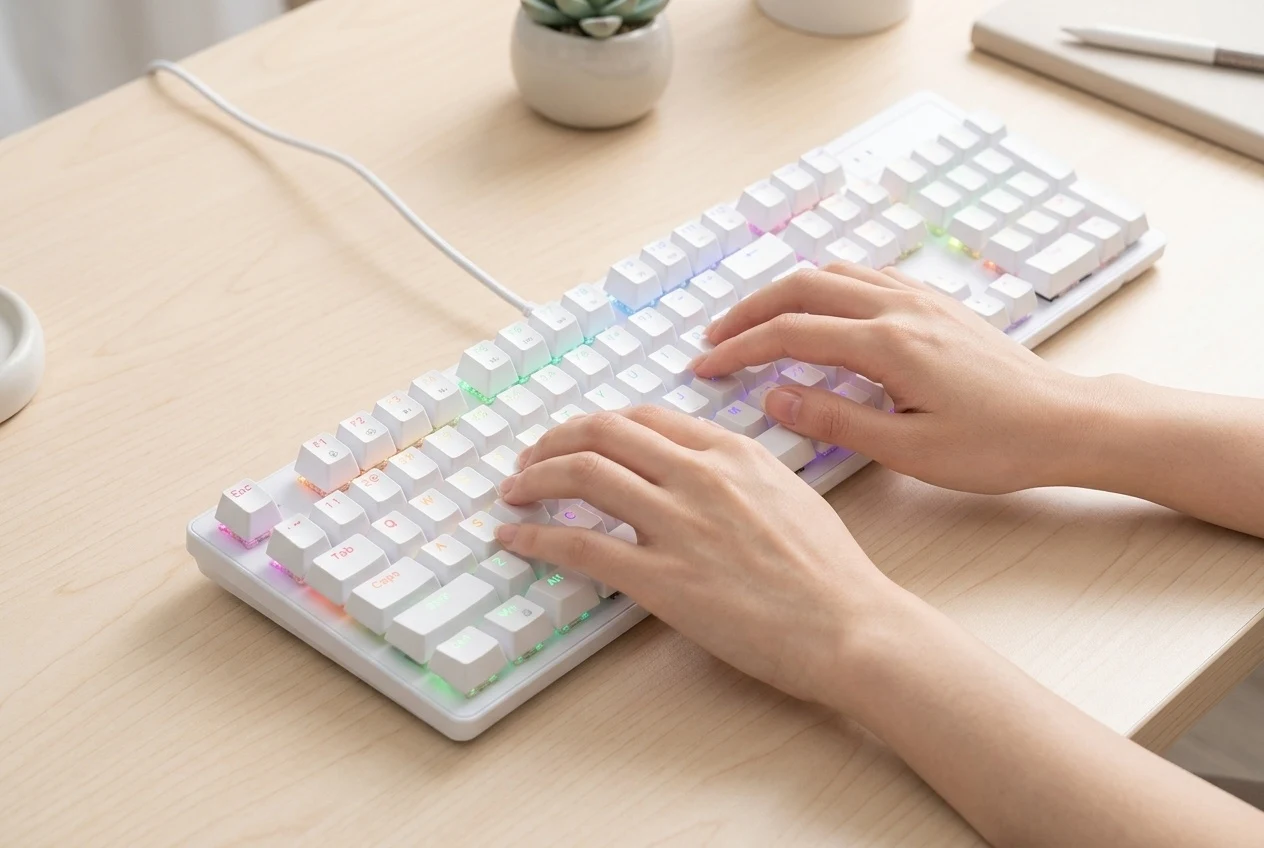
Basic use: plug in, confirm blue/red and black/white options, then install the Windows driver if you want deeper lighting and shortcuts. Switch OEM, ABS vs PBT caps, hot-swap, detachable cable, and stabilizer quality are rarely published for this model, so check your unit.

Practical take: is an NT$1090 full-size RGB board a fair first board?
Most people looking up the Foxxray HKM-88 RGB mechanical keyboard want to know whether the lighting justifies the price. If mushy membranes and missing number keys are the pain, full-size mechanical is a fair start; if silence tops the list, a blue-switch pick may earn roommate warnings on day one. Pretty LEDs matter less long-term than oily caps, switch noise, and stabilizer rattle.
Price is about NT$1090, with 6,000+ sold. Peers include other entry red full-size boards, quiet membranes, and used premium layouts; this one’s pitch is a common neon full-size with two switch choices. Budget a desk mat and keycap cleaning before chasing every light preset.
On arrival: check crooked caps, numpad/spacebar stability, dead RGB columns, and cable strain. Confirm OS detection, then test FN media combos. If many keys double-type or large LED zones stay dark, take photos and start a return.
Unplug before cleaning; pull caps only if your switches tolerate it, brush debris, and never flood gaps with a wet rag. All-night RGB rarely spikes power bills, but laptops on the go still benefit from lights-off.
Blue switches are loud on late-night voice calls—pick red options or add a thick mat. New red users who feel “no bump” are meeting linear switches, not a defect; try a switch tester before the next buy.
Macros help editors and heavy spreadsheet users, yet confirm which OS the driver supports instead of assuming factory shortcuts. A Win-lock style feature, when present, stops you from jumping to the desktop mid-game.
Leave cable radius on the desk; wired full-size boards commute poorly. If you haul gear daily, ask whether a smaller layout family fits better.
What users say
Mobile01 on FOXXRAY FXR-HKM-86L covers full RGB, macros, and Windows-leaning software. Another Mobile01 open-box of the HKM-82 blue-switch board praises clicky feedback but flags volume on a familiar 104 layout. PTT Key_Mou_Pad’s older FOXXRAY RGB notes help brand context. A Reddit thread on red vs blue switches steers shared rooms away from clickies. These are brand/category notes—not a full long-term HKM-88 test.

Similar alternatives
- Other entry red full-size boards: simpler lights, similar switch idea
- Silent-switch or quiet membrane boards for offices
- 75%/65% layouts: trade the numpad for desk space
When comparing, go by the switch and color options, and note the warranty terms and driver download link.
Before-you-buy checklist
- Confirm it is a full-size floating-key RGB mechanical keyboard with a numpad (black or white), and check the blue or red switch option
- It is wired; on arrival check for dead LEDs, stabilizer rattle and crooked keycaps
- Blue switches are loud, so think twice in shared spaces; red switches still bottom out
- Driver and macros mostly lean Windows; check macOS support yourself
- Switch OEM, keycap material and hot-swap details are not well documented, so compare the unit with its instructions
- Confirm the option you picked and where it ships from
- Read the return, exchange and warranty terms

Specs
| Item | Detail |
|---|---|
| Product | Foxxray HKM-88 RGB full-size mechanical keyboard |
| Look | Floating-key full-size with numpad; black/white common; RGB |
| Switch options | Blue or red switches—confirm the option you pick |
| Connection | Wired |
| Price note | About NT$1090 (prices change often) |
| Sold (from sales count) | About 6,000+ sold |
| Open gaps | Switch OEM, keycap material, hot-swap, detachable cable, stabs, driver OS support |
Pros
- Full-size numpad helps spreadsheets without layout hopping
- Blue/red and black/white choices with clear RGB
- About NT$1090 with 6,000+ sold eases entry comparisons
Cons
- Blue switches run loud in open rooms
- Few teardowns of this model—verify caps/hot-swap yourself
- Wired full-size is awkward for daily bag commute
Where to buy
NT$1090 | See the lowest price →
Check the details on the seller's page before you buy.
FAQ
Blue vs red?
Blues are clicky; reds are linear but still bottom-out. Shared rooms usually pick red.
Is the driver required?
Typing works plugged in; advanced lighting/macros need the driver, which skews Windows.
Office-friendly?
Depends on coworkers. Ultra-quiet rooms need silent switches—not plain reds alone.
Wireless?
This model is wired full-size; look elsewhere for wireless kits.
You might also like

Tech & Gadgets
Product analysisMultipurpose Cleaning Gel Review: Will It Leave Residue in Key Gaps? Is It Safe on Mechanical Switches?
Dust stuck in your key gaps but worried about residue? This bright blue cleaning gel costs NT$5. Learn how to test it and use it on a mechanical keyboard before you stock up.
NT$5
Tech & Gadgets
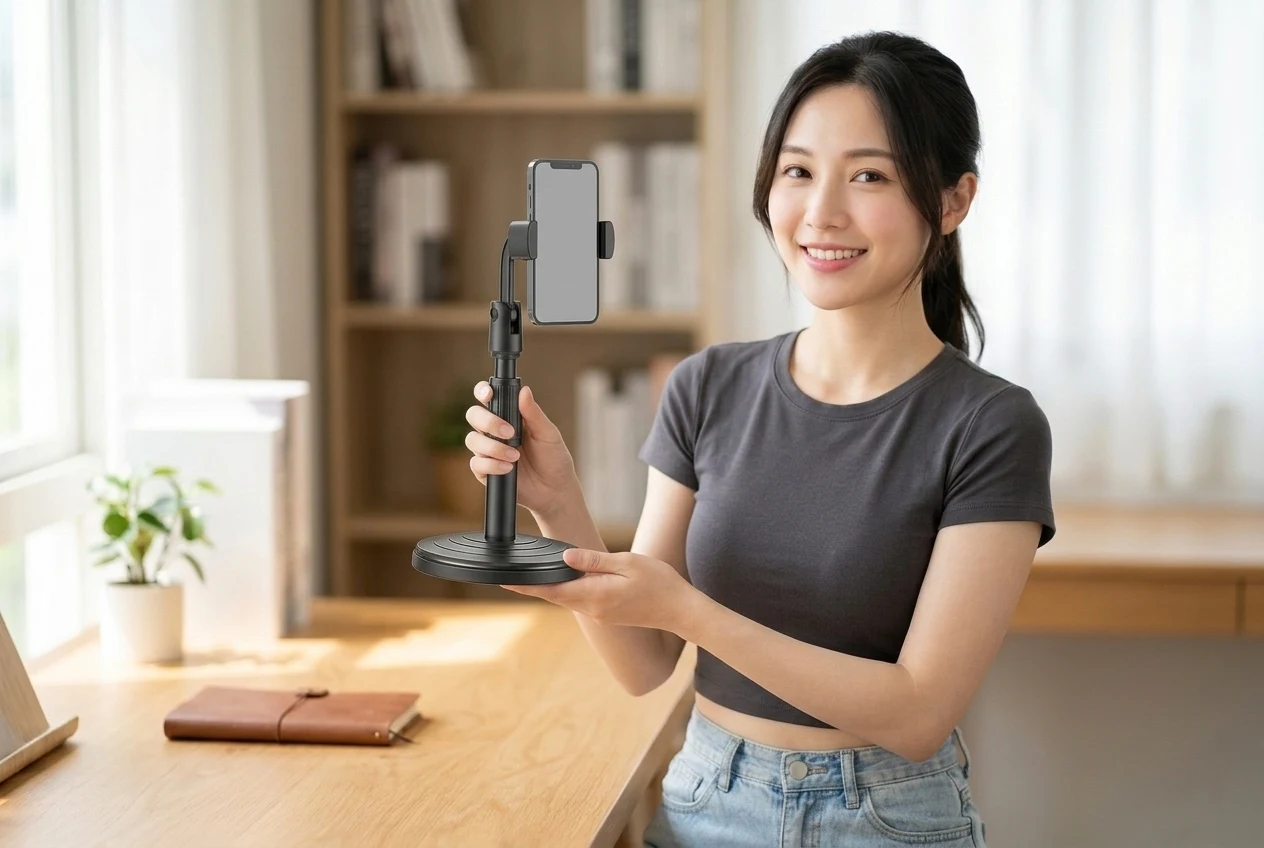
Product analysisDesktop Lift Phone Stand Review: Does an NT$36 Telescopic Stand Stay Steady at Full Height?
Tired of a nodding phone stand? Match the black round-base lift pole and side clamp first.
NT$36

Tech & Gadgets
Product analysisDTAudio WM200 Vertical Mouse Review: Will It Ease Wrist Strain, and Does It Fit Small Hands?
Wrist aches after a day on the mouse? Check the DTAudio WM200 vertical mouse's 62° tilt, size and buttons before deciding if it fits your hand.
NT$299

Tech & Gadgets
Product analysisANENG Monitor Light Bar Review: 33cm or 50cm?
Bright screen, dark desk? Pick the right length and make sure the clamp clears your webcam before buying this ANENG light bar.
NT$259