Logitech C920x: A Video-Call Gift With One Privacy Catch
Buying Guide Notes · First published:
Compiled from public sources · Written using published specs and user feedback.
As an Amazon Associate I earn from qualifying purchases.
Pros
- + Full HD 1080p capture at 30 fps
- + Dual microphones and autofocus are built in
- + Folding mounting clip permits monitor placement
Cons
- - No included physical privacy shutter
- - 1080p at 30 fps limits high-detail or fast-motion work
- - Focus controls and results depend on application and lighting
Sources and verification status
Verification status: compiled from public sources
Data updated:
Quick Verdict
The Logitech C920x is a practical Christmas gift when someone wants their camera at eye level instead of at the angle of a laptop lid. It records up to 1080p at 30 fps, with autofocus and two microphones. The important catch is straightforward: this selected C920x pack has no physical privacy shutter.
View Current Offers on Amazon →
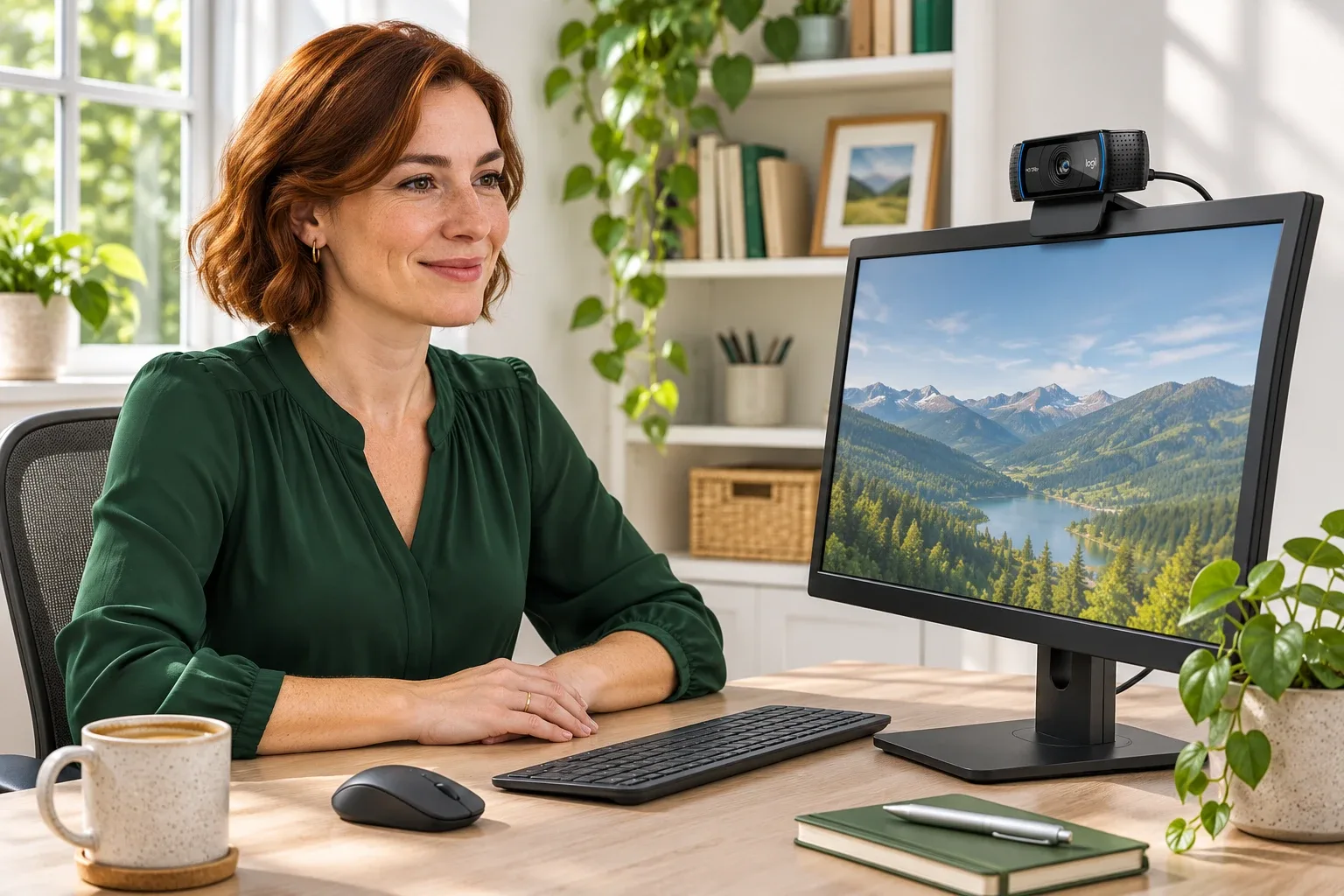
AI-generated illustration: a suggested monitor setup, not a sample captured by the webcam.
What Stands Out
An external webcam lets the recipient choose its position independently of the laptop screen. The folding clip attaches to a monitor, while a 1.5 m cable provides some freedom to route it toward the computer. Logitech's C920x manual lists 94 × 43.3 × 71 mm including the fixed clip and a weight of 162 g.
Autofocus and automatic lighting adjustment are useful conveniences for ordinary meetings. The two microphones can also simplify a basic setup. These are specifications, however, rather than a promise that a dark room will look bright or that a busy room will sound quiet.
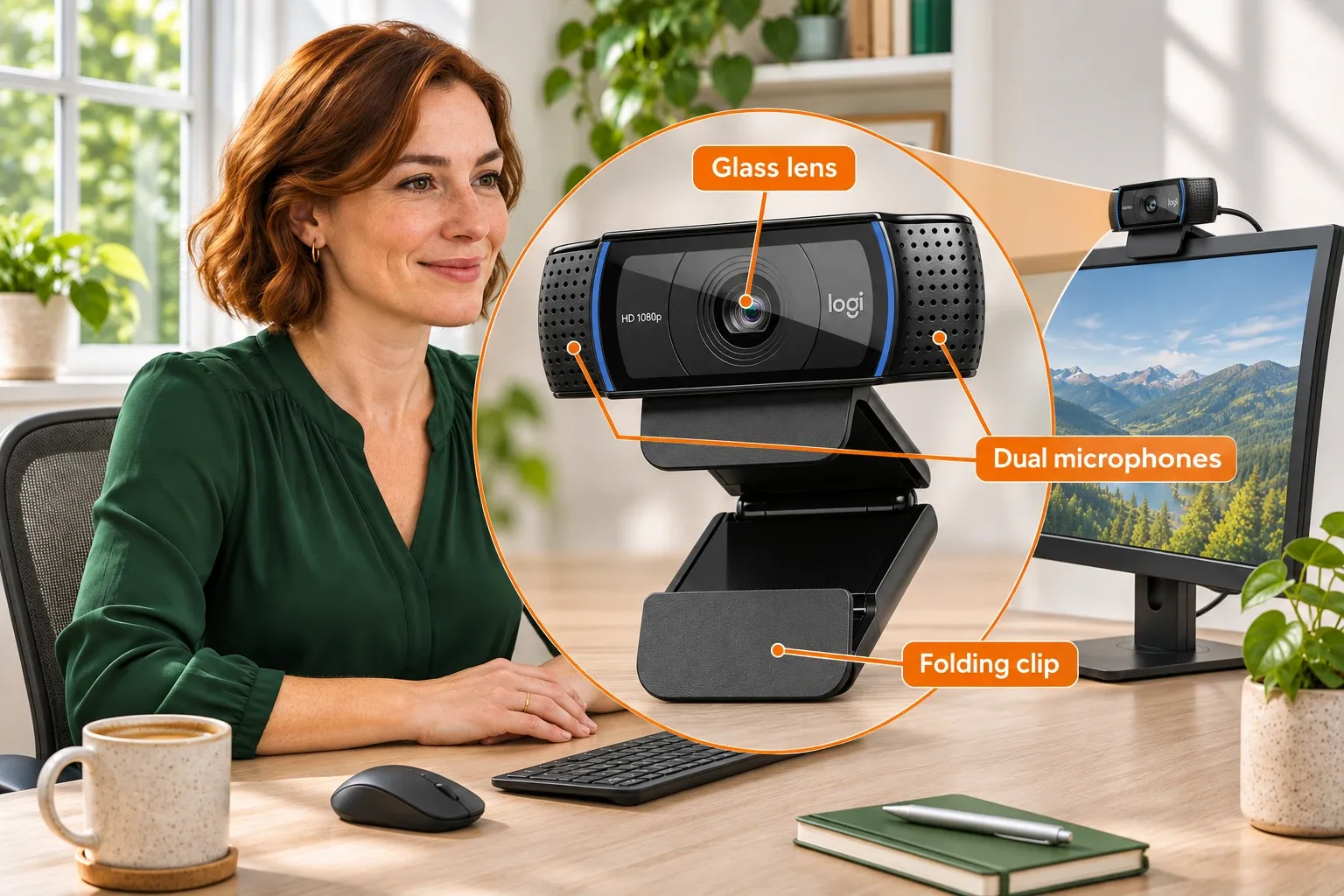
AI-generated illustration: enlarged glass-lens, microphone and folding-clip details.
Where It Falls Short
The 1080p/30 ceiling is worth separating from newer cameras' higher-resolution marketing. It may be enough for a face on a call, yet small printed text in an overhead desk view is a different task. Better positioning and lighting should be considered before expecting a camera change alone to fix the picture.
There is no supplied shutter to slide over the lens. Unplugging it or obtaining a properly fitting cover adds a step. Also check the recipient's application and operating system: basic video support does not guarantee identical access to manual focus or advanced software controls.

AI-generated illustration: a home-office usage scene; screen content is illustrative.
What Owners Say
- Everyday calls can be a good fit. On September 27, 2022 in r/linuxhardware, one C920x owner reported a noticeable improvement over their laptop camera and plug-and-play use on several Linux computers. This is one historical setup, not a compatibility guarantee.
- Specialist controls may take work. A July 25, 2023 Raspberry Pi owner using a C920x on a 3D printer could not find a manual-focus switch in their chosen streaming plugin. That concerns that software stack, rather than establishing a hardware fault.
- Desk-detail capture has limits. A March 7, 2026 r/NewTubers user reported grainy C920x desk shots and illegible text. Lighting, framing and settings were not controlled, so the post cannot isolate the cause.
Alternatives at a Glance
| Option | Consider it when | Main question |
|---|---|---|
| C920x | Everyday calls need a separate camera position | Is 1080p/30 enough? |
| Webcam with a built-in shutter | Physical lens coverage is essential | Does its mount suit the monitor? |
| Existing laptop camera | Calls already look acceptable | Would better light solve the problem? |
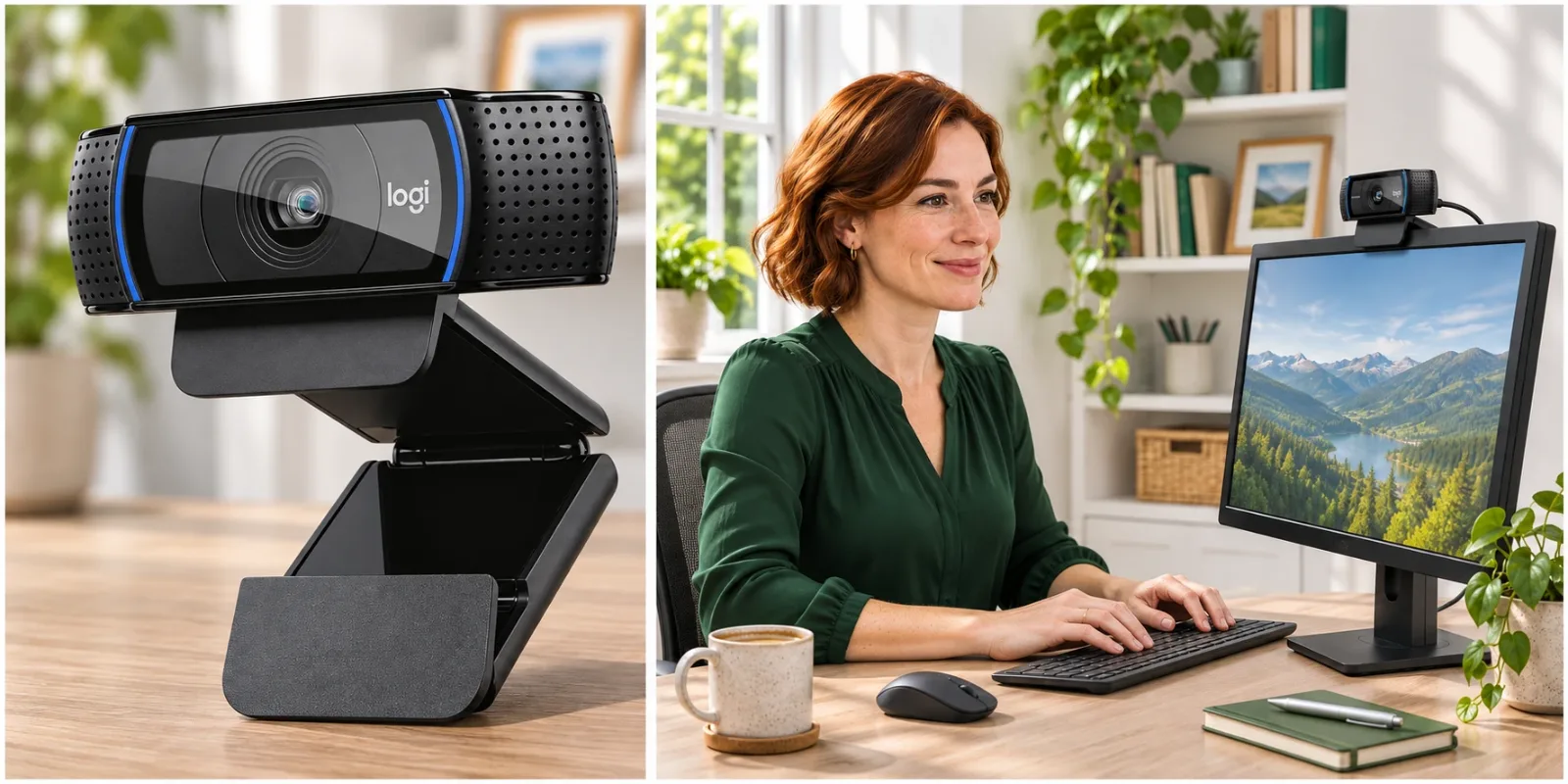
AI-generated illustration: enlarged lens detail and the camera mounted above a monitor.
Who It’s For
It suits a student, remote worker or relative who already owns a computer and needs a better camera position. It is a less convincing surprise for a creator demanding readable close-up documents, 4K output or fast-motion capture. Ask about the actual task before choosing the camera tier.
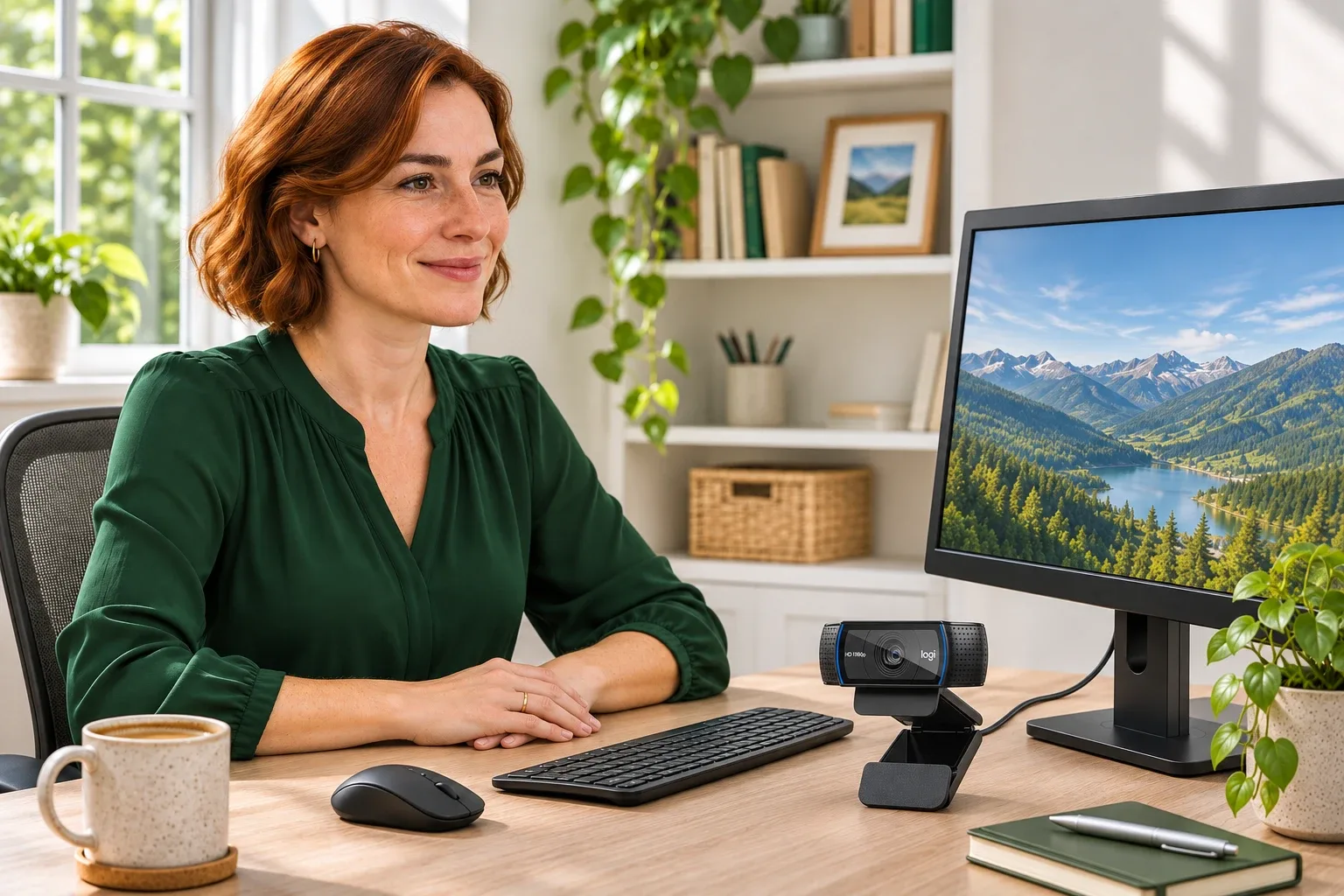
AI-generated illustration: a person beside the camera on the desk, not an owner testimonial.
How We Researched This
This analysis was compiled from public sources: Logitech's exact C920x manual, manufacturer content on the selected Amazon listing, and the dated community accounts above. The single-unit black pack, ASIN B085TFF7M1, showed an in-stock new offer on November 10, 2026. C920, C920s and C922 experiences were not substituted for exact C920x reports. No video, audio or focus test was performed.
Sources
FAQ
What is the C920x maximum video resolution and frame rate?
The selected model supports up to 1080p at 30 frames per second. That is different from 4K or 1080p/60 cameras. Check your calling or recording application as it may apply a lower limit.
Does it include a physical privacy shutter?
No shutter is supplied with this C920x selection. Do not confuse it with another C920-family bundle that includes a cover. Unplugging the camera or obtaining a properly fitting cover adds a separate step.
Does the C920x have microphones?
Yes. Logitech lists two microphones. Their presence does not establish that they will reject room noise as effectively as a dedicated microphone; we did not measure recording quality or noise rejection.
How long is the camera cable?
Logitech’s C920x manual lists a 1.5m cable. Check the distance from the intended monitor position to the computer and allow for routing rather than measuring a straight line alone.
Can I assume all focus controls work on every operating system?
No. Basic webcam video support and access to advanced settings are different questions. Check Logitech’s current software support and your actual application before relying on manual focus or other particular controls.
Price and purchase links
You might also like
Electronics
Product analysisLogitech K400 Plus Review: A Couch-PC Gift With a Receiver Catch
A compact keyboard and touchpad can simplify a living-room PC, but the USB receiver, unlit keys and older owner reports deserve attention before gifting.

Home & Kitchen
Product analysisOLFA AK-1/5B Review: A Small Gift for Paper Artists, With One Blade Catch
A focused gift for an adult paper artist who already has a cutting setup. The US five-blade package is different from the 25-blade AK-1 shown on OLFA’s global site.

Beauty & Personal Care
Product analysisEcoTools Dry Body Brush Review: A Small Self-Care Gift With a Bristle-Feel Catch
A palm-sized manual body brush, with bristle feel and the recipient’s existing preferences more important than broad wellness claims.
Electronics
Product analysisKensington Orbit K64327F Review: A Small-Desk Gift With One Big Scrolling Catch
Consider this Orbit for a recipient who wants a stationary, finger-operated pointer and does not mind adapting their scrolling routine.